MEET CLARA - THE AI BEHIND SMARTER SOFTWARE CHOICES
MEET CLARA - THE AI BEHIND SMARTER SOFTWARE CHOICES
MEET CLARA - THE AI BEHIND SMARTER SOFTWARE CHOICES

Microsoft Whiteboard |
88% SW Score The SW Score ranks the products within a particular category on a variety of parameters, to provide a definite ranking system. Read more 
View Details
|
97% SW Score The SW Score ranks the products within a particular category on a variety of parameters, to provide a definite ranking system. Read more 
View Details
|
86% SW Score The SW Score ranks the products within a particular category on a variety of parameters, to provide a definite ranking system. Read more 
Visit Website
|
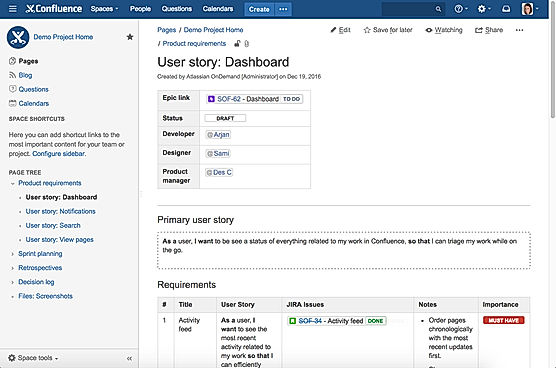
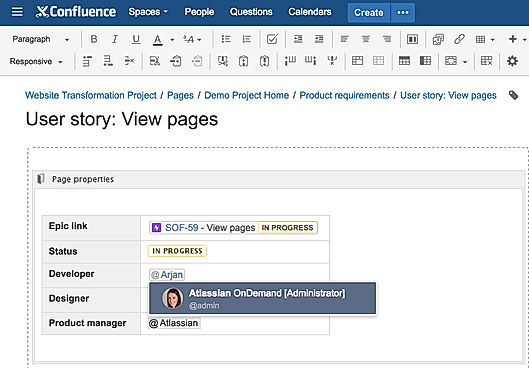
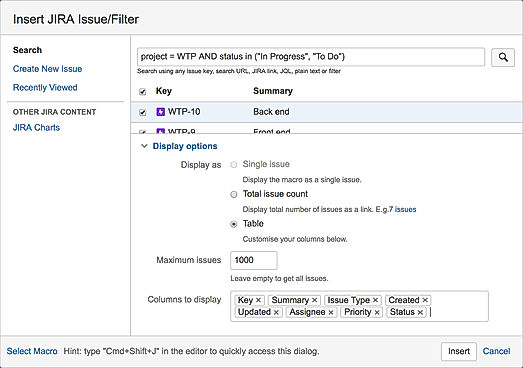
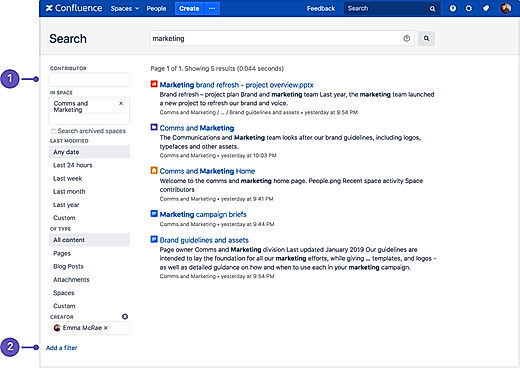
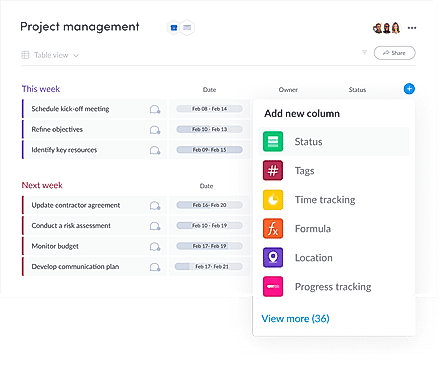
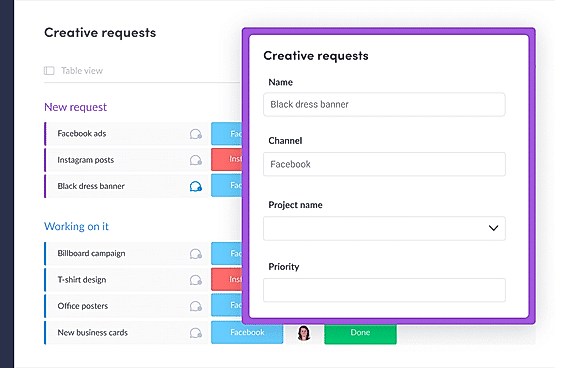
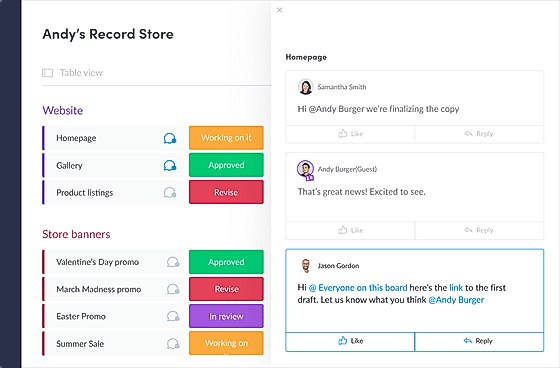
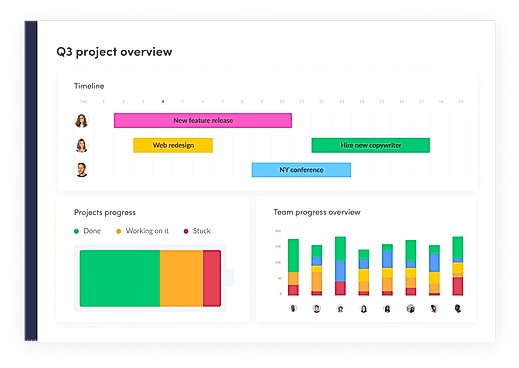
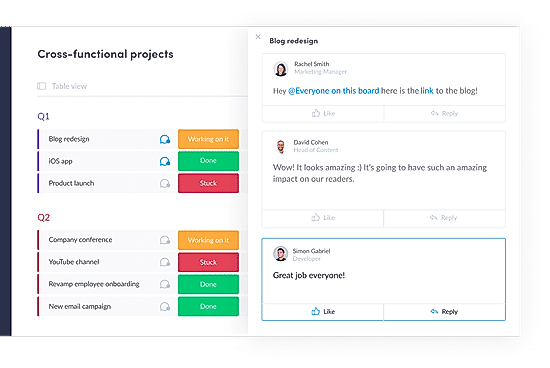
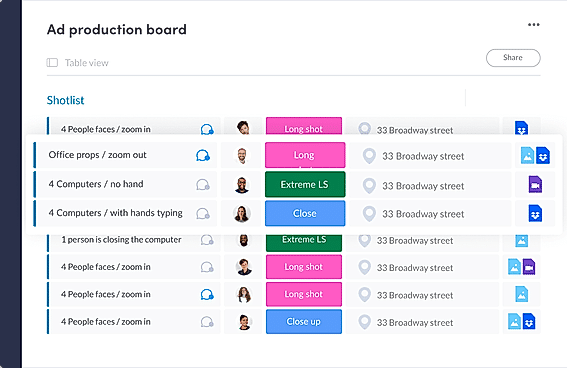
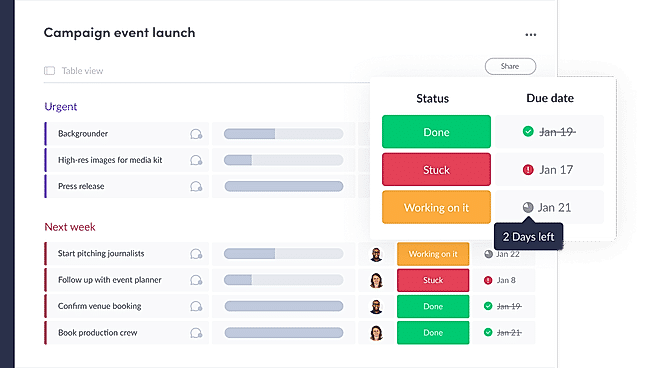
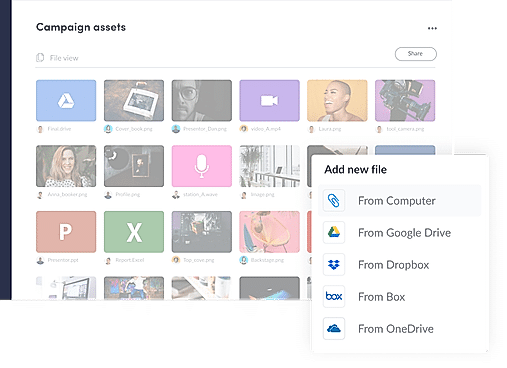
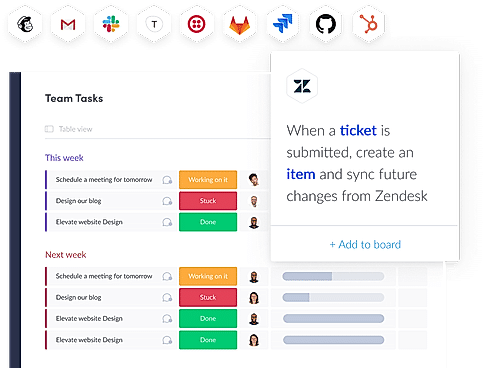
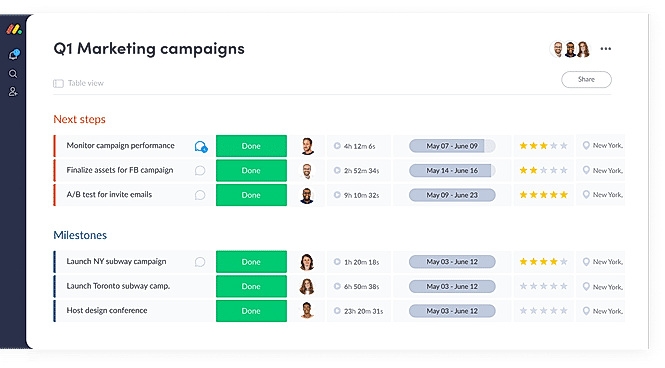
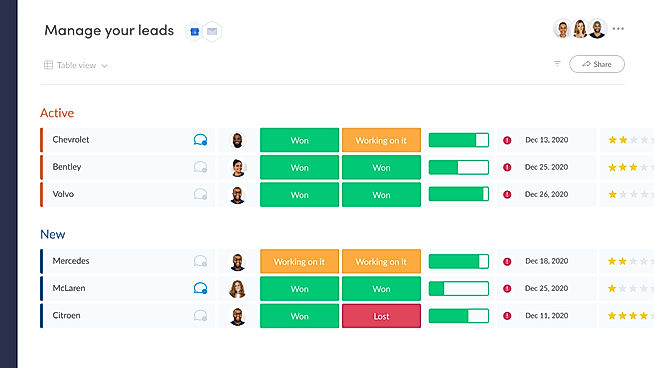
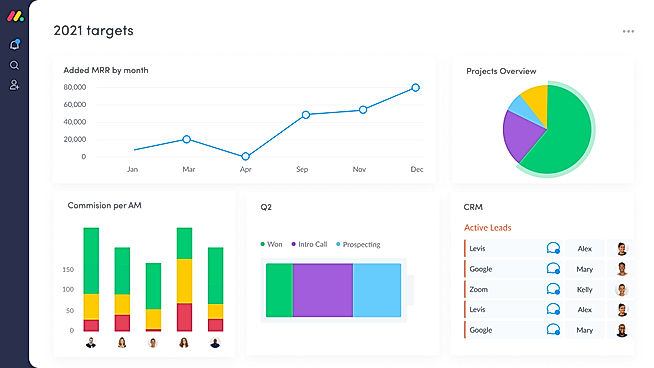
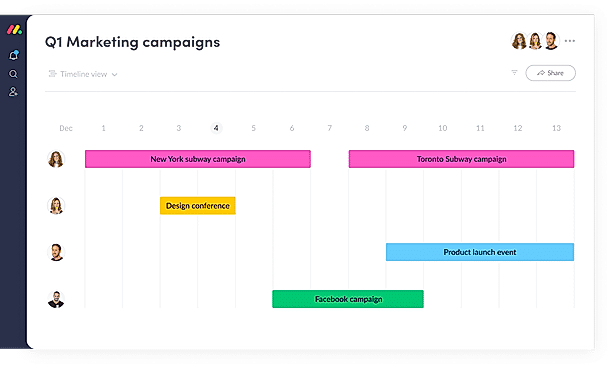
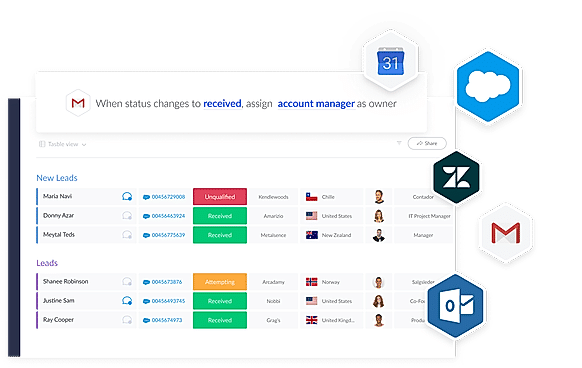
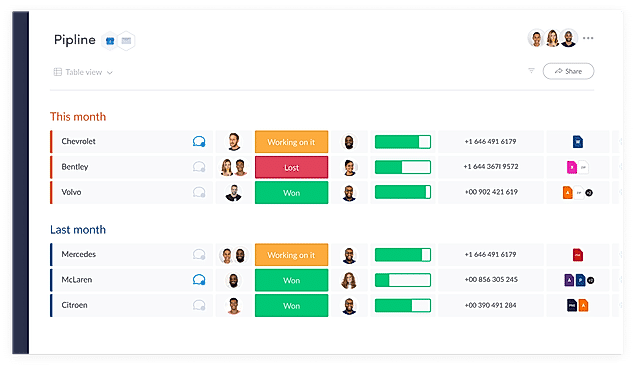
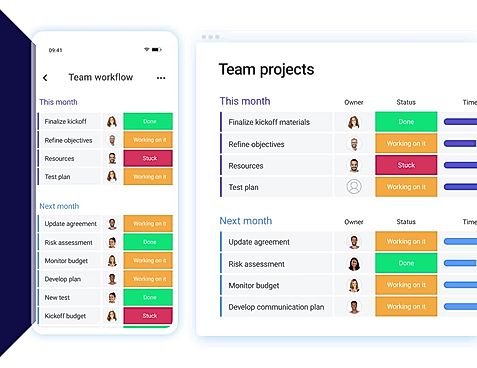
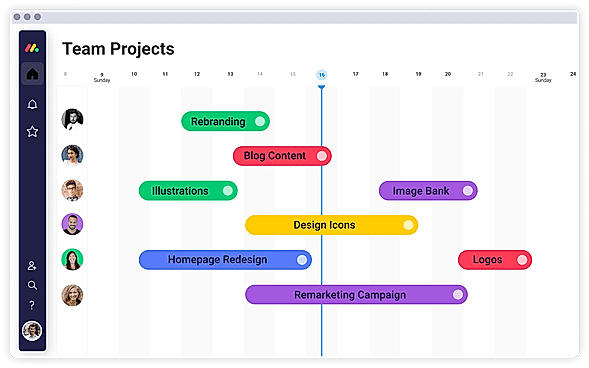
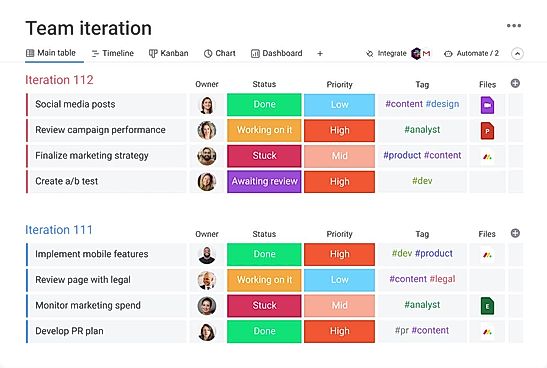
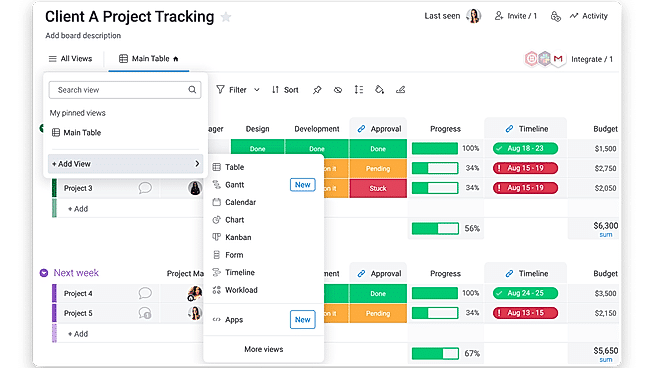
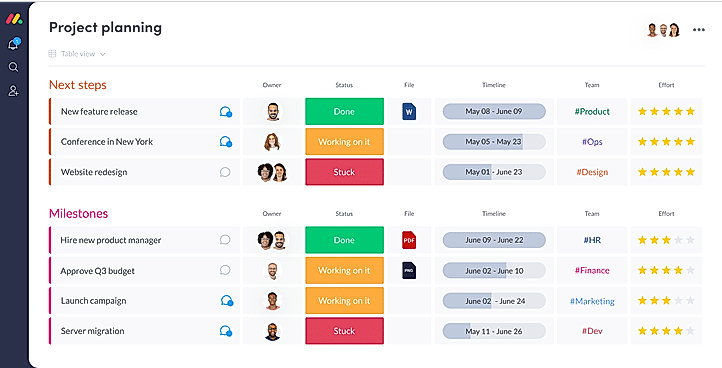
| Description | Confluence is a powerful platform for managing online projects related to any kind of functional departments, be it marketing, finance, legal or human resource. It enables the user to plan projects, form communities, discover, share and discuss ideas, ask for recommendations and gather feedback from the team members, making it quick and simple to complete the task conveniently. It can also be integrated with JIRA software that helps in tracking issues and bugs, resolving issues with the help of function-rich tools such as ready-made templates, in-line comments, @-mentions, page likes etc., so that the project work can be organized and executed smoothly. Read more | With monday.com, managers can better keep their team aligned from one collaborative workspace. This flexible platform allows you to truly centralize your data, leveraging native integrations, third-party apps, and helpful widgets. With an overview of all ongoing processes, you can quickly gauge the status of essential tasks and follow up with the relevant team member efficiently. Essentially, on monday.com, executives have the flexibility to build the perfect tools for their team using intuitive drag-and-drop technology. Simply select one of over 200 templates, and customize it using the 20 editable columns to support any of your workflows. Then if your team grows, your workflows can easily scale with you, empowering your team to new heights with complete visibility. Read more | Microsoft OneNote is a digital notebook that facilitates easy and efficient note making using smart and powerful tools powered by Microsoft. It enables the user to create, manage, revise, edit, and organize content across pages, sections, and notebooks. It acts as a sole multi-functional notebook for all of your notetaking requirements. The software offers smart tools that enable the user to easily navigate and search their desired notes from the collection. It allows you to organize your digital notes into notebooks that can be divided into pages and sections and you can revise them with highlights, ink notations and types whenever and wherever you want. You can create and share ideas with your friends, family, and team members because OneNote facilitates easy sharing across several devices. Users can draw out their ideas and annotate their notes with a stylus or a finger, record audio notes, add files, and insert online videos in OneNote. OneNote can be used by teachers for organizing lesson plans or for creating a sharable content library. They offer various plans for their premium version to fit every requirement. Read more |
| Pricing Options |
|
|
|
| SW Score & Breakdown |
88% SW Score The SW Score ranks the products within a particular category on a variety of parameters, to provide a definite ranking system. Read more
|
97% SW Score The SW Score ranks the products within a particular category on a variety of parameters, to provide a definite ranking system. Read more
|
86% SW Score The SW Score ranks the products within a particular category on a variety of parameters, to provide a definite ranking system. Read more
|
| SaaSworthy Awards |
Not Available
|
# 3 Most Worthy # 1 Most Popular | # 2 Fastest Growing # 2 Most Popular |
| Organization Types Supported |
|
|
|
| Platforms Supported |
|
|
|
| Modes of Support |
|
|
|
| API Support |
|
|
|
| User Rating |
|
|
|
| Rating Distribution |
|
|
|
| User Sentiments |
Easy to Use Interface, Extensive Integrations, Collaboration Features, Comprehensive Knowledge Base Sluggish Performance, Limited Mobile Functionality, Confusing Navigation, Limited Customization Options |
User-friendly Interface, Extensive Customization, Effective Team Collaboration, Robust Automations Mobile App Functionality, Limited Sub-Item Functionality, Inconsistent Notifications, Slow Loading Times |
Not Available
|
| Review Summary |
Confluence is a popular knowledge base and documentation platform praised for its ease of use, collaborative editing features, and integration with other Atlassian products, particularly Jira. Users appreciate the ability to create and share knowledge, track project progress, and organize documentation in a centralized location. However, some users find the search function to be lacking, the interface somewhat dated compared to newer tools, and the pricing model for the premium features expensive. |
Overall, users praise the user-friendly interface, customization options, and ability to manage projects and tasks efficiently. They also appreciate the integrations with other tools and the mobile app. However, some users mention occasional glitches and a learning curve for new users. While customer support is generally well-received, some users report slow response times. Nevertheless, the majority of users find the platform valuable for project management and collaboration, highlighting its flexibility, ease of use, and positive impact on their productivity. |
User reviews highlight Microsoft OneNote as a valuable tool for note-taking, organization, and collaboration. Its ease of use, cross-platform compatibility, and integration with other Microsoft Office apps receive praise. Users appreciate its ability to organize notes into notebooks, sections, and pages, allowing for efficient information retrieval. However, some users report occasional syncing issues, limited formatting options, and a steep learning curve for new users. Notably, concerns about data security and limited mobile app functionality are also raised. |
| Read All User Reviews | Read All User Reviews | Read All User Reviews |
AI-Generated from the text of User Reviews
| Pricing Options |
|
|
|
|
Pricing Plans
Monthly Plans
Annual Plans
|
Free Free Standard $8.33 $10.00 per user / month Premium $10.00 $10.00 per user / month Server $10.00 $10.00 |
Free Free Basic $9.00 $12.00 per user / month Standard $12.00 $14.00 per user / month Pro $19.00 $24.00 per user / month Enterprise Custom |
Microsoft 365 Personal Others Microsoft 365 Family Others Office Home & Student 2019 Others |
|
View Detailed Pricing
|
View Detailed Pricing
|
View Detailed Pricing
|
Get personalized recommendations from our experts on call
Trusted by more than 5 Million users across the globe.
Thank you for the enquiry. One of our software analysts will contact you soon.
| Screenshots |
+ 4 More
|
+ 20 More
|
Not Available |
| Videos |

+ 2 More
|
+ 4 More
|

|
| Company Details | Located in: Mountain View, California | Located in: New York, NY 10003 Founded in: 2012 | Located in: Redmond, Washington |
| Contact Details |
+1 415 701 1110 |
Not available |
Not available https://www.microsoft.com/en-in/microsoft-365/onenote/digital-note-taking-app |
| Social Media Handles |
|
|
|

Looking for the right SaaS
We can help you choose the best SaaS for your specific requirements. Our in-house experts will assist you with their hand-picked recommendations.

Want more customers?
Our experts will research about your product and list it on SaaSworthy for FREE.