MEET CLARA - THE AI BEHIND SMARTER SOFTWARE CHOICES
|
92% SW Score The SW Score ranks the products within a particular category on a variety of parameters, to provide a definite ranking system. Read more 
View Details
|
98% SW Score The SW Score ranks the products within a particular category on a variety of parameters, to provide a definite ranking system. Read more 
View Details
|
97% SW Score The SW Score ranks the products within a particular category on a variety of parameters, to provide a definite ranking system. Read more 
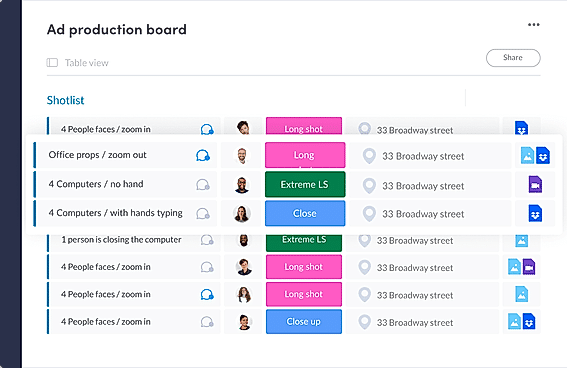
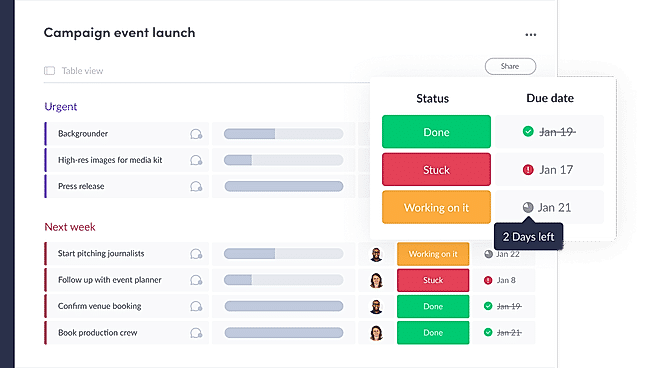
monday.com |
90% SW Score The SW Score ranks the products within a particular category on a variety of parameters, to provide a definite ranking system. Read more 
View Details
|
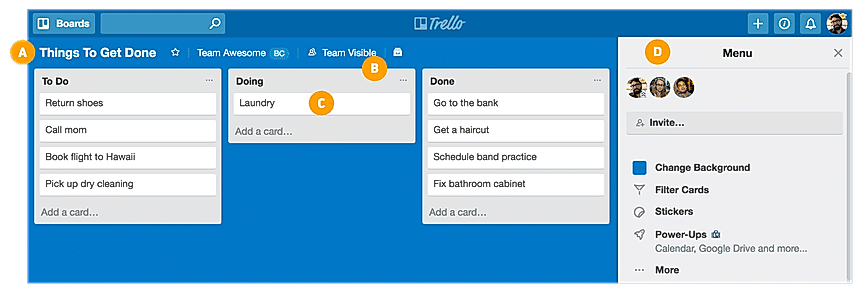
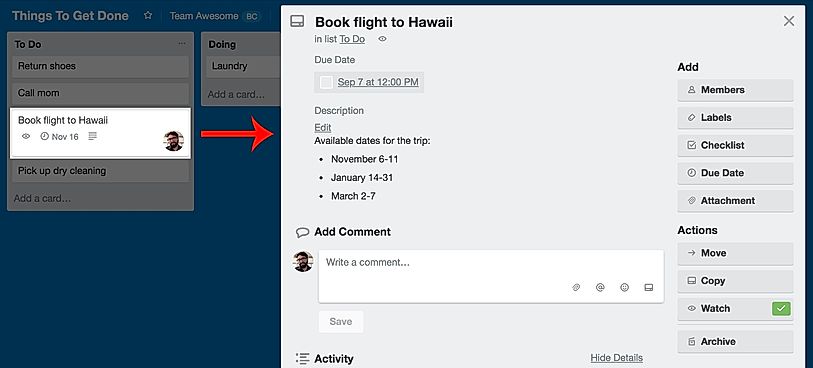
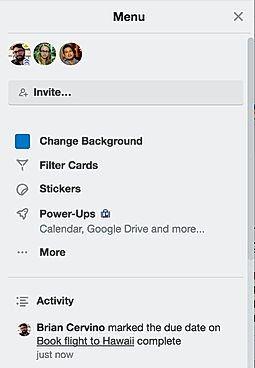
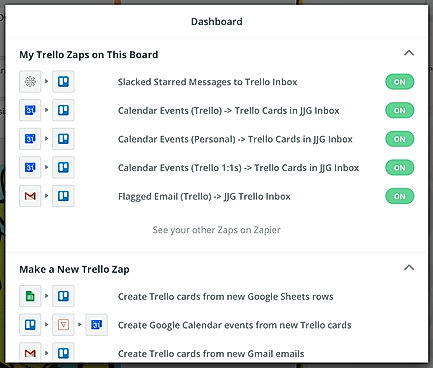
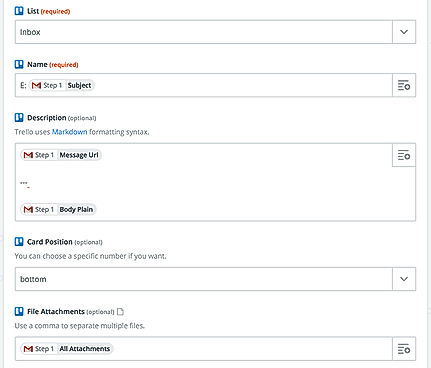
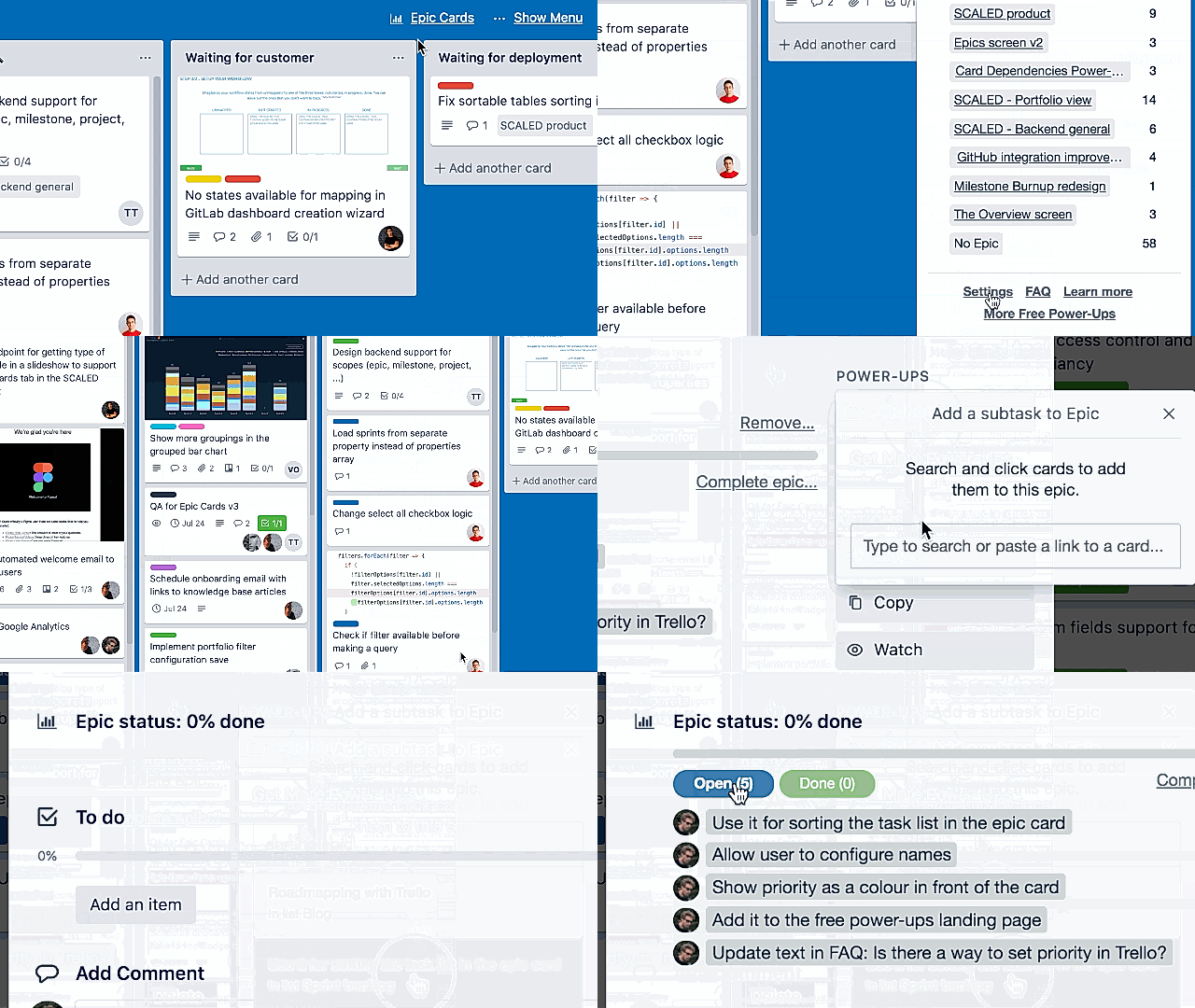
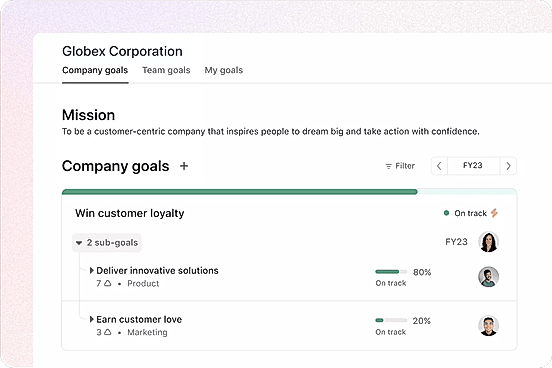
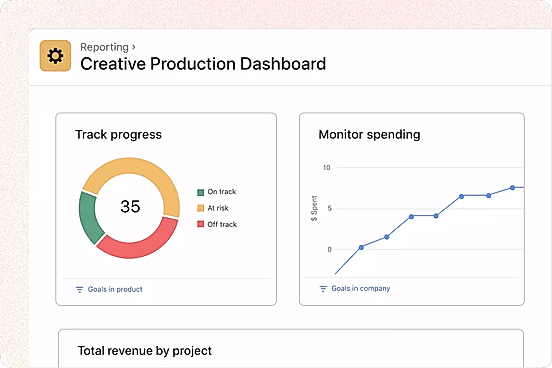
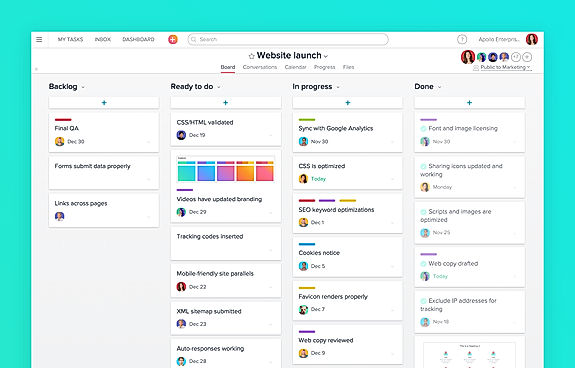
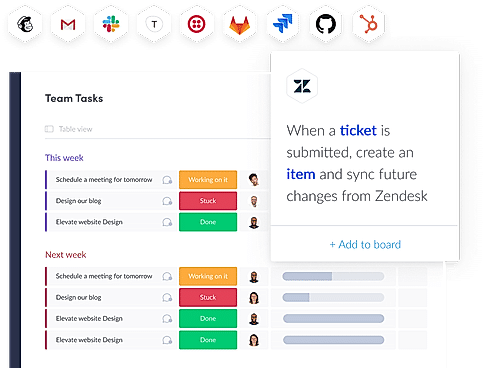
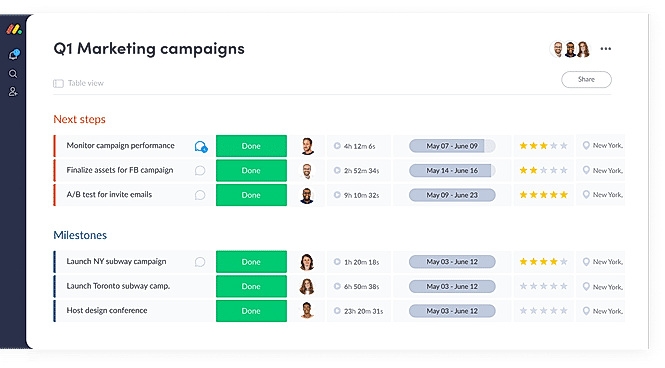
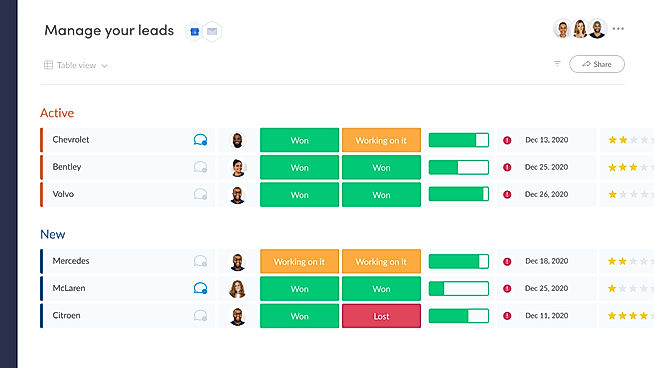
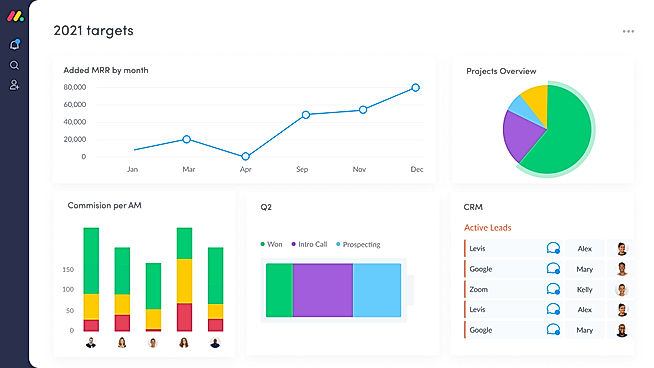
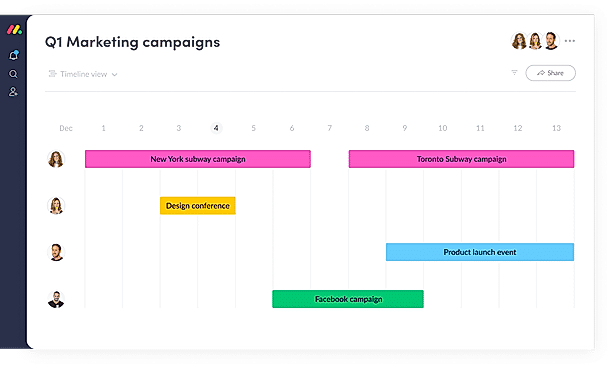
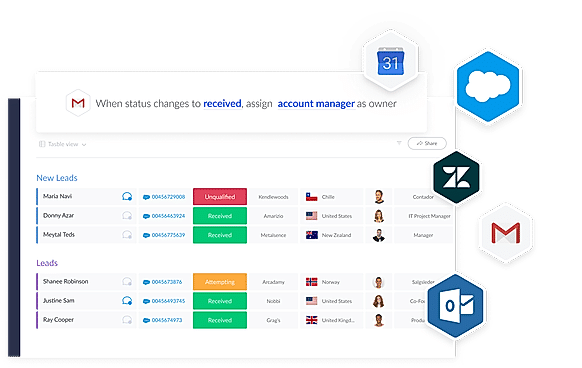
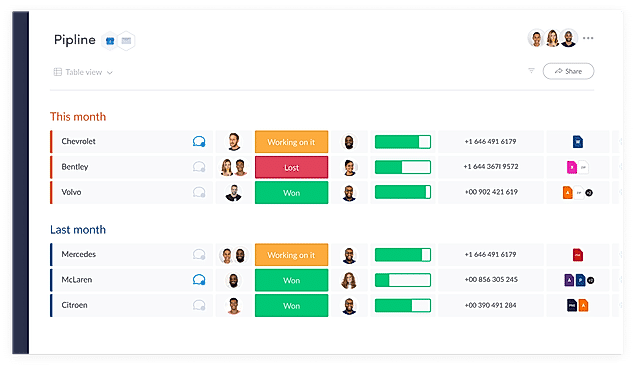
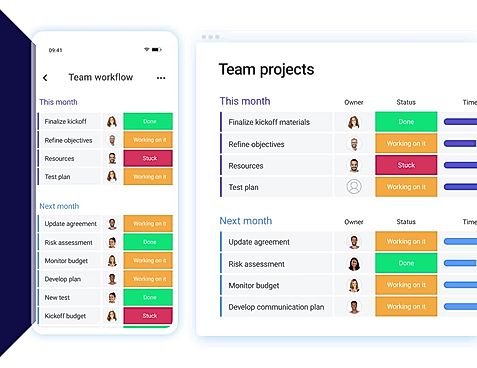
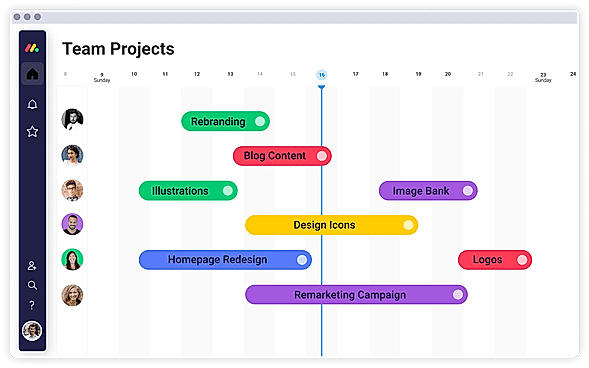
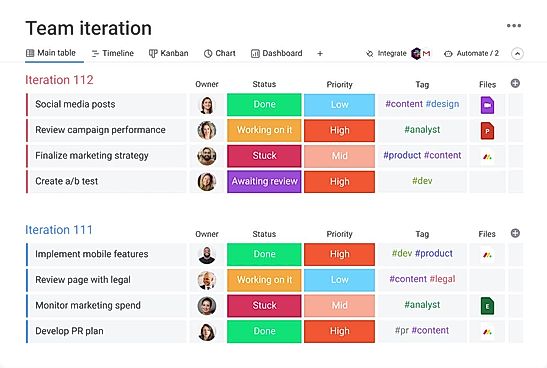
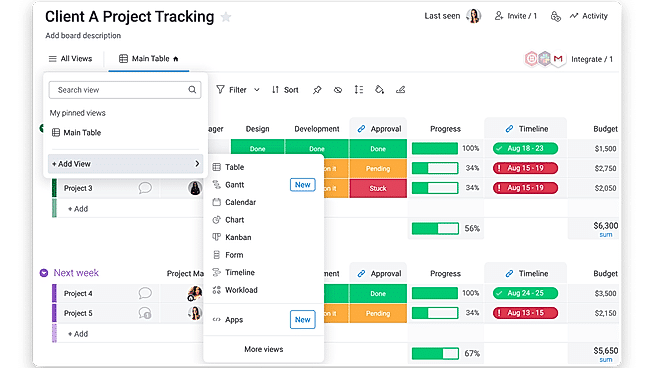
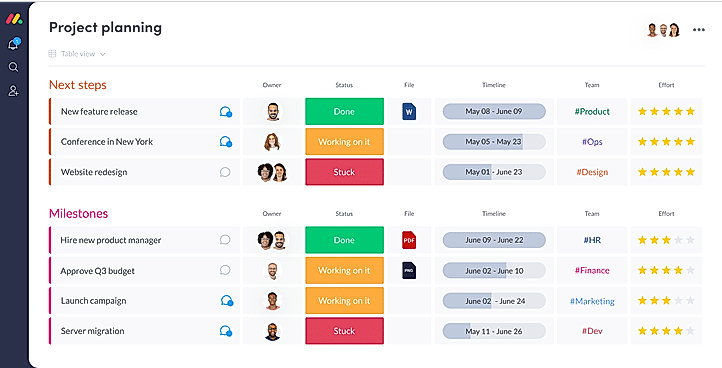
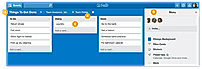
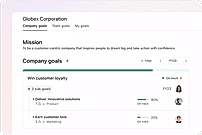
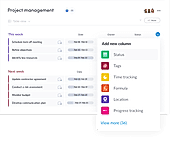
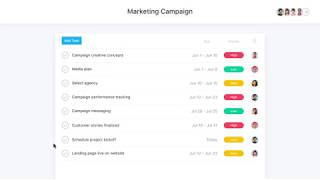
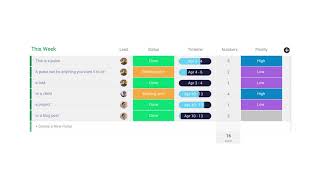
| Description | Organizes your projects and day-to-day tasks through creating notecards on dashboard. The software can also be used as a trip planner, a side project, a community bulletin, an event or an idea repository. Tasks and ideas can be noted on the Trello cards. Alongside, the work progress can also be tracked. The user can sort and organize these cards based upon their categories. A quick overview is displayed on the front of the cards, flipping which, the user can dive into more detailed information such as checklists, due dates, comments, attachments etc. There is a progress meter that adds a checklist to organize your to-do list. You can also attach documents and multimedia files to the cards. Read more | Asana is an online team collaboration and workflow management tool. Organize your work in the best way possible to follow tasks through and be able to avoid obstacles to meet deadlines. Asana’s boards let you visualize your work, and arrange all your relevant emails and files into one place. Use Asana’s portfolios to monitor the status of all your projects and keep your strategic initiatives on track and easily report on progress. Its custom fields allow you to keep track of info important to the team and share the information with the right people. Commonly used projects can be turned into templates to ensure your team workflow moves more smoothly and faster. Asana’s web interface is efficient and responsive and it can be integrated to other collaboration tools like Slack. Asana is SOC 2 Type 1 certified and offers secure connections to its site using the TLS 1.1 protocol. It also hosts its data in various SSAE audited data centers via Amazon. Read more | With monday.com, managers can better keep their team aligned from one collaborative workspace. This flexible platform allows you to truly centralize your data, leveraging native integrations, third-party apps, and helpful widgets. With an overview of all ongoing processes, you can quickly gauge the status of essential tasks and follow up with the relevant team member efficiently. Essentially, on monday.com, executives have the flexibility to build the perfect tools for their team using intuitive drag-and-drop technology. Simply select one of over 200 templates, and customize it using the 20 editable columns to support any of your workflows. Then if your team grows, your workflows can easily scale with you, empowering your team to new heights with complete visibility. Read more | Quire is an advanced collaboration platform created to help businesses empower their teams to collaborate with each other and work together on individual projects. Users can depend on the same to arrange, visualise and prioritise projects using Kanban boards as per convenience. Admins can even balance team-wise resources in order to optimise the efficiency levels and get access to transparency in real-time. Moreover, an interactive timeline made available by Quire helps employees add information about individual events and get them shared across teams. Thus ensuring seamless tracking and information management in no time. Moreover, the information on these timelines can also be shared through Gantt charts that offer a bird’s eye view over individual projects from time to time. Ultimately active integration facilities with external platforms like Slack, Zapier, GitHub and more helps businesses gain access to detailed reports and improve efficiency levels as well. Read more |
| Pricing Options |
|
|
|
|
| SW Score & Breakdown |
92% SW Score The SW Score ranks the products within a particular category on a variety of parameters, to provide a definite ranking system. Read more
|
98% SW Score The SW Score ranks the products within a particular category on a variety of parameters, to provide a definite ranking system. Read more
|
97% SW Score The SW Score ranks the products within a particular category on a variety of parameters, to provide a definite ranking system. Read more
|
90% SW Score The SW Score ranks the products within a particular category on a variety of parameters, to provide a definite ranking system. Read more
|
| SaaSworthy Awards | # 5 Highly Rated # 7 Most Popular | # 3 Most Popular # 1 Most Worthy | # 3 Most Worthy # 1 Most Popular | # 19 Highly Rated # 14 Most Popular |
| Total Features |
20 Features
|
21 Features
|
21 Features
|
17 Features
|
| Common Features for All |
AI Assistant
Budget Management
Compliance Management
Custom Workflows
Document Management
IT Project Management
Kanban Board
Milestone Tracking
Percent-Complete Tracking
Project Planning
Project Templates
Recurring Task Management
Requirement Management
Resource Management
Status Tracking
Task Management
Time & Expense Tracking
Timeline View
|
AI Assistant
Budget Management
Compliance Management
Custom Workflows
Document Management
IT Project Management
Kanban Board
Milestone Tracking
Percent-Complete Tracking
Project Planning
Project Templates
Recurring Task Management
Requirement Management
Resource Management
Status Tracking
Task Management
Time & Expense Tracking
Timeline View
|
AI Assistant
Budget Management
Compliance Management
Custom Workflows
Document Management
IT Project Management
Kanban Board
Milestone Tracking
Percent-Complete Tracking
Project Planning
Project Templates
Recurring Task Management
Requirement Management
Resource Management
Status Tracking
Task Management
Time & Expense Tracking
Timeline View
|
AI Assistant
Budget Management
Compliance Management
Custom Workflows
Document Management
IT Project Management
Kanban Board
Milestone Tracking
Percent-Complete Tracking
Project Planning
Project Templates
Recurring Task Management
Requirement Management
Resource Management
Status Tracking
Task Management
Time & Expense Tracking
Timeline View
|
| Unique Features |
Idea Management
Issue Management
Project Portfolio Management
|
Idea Management
Issue Management
Project Portfolio Management
|
Idea Management
Issue Management
Project Portfolio Management
|
Idea Management
Issue Management
Project Portfolio Management
|
| Organization Types Supported |
|
|
|
|
| Platforms Supported |
|
|
|
|
| Modes of Support |
|
|
|
|
| API Support |
|
|
|
|
| User Rating |
|
|
|
|
| Rating Distribution |
|
|
|
|
| User Sentiments |
Ease of Use, Visually Appealing Interface, Kanban Board System, Extensive Integrations Limited Features in Free Version, Lack of Advanced Project Management Features , Occasional Performance Issues, Confusing Archiving Functionality |
Ease of Use, Task Management, Team Collaboration, Extensive Integrations Mobile App Functionality, Limited Customization, Customer Support Response Time, Confusing Interface |
User-friendly Interface, Extensive Customization, Effective Team Collaboration, Robust Automations Mobile App Functionality, Limited Sub-Item Functionality, Inconsistent Notifications, Slow Loading Times |
Intuitive User Interface, Unlimited Subtasks, Seamless Team Collaboration, Effective Task Management Limited Mobile App Functionality, Lack of Desktop App, Occasional Technical Issues, Basic Visual Design |
| Review Summary |
Trello is a highly praised project management tool, lauded for its simple and intuitive interface, Kanban-style organization, and ease of collaboration. Users appreciate its visual clarity, the ability to track tasks and deadlines, and its integration with other applications. While some users find the free version limited, most agree that Trello is a valuable resource for both personal and professional tasks, making it a popular choice for teams of all sizes. |
Users generally agree that Asana is user-friendly, offers powerful features, and excels in project management and task collaboration. Many reviewers find the interface intuitive and easy to navigate, praising its clean and organized design. Asana's customization options and integrations with other tools are also frequently mentioned as strengths. However, some users have expressed concerns about occasional bugs and glitches, as well as the potential for a steep learning curve for more complex features. Overall, reviewers find Asana to be a reliable and effective tool for project management and collaboration. |
Overall, users praise the user-friendly interface, customization options, and ability to manage projects and tasks efficiently. They also appreciate the integrations with other tools and the mobile app. However, some users mention occasional glitches and a learning curve for new users. While customer support is generally well-received, some users report slow response times. Nevertheless, the majority of users find the platform valuable for project management and collaboration, highlighting its flexibility, ease of use, and positive impact on their productivity. |
Quire is a highly praised project management software lauded for its user-friendly interface and intuitive task management system. Users appreciate its simple yet comprehensive features, including subtask creation, collaboration tools, and multiple view options. The platform's free tier and integration with popular software like Google Drive and Slack are also highly valued. While some users wish for more robust mobile app functionality and offline access, Quire is generally considered an excellent choice for individuals and teams looking for an easy-to-use, time-saving project management solution. |
| Read All User Reviews | Read All User Reviews | Read All User Reviews | Read All User Reviews |
AI-Generated from the text of User Reviews
| Pricing Options |
|
|
|
|
|
Pricing Plans
Monthly Plans
Annual Plans
|
Free Free Standard $5.00 $6.00 per user / month Premium $10.00 $12.50 per user / month Enterprise $17.50 $17.50 per user / month |
Personal Free Starter $10.99 $13.49 per user / month Advanced $24.99 $30.49 per user / month Enterprise Custom Enterprise+ Custom |
Free Free Basic $9.00 $12.00 per user / month Standard $12.00 $14.00 per user / month Pro $19.00 $24.00 per user / month Enterprise Custom |
Free Free Professional $7.65 $10.95 per user / month Premium $13.95 $18.95 per user / month Enterprise $19.95 $24.95 per user / month |
|
View Detailed Pricing
|
View Detailed Pricing
|
View Detailed Pricing
|
View Detailed Pricing
|
Get personalized recommendations from our experts on call
Trusted by more than 5 Million users across the globe.
Thank you for the enquiry. One of our software analysts will contact you soon.
| Screenshots |
+ 5 More
|
+ 4 More
|
+ 20 More
|
Not Available |
| Videos |
+ 2 More
|
+ 4 More
|
+ 4 More
|
+ 1 More
|
| Company Details | Located in: New York, New York Founded in: 2017 | Located in: San Francisco, California Founded in: 2008 | Located in: New York, NY 10003 Founded in: 2012 | Located in: Taipei, Taiwan Founded in: 2014 |
| Contact Details |
Not available |
Not available |
Not available |
Not available |
| Social Media Handles |
|
|
|
|

Looking for the right SaaS
We can help you choose the best SaaS for your specific requirements. Our in-house experts will assist you with their hand-picked recommendations.

Want more customers?
Our experts will research about your product and list it on SaaSworthy for FREE.