MEET CLARA - THE AI BEHIND SMARTER SOFTWARE CHOICES


|
94% SW Score The SW Score ranks the products within a particular category on a variety of parameters, to provide a definite ranking system. Read more 
View Details
|
96% SW Score The SW Score ranks the products within a particular category on a variety of parameters, to provide a definite ranking system. Read more 
View Details
|
95% SW Score The SW Score ranks the products within a particular category on a variety of parameters, to provide a definite ranking system. Read more 
Free Forever ➔
|
95% SW Score The SW Score ranks the products within a particular category on a variety of parameters, to provide a definite ranking system. Read more 
Visit Website
|
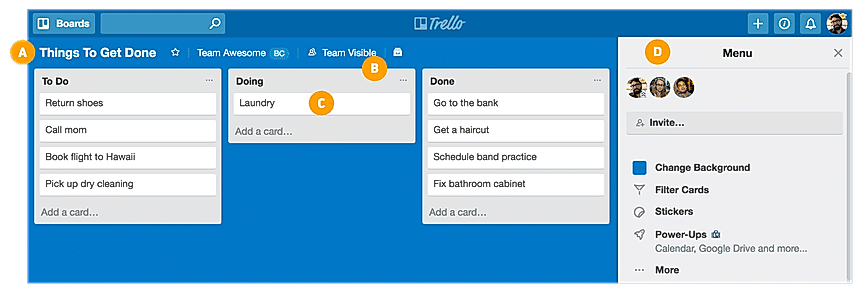
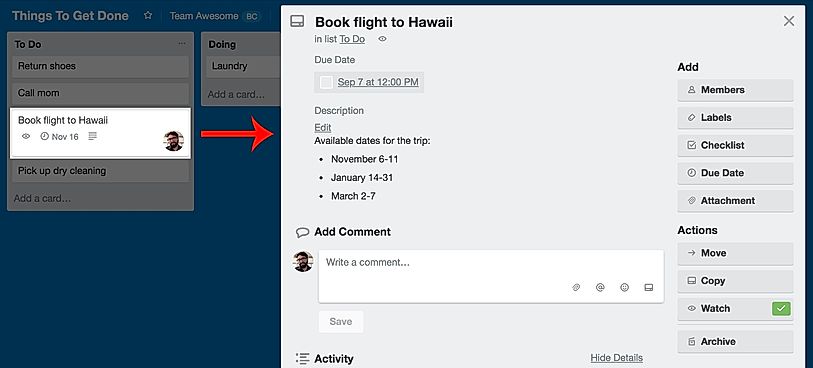
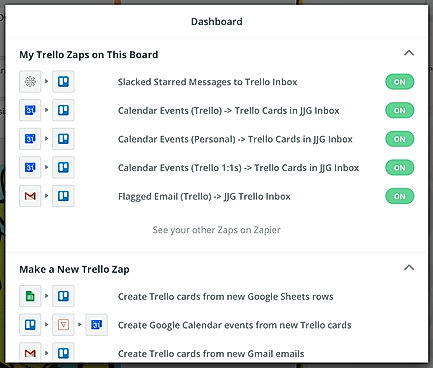
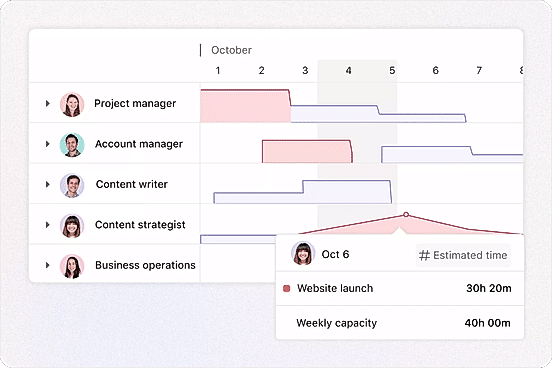
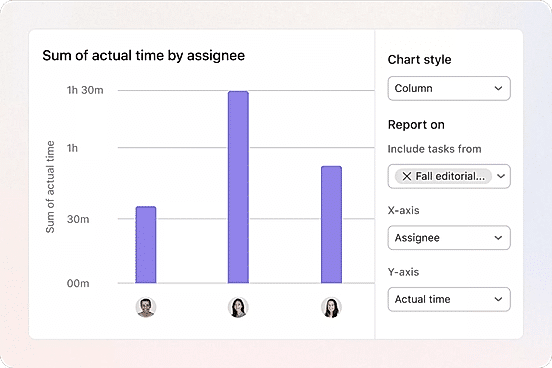
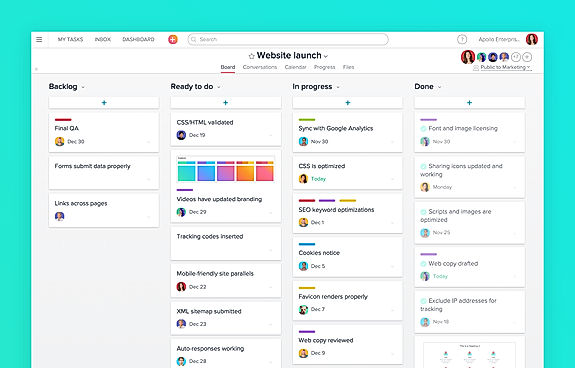
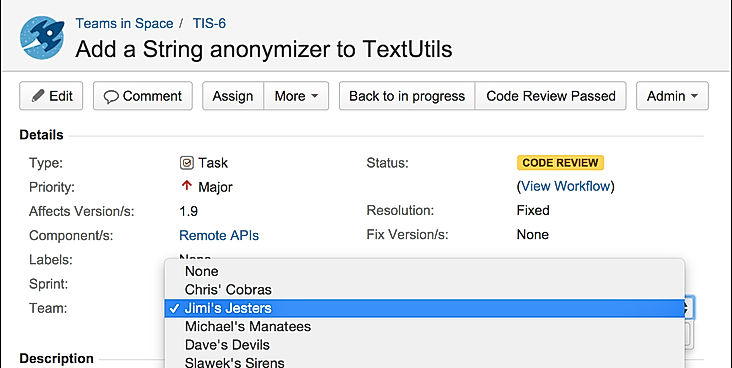
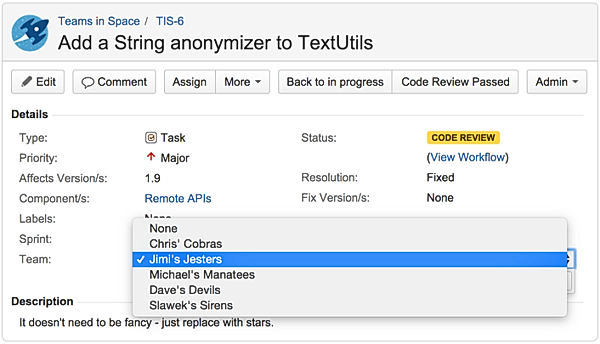
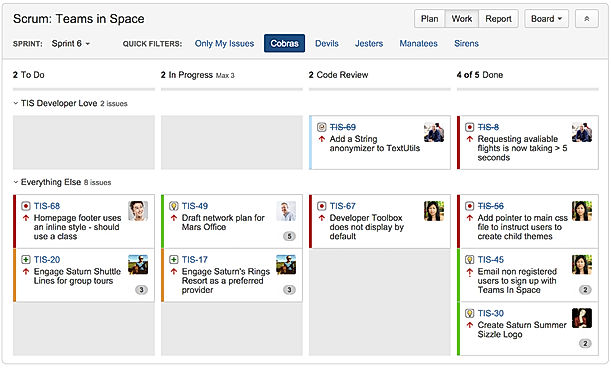
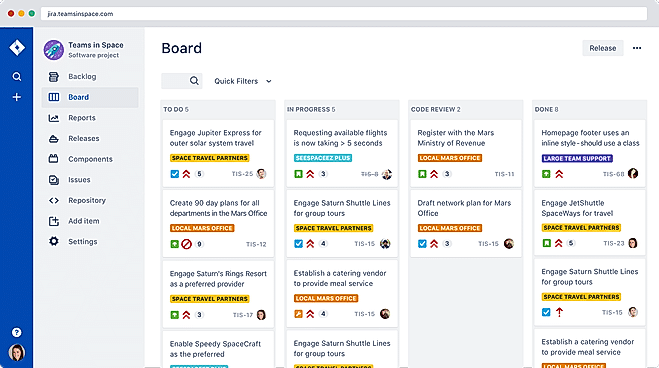
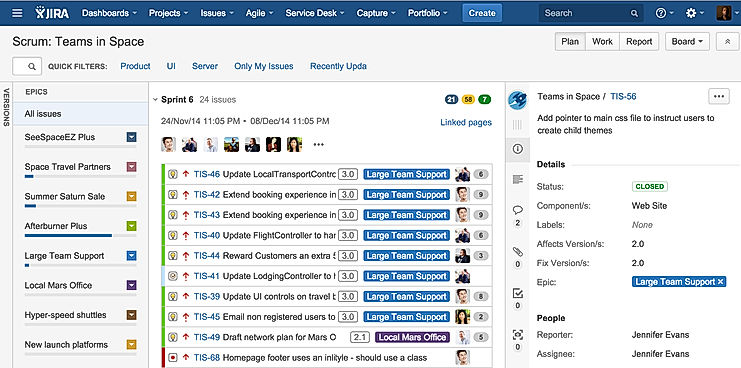
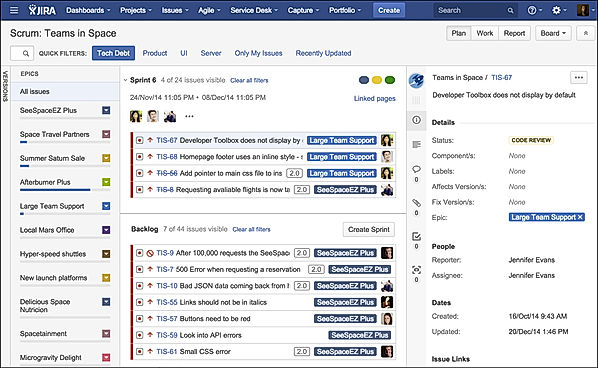
| Description | Organizes your projects and day-to-day tasks through creating notecards on dashboard. The software can also be used as a trip planner, a side project, a community bulletin, an event or an idea repository. Tasks and ideas can be noted on the Trello cards. Alongside, the work progress can also be tracked. The user can sort and organize these cards based upon their categories. A quick overview is displayed on the front of the cards, flipping which, the user can dive into more detailed information such as checklists, due dates, comments, attachments etc. There is a progress meter that adds a checklist to organize your to-do list. You can also attach documents and multimedia files to the cards. Read more | Asana is an online team collaboration and workflow management tool. Organize your work in the best way possible to follow tasks through and be able to avoid obstacles to meet deadlines. Asana’s boards let you visualize your work, and arrange all your relevant emails and files into one place. Use Asana’s portfolios to monitor the status of all your projects and keep your strategic initiatives on track and easily report on progress. Its custom fields allow you to keep track of info important to the team and share the information with the right people. Commonly used projects can be turned into templates to ensure your team workflow moves more smoothly and faster. Asana’s web interface is efficient and responsive and it can be integrated to other collaboration tools like Slack. Asana is SOC 2 Type 1 certified and offers secure connections to its site using the TLS 1.1 protocol. It also hosts its data in various SSAE audited data centers via Amazon. Read more | ClickUp is a simple, cloud-based collaboration and project management tool created for all user types. With ClickUp, you have all the features needed to help simplify and streamline your processes including sales, marketing, design and development. ClickUp features an agile board view that allows you to monitor every task on your team in one board and assign tasks to various members of the team. Tasks progress can be viewed in form of percentage and can be marked either “resolved” or “in progress” or users can alternatively customize their task progress statuses. A Gantt chart lets you view your tasks in timeline by list or person and automatically add updates in real time. ClickUp organizes task management in a hierarchal manner and allows you to sort tasks according to their priority. This property allows for improved productivity and lets you to structure your projects by assigning tasks to groups and arranging those groups under different categories. The software can be seamlessly integrated to Slack and similar apps through Zapier. The machine learning capability of the software assists project managers give realistic timeframes for completion of projects and lets teams accomplish their tasks before the deadline. Read more | Jira is an advanced project management solution helpful for agile teams. It helps developers plan, track and release authentic softwares in real-time. Detailed reports offered by the particular enables teams to improve their performance in an efficient manner. Inbuilt personalised Scrum boards let teams stay focused and deliver incremental and iterative value seamlessly. Users are also allowed to monitor repositories with code in Jira, gain end-to-end visibility and generate automation rules of their own. The software assures active integration with platforms like Confluence, Trello, Bitbucket, Zoom, Microsoft, Slack etc. Further, data stored within the particular is absolutely secure, protected by enterprise-grade solutions like automatic user provisioning, SAML SSO, 2-step verification and more. Jira turns out to be more than an issue or a bug tracker by hosting a variety of functionalities like custom filters, rich APIs, integration facilities for developer tools, customisable workflows and more. Users can personalise Jira as per their own needs by incorporating more than 3000 apps within it. Read more |
| Pricing Options |
|
|
|
|
| SW Score & Breakdown |
94% SW Score The SW Score ranks the products within a particular category on a variety of parameters, to provide a definite ranking system. Read more
|
96% SW Score The SW Score ranks the products within a particular category on a variety of parameters, to provide a definite ranking system. Read more
|
95% SW Score The SW Score ranks the products within a particular category on a variety of parameters, to provide a definite ranking system. Read more
|
95% SW Score The SW Score ranks the products within a particular category on a variety of parameters, to provide a definite ranking system. Read more
|
| SaaSworthy Awards | # 5 Highly Rated # 7 Most Popular | # 3 Most Popular # 1 Most Worthy | # 1 Most Worthy # 7 Highly Rated |
Not Available
|
| Organization Types Supported |
|
|
|
|
| Platforms Supported |
|
|
|
|
| Modes of Support |
|
|
|
|
| API Support |
|
|
|
|
| User Rating |
|
|
|
|
| Rating Distribution |
|
|
|
|
| User Sentiments |
Ease of Use, Visually Appealing Interface, Kanban Board System, Extensive Integrations Limited Features in Free Version, Lack of Advanced Project Management Features , Occasional Performance Issues, Confusing Archiving Functionality |
Ease of Use, Task Management, Team Collaboration, Extensive Integrations Mobile App Functionality, Limited Customization, Customer Support Response Time, Confusing Interface |
Customizable Workspaces, Extensive Integrations, User Friendly Interface, Comprehensive Task Management Mobile App Performance, Slow Loading Times, Steep Learning Curve, Limited Free Plan Functionality |
Ease of Use, Extensive Integrations, Customizable Workflows, Agile Project Management Steep Learning Curve, Complex Configuration, Slow Performance, Limited Mobile Functionality |
| Review Summary |
Trello is a highly praised project management tool, lauded for its simple and intuitive interface, Kanban-style organization, and ease of collaboration. Users appreciate its visual clarity, the ability to track tasks and deadlines, and its integration with other applications. While some users find the free version limited, most agree that Trello is a valuable resource for both personal and professional tasks, making it a popular choice for teams of all sizes. |
Users generally agree that Asana is user-friendly, offers powerful features, and excels in project management and task collaboration. Many reviewers find the interface intuitive and easy to navigate, praising its clean and organized design. Asana's customization options and integrations with other tools are also frequently mentioned as strengths. However, some users have expressed concerns about occasional bugs and glitches, as well as the potential for a steep learning curve for more complex features. Overall, reviewers find Asana to be a reliable and effective tool for project management and collaboration. |
Users appreciate ClickUp's user-friendly interface, customization options, and comprehensive features, making it suitable for teams of various sizes and industries. It excels in project management, task tracking, and collaboration. However, some users have experienced occasional technical glitches and limitations in reporting and integrations. Additionally, the pricing structure can be complex for some users. Overall, ClickUp is a popular choice for project management, offering a range of features and customization options, but users should be aware of potential technical issues and pricing complexities. |
Jira is a project management software praised for its versatility and customization options. Users highlight its user-friendly interface, powerful features for issue tracking and project planning, seamless integrations, and excellent customer support. Commendations for its agile methodology support, reporting capabilities, and mobile app functionality are also notable. However, concerns regarding pricing, occasional glitches, and a learning curve for new users have been raised. Overall, Jira is a comprehensive and widely-used project management tool valued for its flexibility, customization, and robust features. |
| Pros & Cons |
|
|
|
|
| Read All User Reviews | Read All User Reviews | Read All User Reviews | Read All User Reviews |
AI-Generated from the text of User Reviews
| Pricing Options |
|
|
|
|
|
Pricing Plans
Monthly Plans
Annual Plans
|
Free Free Standard $5.00 $6.00 per user / month Premium $10.00 $12.50 per user / month Enterprise $17.50 $17.50 per user / month |
Personal Free Starter $10.99 $13.49 per user / month Advanced $24.99 $30.49 per user / month Enterprise Custom Enterprise+ Custom |
Free Free Unlimited $7.00 $10.00 per user / month Business $12.00 $19.00 per user / month Enterprise Custom |
Free (Cloud) Free Standard (Cloud) $70.83 $81.50 per month Premium (Cloud) $133.33 $160.00 per month Enterprise (Cloud) Custom Data Center $42,000.00 $42,000.00 per year |
|
View Detailed Pricing
|
View Detailed Pricing
|
View Detailed Pricing
|
View Detailed Pricing
|
Get personalized recommendations from our experts on call
Trusted by more than 5 Million users across the globe.
Thank you for the enquiry. One of our software analysts will contact you soon.
|
ClickUp
Trello Vs ClickUp

Notion
Trello Vs Notion

Microsoft Project
Trello Vs Microsoft Project
Asana
Trello Vs Asana

Todoist
Trello Vs Todoist
|

Zoho Projects
Asana Vs Zoho Projects
Microsoft Project
Asana Vs Microsoft Project
ClickUp
Asana Vs ClickUp

monday.com
Asana Vs monday.com
|
Zoho Projects
ClickUp Vs Zoho Projects

Teamwork
ClickUp Vs Teamwork

TeamGantt
ClickUp Vs TeamGantt
Asana
ClickUp Vs Asana
Trello
ClickUp Vs Trello
|

Confluence
Jira Vs Confluence
ClickUp
Jira Vs ClickUp
Trello
Jira Vs Trello

Rally Software
Jira Vs Rally Software
|
|
| Screenshots |
+ 5 More
|
+ 4 More
|

+ 4 More
|
+ 6 More
|
| Videos |
+ 2 More
|
+ 4 More
|

+ 3 More
|

+ 1 More
|
| Company Details | Located in: New York, New York Founded in: 2017 | Located in: San Francisco, California Founded in: 2008 | Located in: San Diego, CA Founded in: 2016 | Located in: Sydney, Australia Founded in: 2002 |
| Contact Details |
Not available https://trello.com/ |
Not available https://asana.com/ |
Not available https://clickup.com/ |
+61 2 9262 1443 https://www.atlassian.com/software/jira |
| Social Media Handles |
|
|
|
|
What are the key differences between Trello and Asana?
What are the alternative products to Trello?
Which SaaS products can Trello integrate with?
What are the key features of Asana?
Which product is better for large-scale project management?
SaaSworthy may receive compensation from some vendors featured on this page. This does not influence our editorial evaluation or ratings. [email protected]

Looking for the right SaaS
We can help you choose the best SaaS for your specific requirements. Our in-house experts will assist you with their hand-picked recommendations.

Want more customers?
Our experts will research about your product and list it on SaaSworthy for FREE.