MEET CLARA - THE AI BEHIND SMARTER SOFTWARE CHOICES
MEET CLARA - THE AI BEHIND SMARTER SOFTWARE CHOICES
MEET CLARA - THE AI BEHIND SMARTER SOFTWARE CHOICES
|
87% SW Score The SW Score ranks the products within a particular category on a variety of parameters, to provide a definite ranking system. Read more 
View Details
|
93% SW Score The SW Score ranks the products within a particular category on a variety of parameters, to provide a definite ranking system. Read more 
View Details
|
96% SW Score The SW Score ranks the products within a particular category on a variety of parameters, to provide a definite ranking system. Read more 
View Details
|
89% SW Score The SW Score ranks the products within a particular category on a variety of parameters, to provide a definite ranking system. Read more 
View Details
|
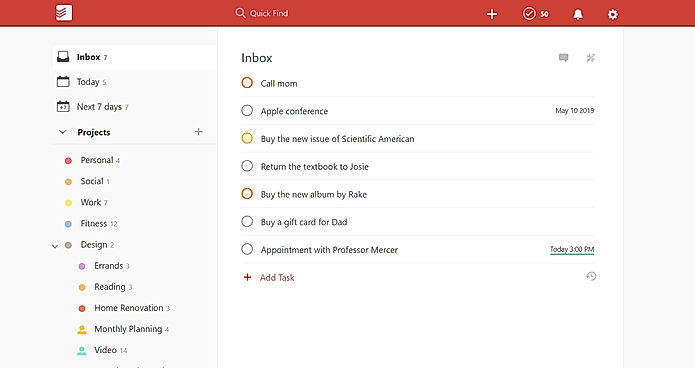
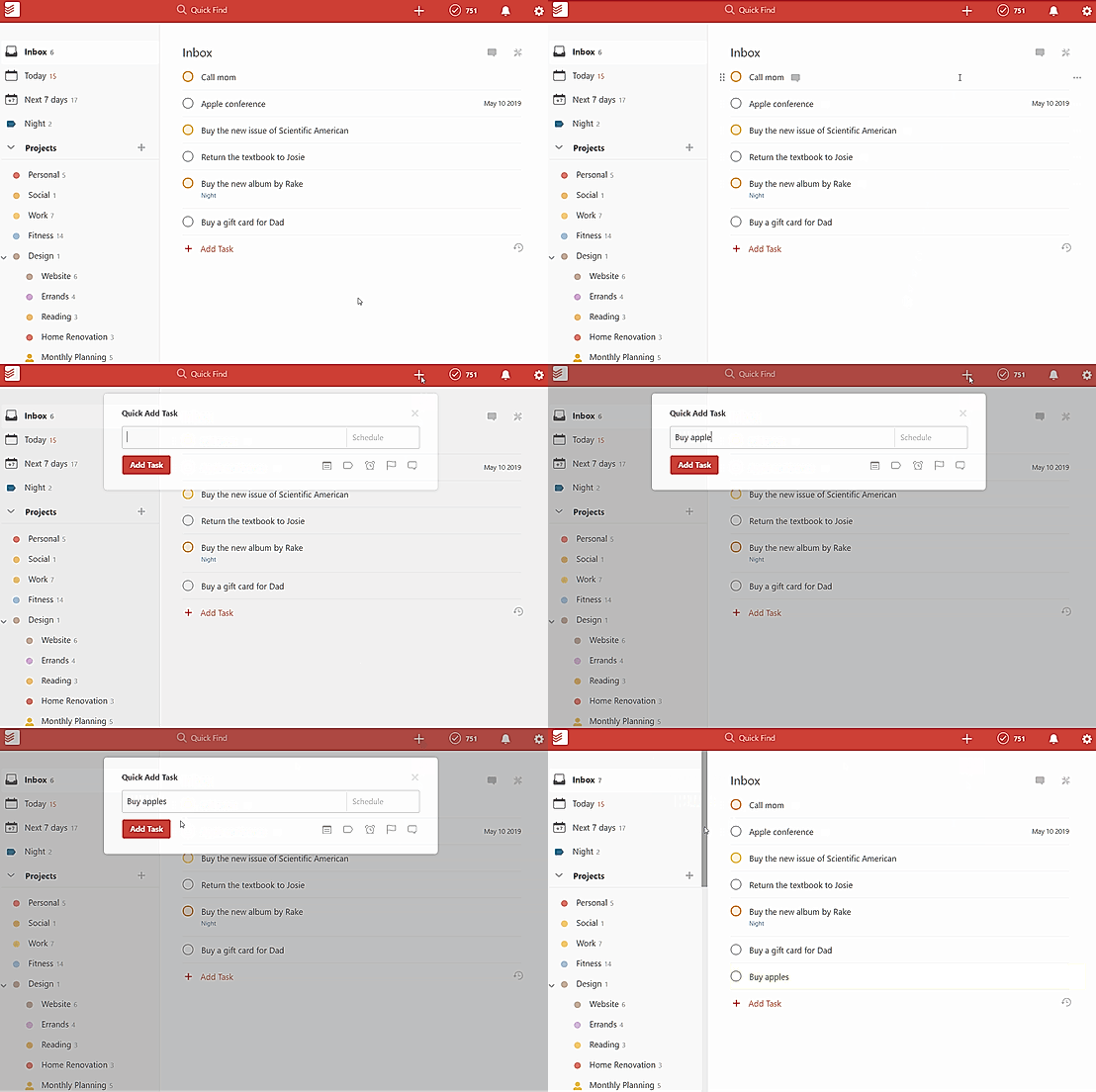
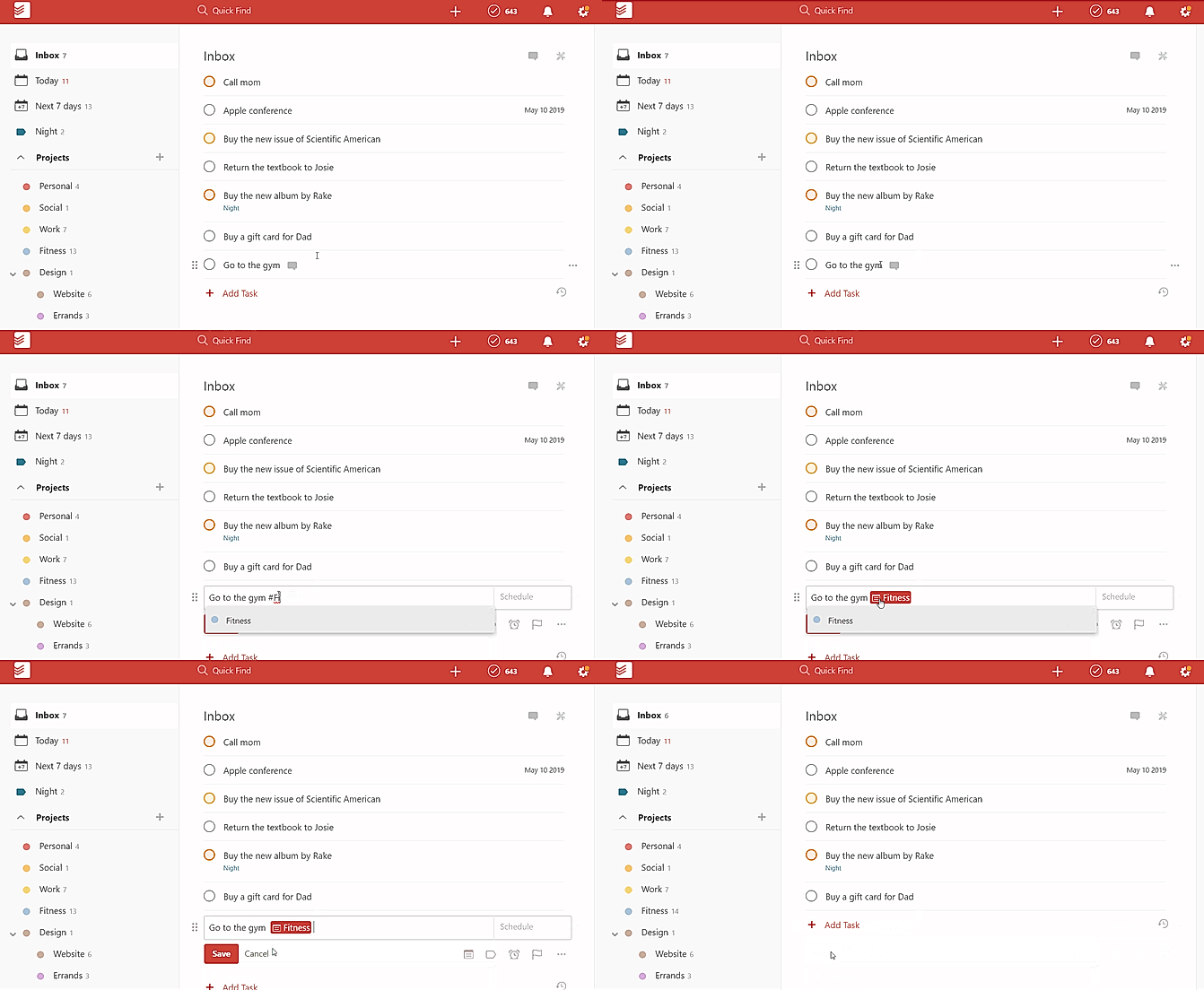
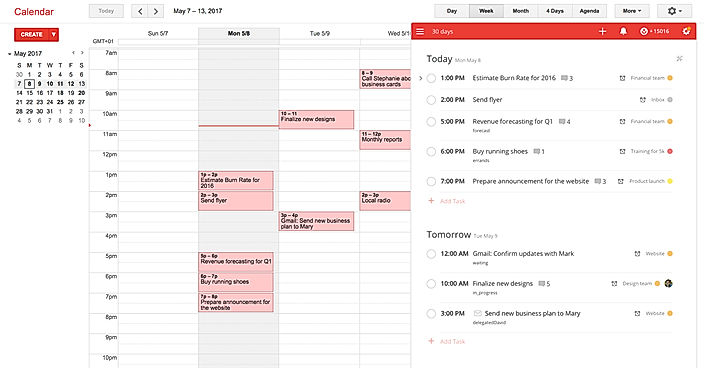
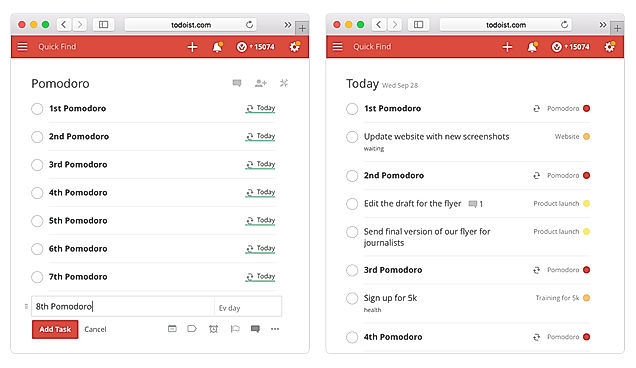
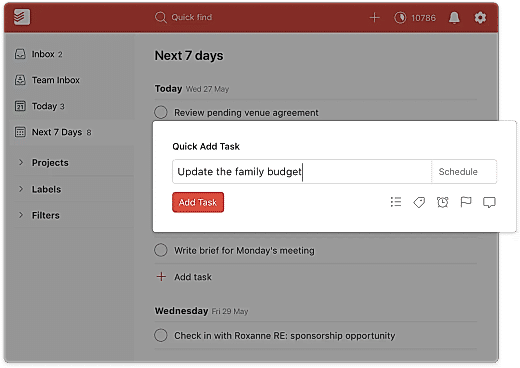
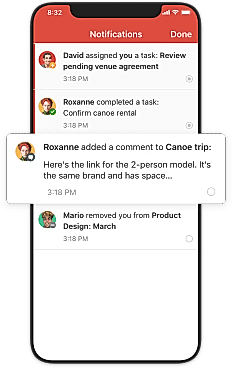
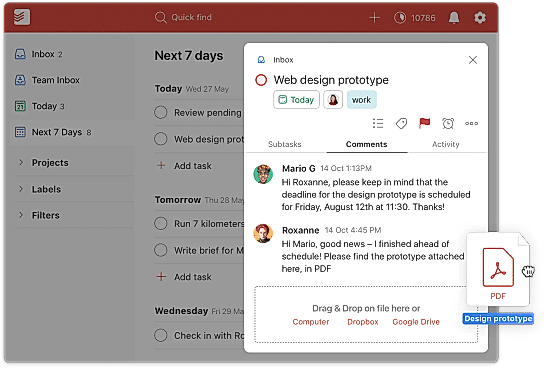
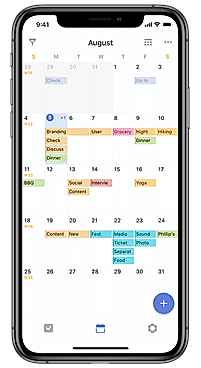
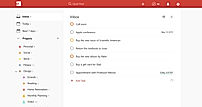
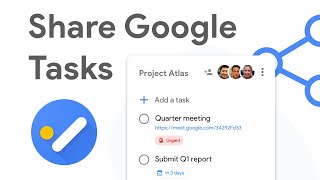
| Description | Microsoft To Do is a popular tool that provides an easy-to-use platform for managing all to-do lists in a systematic and effective way. It’s available for free and syncs across Android, iPhone, Windows 10 including the web. The smart daily planner My Day comes with personalized suggestions to help users update their daily to-do list faster without wasting time. Users can manage their task list at any time and from anywhere to stay well-organized at all times. It allows users to share their to-do lists with friends, family, and colleagues to stay connected. The tool breaks tasks down into simple steps and users can add due dates, and set reminders for daily checklists to keep up-to-date with schedules or stay on track with assignments and projects. To Do is also integrated with Outlook Tasks, thus making it easier to manage everything in one place without any hassle. Read more | Todoist is an efficient task organizer that enables its users to keep track of their projects, tasks, and goals from a single easy to use interface. The software syncs across all the devices of the user and easily integrates with the popular platforms used by users. Users can easily keep track of their tasks through a complete overview provided by the software. The recurring due dates help the users to build habits and remember deadlines. Users can ensure that all their projects stay organized while also highlighting the essential tasks for the day. Todoist provides its users with notifications when people complete their assignments or post comments related to the tasks. The software helps to make relevant pieces of information accessible to all. The Todoist karma feature offered by the software awards its users with points on completion of tasks and maintenance of streak. Users can display their monthly or daily progress through colour-coded graphs. Read more | TickTick is a platform that enables its users to capture ideas, organize life, and do something creative each day. The software helps its users to manage all their works irrespective if it is work-related or a personal goal. Users can get reminded at any time and anywhere by setting a reminder to ease their mind off worrying about missing deadlines. TickTick provides its users with five different flexible calendar views, which enables users to check and handle their schedules more conveniently. The software allows its users to collaborate with others from making a family weekend plan to teamwork; one can share lists and assign tasks on the go. Users can sync across multiple platforms with over thirty features working seamlessly across more than ten platforms helping users to get things done with ease. The software provides its users with achievement scores that enable them to learn the variation of their work efficiency and thus improve it in the future. Read more | TasksBoard is a futuristic task management application by Google that helps individuals and professionals to manage, edit and share tasks, accordingly. It is a desktop application that enables users to organise their tasks list on a full-screen board so that they can see every task clearly, without missing any. Users can even share their entire Google Tasks lists with their team in real-time, with just one click. TasksBoard comes fully integrated with Google Workspace. This enables users to export their lists to Google Sheets. The tasks lists can be attached with Google Drive files and can be sent to other people via Gmail. Users can sync the TasksBoard lists with Gmail, Google Tasks mobile app and Google Calendar to easily see and manage the things that need to be done. Furthermore, TasksBoard works on a strong privacy policy and it does not store users’ data like calendar events, tasks or drive files. Such files only stay on the servers of Google. Read more |
| Pricing Options |
|
|
|
|
| SW Score & Breakdown |
87% SW Score The SW Score ranks the products within a particular category on a variety of parameters, to provide a definite ranking system. Read more
|
93% SW Score The SW Score ranks the products within a particular category on a variety of parameters, to provide a definite ranking system. Read more
|
96% SW Score The SW Score ranks the products within a particular category on a variety of parameters, to provide a definite ranking system. Read more
|
89% SW Score The SW Score ranks the products within a particular category on a variety of parameters, to provide a definite ranking system. Read more
|
| SaaSworthy Awards | # 2 Fastest Growing # 8 Most Popular | # 1 Most Worthy # 1 Fastest Growing | # 4 Fastest Growing # 3 Most Popular | # 14 Fastest Growing # 13 Fastest Growing |
| Total Features |
9 Features
|
11 Features
|
11 Features
|
9 Features
|
| Common Features for All |
Alerts
Collaboration Tools
Gantt Charts
Percent-Complete Tracking
Progress Tracking
Recurring Task Management
Reporting (Analytics)
Task Assigning
Task Scheduling
Task Tracking
Time Tracking
|
Alerts
Collaboration Tools
Gantt Charts
Percent-Complete Tracking
Progress Tracking
Recurring Task Management
Reporting (Analytics)
Task Assigning
Task Scheduling
Task Tracking
Time Tracking
|
Alerts
Collaboration Tools
Gantt Charts
Percent-Complete Tracking
Progress Tracking
Recurring Task Management
Reporting (Analytics)
Task Assigning
Task Scheduling
Task Tracking
Time Tracking
|
Alerts
Collaboration Tools
Gantt Charts
Percent-Complete Tracking
Progress Tracking
Recurring Task Management
Reporting (Analytics)
Task Assigning
Task Scheduling
Task Tracking
Time Tracking
|
| Organization Types Supported |
|
|
|
|
| Platforms Supported |
|
|
|
|
| Modes of Support |
|
|
|
|
| API Support |
|
|
|
|
| User Rating |
|
|
|
|
| Rating Distribution |
|
|
|
|
| User Sentiments |
Not Available
|
Ease of Use, Intuitive Interface, Cross-Platform Compatibility, Extensive Integrations Limited Free Version, Occasional Syncing Issues, Lack of Calendar View, Inconsistent Reminder Functionality |
Not Available
|
Not Available
|
| Review Summary |
Microsoft To Do is a popular task management app praised for its user-friendly interface, seamless integration with other Microsoft products like Outlook and Planner, and cross-platform availability. Users appreciate its simplicity, reminder features, and ability to organize tasks effectively. However, some users find the app to be lacking in advanced features like customization options and automation, and there have been occasional complaints about synchronization issues. Overall, Microsoft To Do is a solid choice for individuals and teams seeking a straightforward solution for managing daily tasks and deadlines. |
Many reviewers praise Todoist for its user-friendly interface, customizable features, and ability to sync across multiple devices. They also appreciate its collaboration tools, which allow teams to assign tasks, set deadlines, and track progress. However, some users have expressed concerns about the pricing, with some plans lacking essential features. Additionally, a few reviewers have reported occasional glitches and syncing issues. Overall, Todoist is generally well-received, with many users highlighting its ease of use, powerful features, and effective task management capabilities. |
TickTick is a popular task management app praised for its ease of use, powerful features, and compatibility across multiple platforms. Users appreciate its intuitive interface, ability to prioritize tasks, and integration with calendars, reminders, and email. TickTick excels at helping users organize their daily schedules, manage projects, and maintain focus. While some users find the free version limited and desire more robust note-taking features, the overall consensus is that TickTick is a valuable productivity tool that helps users stay organized and get things done. |
Not Available
|
| Read All User Reviews | Read All User Reviews | Read All User Reviews | Read All User Reviews |
AI-Generated from the text of User Reviews
| Pricing Options |
|
|
|
|
|
Pricing Plans
Monthly Plans
Annual Plans
|
Microsoft To-Do Free |
Beginner Free Pro $4.00 $5.00 per user / month Business $6.00 $8.00 per user / month |
TickTick $2.99 $3.99 per month |
Personal Free Personal Pro $3.99 $4.99 per month Team $4.99 $5.99 per user / month |
|
View Detailed Pricing
|
View Detailed Pricing
|
View Detailed Pricing
|
View Detailed Pricing
|
Get personalized recommendations from our experts on call
Trusted by more than 5 Million users across the globe.
Thank you for the enquiry. One of our software analysts will contact you soon.
| Screenshots | Not Available |
+ 8 More
|

+ 7 More
|

+ 2 More
|
| Videos |

+ 3 More
|

+ 4 More
|

+ 3 More
|
|
| Company Details | Located in: Redmond, Washington | Located in: Santiago, Chile Founded in: 2007 | Located in: San Francisco, California Founded in: 2012 | Located in: San Francisco, California |
| Contact Details |
Not available |
Not available |
Not available |
Not available |
| Social Media Handles |
|
|
|
|

Looking for the right SaaS
We can help you choose the best SaaS for your specific requirements. Our in-house experts will assist you with their hand-picked recommendations.

Want more customers?
Our experts will research about your product and list it on SaaSworthy for FREE.