MEET CLARA - THE AI BEHIND SMARTER SOFTWARE CHOICES
|
92% SW Score The SW Score ranks the products within a particular category on a variety of parameters, to provide a definite ranking system. Read more 
View Details
|
98% SW Score The SW Score ranks the products within a particular category on a variety of parameters, to provide a definite ranking system. Read more 
View Details
|
89% SW Score The SW Score ranks the products within a particular category on a variety of parameters, to provide a definite ranking system. Read more 
View Details
|
Featured
94% SW Score The SW Score ranks the products within a particular category on a variety of parameters, to provide a definite ranking system. Read more 
Zoho Projects |
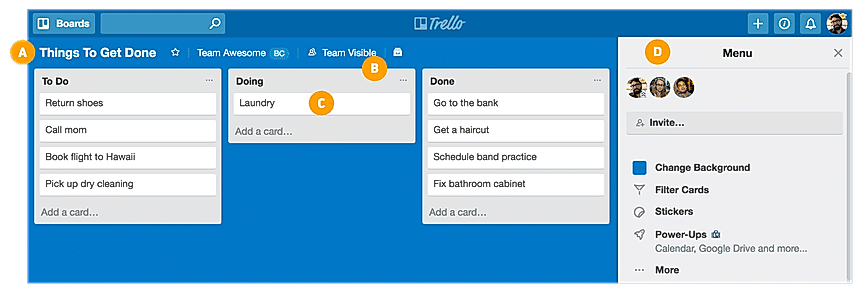
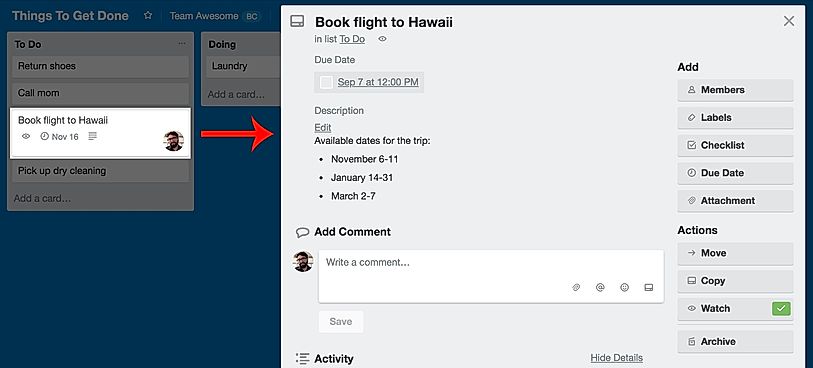
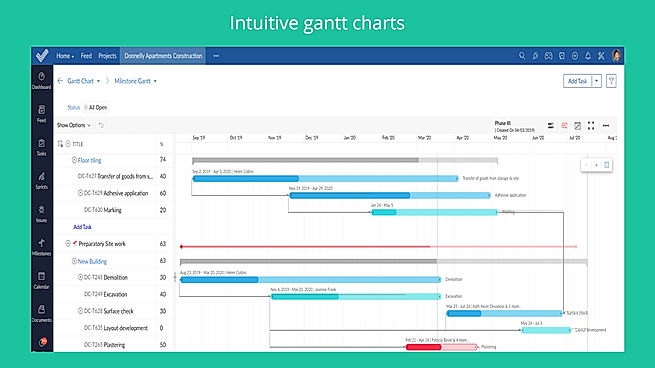
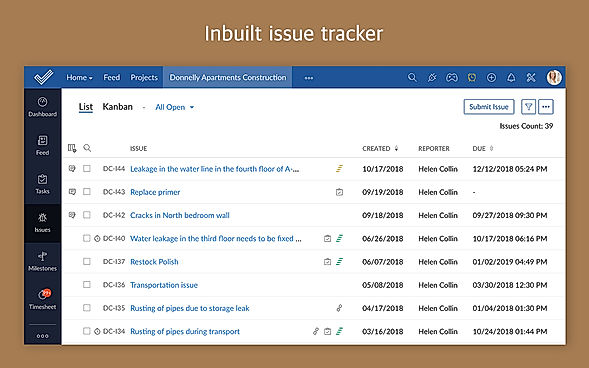
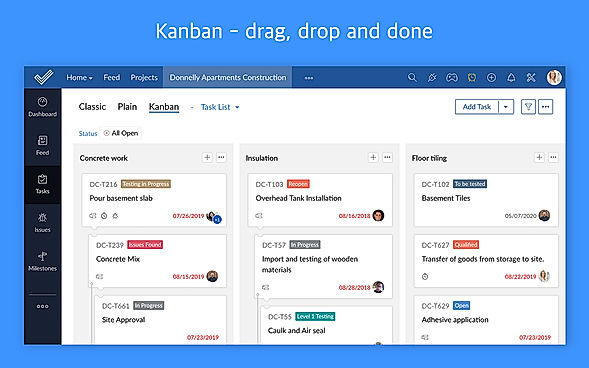
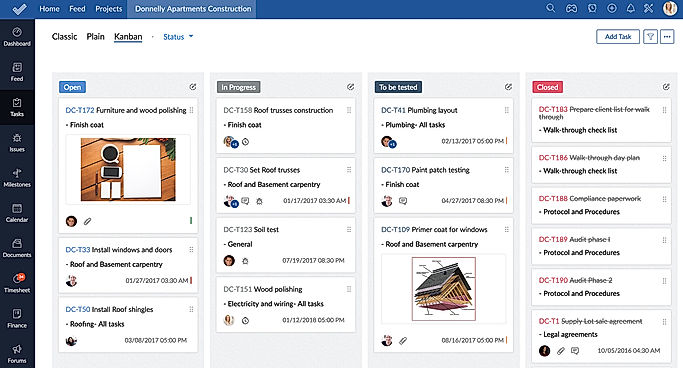
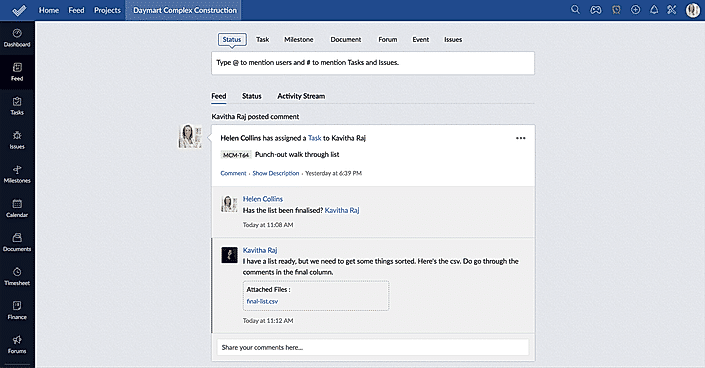
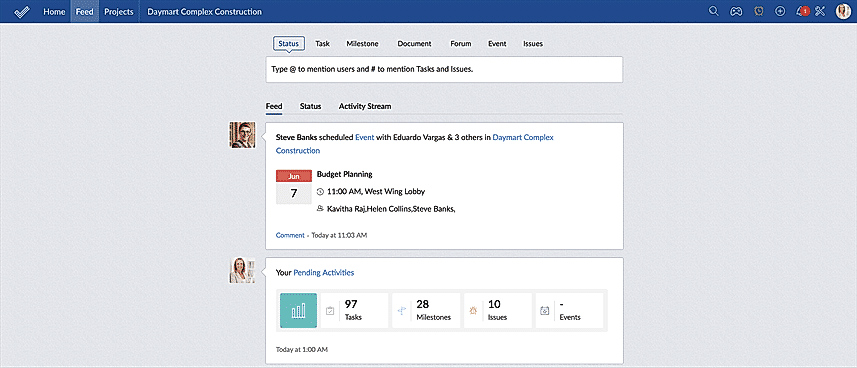
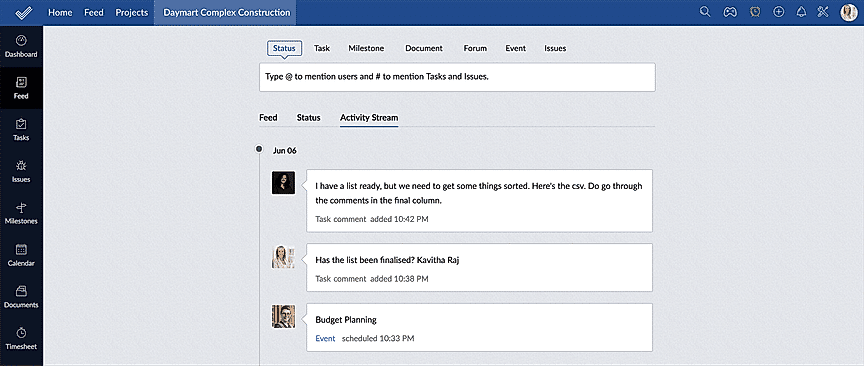
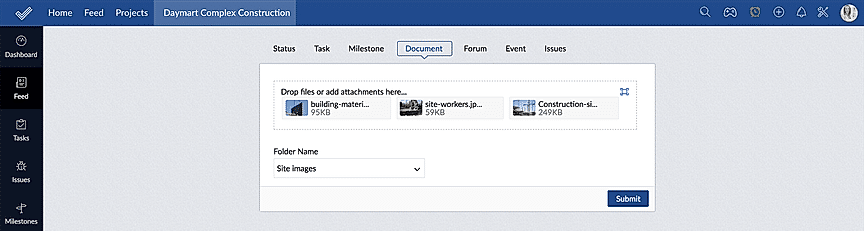
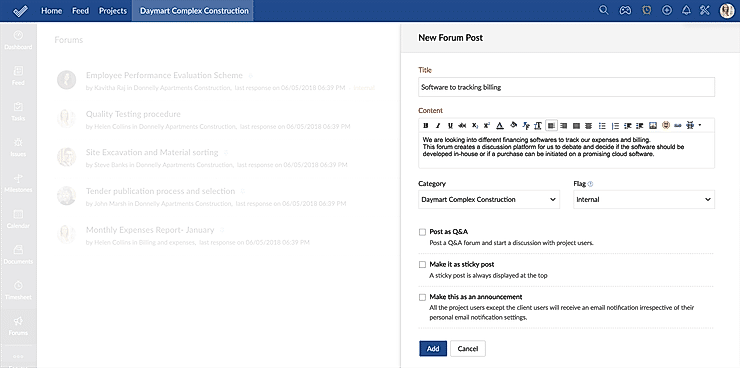
| Description | Organizes your projects and day-to-day tasks through creating notecards on dashboard. The software can also be used as a trip planner, a side project, a community bulletin, an event or an idea repository. Tasks and ideas can be noted on the Trello cards. Alongside, the work progress can also be tracked. The user can sort and organize these cards based upon their categories. A quick overview is displayed on the front of the cards, flipping which, the user can dive into more detailed information such as checklists, due dates, comments, attachments etc. There is a progress meter that adds a checklist to organize your to-do list. You can also attach documents and multimedia files to the cards. Read more | Introducing Teamhood, the dynamic and versatile visual project management tool designed specifically for high-performing teams. With a perfect blend of traditional and Agile project management features, this innovative tool empowers users to work in the way that suits them best. At the heart of Teamhood is its seamless integration of various task management methods. Whether they prefer the organized structure of Lists, the comprehensive planning power of Gantt charts, or the highly versatile functionality of advanced Kanban boards, Teamhood has got they covered. No matter their team's preferred approach, this tool ensures that each member can work in a way that brings out their best. One of the key advantages of Teamhood is its live reporting and customizable dashboards. Say goodbye to confusion and hello to clarity as they stay on top of every aspect of their project. With real-time updates and detailed insights at their fingertips, they can effortlessly monitor progress, identify potential roadblocks, and make informed decisions to keep their team on track. Efficiency is the name of the game, and Teamhood delivers on that promise. By allowing they to draw task dependencies and plan their team's workload, this tool ensures that everyone is focused, productive, and working towards a shared goal. No more wasted time or missed deadlines Teamhood ensures optimal resource allocation and minimizes bottlenecks, enabling their team to operate at peak performance. Collaboration has never been easier with Teamhood's centralized workspace. From seamless communication to document sharing, this tool creates a unified environment where every team member can contribute, brainstorm, and collaborate seamlessly. No more back-and-forth emails or lost messages everything they need is right at their fingertips. With Teamhood, convenience and speed are at the forefront. This user-friendly platform provides a smooth and intuitive experience, making it easy for professionals of all levels to dive right in and start reaping the benefits. Say goodbye to complicated tools and hello to efficiency and productivity with Teamhood. In conclusion, Teamhood is the ultimate visual project management tool for high-performing teams. Its powerful combination of traditional and Agile features, coupled with live reports and customizable dashboards, ensures that they have complete control and visibility over their projects. With its ability to draw task dependencies, plan team workloads, and foster seamless collaboration, Teamhood empowers their team to work smarter and achieve remarkable results. Experience the power of Teamhood and unlock new levels of productivity today. Read more | TasksBoard is a futuristic task management application by Google that helps individuals and professionals to manage, edit and share tasks, accordingly. It is a desktop application that enables users to organise their tasks list on a full-screen board so that they can see every task clearly, without missing any. Users can even share their entire Google Tasks lists with their team in real-time, with just one click. TasksBoard comes fully integrated with Google Workspace. This enables users to export their lists to Google Sheets. The tasks lists can be attached with Google Drive files and can be sent to other people via Gmail. Users can sync the TasksBoard lists with Gmail, Google Tasks mobile app and Google Calendar to easily see and manage the things that need to be done. Furthermore, TasksBoard works on a strong privacy policy and it does not store users’ data like calendar events, tasks or drive files. Such files only stay on the servers of Google. Read more | Helps in planning projects, assigning tasks, keeping track on the work progress, managing documents, communicating seamlessly with the team to get the work done on time. Navigates the workflow through mapping out Gantt Charts and time management sheets. Also useful for project budgeting and allocating it as per the resources available. Additionally, it tracks issues associated with the project and manages resolving them. Maintains a database in which, the whereabouts of the employees can be seen along with their skills and availability. You can add unlimited members to your project without spending any extra money. Moreover, a mobile application also available to manage your task on-the-go. Read more |
| Pricing Options |
|
|
|
|
| SW Score & Breakdown |
92% SW Score The SW Score ranks the products within a particular category on a variety of parameters, to provide a definite ranking system. Read more
|
98% SW Score The SW Score ranks the products within a particular category on a variety of parameters, to provide a definite ranking system. Read more
|
89% SW Score The SW Score ranks the products within a particular category on a variety of parameters, to provide a definite ranking system. Read more
|
94% SW Score The SW Score ranks the products within a particular category on a variety of parameters, to provide a definite ranking system. Read more
|
| SaaSworthy Awards | # 5 Highly Rated # 7 Most Popular |
Not Available
|
# 14 Fastest Growing # 13 Fastest Growing | # 4 Fastest Growing # 18 Most Popular |
| Organization Types Supported |
|
|
|
|
| Platforms Supported |
|
|
|
|
| Modes of Support |
|
|
|
|
| API Support |
|
|
|
|
| User Rating |
|
Not Available
|
|
|
| Rating Distribution |
|
Not Available
|
|
|
| User Sentiments |
Ease of Use, Visually Appealing Interface, Kanban Board System, Extensive Integrations Limited Features in Free Version, Lack of Advanced Project Management Features , Occasional Performance Issues, Confusing Archiving Functionality |
Not Available
|
Not Available
|
User-friendly Interface, Extensive Project Management Features, Comprehensive Collaboration Features, Seamless Integrations with Other Zoho Apps Limited Third-Party Integrations, Occasional Performance Issues/Slow Loading Times, Limited Mobile App Functionality, Complex Customization Options |
| Review Summary |
Trello is a highly praised project management tool, lauded for its simple and intuitive interface, Kanban-style organization, and ease of collaboration. Users appreciate its visual clarity, the ability to track tasks and deadlines, and its integration with other applications. While some users find the free version limited, most agree that Trello is a valuable resource for both personal and professional tasks, making it a popular choice for teams of all sizes. |
Not Available
|
Not Available
|
Reviewers generally agree that Zoho Projects is a user-friendly and affordable project management tool with a wide range of features. It is praised for its intuitive interface, ease of use, and customizable features. Many users appreciate its Gantt charts, timesheets, and reporting capabilities. However, some reviewers mention occasional bugs and limitations in certain functionalities. Additionally, the mobile app is sometimes criticized for its lack of features and stability. Overall, Zoho Projects is a solid choice for teams seeking a user-friendly and feature-rich project management solution. |
| Read All User Reviews | Read All User Reviews | Read All User Reviews |
AI-Generated from the text of User Reviews
| Pricing Options |
|
|
|
|
|
Pricing Plans
Monthly Plans
Annual Plans
|
Free Free Standard $5.00 $6.00 per user / month Premium $10.00 $12.50 per user / month Enterprise $17.50 $17.50 per user / month |
Free Free Professional $9.50 $15.00 per user / month Premium $15.00 $19.00 per user / month Ultimate $19.00 $24.00 per user / month Enterprise Custom |
Personal Free Personal Pro $3.99 $4.99 per month Team $4.99 $5.99 per user / month |
Free Free Premium $4.00 $5.00 per user / month Enterprise $9.00 $10.00 per user / month Projects Plus Custom |
|
View Detailed Pricing
|
View Detailed Pricing
|
View Detailed Pricing
|
View Detailed Pricing
|
Get personalized recommendations from our experts on call
Trusted by more than 5 Million users across the globe.
Thank you for the enquiry. One of our software analysts will contact you soon.
| Screenshots |
+ 5 More
|

+ 9 More
|

+ 2 More
|
+ 11 More
|
| Videos |
+ 2 More
|

+ 3 More
|
|
+ 4 More
|
| Company Details | Located in: New York, New York Founded in: 2017 | Located in: Vilnius, Lithuania Founded in: 2019 | Located in: San Francisco, California | Located in: Pleasanton, California - 94588 |
| Contact Details |
Not available |
Not available |
Not available |
+1 844-584-2497 |
| Social Media Handles |
|
|
|
|

Looking for the right SaaS
We can help you choose the best SaaS for your specific requirements. Our in-house experts will assist you with their hand-picked recommendations.

Want more customers?
Our experts will research about your product and list it on SaaSworthy for FREE.