MEET CLARA - THE AI BEHIND SMARTER SOFTWARE CHOICES
|
98% SW Score The SW Score ranks the products within a particular category on a variety of parameters, to provide a definite ranking system. Read more 
View Details
|
98% SW Score The SW Score ranks the products within a particular category on a variety of parameters, to provide a definite ranking system. Read more 
View Details
|
98% SW Score The SW Score ranks the products within a particular category on a variety of parameters, to provide a definite ranking system. Read more 
View Details
|
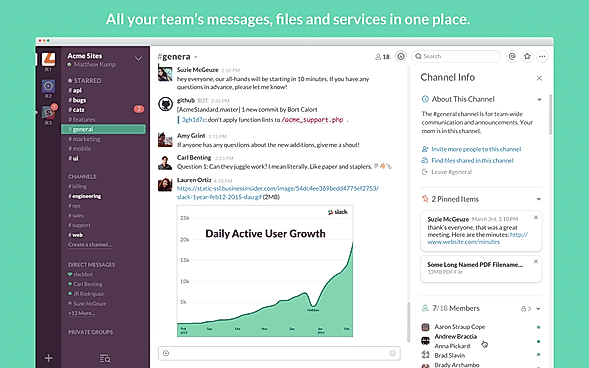
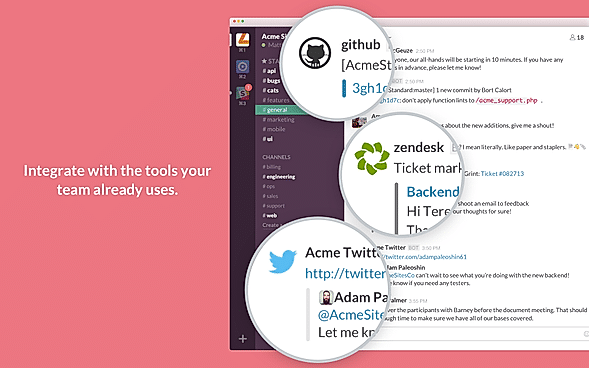
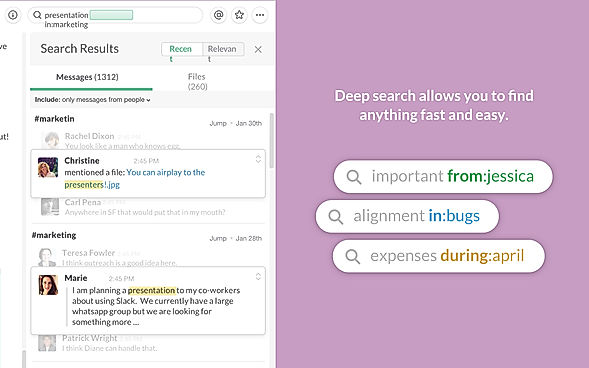
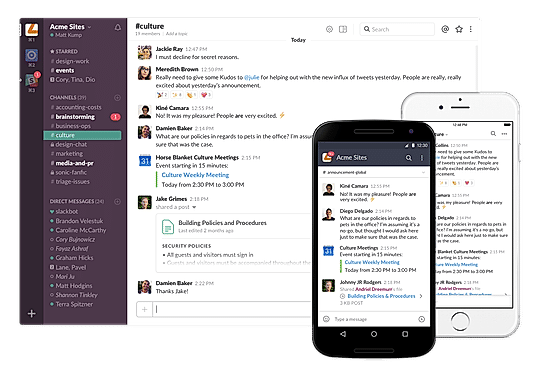
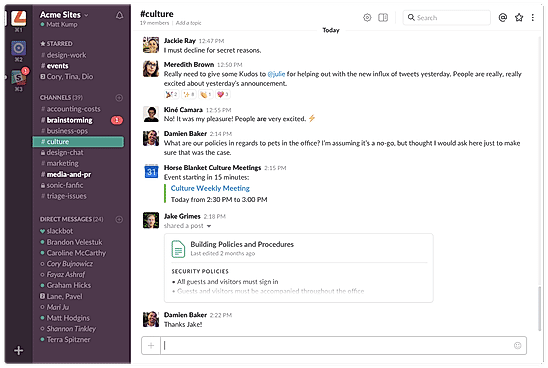
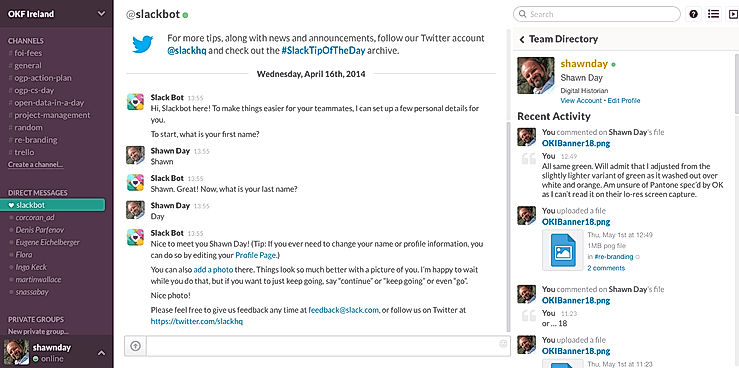
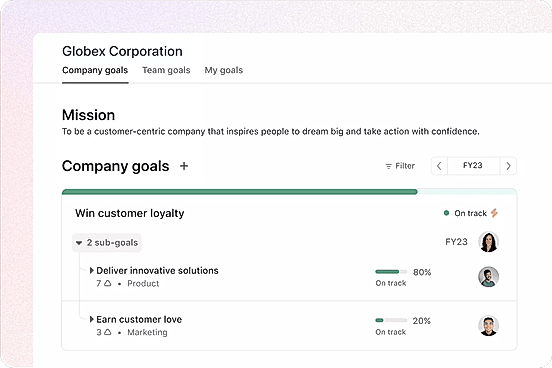
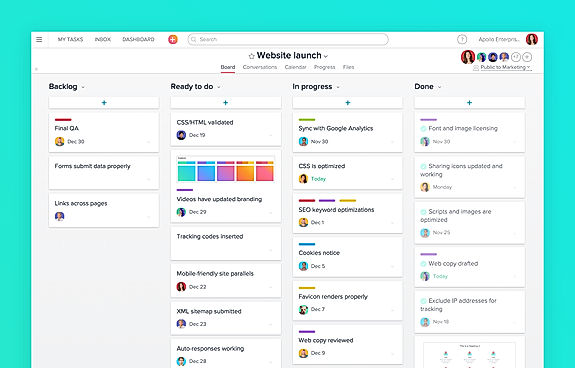
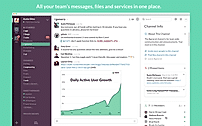
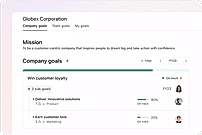
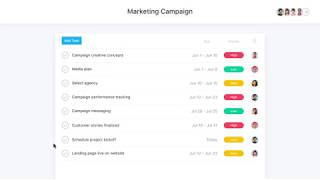
| Description | Slack is a communications and workflow solution designed for teams. Using Slack, you can set up channels, which can be around any theme, project, client or department. You can invite people to join these channels, or make them private, and people can leave whenever they want. With Slack’s search functionality, you can quickly skip to past communications. You can also star conversations to add them to your favorites, and allow you to quickly access them again in the future. Slack threads allow people to carry on the conversation in a separate place, rather than cluttering up the channel with their responses. With Slack, you can share PDFs, images, videos, and gifs, and you can mention one individual or multiple people within channels to get their attention. You can also direct message people when you want to have 1-2-1 conversations, and quickly add more people to that conversation if you need more opinions. Read more | Asana is an online team collaboration and workflow management tool. Organize your work in the best way possible to follow tasks through and be able to avoid obstacles to meet deadlines. Asana’s boards let you visualize your work, and arrange all your relevant emails and files into one place. Use Asana’s portfolios to monitor the status of all your projects and keep your strategic initiatives on track and easily report on progress. Its custom fields allow you to keep track of info important to the team and share the information with the right people. Commonly used projects can be turned into templates to ensure your team workflow moves more smoothly and faster. Asana’s web interface is efficient and responsive and it can be integrated to other collaboration tools like Slack. Asana is SOC 2 Type 1 certified and offers secure connections to its site using the TLS 1.1 protocol. It also hosts its data in various SSAE audited data centers via Amazon. Read more | Zoom comes with a range of cloud video conferencing capabilities, including HD voice and video functionality, dual streams for dual screens, the ability to join as a view-only attendee, as well as by Zoom Rooms and telephone dial-in. It also has accessibility features, which allow employees who have disabilities to schedule, attend, and participate in Zoom meetings and webinars. The group collaboration features allow for simultaneous screen sharing, group messaging, whiteboarding, annotation and co-annotation, iOS mirroring on iPhone or iPad, and the ability to share documents, photos, and videos. Zoom includes unlimited VOIP with toll free options in more than 60 countries available. You can also integrate any third-party teleconferencing service. Zoom lets you create a personal meeting ID and URL name to share with participants when you schedule your meetings. The security features enable you to give role-based control and include SSL encryption plus HTTPS access. Read more | Riverside’s AI-powered platform lets you record, edit, repurpose, and distribute studio-quality content as easily as having a full production crew. Whether you're recording solo or with guests, achieve top-quality results every time. The platform streamlines your workflow from start to finish. Turn one recording into multiple clips with AI, stream in HD to several destinations at once, and publish directly to YouTube, Spotify, and Apple Podcasts. Riverside’s AI automatically generates a polished cut of your session, complete with transcripts and show notes. Editing is made simple with the text-based editor—just search, cut, and paste in the transcript to edit your video. Separate track recording allows you to easily remove crosstalk and change layouts. Maintain a consistent brand by adding your logo, colors, and intro/outro, then apply them with a single click. You can also generate customizable animated captions instantly, perfect for creating engaging reels and TikToks. With Riverside, you have a powerful partner to help you focus on content creation and audience growth. Read more |
| Pricing Options |
|
|
|
|
| SW Score & Breakdown |
98% SW Score The SW Score ranks the products within a particular category on a variety of parameters, to provide a definite ranking system. Read more
|
98% SW Score The SW Score ranks the products within a particular category on a variety of parameters, to provide a definite ranking system. Read more
|
98% SW Score The SW Score ranks the products within a particular category on a variety of parameters, to provide a definite ranking system. Read more
|
|
| SaaSworthy Awards |
Not Available
|
# 3 Most Popular # 1 Most Worthy | # 1 Most Worthy # 1 Most Popular |
Not Available
|
| Organization Types Supported |
|
|
|
|
| Platforms Supported |
|
|
|
|
| Modes of Support |
|
|
|
|
| API Support |
|
|
|
|
| User Rating |
|
|
|
|
| Rating Distribution |
|
|
|
|
| User Sentiments |
Real-time Messaging, Extensive Integrations, User Friendly Interface, Organized Channels Storage Limitations, Notification Overload, Search Functionality Limitations, Occasional Performance Issues |
Ease of Use, Task Management, Team Collaboration, Extensive Integrations Mobile App Functionality, Limited Customization, Customer Support Response Time, Confusing Interface |
Ease of Use, Breakout Rooms, Video Quality, Connectivity Customer Support, Audio Issues, Random Glitches, Security Concerns |
Not Available
|
| Review Summary |
Slack is a popular business communication and collaboration tool praised by users for its user-friendly interface, robust feature set, and seamless integrations with other tools. Reviewers appreciate its ability to streamline communication, improve team collaboration, and enhance productivity. The platform's search functionality, file sharing capabilities, and real-time messaging features receive particular acclaim. Additionally, Slack's mobile app is lauded for its convenience and ease of use. However, some reviewers express concerns regarding its pricing and occasional technical glitches. Overall, Slack is a highly regarded tool that effectively facilitates team communication and collaboration. |
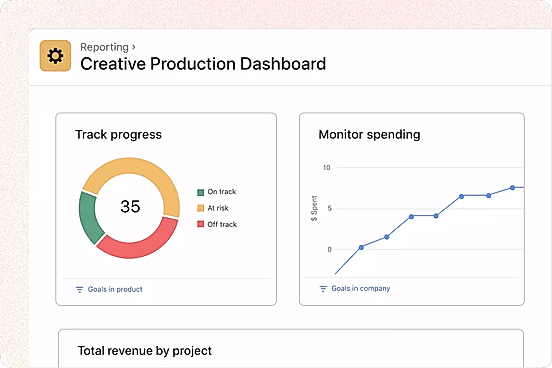
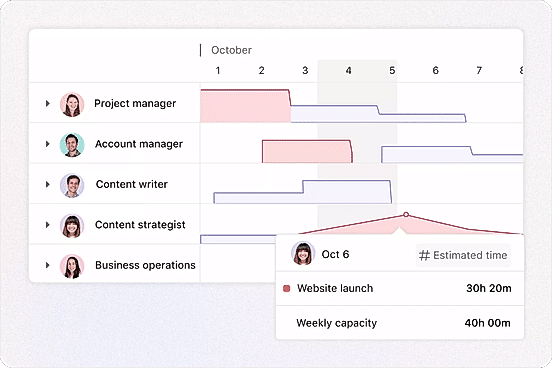
Users generally agree that Asana is user-friendly, offers powerful features, and excels in project management and task collaboration. Many reviewers find the interface intuitive and easy to navigate, praising its clean and organized design. Asana's customization options and integrations with other tools are also frequently mentioned as strengths. However, some users have expressed concerns about occasional bugs and glitches, as well as the potential for a steep learning curve for more complex features. Overall, reviewers find Asana to be a reliable and effective tool for project management and collaboration. |
Zoom is a popular video conferencing platform trusted by businesses and individuals globally. Users appreciate its ease of use, reliability, and high-quality video and audio. It offers a wide range of features, including screen sharing, breakout rooms, and virtual backgrounds, making it suitable for various communication needs. However, some users have concerns about its potential security vulnerabilities and the occasional technical issues. Overall, Zoom is a dependable video conferencing solution that facilitates effective communication and collaboration among remote teams and individuals. |
Riverside.fm receives mixed reviews, with users praising its high-quality audio and ease of use for remote podcast recording. The platform’s intuitive interface, AI-powered editing features, and integration with Spotify are frequently commended. However, users often report encountering sync issues, missing files, and technical glitches. Customer service, while sometimes helpful, is criticized for its inconsistent responses and lack of transparency. Some users mention concerns about pricing and limited features, highlighting a need for more flexible options and robust integration with other platforms. |
| Read All User Reviews | Read All User Reviews | Read All User Reviews | Read All User Reviews |
AI-Generated from the text of User Reviews
| Pricing Options |
|
|
|
|
|
Pricing Plans
Monthly Plans
Annual Plans
|
Free Free Pro $4.38 $4.38 per user / month Business+ $9.00 $9.00 per user / month Enterprise+ Custom |
Personal Free Starter $10.99 $13.49 per user / month Advanced $24.99 $30.49 per user / month Enterprise Custom Enterprise+ Custom |
Workplace Basic Free Workplace Pro $13.33 $16.99 per user / month Workplace Business $18.33 $21.99 per user / month Workplace Enterprise Custom |
Free Free Pro $24.00 $29.00 per month Live $34.00 $39.00 per month Webinar $79.00 $99.00 per month Business Custom |
|
View Detailed Pricing
|
View Detailed Pricing
|
View Detailed Pricing
|
View Detailed Pricing
|
Get personalized recommendations from our experts on call
Trusted by more than 5 Million users across the globe.
Thank you for the enquiry. One of our software analysts will contact you soon.
| Screenshots |
+ 6 More
|
+ 4 More
|
Not Available | Not Available |
| Videos |

|
+ 4 More
|

+ 5 More
|

+ 1 More
|
| Company Details | Located in: San Francisco, California | Located in: San Francisco, California Founded in: 2008 | Located in: San Jose, California Founded in: 2011 | Located in: Dover, DE, USA Founded in: 2019 |
| Contact Details |
Not available |
Not available |
+1 888-799-9666 |
Not available |
| Social Media Handles |
|
|
|
|

Looking for the right SaaS
We can help you choose the best SaaS for your specific requirements. Our in-house experts will assist you with their hand-picked recommendations.

Want more customers?
Our experts will research about your product and list it on SaaSworthy for FREE.