MEET CLARA - THE AI BEHIND SMARTER SOFTWARE CHOICES
|
98% SW Score The SW Score ranks the products within a particular category on a variety of parameters, to provide a definite ranking system. Read more 
View Details
|
98% SW Score The SW Score ranks the products within a particular category on a variety of parameters, to provide a definite ranking system. Read more 
View Details
|
96% SW Score The SW Score ranks the products within a particular category on a variety of parameters, to provide a definite ranking system. Read more 
View Details
|
98% SW Score The SW Score ranks the products within a particular category on a variety of parameters, to provide a definite ranking system. Read more 
View Details
|
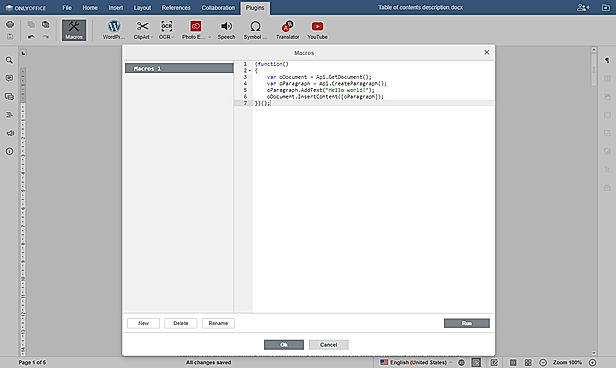
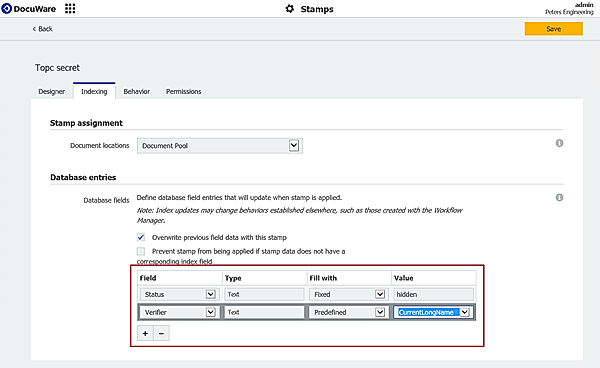
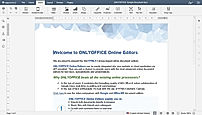
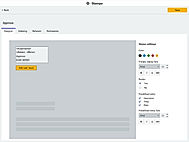
| Description | M-Files is a platform that offers a variety of features that help businesses take care of their content and documents so that employees can concentrate on more value-adding tasks. It improves efficiency by changing the way paper documents are stored by transforming them into searchable PDF documents. It helps organize content with metadata where information is put in context, so that information can be searched and found easily using different criteria. The platform allows users to search for information in any system or repository without any problem. Information can be found, accessed, and managed in one view. Users can access content anytime, anywhere with any device even in offline mode. It enables users to easily share the documents with anyone and also add workflows to automate business processes. M-Files allows users to configure the platform and use templates to support general use cases and also comply with laws and regulations. Read more | Laserfiche is a Smart Data Management Software that helps businesses to capture, secure, and organize business-critical documents digitally at one place. The tool enables businesses to set up AI powered workflows, e-forms, and analytics dashboard to eliminate manual interventions. Laserfiche supports ECM integration that allows businesses to easily integrate it with existing applications enabling robotic automation to eliminate repetitive tasks. It can also work with Microsoft Office 365 applications smoothly. The tool enables businesses to set up guidelines for organizing, accessing, and using available documents and ensure that the same are followed, ensuring compliance and business continuity. Its secure document management tool allows users to protect sensitive content, enable compliance, and ensure that records' integrity is intact. Laserfiche is designed to suit multiple industries like healthcare, Law enforcement, Insurance, Commercial, etc. Its cloud integration allows users to access all documents remotely, even while working from home, thus ensuring business continuity. Read more | OnlyOffice is a game changer solution for document management that is ideal for all types of enterprises, ranging from small to medium to large. OnlyOffice provides an entire productivity suite with document management, emailing, CRM integration, calendar management, and corporate networks. OnlyOffice aims at eliminating the need to switch back and forth multiple times between multiple applications to undertake various tasks. With OnlyOffice, users get a complete productivity platform to run and manage their complete business, including management of documents, sharing files among groups, sending mails, and talks. It is a viable substitute to big cloud corporations like Microsoft and Google. Developed by Ascensio System SIA, it is a free software office suite. It offers smart features like file management, online document editors, corporate communication, platform for document, emailing, and project management tools. OnlyOffice assists the users in project management, CRM, document management, calendar, emailing, and corporate networking. The best thing about OnlyOffice is you can freely use it as an Open Source software, both on intranet based servers and on the internet. And whenever any user faces any difficulties in using OnlyOffice installation or while using, 24*7 support is available. Read more | DocuWare allows users to secure and digitize their information to flow effortlessly between their decision-makers at any time, from anywhere, and from any device. The tool negates wasted time and uncertainty from users' processes, making them free to focus on the work that drives productivity and profit. DocuWare is perfect for distributed and remote teams that need to operate at full productivity. It also has an invoice processing feature which lets users break free from data entry and paper-based systems; it automatically processes all incoming invoices with its cloud solution. DocuWare Process Planner is an easy-to-use tool to map the processes commonly used in businesses. It lets them draw fast, collaborate in real-time, and export easily. DocuWare lets users centralize, organize, and secure their employee records and improve processes from recruiting to annual reviews to talent management. It also centralizes and organizes brochures, presentations, white papers, battle cards, and templates. Read more |
| Pricing Options |
|
|
|
|
| SW Score & Breakdown |
98% SW Score The SW Score ranks the products within a particular category on a variety of parameters, to provide a definite ranking system. Read more
|
98% SW Score The SW Score ranks the products within a particular category on a variety of parameters, to provide a definite ranking system. Read more
|
96% SW Score The SW Score ranks the products within a particular category on a variety of parameters, to provide a definite ranking system. Read more
|
98% SW Score The SW Score ranks the products within a particular category on a variety of parameters, to provide a definite ranking system. Read more
|
| SaaSworthy Awards |
Not Available
|
Not Available
|
Not Available
|
# 1 Most Worthy # 2 Fastest Growing |
| Total Features |
12 Features
|
11 Features
|
9 Features
|
12 Features
|
| Common Features for All |
Collaboration Tools
Compliance Tracking
Document Archiving
Document Assembly
Document Indexing
Document Retention
File Recovery
File Type Conversion
Offline Access
Optical Character Recognition - OCR
Version Control
e-Signature
|
Collaboration Tools
Compliance Tracking
Document Archiving
Document Assembly
Document Indexing
Document Retention
File Recovery
File Type Conversion
Offline Access
Optical Character Recognition - OCR
Version Control
e-Signature
|
Collaboration Tools
Compliance Tracking
Document Archiving
Document Assembly
Document Indexing
Document Retention
File Recovery
File Type Conversion
Offline Access
Optical Character Recognition - OCR
Version Control
e-Signature
|
Collaboration Tools
Compliance Tracking
Document Archiving
Document Assembly
Document Indexing
Document Retention
File Recovery
File Type Conversion
Offline Access
Optical Character Recognition - OCR
Version Control
e-Signature
|
| Organization Types Supported |
|
|
|
|
| Platforms Supported |
|
|
|
|
| Modes of Support |
|
|
|
|
| API Support |
|
|
|
|
| User Rating |
|
|
|
|
| Rating Distribution |
|
|
|
|
| User Sentiments |
Powerful Search Functionality, User Friendly Interface, Extensive Integrations, Robust Document Management High Cost, Complex Configuration, Slow Performance, Outdated User Interface |
Powerful Search Functionality, Ease of Use, Extensive Integrations, Workflow Automation Lack of Technical Documentation, Complicated Licensing, Occasional Software Glitches, Limited Offline Functionality |
User-friendly Interface, Collaboration Features, Wide File Format Support, Cross-Platform Compatibility Limited Mobile Functionality, Occasional Performance Issues, Lack of Advanced Features, Document Conversion Inaccuracies |
Secured Cloud Storage, Ease of Use, Effective Workflow Automation, Extensive Integrations Limited Offline Functionality, Outdated Email Features, Steep Learning Curve, Complex Permission Setup |
| Review Summary |
Users appreciate M-Files' user-friendly interface, ease of use, and robust features for document management and collaboration. Its integration capabilities, metadata management, version control, and security features are highly praised. Additionally, users find its customer support responsive and knowledgeable. However, some users have reported occasional issues with performance, bugs, and the learning curve associated with its advanced features. Overall, M-Files is a well-received document management solution valued for its user-centric design, comprehensive capabilities, and positive customer experiences. |
Laserfiche, a renowned content services platform, boasts a wealth of positive reviews across various platforms. Users consistently praise its user-friendly interface, seamless integration capabilities, robust security features, and exceptional customer support. The platform's document management and workflow automation capabilities are particularly well-received. Laserfiche is also lauded for its ability to streamline business processes, enhance collaboration, and improve productivity. However, some users have expressed concerns regarding the software's steep learning curve and occasional performance issues. Overall, Laserfiche is a highly regarded content services platform that delivers comprehensive solutions for businesses seeking to optimize their document and content management processes. |
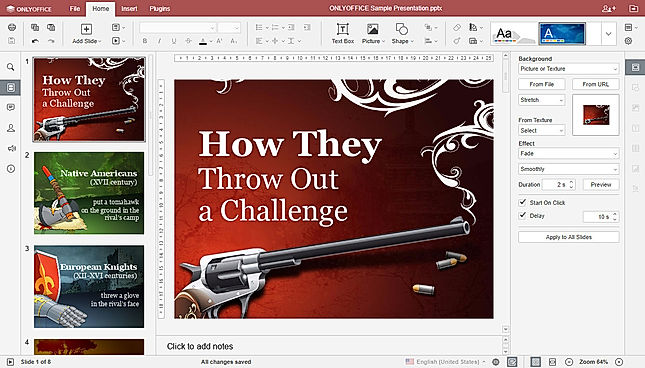
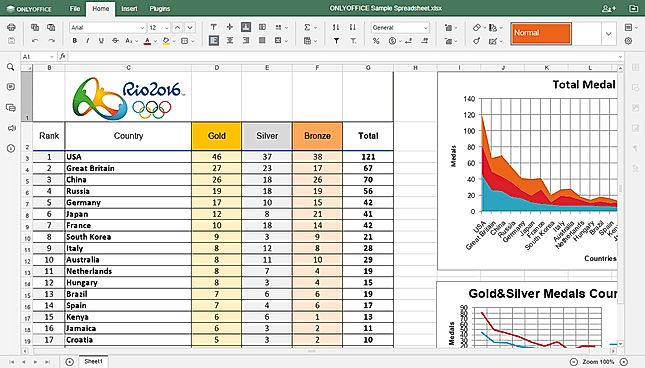
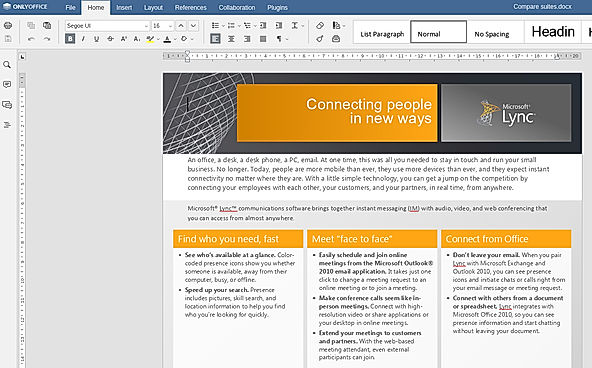
OnlyOffice is a popular online office suite praised for its user-friendly interface, compatibility with MS Office formats, and collaborative editing features. Users appreciate its ability to create and edit documents, spreadsheets, and presentations across various platforms, including web browsers, desktop applications, and mobile devices. While some users find its functionality limited compared to other office suites, particularly in advanced spreadsheet features, OnlyOffice is a solid alternative for teams seeking cost-effective and accessible collaboration tools. |
Overall, DocWare receives positive feedback from users, emphasizing its flexibility, customization options, and robust document management capabilities. It excels in providing secure access controls and seamless integration with various systems. However, some users mention occasional performance issues and a steep learning curve, suggesting the need for improved user-friendliness and onboarding resources. |
| Read All User Reviews | Read All User Reviews | Read All User Reviews | Read All User Reviews |
AI-Generated from the text of User Reviews
| Pricing Options |
|
|
|
|
|
Pricing Plans
Monthly Plans
Annual Plans
|
M-Files Base Custom M-Files Team Custom M-Files Business Custom |
Laserfiche Custom |
Start (Enterprise Edition) $1,200.00 $1,200.00 per One Server Standard (Enterprise Edition) $2,400.00 $2,400.00 per One Server Standard Plus (Enterprise Edition) $4,800.00 $4,800.00 Per One Server Single Server (Integration Edition) $1,100.00 $1,100.00 per One Server Home Server (Integration Edition) $99.00 $99.00 one-time payment Cluster (Integration Edition) Custom Development Server (Developer Edition) $1,500.00 $1,500.00 per One Server Single Server (Developer Edition) $6,000.00 $6,000.00 per One Server Cluster (Developer Edition) Custom Cloud Service $75.00 $75.00 per month |
DocuWare Cloud Custom |
|
View Detailed Pricing
|
View Detailed Pricing
|
View Detailed Pricing
|
View Detailed Pricing
|
Get personalized recommendations from our experts on call
Trusted by more than 5 Million users across the globe.
Thank you for the enquiry. One of our software analysts will contact you soon.
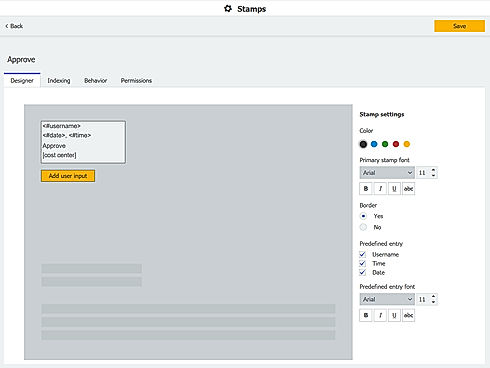
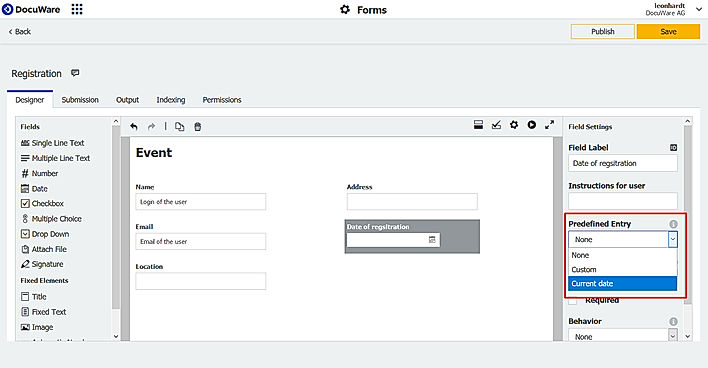
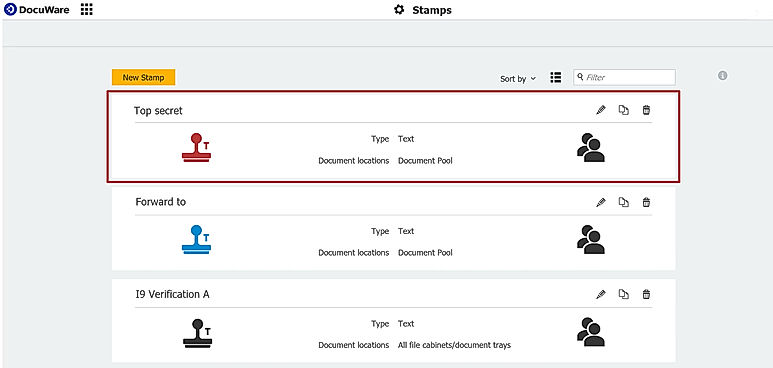
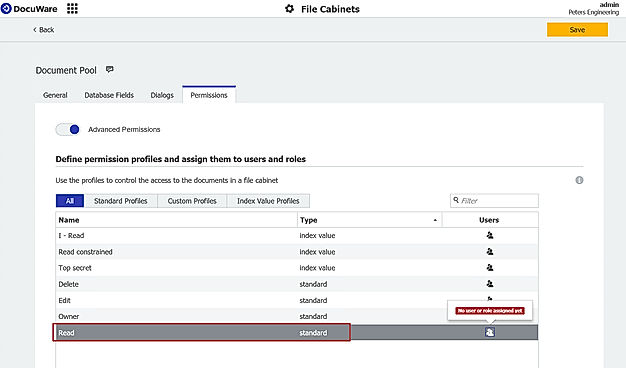
| Screenshots | Not Available |
+ 1 More
|
+ 4 More
|
+ 4 More
|
| Videos |

+ 2 More
|

+ 3 More
|

+ 2 More
|
+ 4 More
|
| Company Details | Located in: Plano, Texas | Located in: Long Beach, California Founded in: 1987 | Located in: Dallas, Texas | Located in: New Windsor, New York Founded in: 1988 |
| Contact Details |
+1 800-224-4074 |
+1 800 985 8533 |
+1 972-301-8440 |
+1 845-563-9045 |
| Social Media Handles |
|
|
|
|

Looking for the right SaaS
We can help you choose the best SaaS for your specific requirements. Our in-house experts will assist you with their hand-picked recommendations.

Want more customers?
Our experts will research about your product and list it on SaaSworthy for FREE.