MEET CLARA - THE AI BEHIND SMARTER SOFTWARE CHOICES
|
89% SW Score The SW Score ranks the products within a particular category on a variety of parameters, to provide a definite ranking system. Read more 
View Details
|
98% SW Score The SW Score ranks the products within a particular category on a variety of parameters, to provide a definite ranking system. Read more 
View Details
|
94% SW Score The SW Score ranks the products within a particular category on a variety of parameters, to provide a definite ranking system. Read more 
View Details
|
95% SW Score The SW Score ranks the products within a particular category on a variety of parameters, to provide a definite ranking system. Read more 
View Details
|
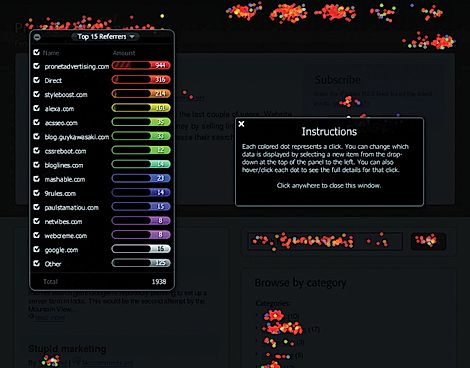
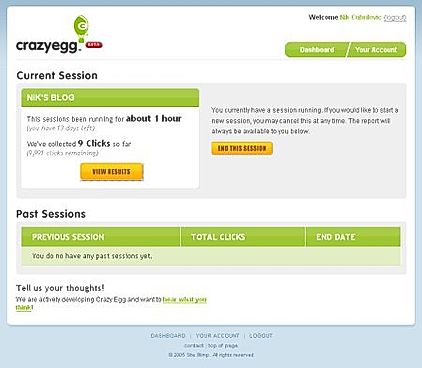
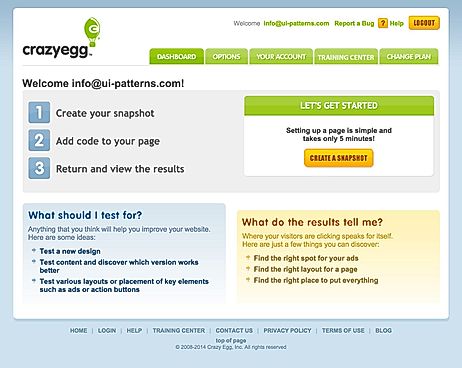
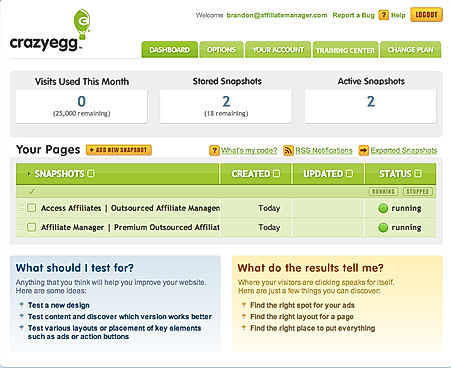
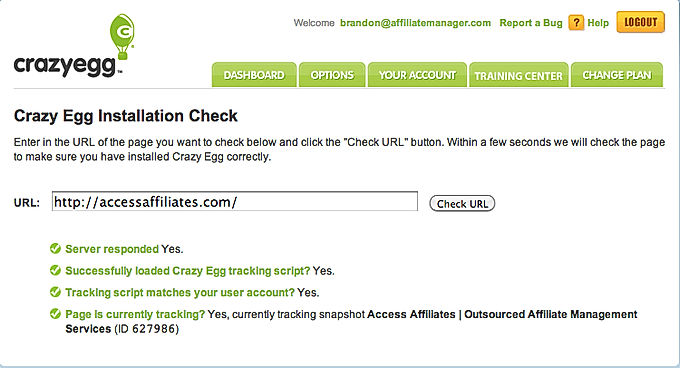
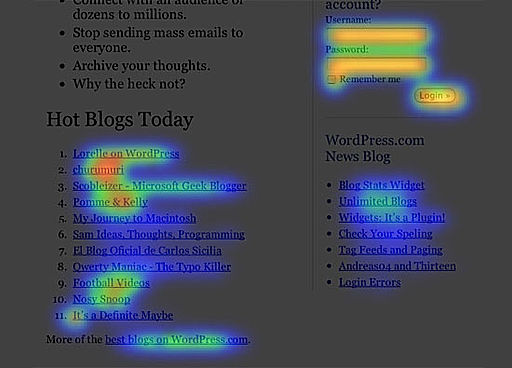
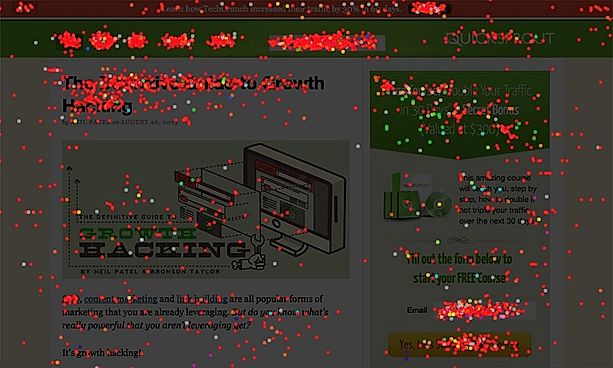
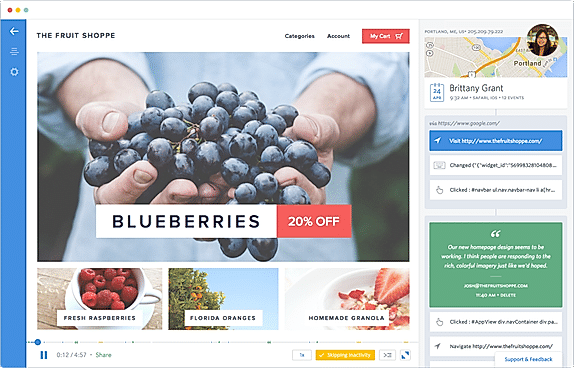
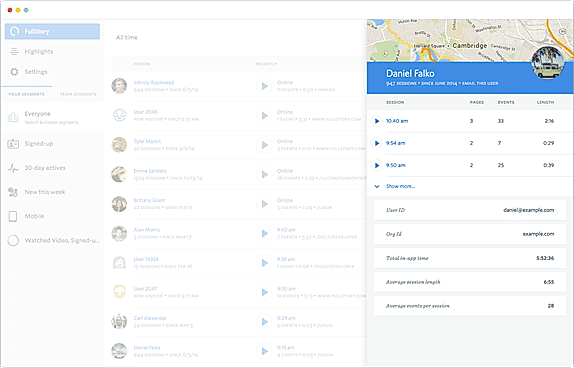
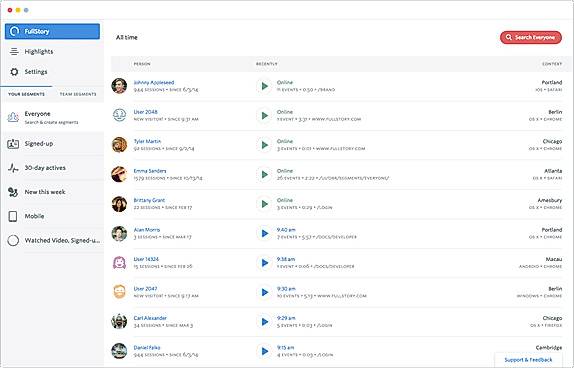
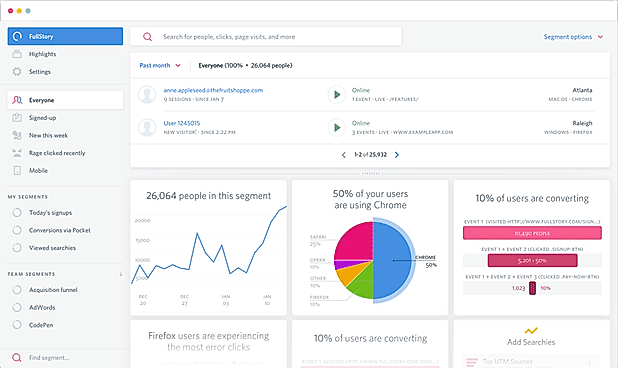
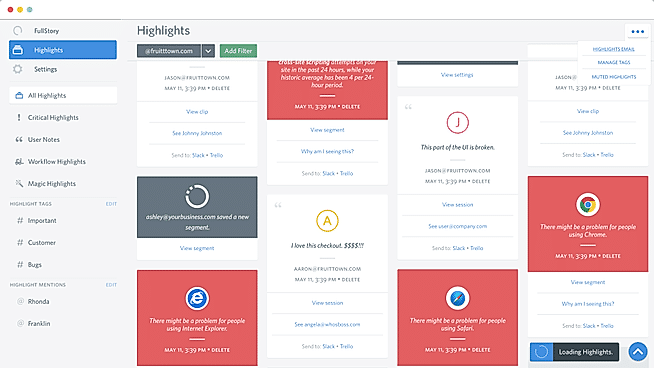
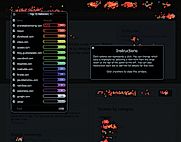
| Description | Crazy Egg is one of the most popular heatmap software available in the market. It offers you a thorough insight of how your website visitors are interacting with the content present on your website. Not only a simple heatmap of the number of clicks, but Crazy Egg even shows visual reports of the scroll, pointer hovering over contents and how your customers are responding to different elements of your website. With all these, you can have an in-depth knowledge of how your landing page design is performing. Based on the data offered in the form of heatmaps, you can re-customize your website, alter contents and add/change modules based on the visitor's preference. Crazy Egg also provides entire user session recordings by which you can investigate how people browse your website and what irritates them the most. You can also dwell into different segments like new visitor, active visitor, etc and can even filter the results. Worth mentioning, it also offers integration of A/B testing. Read more | Smartlook is a handy tool for understanding how customers interact with your website or Android and iOS app. This analytics solution tool can help figure out the 'Whys' behind every user action. Smartlook presents a central dashboard that displays data in an easy-to-understand manner while making team collaborations quick, simple, and convenient. This dashboard promotes data-driven decision-making for various stakeholders, including marketers, managers, UX designers, developers, and more. Smartlook has proven to reduce churn rates significantly, boost conversions, identify and fix bugs, and improve UX. Some key features of Smartlook include, view recordings, create heatmaps, build conversion funnels, use automatically tracked events. Read more | Mouseflow is one of the feature-rich heatmap tools that track the activity of website visitors and offer you a detailed insight. The heatmaps offered by Mouseflow are build using tracking visitor’s interaction with the website that includes touch/click, scroll, engagement with particular content, etc. The insights offered can further be segmented on the basis of device used to visit the website, visitor’s location and a few more filters. You can detect the reason behind the frustration of a potential customer, javascript errors, friction and disturbing pop-ups that are hampering the growth of your business. It also comes with onboard recording functionality, using which you can record visitors session. This obliterates the need for any guesswork and you can be precise of where the action should be taken. Mouseflow also offers funnelling if you need to track the page-to-page activity of customers and monitoring of filling of forms. Furthermore, you can create custom surveys in order to take visitors feedback. Read more | Fullstory houses a host of features for detailed heatmap generation and other analytics. The first being the heatmaps, which is generated by tracking the user’s activity on your website. The heatmaps are generated with sprayed colours of different tones on various segments on your website, depending upon the level of interaction made. You can analyze the reports by filtering the results on the basis of filter like Top users, the device used, etc. Fullstory can also record the entire user session so that you never miss any detail of how user interaction. Alongside the user’s interaction, it also records and detects errors in JavaScript console logs. Concerning the user’s privacy, it prevents collecting of sensitive user's data like location, IP address and web domain. It also identifies error/dead clicks, bugs, and pop-ups that degrade the user’s experience. Minute details like rage click and thrashing mouse also taken into account by the software. Moreover, you can also export CSV userlist for your searches and segments. Lastly, you can share the reports with other team members using the ‘Collaborate’ feature. Read more |
| Pricing Options |
|
|
|
|
| SW Score & Breakdown |
89% SW Score The SW Score ranks the products within a particular category on a variety of parameters, to provide a definite ranking system. Read more
|
98% SW Score The SW Score ranks the products within a particular category on a variety of parameters, to provide a definite ranking system. Read more
|
94% SW Score The SW Score ranks the products within a particular category on a variety of parameters, to provide a definite ranking system. Read more
|
95% SW Score The SW Score ranks the products within a particular category on a variety of parameters, to provide a definite ranking system. Read more
|
| Total Features |
6 Features
|
11 Features
|
10 Features
|
10 Features
|
| Common Features for All |
A/B Testing
Chat Integration
Custom Targeting
Customer Feedback
Filtered Results
Form Testing
Funneling
GDPR Compliance
JavaScript Error Detection
Optimization Tool
Real-time View
Session Recording
Team Sharing
|
A/B Testing
Chat Integration
Custom Targeting
Customer Feedback
Filtered Results
Form Testing
Funneling
GDPR Compliance
JavaScript Error Detection
Optimization Tool
Real-time View
Session Recording
Team Sharing
|
A/B Testing
Chat Integration
Custom Targeting
Customer Feedback
Filtered Results
Form Testing
Funneling
GDPR Compliance
JavaScript Error Detection
Optimization Tool
Real-time View
Session Recording
Team Sharing
|
A/B Testing
Chat Integration
Custom Targeting
Customer Feedback
Filtered Results
Form Testing
Funneling
GDPR Compliance
JavaScript Error Detection
Optimization Tool
Real-time View
Session Recording
Team Sharing
|
| Organization Types Supported |
|
|
|
|
| Platforms Supported |
|
|
|
|
| Modes of Support |
|
|
|
|
| API Support |
|
|
|
|
| User Rating |
|
|
|
|
| Rating Distribution |
|
|
|
|
| User Sentiments |
Ease of Use, Heatmaps, User Recordings, Customer Support Limited Features, Snapshot Management, Dynamic Page Support, Chrome Extension Reliance |
Session Recordings, Heatmaps, Ease of Use, Extensive Integrations Occasional Bugs in Recordings, Slow Loading Times, Limited Features in Free Plan, Data History Limitations |
Ease of Use, Insightful User Recordings, Helpful Heatmaps, Extensive Data & Analytics Limited Recording Credits, Occasional Recording Errors, Occasional Inaccurate Data Capture, Limited Funnel Functionality |
Session Replay Functionality, In-depth User Insights, Ease of Use, Extensive Integrations High Pricing, Confusing Search Functionality, Limited Data Export, Steep Learning Curve |
| Review Summary |
Crazy Egg is a popular heatmapping and user behavior analysis tool that provides insights into how visitors interact with websites. Users commend Crazy Egg for its ease of use, intuitive interface, and helpful customer support. The platform offers various visual analytics like heatmaps, scroll maps, and session recordings, enabling users to understand user behavior and optimize website design and content. However, some users report limitations in advanced analytics, data export options, and a lack of automation, leading them to explore alternative solutions for more complex needs. |
Users appreciate Smartlook's user-friendly interface, ease of setup, and its ability to provide valuable insights into user behavior. Reviewers highlight the tool's effectiveness in tracking website and app usage, identifying areas for improvement, and optimizing the user experience. While some users have reported minor issues with data accuracy or customer support, the overall sentiment remains positive, with many praising Smartlook's contribution to improving their digital products and increasing conversions. |
Mouseflow is a session replay and heat mapping software that enables businesses to analyze user behavior on their website or app. Reviewers praise its user-friendly interface, detailed analytics, and ability to identify areas for improvement. They also appreciate its integration with other tools and the ability to create custom reports. However, some users report occasional bugs and performance issues. Overall, Mouseflow is a powerful tool for businesses looking to optimize their digital products and enhance user experience. |
Overall, users praise FullStory's intuitive interface, ease of use, and ability to capture comprehensive user behavior data. They also appreciate its robust filtering and segmentation capabilities, which enable them to easily find and analyze specific user sessions. However, some users have reported occasional bugs and glitches, and a few have expressed concerns about the potential for data privacy issues. Additionally, some users have suggested improvements to the user interface and reporting features. |
| Read All User Reviews | Read All User Reviews | Read All User Reviews | Read All User Reviews |
AI-Generated from the text of User Reviews
| Pricing Options |
|
|
|
|
|
Pricing Plans
Monthly Plans
Annual Plans
|
Enterprise Custom |
Free (Website) Free Starter (Website) $39.00 $39.00 per month Business (Website) $95.00 $95.00 per month Ultimate (Website) Custom Free Mobile (Mobile app) Free Startup Mobile (Mobile app) $39.00 $39.00 per month Business Mobile (Mobile app) $95.00 $95.00 per month Ultimate Mobile (Mobile app) Custom |
Free Free Starter $31.00 $39.00 per month Growth $109.00 $129.00 per month Business $219.00 $259.00 per month Pro $399.00 $499.00 per month Enterprise Custom |
Free trial Others Business Custom Enterprise Custom Free Forever Free |
|
View Detailed Pricing
|
View Detailed Pricing
|
View Detailed Pricing
|
View Detailed Pricing
|
Get personalized recommendations from our experts on call
Trusted by more than 5 Million users across the globe.
Thank you for the enquiry. One of our software analysts will contact you soon.
| Screenshots |
+ 6 More
|

+ 7 More
|

+ 1 More
|
+ 4 More
|
| Videos |

+ 2 More
|

+ 2 More
|
|
+ 2 More
|
| Company Details | Located in: La Mirada, California | Located in: Czechia, Europe Founded in: 2016 | Located in: Austin, Texas - 78701 Founded in: 2010 | Located in: Atlanta, Georgia |
| Contact Details |
Not available |
Not available |
+1 855-668-7335 |
Not available |
| Social Media Handles |
|
|
|
|

Looking for the right SaaS
We can help you choose the best SaaS for your specific requirements. Our in-house experts will assist you with their hand-picked recommendations.

Want more customers?
Our experts will research about your product and list it on SaaSworthy for FREE.