MEET CLARA - THE AI BEHIND SMARTER SOFTWARE CHOICES
|
92% SW Score The SW Score ranks the products within a particular category on a variety of parameters, to provide a definite ranking system. Read more 
View Details
|
95% SW Score The SW Score ranks the products within a particular category on a variety of parameters, to provide a definite ranking system. Read more 
|
93% SW Score The SW Score ranks the products within a particular category on a variety of parameters, to provide a definite ranking system. Read more 
View Details
|
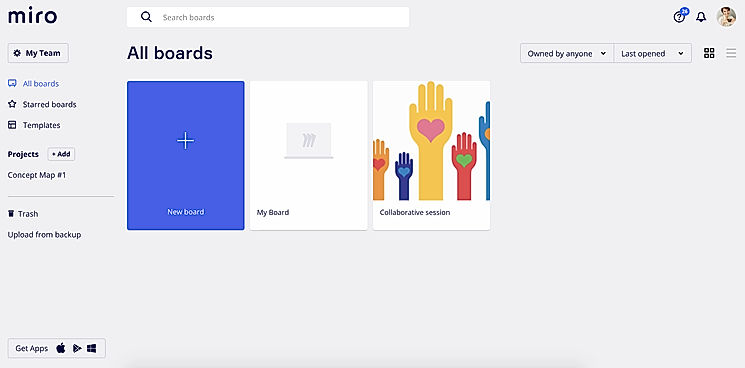
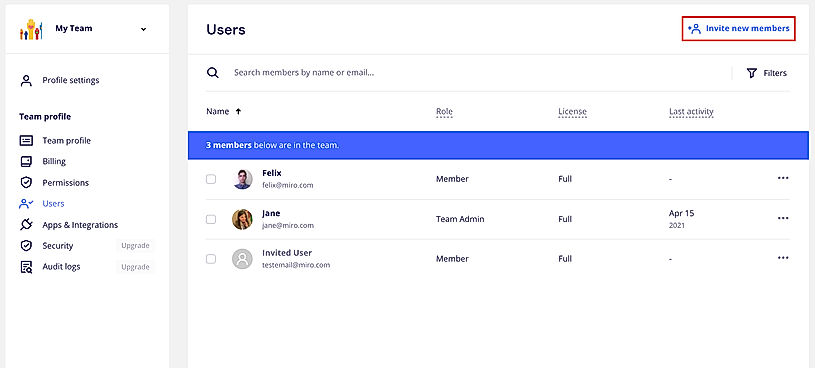
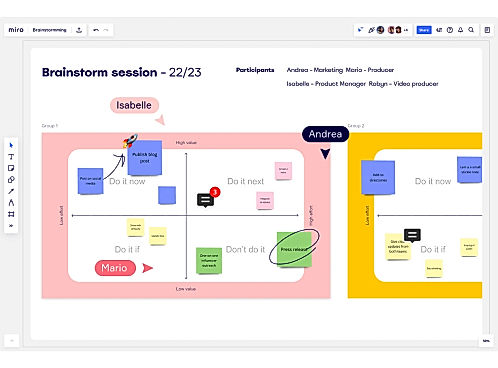
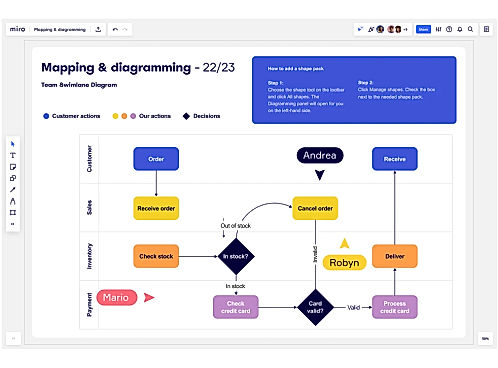
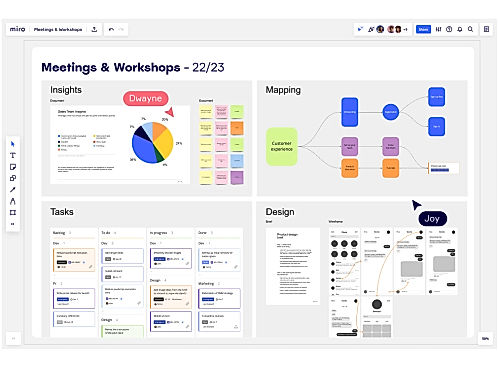
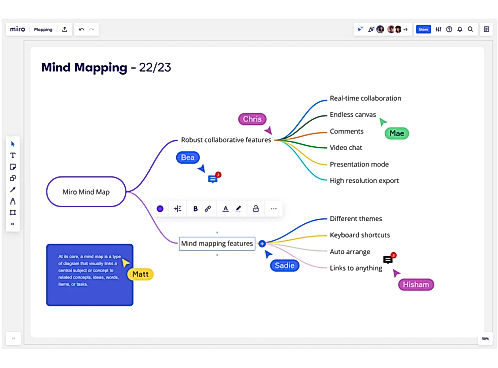
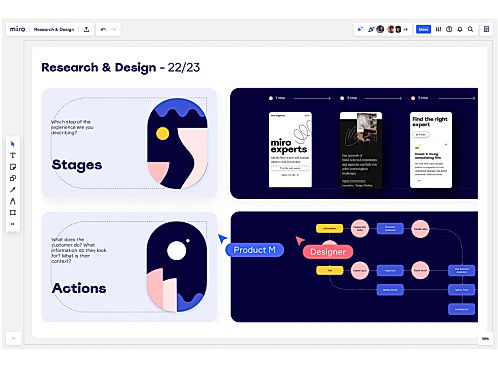
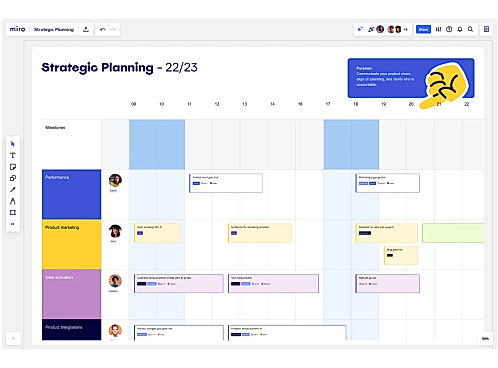
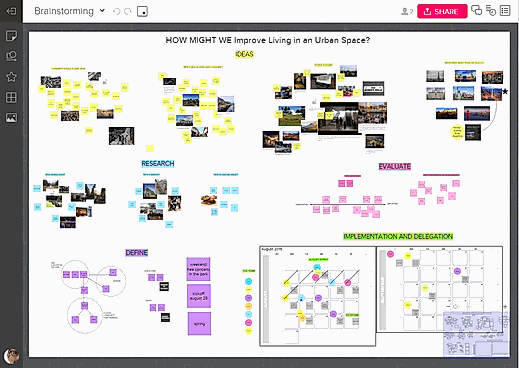
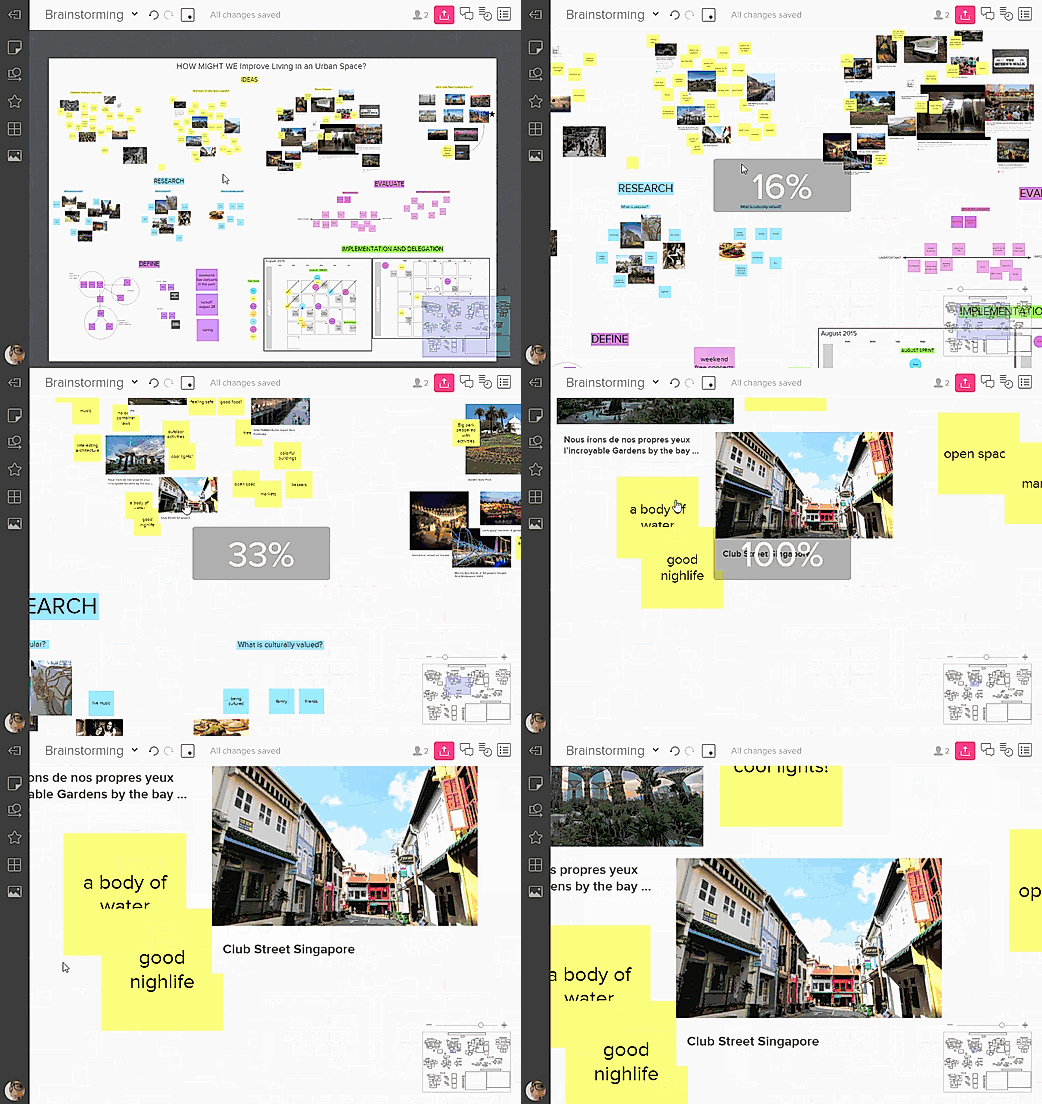
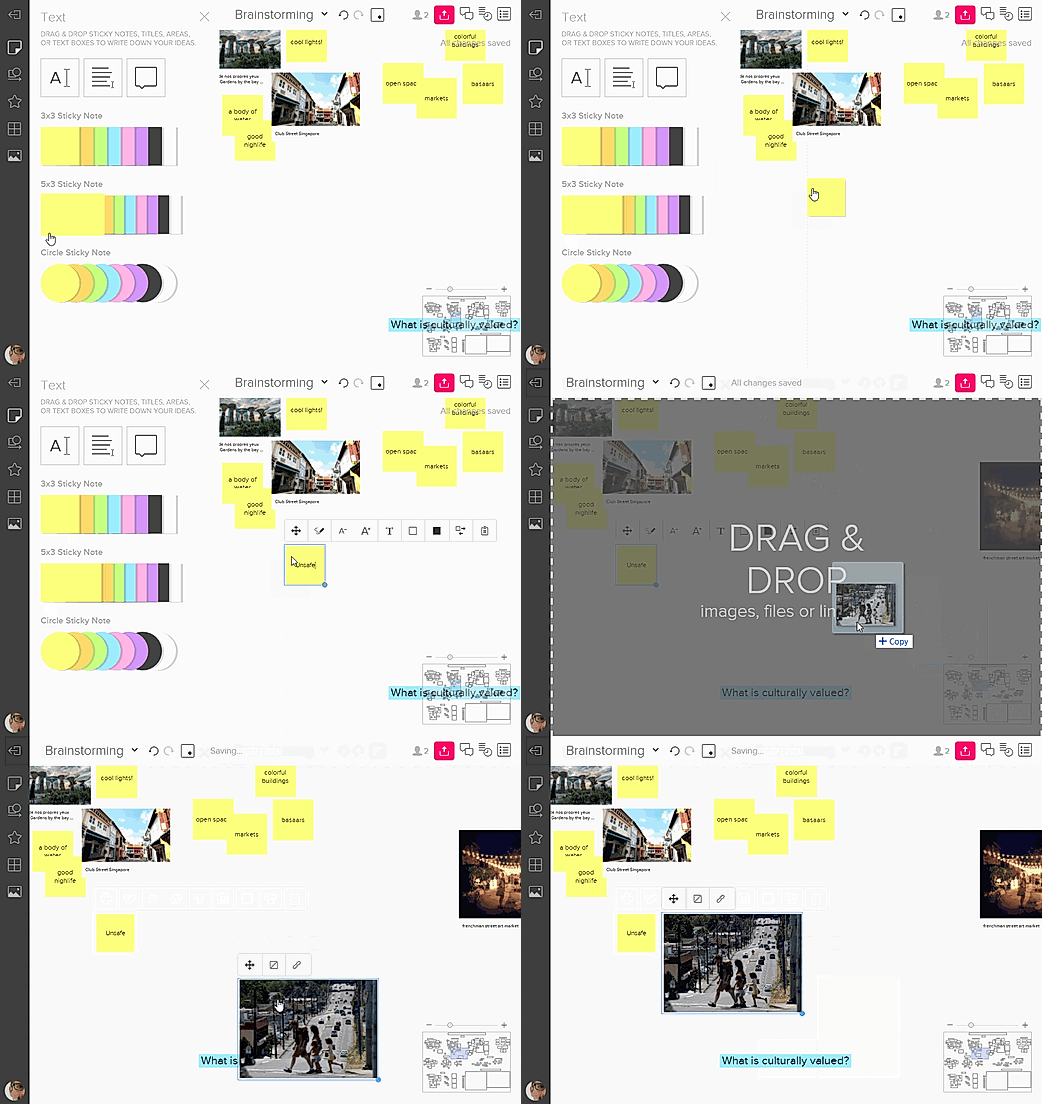
| Description | Loom is a communication tool for work based on instantly shareable videos. Users can record videos by capturing their screens or using their front-facing camera and add vocal comments. The videos can then be shared simply using a public link, which can be accessed without a loom account. Deleting videos is easy as well and it only needs a click of a button on the video page. It features ultra HD/4K video recording with a desktop application. Users can also share links to public folders with multiple videos inside it. Call-to-action buttons can be added to the videos and various recording tools like mouse emphasis, drawing, and custom recording dimensions are present. There are in-depth viewer insights available for data such as viewers and watched durations. Unlimited video storage is available as well and SSL encryption is deployed for enhanced data security. The software can also be easily integrated with Gmail and Slack. Read more | Miro is a smart platform that enables teams to come together and work efficiently to achieve the best results. The tool helps to run productive and engaging online meetings and workshops for teams. It provides a platform where users and the management can build and develop ideas with remote teams as if everyone is present in the same room. Through the research and design feature, users can co-create and align with stakeholders in a faster way. Agile processes and workflows can be easily taken care of using the tool. It’s a place where one could unleash their creativity and plan projects from different angles and create a centralized hub for information to keep everyone in the loop. So, whether teams are distributed or fully remote, Miro provides options for real-time or asynchronous work to get the right outcomes for any project. It allows integrations with popular tools like Box, Dropbox, Google Suite, Slack, and Sketch to help work seamlessly without any problems. Read more | Mural is an online digital workspace that enables innovative teams to think and collaborate visually, thus allowing them to solve critical problems. The tool will enable users to empathize with their customers, plan for the future, brainstorm new ideas, design to positively impact, evaluate what works best for them, and enable better decision-making. Mural works as The Thinking Canvas, which lets the user put what’s on sticky notes, eventually allowing them to organize in lists, flowcharts, frameworks, methods, drawings, and diagrams to activate and align their team. Users can host impactful workshops and meetings. Value-added features that users can utilize include remote facilitation features, design-thinking, agile frameworks, integration with productivity tools, and shared workspaces. Mural enables faster decision making, reduces travel costs, drives continuous results, increases productivity, scales innovation culture across organization, and connects distributed teams, thus letting users gain more return on their investment. It gives users deep expertise when demanded, has rigorous security protocols and enterprise-wide deployment, thus enabling positive progress. Read more | Save time and resources to convert and import Figma designs to Webflow with the Webflow Figma plugin! This easy-to-use plugin helps to transfer Figma designs into production-ready HTML & CSS with minimal effort. With this professional software solution, can quickly turn sophisticated design elements from Figma into beautiful webpages on Webflow, saving both time and money! Streamline the development process by reusing components in Webflow without any redesign or extra effort. The Webflow Figma plugin will help drive innovation within workflows so that can move ahead on projects more efficiently and effectively than ever before. Get up and running quickly with the ability to automatically set colors, fonts, text properties, sizes, positions – all without any manual coding. Reimagining web design has never been easier. Get creative today with Figma to Webflow! Read more |
| Pricing Options |
|
|
|
|
| SW Score & Breakdown |
92% SW Score The SW Score ranks the products within a particular category on a variety of parameters, to provide a definite ranking system. Read more
|
95% SW Score The SW Score ranks the products within a particular category on a variety of parameters, to provide a definite ranking system. Read more
|
93% SW Score The SW Score ranks the products within a particular category on a variety of parameters, to provide a definite ranking system. Read more
|
|
| SaaSworthy Awards |
Not Available
|
# 2 Most Worthy # 1 Fastest Growing | # 10 Fastest Growing # 6 Most Popular |
Not Available
|
| Organization Types Supported |
|
|
|
|
| Platforms Supported |
|
|
|
|
| Modes of Support |
|
|
|
|
| API Support |
|
|
|
|
| User Rating |
|
|
Not Available
|
Not Available
|
| Rating Distribution |
|
|
Not Available
|
Not Available
|
| User Sentiments |
Ease of Use, Ease of Sharing, Chrome Extension, High Quality Videos Limited Editing Options, Desktop App Bugs, Mobile App Issues, Five Minute Recording Limit |
Easy to Use Interface, Collaborative Features, Extensive Template Library, Versatile Capabilities Slow Loading Times, Confusing Navigation, Limited Offline Functionality, Inconsistent Third-Party Integrations |
Ease of Use, Collaboration Features, Extensive Template Library, Effective Facilitator Tools Occasional Performance Issues, Limited Export Functionality, Confusing User Roles & Permissions, Lack of Advanced Diagramming Features |
Not Available
|
| Review Summary |
Users praise Loom for its intuitive interface, ease of use, and seamless integration with other applications. They appreciate the platform's ability to record and share videos, collaborate with team members, and provide feedback. Many reviewers highlight Loom's impact on enhancing communication, fostering collaboration, and streamlining workflows. However, some users mention occasional technical glitches and limitations in customization options as areas for improvement. Overall, reviewers find Loom valuable for creating engaging video content and improving team collaboration. |
Reviewers across prominent software review platforms agree that RealtimeBoard excels in fostering seamless collaboration, with its intuitive interface, robust features, and real-time editing capabilities receiving widespread praise. Users highlight the tool's ability to enhance team communication, streamline project management, and facilitate creative brainstorming sessions. Additionally, the platform's adaptability to various industries and its continuous updates based on user feedback are frequently cited as strengths. However, some users mention occasional glitches and a learning curve associated with certain advanced features. Overall, RealtimeBoard is highly regarded for its collaborative capabilities and user-friendly design. |
Reviewers generally praise Mural's user-friendly interface, collaborative features, and extensive template library. They find it easy to use, even for those new to digital whiteboarding. The real-time collaboration capabilities are also highly valued, allowing multiple users to work on the same canvas simultaneously and fostering productive brainstorming sessions. Additionally, the vast array of templates helps users quickly create visually appealing and organized boards for various purposes. However, some reviewers have mentioned occasional syncing issues and limited integration options, suggesting room for improvement in these areas. |
Not Available
|
| Read All User Reviews | Read All User Reviews |
AI-Generated from the text of User Reviews
| Pricing Options |
|
|
|
|
|
Pricing Plans
Monthly Plans
Annual Plans
|
Starter Free Pro $8.00 $8.00 per user / month Enterprise Custom |
Free Free Starter $8.00 $10.00 per user / month Business $16.00 $20.00 per user / month Enterprise Custom Student (Education) Free Educator (Education) Free Institution (Education) Custom |
Free Free Team+ $9.99 $12.00 per user / month Business $17.99 $17.99 per month Enterprises Custom |
Figma to Webflow Free |
|
View Detailed Pricing
|
View Detailed Pricing
|
View Detailed Pricing
|
View Detailed Pricing
|
Get personalized recommendations from our experts on call
Trusted by more than 5 Million users across the globe.
Thank you for the enquiry. One of our software analysts will contact you soon.
| Screenshots | Not Available |

+ 8 More
|
+ 4 More
|
Not Available |
| Videos | Not Available |

+ 3 More
|

+ 4 More
|
Not Available |
| Company Details | Located in: San Francisco, CA | Located in: San Francisco, California Founded in: 2011 | Located in: San Francisco, California Founded in: 2011 | Located in: San Francisco, California Founded in: 2012 |
| Contact Details |
Not available |
Not available |
+1 415-687-2501 |
Not available https://www.figma.com/community/plugin/1164923964214525039/Figma-to-Webflow |
| Social Media Handles |
|
|
|
Not available |

Looking for the right SaaS
We can help you choose the best SaaS for your specific requirements. Our in-house experts will assist you with their hand-picked recommendations.

Want more customers?
Our experts will research about your product and list it on SaaSworthy for FREE.