MEET CLARA - THE AI BEHIND SMARTER SOFTWARE CHOICES


|
91% SW Score The SW Score ranks the products within a particular category on a variety of parameters, to provide a definite ranking system. Read more 
View Details
|
84% SW Score The SW Score ranks the products within a particular category on a variety of parameters, to provide a definite ranking system. Read more 
Restyaboard
View Details
|
82% SW Score The SW Score ranks the products within a particular category on a variety of parameters, to provide a definite ranking system. Read more 
View Details
|
Featured
94% SW Score The SW Score ranks the products within a particular category on a variety of parameters, to provide a definite ranking system. Read more 
monday.com |
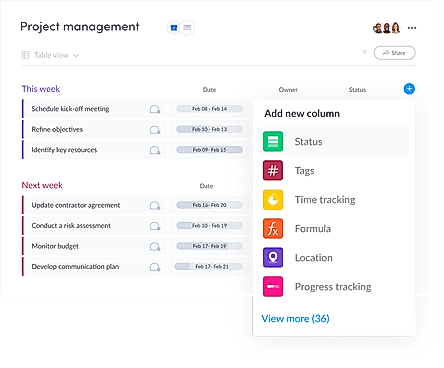
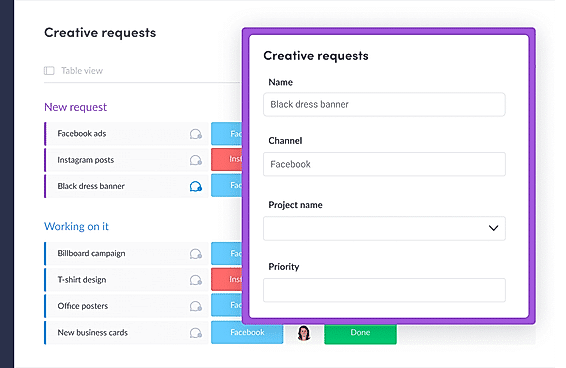
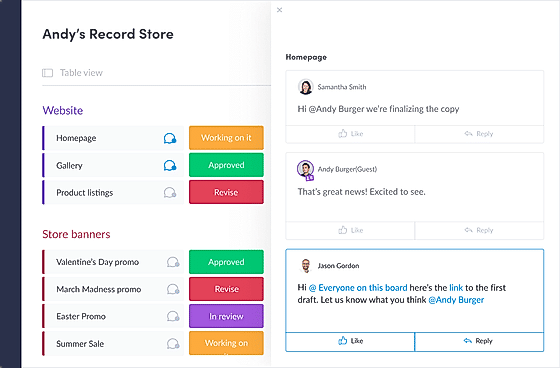
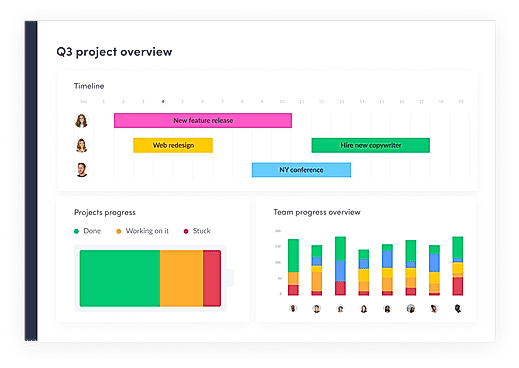
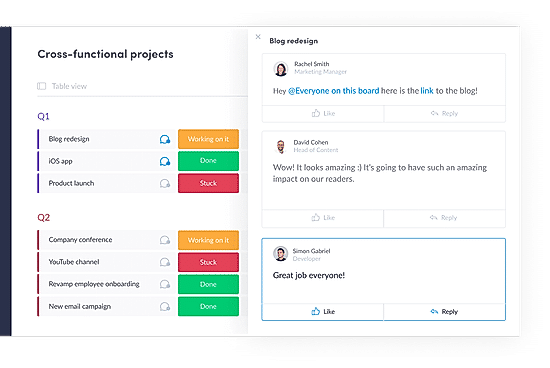
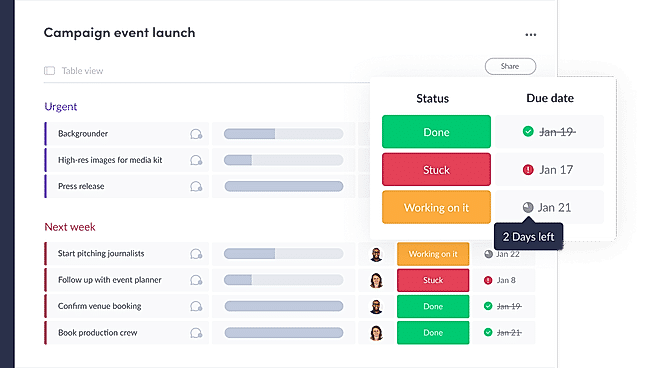
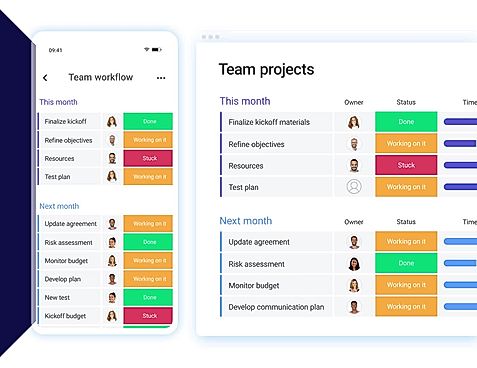
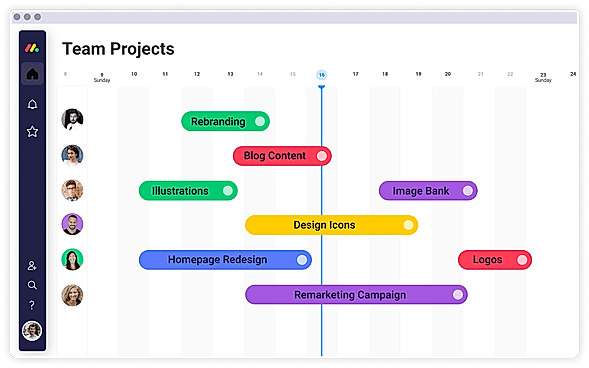
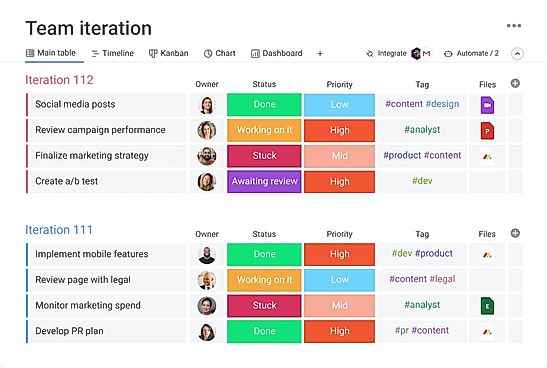
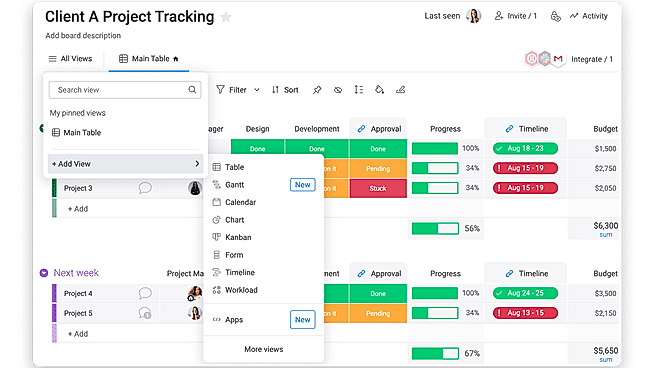
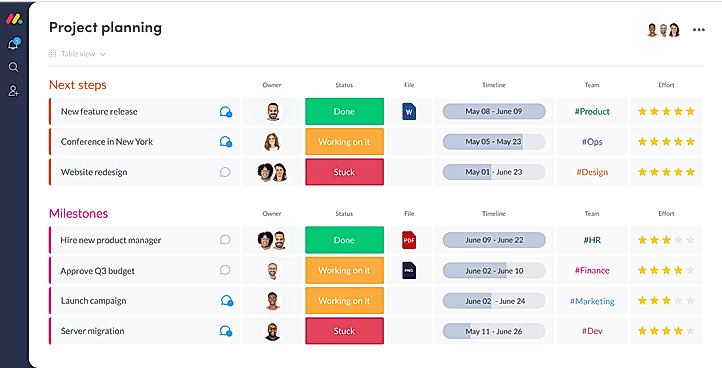
| Description | Taiga is a free and open source project management tool designed for agile developers, designers, and project managers. Taiga uses the Scrum, Kanban, and Epics project management methodologies in its software. Drawing from the Scrum methodology, Taiga features a product backlog board, which orders project deliverables into the order they have to be delivered. Each part of these deliverables are broken down into sprints. Taiga’s Kanban board breaks down each stage of the project into Kanban cards, which you can drag and drop from one stage to the next when the project is moved on a step. Taiga’s Epics functionality helps teams manage several interrelated projects in one place. Taiga allows you to set up and track the relationships between different Epic Stories within projects. You can also automatically import projects from other popular project management tools such as Trello, Asana, GitHub, and Jira. Read more | Restyaboard is a cloud-based kanban tools software. It's possible to manage multiple Restyaboard sites using the Restyaboard iPhone app. Once your first site is set up, you can easily add multiple sites to the app. You can add n number of Restyaboard sites to your account. If you'd like to delete these at any time, you can do so from the app's home page. The awesome support team provides instant chat support and almost instant solutions for any of the customer's requirements. Read more | Focalboard is a project management tool for software developers. Focalboard keeps your software development team on track to accomplish tasks, meet deadlines, and meet objectives. Focalboard is a self-hosted, open-source, multilingual project management solution that competes with Trello, Notion, and Asana. It aids in the definition, organization, tracking, and management of work across individuals and teams. Focalboard is available in two different editions: Personal Desktop is a single-user Mac, Windows, or Linux desktop program for managing your tasks and personal projects. Mattermost Boards is a self-hosted or cloud-based planning and collaboration tool for your team. Focalboard can also be used as a stand-alone personal server for testing and development. For teams of all sizes, Mattermost Boards integrates project management tools with messaging and collaboration. Install or upgrade to Mattermost v6.0 or later as a self-hosted or Cloud server to access and use Boards. Read more | With monday.com, managers can better keep their team aligned from one collaborative workspace. This flexible platform allows you to truly centralize your data, leveraging native integrations, third-party apps, and helpful widgets. With an overview of all ongoing processes, you can quickly gauge the status of essential tasks and follow up with the relevant team member efficiently. Essentially, on monday.com, executives have the flexibility to build the perfect tools for their team using intuitive drag-and-drop technology. Simply select one of over 200 templates, and customize it using the 20 editable columns to support any of your workflows. Then if your team grows, your workflows can easily scale with you, empowering your team to new heights with complete visibility. Read more |
| Pricing Options |
|
|
|
|
| SW Score & Breakdown |
91% SW Score The SW Score ranks the products within a particular category on a variety of parameters, to provide a definite ranking system. Read more
|
84% SW Score The SW Score ranks the products within a particular category on a variety of parameters, to provide a definite ranking system. Read more
|
82% SW Score The SW Score ranks the products within a particular category on a variety of parameters, to provide a definite ranking system. Read more
|
94% SW Score The SW Score ranks the products within a particular category on a variety of parameters, to provide a definite ranking system. Read more
|
| SaaSworthy Awards | # 17 Fastest Growing |
Not Available
|
Not Available
|
# 3 Most Worthy # 4 Highly Rated |
| Organization Types Supported |
|
|
|
|
| Platforms Supported |
|
|
|
|
| Modes of Support |
|
|
|
|
| API Support |
|
|
|
|
| User Rating |
|
Not Available
|
Not Available
|
|
| Rating Distribution |
|
Not Available
|
Not Available
|
|
| User Sentiments |
Open Source, Ease of Use, Simple User Interface, Kanban Functionality Mobile App Functionality, Limited Customization, Complex Setup Process, Frequent Email Notifications |
Not Available
|
Not Available
|
User-friendly Interface, Extensive Customization, Effective Team Collaboration, Robust Automations Mobile App Functionality, Limited Sub-Item Functionality, Inconsistent Notifications, Slow Loading Times |
| Review Summary |
Taiga stands out for its user-friendliness and intuitive interface, making it easy for teams to adopt and navigate. Reviewers praise its customizable features, including the ability to create custom fields, workflows, and reports, allowing teams to tailor the platform to their specific needs. Additionally, Taiga's integrations with various tools and services, such as Git, Jira, and Slack, enhance its functionality and streamline collaboration. However, some users have reported occasional bugs and glitches, suggesting the need for improved stability and reliability. |
Not Available
|
Not Available
|
Overall, users praise the user-friendly interface, customization options, and ability to manage projects and tasks efficiently. They also appreciate the integrations with other tools and the mobile app. However, some users mention occasional glitches and a learning curve for new users. While customer support is generally well-received, some users report slow response times. Nevertheless, the majority of users find the platform valuable for project management and collaboration, highlighting its flexibility, ease of use, and positive impact on their productivity. |
| Pros & Cons |
|
|
|
Not Available
|
| Read All User Reviews | Read All User Reviews |
AI-Generated from the text of User Reviews
| Pricing Options |
|
|
|
|
|
Pricing Plans
Monthly Plans
Annual Plans
|
Taiga Cloud Basic Free Taiga Cloud with Premium support $70.00 $70.00 per month Self-Managed Free Automated-Hosting $10.00 $10.00 Managed Custom |
Community Edition Free Pro Others Enterprise Others |
Personal Desktop Free Developers and Teams Free |
Free Free Basic $9.00 $12.00 per user / month Standard $12.00 $14.00 per user / month Pro $19.00 $24.00 per user / month Enterprise Custom |
|
View Detailed Pricing
|
View Detailed Pricing
|
View Detailed Pricing
|
View Detailed Pricing
|
Get personalized recommendations from our experts on call
Trusted by more than 5 Million users across the globe.
Thank you for the enquiry. One of our software analysts will contact you soon.

Kanbanize
Taiga Vs Kanbanize

Jira
Taiga Vs Jira

Kanban Zone
Taiga Vs Kanban Zone

Kanban Tool
|

Trello
Restyaboard Vs Trello

GoodGantt
Restyaboard Vs GoodGantt

Workep
|
|||
|
View All Taiga Alternatives
|
| Screenshots |

+ 1 More
|

+ 5 More
|

+ 7 More
|
+ 20 More
|
| Videos |

+ 3 More
|

+ 1 More
|
Not Available |
+ 3 More
|
| Company Details | Located in: Overijssel, Netherlands |
Not available |
Not available |
Located in: New York, NY 10003 Founded in: 2012 |
| Contact Details |
Not available https://taiga.io/ |
Not available https://restya.com/board |
Not available https://www.focalboard.com/ |
Not available https://monday.com |
| Social Media Handles |
|
Not available |
Not available |
|
What are the key differences between Taiga and Restyaboard?
What are the alternatives to Taiga?
Which SaaS products can Taiga integrate with?
What are the key features of Focalboard?
What are the alternatives to Focalboard?
SaaSworthy may receive compensation from some vendors featured on this page. This does not influence our editorial evaluation or ratings. [email protected]

Looking for the right SaaS
We can help you choose the best SaaS for your specific requirements. Our in-house experts will assist you with their hand-picked recommendations.

Want more customers?
Our experts will research about your product and list it on SaaSworthy for FREE.