MEET CLARA - THE AI BEHIND SMARTER SOFTWARE CHOICES
|
98% SW Score The SW Score ranks the products within a particular category on a variety of parameters, to provide a definite ranking system. Read more 
Zoho Assist |
96% SW Score The SW Score ranks the products within a particular category on a variety of parameters, to provide a definite ranking system. Read more 
View Details
|
96% SW Score The SW Score ranks the products within a particular category on a variety of parameters, to provide a definite ranking system. Read more 
View Details
|
95% SW Score The SW Score ranks the products within a particular category on a variety of parameters, to provide a definite ranking system. Read more 
View Details
|
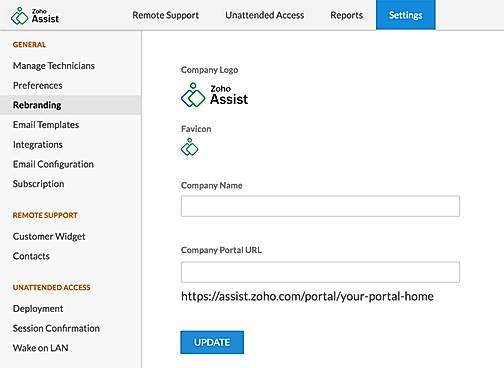
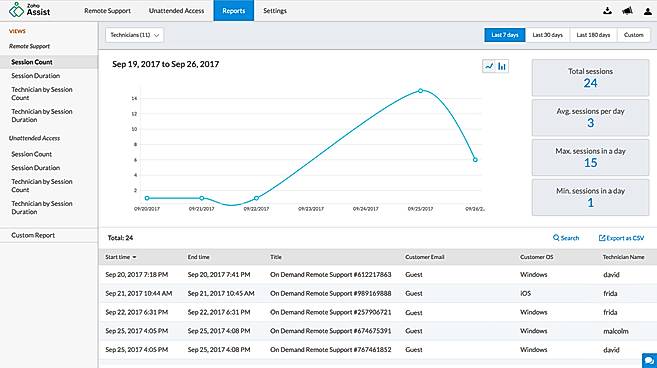
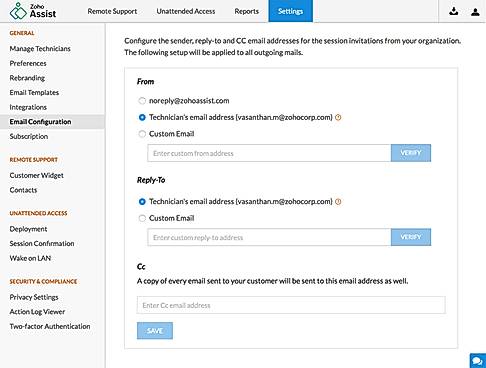
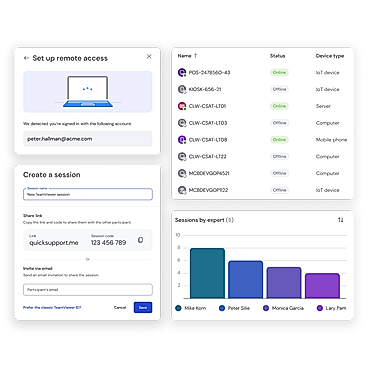
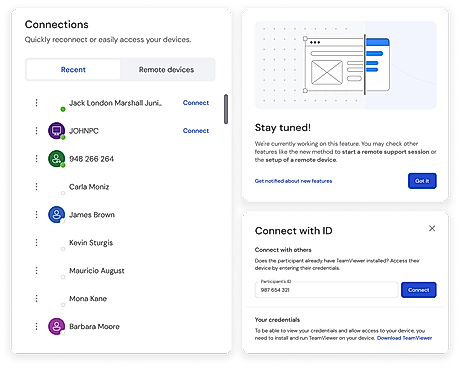
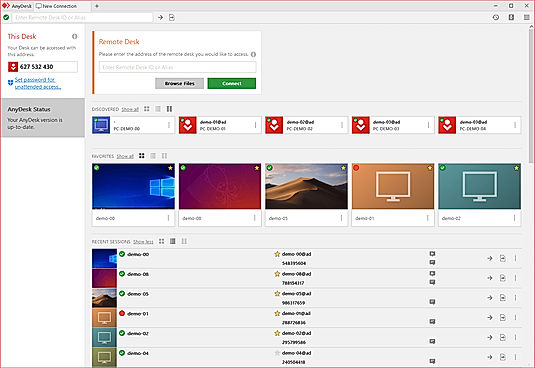
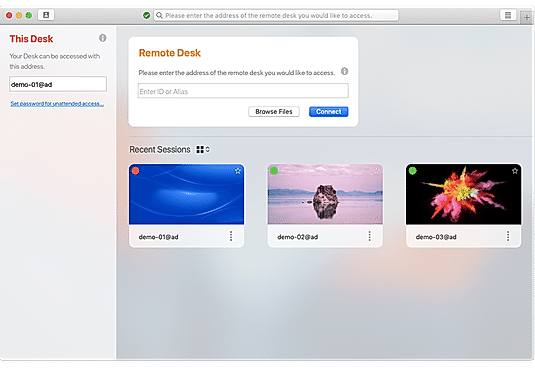
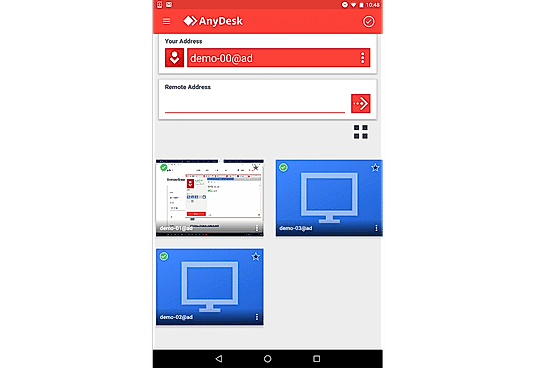
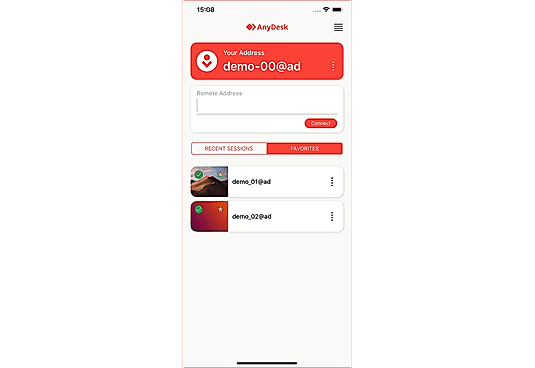
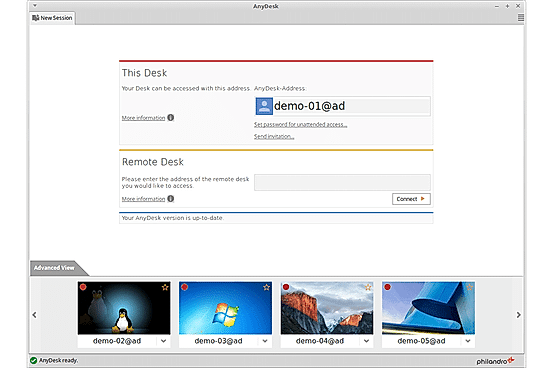
| Description | Zoho Assist is a web-based remote access software designed to provide seamless remote support and facilitate screen sharing. Compatible with both Android and iOS, it simplifies the management of unmanaged systems. Users can transfer files of up to 100GB between computers and devices across various networks. Real-time collaboration is made effortless, enabling virtual meetings and training sessions with ease. Zoho Assist also features remote rebooting and reconnecting capabilities, allowing users to enjoy unattended remote access with just a click. Additionally, it offers the ability to remotely control power options such as restart, shutdown, log off, and hibernate. Plus, its firewall-friendly design ensures smooth operation. Read more | TeamViewer solutions are now smarter with AI, offering fast and reliable support to track issues, identify trends, and resolve problems before they impact users. With AI-powered features, users can proactively address issues, ensuring seamless IT support on a secure-by-design platform. Troubleshoot customer machinery remotely in seconds using Smart Service, or rely on TeamViewer’s secure remote connectivity to solve problems quickly and efficiently. As the world’s largest and fastest remote connection network, TeamViewer provides everything required to manage computers, servers, and devices from anywhere. It’s the ultimate enterprise remote support tool, offering industrial-grade remote control, desktop sharing, online meetings, network monitoring, malware protection, and secure file transfers. Whether for IT professionals or businesses, TeamViewer ensures unmatched reliability and security in remote support, making it the only tool to stay connected and in control. Read more | RealVNC Connect introduces powerful new features for secure and efficient remote access. With Code Connect, share a self-expiring, 2-minute session code to securely collaborate with external specialists without risking persistent access. The unified desktop app combines RealVNC Viewer and Server, offering a streamlined experience. The redesigned toolbar is customizable, while the new File Transfer tool features a dual-pane design for effortless two-way file sharing. In-session chat allows real-time communication, ideal for collaboration or support. Other standout features include automatic session recordings for audits or training, multi-monitor support to manage remote screens efficiently, and multi-level device lists for better organization by department, location, or team. Whether troubleshooting, collaborating, or managing devices, RealVNC Connect simplifies remote support with enhanced security, usability, and flexibility. Perfect for startups, IT teams, or consultants, it’s never been easier to securely connect and collaborate.. Read more | Anydesk is a secure and intuitive software that helps connect a computer from anywhere and anytime. It ensures reliable remote desktop connections so that users can work seamlessly without wasting any time. It allows users to provide amazing customer service and fast solutions from any location. AnyDesk can be run on platforms like Windows, MacOs, Linux, FreeBSD, iOS or Android with no extra charges. Users can enjoy the best experience with 60 fps on local networks and most internet connections. It’s the perfect app for software vendors or app developers who can offer remote support and monitoring to solve customer issues from a central office. Users can easily connect from everywhere on any device using unattended access. About performance, DeskRT is a smart codec that forms the very foundation of the software. It compresses and transfers image data between computers smoothly. The Banking standard TLS 1.2 technology protects the computer from any unauthorized access. Read more |
| Pricing Options |
|
|
|
|
| SW Score & Breakdown |
98% SW Score The SW Score ranks the products within a particular category on a variety of parameters, to provide a definite ranking system. Read more
|
96% SW Score The SW Score ranks the products within a particular category on a variety of parameters, to provide a definite ranking system. Read more
|
96% SW Score The SW Score ranks the products within a particular category on a variety of parameters, to provide a definite ranking system. Read more
|
95% SW Score The SW Score ranks the products within a particular category on a variety of parameters, to provide a definite ranking system. Read more
|
| SaaSworthy Awards | # 4 Fastest Growing # 3 Most Searched | # 2 Most Worthy # 1 Fastest Growing | # 3 Most Worthy # 3 Most Popular |
Not Available
|
| Total Features |
9 Features
|
9 Features
|
9 Features
|
9 Features
|
| Common Features for All |
Access Control
Feedback Collection
File Transfer
Live Chat
Remote Control
Screen Sharing
Session Recording
|
Access Control
Feedback Collection
File Transfer
Live Chat
Remote Control
Screen Sharing
Session Recording
|
Access Control
Feedback Collection
File Transfer
Live Chat
Remote Control
Screen Sharing
Session Recording
|
Access Control
Feedback Collection
File Transfer
Live Chat
Remote Control
Screen Sharing
Session Recording
|
| Unique Features |
Diagnostic Tools
Session Transfer
|
Diagnostic Tools
Session Transfer
|
Diagnostic Tools
Session Transfer
|
Diagnostic Tools
Session Transfer
|
| Organization Types Supported |
|
|
|
|
| Platforms Supported |
|
|
|
|
| Modes of Support |
|
|
|
|
| API Support |
|
|
|
|
| User Rating |
|
|
|
|
| Rating Distribution |
|
|
|
|
| User Sentiments |
Affordable Pricing, Ease of Use, Cross-Platform Compatibility, Extensive Integrations Occasional Performance Issues, Unreliable Wake-on-LAN Functionality, Limited Mobile Device Support, Confusing Multi-Monitor Navigation |
Ease of Use, Fast and Reliable Connection, Excellent Customer Service, Free for Personal Use Complex New User Interface, Falsely Flagged as Commercial Use, Occasional Connection Issues, Slow File Transfer Speeds |
Ease of Use, Cross-Platform Compatibility, Stable Connection, Secure Remote Access Mobile App Limitations, File Transfer Issues, Occasional Connection Issues, Limited Free Tier Support |
Ease of Use, Fast and Reliable Connections, Cross-Platform Compatibility, Unattended Access Security Concerns, Mobile App Functionality, Customer Support Responsiveness, Occasional Connectivity Issues |
| Review Summary |
Reviewers applaud Zoho Assist's user-friendly interface, describing it as intuitive and easy to navigate. They find its remote control features impressive, enabling seamless access and control of customer devices. Additionally, Zoho Assist's ability to transfer files and share screens earns praise for enhancing collaboration. While some users appreciate its affordable pricing, others suggest improvements in documentation and customer support. Overall, Zoho Assist is recognized for its user-friendly interface, efficient remote control, and budget-friendly plans, making it a strong option for remote assistance needs. |
TeamViewer is generally well-received by users for its remote access and support capabilities, receiving positive feedback for its ease of use, cross-platform compatibility, and reliable performance. The software is lauded for its user-friendly interface, making it accessible to users of varying technical expertise. Additionally, users appreciate the range of features offered, including screen sharing, file transfer, and remote control, which enhance collaboration and troubleshooting processes. However, some users have reported occasional connectivity issues and concerns regarding the cost of certain features. Overall, TeamViewer is considered a dependable and effective solution for remote access and support, with a user-friendly interface and a comprehensive set of features. |
Users find the software easy to use and reliable, with fast connection speeds and a stable connection. The remote desktop feature is particularly praised for its low latency and high-quality graphics. However, some users have reported issues with the software's user interface, finding it cluttered and unintuitive. Additionally, a few users have experienced occasional connection drops and technical glitches. Overall, users generally have a positive experience with the software, highlighting its ease of use, reliability, and strong remote desktop capabilities. |
Users widely praise AnyDesk for its exceptional remote desktop capabilities, highlighting its seamless performance, minimal latency, and user-friendly interface. They appreciate its cross-platform compatibility, allowing effortless connections between various devices. The software's security features, such as end-to-end encryption and two-factor authentication, instill confidence in users. Additionally, AnyDesk's customer support receives positive feedback for its responsiveness and helpfulness. However, some users mention occasional connection issues and suggest improvements in mobile app functionality. Overall, AnyDesk is highly regarded for its reliable remote access solutions, earning it a strong reputation among users. |
| Read All User Reviews | Read All User Reviews | Read All User Reviews | Read All User Reviews |
AI-Generated from the text of User Reviews
| Pricing Options |
|
|
|
|
|
Pricing Plans
Monthly Plans
Annual Plans
|
Free Free Standard (Remote Support) $10.00 $12.00 per user / month Professional (Remote Support) $15.00 $18.00 per user / month Enterprise (Remote Support) $24.00 $28.00 per user / month Standard (Unattended Access) $10.00 $12.00 per user / month Professional (Unattended Access) $15.00 $18.00 per user / month |
TeamViewer Remote Access $24.90 $24.90 per month TeamViewer Business (For Single Users) $50.90 $50.90 per month TeamViewer Premium $112.90 $112.90 per month TeamViewer Corporate $229.90 $229.90 per month TeamViewer Tensor Custom |
Essentials $8.25 $8.25 per month Plus $16.50 $16.50 per month Premium $29.75 $29.75 per month Enterprise Custom |
Free Free Solo $22.90 $22.90 per month Standard $35.90 $35.90 per month Advanced $79.90 $79.90 per month Ultimate Custom |
|
View Detailed Pricing
|
View Detailed Pricing
|
View Detailed Pricing
|
View Detailed Pricing
|
Get personalized recommendations from our experts on call
Trusted by more than 5 Million users across the globe.
Thank you for the enquiry. One of our software analysts will contact you soon.
| Screenshots |

+ 11 More
|
+ 1 More
|
Not Available |
+ 4 More
|
| Videos |

+ 1 More
|
+ 2 More
|
+ 3 More
|
+ 2 More
|
| Company Details | Located in: Pleasanton, CA Founded in: 1996 | Located in: Göppingen, Germany Founded in: 2005 | Located in: Cambridge, United Kingdom - CB4 0DS Founded in: 2002 | Located in: Stuttgart, Germany Founded in: 2014 |
| Contact Details |
+1 (888) 900-9646 |
+49 7161 305898581 |
0808 281 2668 |
+49 711 184270 00 |
| Social Media Handles |
|
|
|
|

Looking for the right SaaS
We can help you choose the best SaaS for your specific requirements. Our in-house experts will assist you with their hand-picked recommendations.

Want more customers?
Our experts will research about your product and list it on SaaSworthy for FREE.