MEET CLARA - THE AI BEHIND SMARTER SOFTWARE CHOICES



Milanote |
87% SW Score The SW Score ranks the products within a particular category on a variety of parameters, to provide a definite ranking system. Read more 
View Details
|
96% SW Score The SW Score ranks the products within a particular category on a variety of parameters, to provide a definite ranking system. Read more 
View Details
|
Featured
98% SW Score The SW Score ranks the products within a particular category on a variety of parameters, to provide a definite ranking system. Read more 
FigJam |
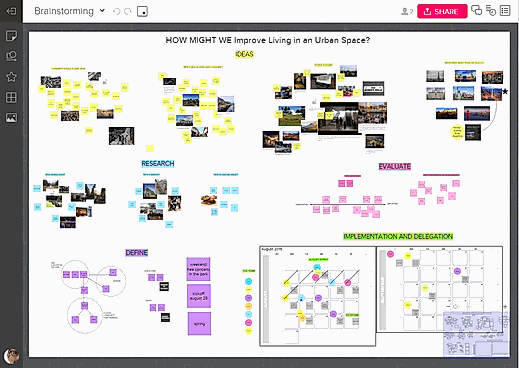
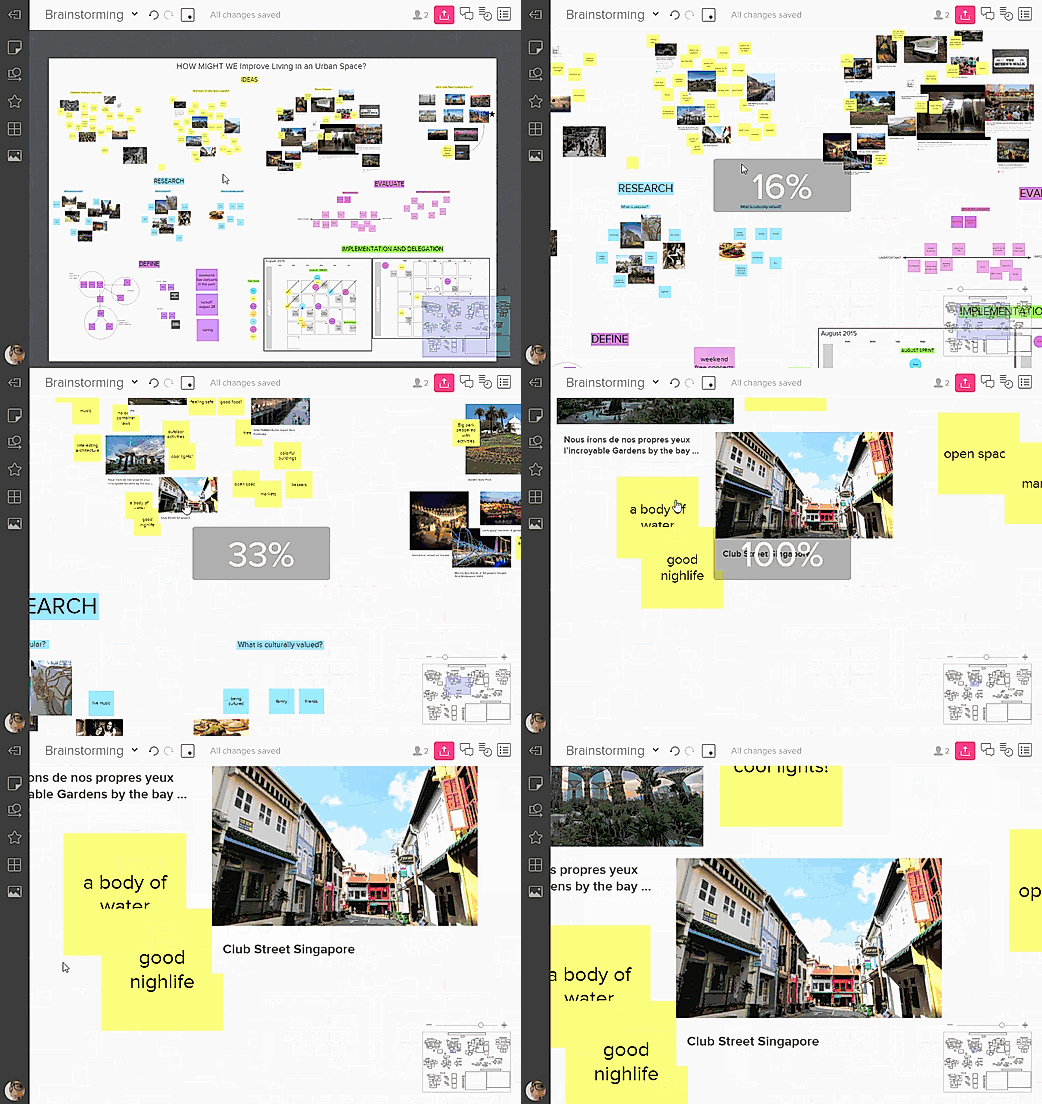
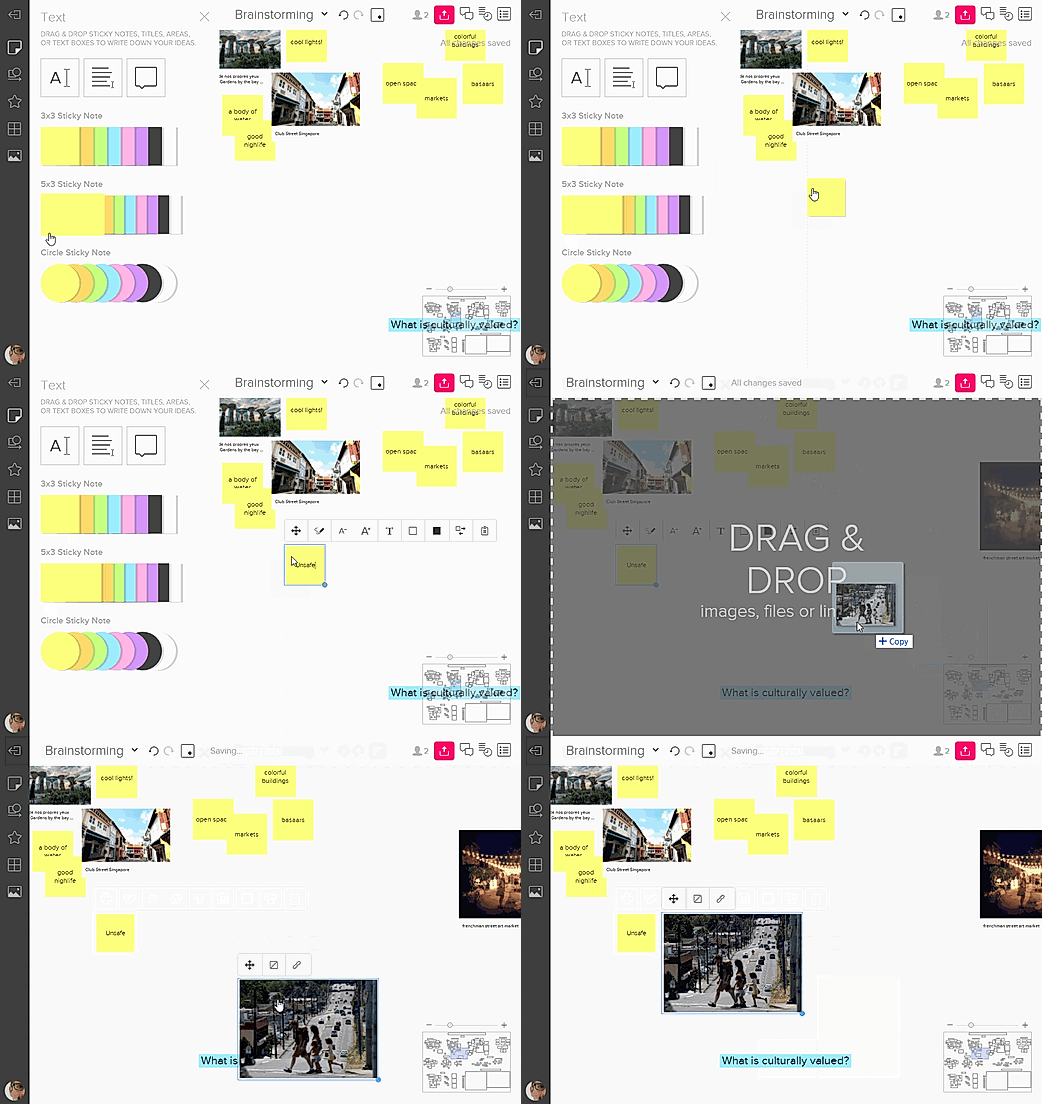
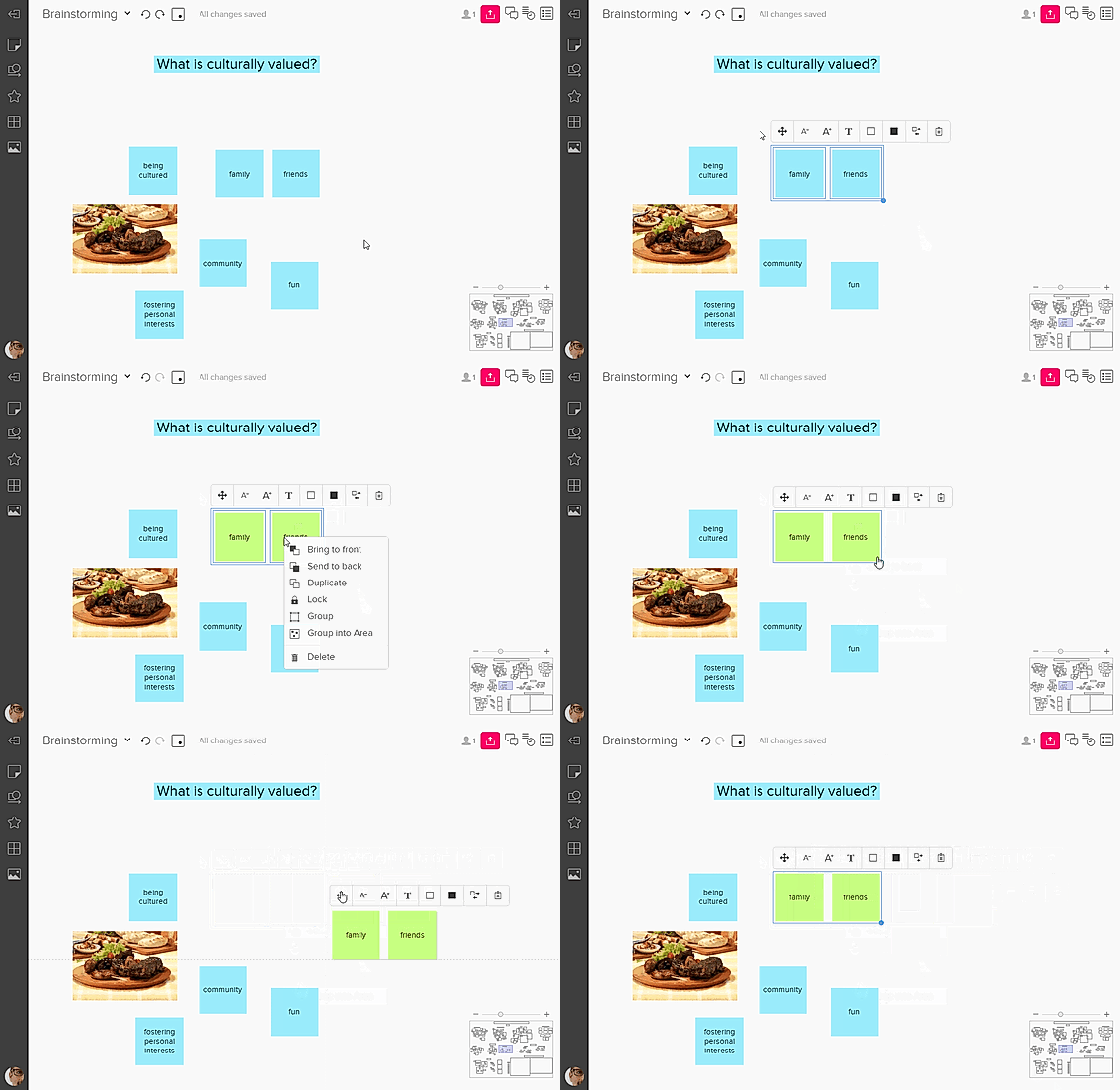
| Description | Mural is an online digital workspace that enables innovative teams to think and collaborate visually, thus allowing them to solve critical problems. The tool will enable users to empathize with their customers, plan for the future, brainstorm new ideas, design to positively impact, evaluate what works best for them, and enable better decision-making. Mural works as The Thinking Canvas, which lets the user put what’s on sticky notes, eventually allowing them to organize in lists, flowcharts, frameworks, methods, drawings, and diagrams to activate and align their team. Users can host impactful workshops and meetings. Value-added features that users can utilize include remote facilitation features, design-thinking, agile frameworks, integration with productivity tools, and shared workspaces. Mural enables faster decision making, reduces travel costs, drives continuous results, increases productivity, scales innovation culture across organization, and connects distributed teams, thus letting users gain more return on their investment. It gives users deep expertise when demanded, has rigorous security protocols and enterprise-wide deployment, thus enabling positive progress. Read more | Microsoft Whiteboard is a collaborative digital canvas in Microsoft 365 for engaging learning and effective meetings. The tool helps users run effective meetings, visualize ideas, and work creatively with notes, shapes, templates, and more. It facilitates distance learning, maximizes learning outcomes with ink, notes, stickers, run collaborative lessons, and more. The tool lets the user stay connected with their colleagues from anywhere with the freeform infinite digital canvas. Microsoft Whiteboard enables users to brainstorm ideas, solve problems, plan projects, and organize tasks with more structure. The tool assists the users to make their handwriting more legible. Users can also convert pictures of drawings to digital ink easily. The tool enables users to customize their board background and export their boards via email summary or to Teams, whenever required. It offers a variety of pen shapes, thicknesses, and colors to keep everything organized. Users can copy a hyperlink from a browser and paste it directly on the whiteboard; it will convert into a URL's clickable preview. Read more | FigJam is an online whiteboard designed specifically for teams to ideate and brainstorm together. It enables you to express yourself and your ideas and to communicate using notes, stamps, dot votes, and drawings. You can ideate, brainstorm, share, and discover your ideas with your team together. FigJam provides various options like markers, shapes, and figures to sketch your ideas and show their workings. You can even use diagrams, shapes, and figures to demonstrate the workings of your mind with your team. It is an extremely easy-to-use and very intuitive app designed to let your ideas flow. You can use emotes with quick expressions, stamps to vote for ideas, and stickers from the default library to give shapes to your thoughts. Users can collect, organize and synthesize their findings using the FigJam whiteboard. They can create engaging and interactive mood boards for their teams. FigJam is currently in beta form and is free to use but from 2022, it will have plans starting from as less as $0 to $15 per editor per month. Read more |
| Pricing Options |
|
|
|
| SW Score & Breakdown |
87% SW Score The SW Score ranks the products within a particular category on a variety of parameters, to provide a definite ranking system. Read more
|
96% SW Score The SW Score ranks the products within a particular category on a variety of parameters, to provide a definite ranking system. Read more
|
98% SW Score The SW Score ranks the products within a particular category on a variety of parameters, to provide a definite ranking system. Read more
|
| SaaSworthy Awards | # 10 Fastest Growing # 6 Most Popular | # 5 Fastest Growing |
Not Available
|
| Organization Types Supported |
|
|
|
| Platforms Supported |
|
|
|
| Modes of Support |
|
|
|
| API Support |
|
|
|
| User Rating |
Not Available
|
|
Not Available
|
| Rating Distribution |
Not Available
|
|
Not Available
|
| User Sentiments |
Ease of Use, Collaboration Features, Extensive Template Library, Effective Facilitator Tools Occasional Performance Issues, Limited Export Functionality, Confusing User Roles & Permissions, Lack of Advanced Diagramming Features |
Easy to use, Collaborative Features, Seamless Microsoft Integrations, Useful Templates Performance Issues, Limited Mobile Functionality, Occasional Syncing Errors, Lack of Advanced Features |
Not Available
|
| Review Summary |
Reviewers generally praise Mural's user-friendly interface, collaborative features, and extensive template library. They find it easy to use, even for those new to digital whiteboarding. The real-time collaboration capabilities are also highly valued, allowing multiple users to work on the same canvas simultaneously and fostering productive brainstorming sessions. Additionally, the vast array of templates helps users quickly create visually appealing and organized boards for various purposes. However, some reviewers have mentioned occasional syncing issues and limited integration options, suggesting room for improvement in these areas. |
Users appreciate Microsoft Whiteboard's user-friendly interface, real-time collaboration capabilities, and wide range of features, including infinite canvas, sticky notes, shapes, and integration with other Microsoft products. However, some users have reported issues with the app's performance, stability, and lack of certain advanced features found in competing products. Overall, reviewers find Microsoft Whiteboard to be a solid choice for basic whiteboarding and collaboration needs, but it may not be the best option for users requiring more advanced functionality. |
Not Available
|
| Read All User Reviews |
AI-Generated from the text of User Reviews
| Pricing Options |
|
|
|
|
Pricing Plans
Monthly Plans
Annual Plans
|
Free Free Team+ $9.99 $12.00 per user / month Business $17.99 $17.99 per month Enterprises Custom |
Microsoft Whiteboard Free |
Starter Team Free Professional $5.00 $5.00 per user / month Organization $5.00 $5.00 per user / month Enterprise $5.00 $5.00 per user / month |
|
View Detailed Pricing
|
View Detailed Pricing
|
View Detailed Pricing
|
Get personalized recommendations from our experts on call
Trusted by more than 5 Million users across the globe.
Thank you for the enquiry. One of our software analysts will contact you soon.
| Screenshots |
+ 4 More
|

|
Not Available |
| Videos |

+ 4 More
|
Not Available |
+ 1 More
|
| Company Details | Located in: San Francisco, California Founded in: 2011 | Located in: Redmond, Washington | Located in: San Francisco, CA |
| Contact Details |
+1 415-687-2501 https://mural.co/ |
Not available https://www.microsoft.com/en-us/microsoft-365/microsoft-whiteboard/digital-whiteboard-app/ |
Not available https://www.figma.com/figjam/ |
| Social Media Handles |
|
|
Not available |

Looking for the right SaaS
We can help you choose the best SaaS for your specific requirements. Our in-house experts will assist you with their hand-picked recommendations.

Want more customers?
Our experts will research about your product and list it on SaaSworthy for FREE.