MEET CLARA - THE AI BEHIND SMARTER SOFTWARE CHOICES

This product profile is currently unclaimed.
The listing is published on SaaSworthy, but the official vendor does not yet manage it. Are you part of the Slack team? Claim this profile to manage and update your product information.

 Deep Dive with Clara AI
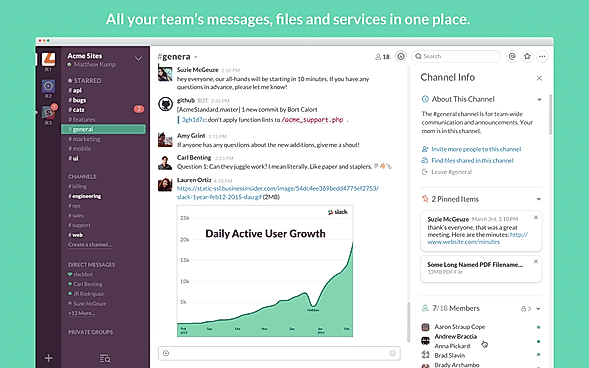
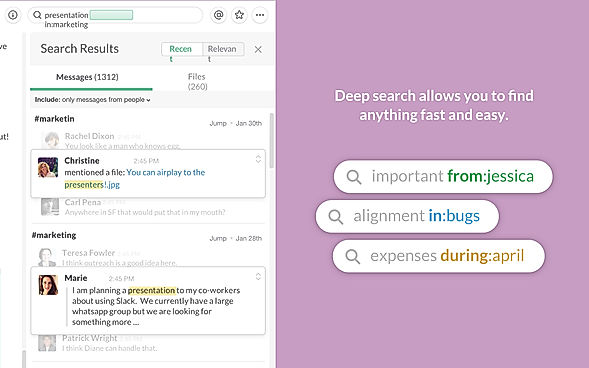
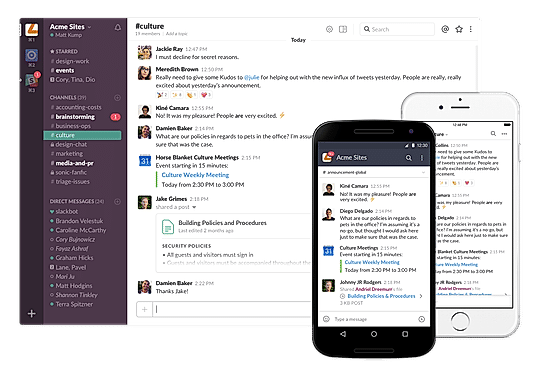
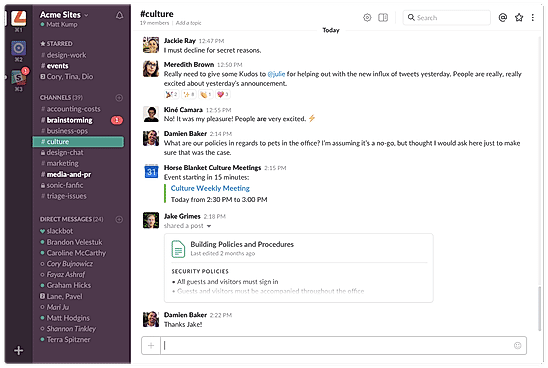
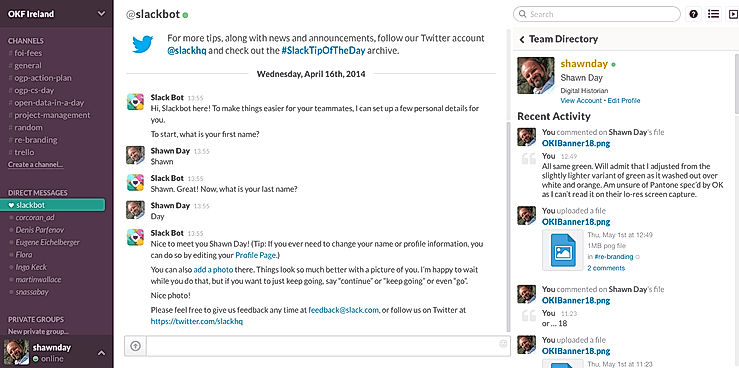
Slack is a communications and workflow solution designed for teams. Using Slack, you can set up channels, which can be around any theme, project, client or department. You can invite people to join these channels, or make them private, and people can leave whenever they want. With Slack’s search functionality, you can quickly skip to past communications. You can also star conversations to add them to your favorites, and allow you to quickly access them again in the future. Slack threads allow people to carry on the conversation in a separate place, rather than cluttering up the channel with their responses. With Slack, you can share PDFs, images, videos, and gifs, and you can mention one individual or multiple people within channels to get their attention. You can also direct message people when you want to have 1-2-1 conversations, and quickly add more people to that conversation if you need more opinions.
Read more


Pricing
SW Score Breakdown
Platforms Supported
Organization Types Supported
API Support
Modes of Support
External User Access
Controlled access for people outside the workspace or organizationMessage Catch Up
Helps to view your latest unread messages across board instantly with easeAI Summary
AI-Powered Native SummarizationMessage Scheduling
Set future delivery times for messagesEmojis and Reactions
Built-in visual reactionsGroup Chat
Direct chat between more than two usersVideo Calling
Video calls to allow better discussion and exchange of ideasChannels and Spaces
Public or private spaces for team communication@Mentions
Receive instant alerts for tagged mentions and direct messages.Security and Encryption
Protect your communications with powerful encryption, ensuring security both end-to-end and during transit.Message History and Archiving
Long-term retention of conversation data.Cross-Platform Access
Available on web, desktop, and mobile platforms.Message Search
Search past conversations using keywords.Presence Indicators
Online, offline, away, or busy—status options that keep you connected and in control.Direct Message
Private messaging directly between users.Discussion Threads
Helps in ensuring collaboration and exchange of views pertaining to a specific topic through comment postsScreen Sharing
Enables remote participants to see your desktop that allows better collaborationMulti-language Support
Available in multiple languages to support global customersCloud Storage
Provides an online storage space to store dataFree Trial
Available
No Credit Card Required, Get Started for Free
Free Free
A simpler way to chat and collaborate
Features
Pro $4.38 $4.38 per user / month
Drive productivity in one place
Features
Business+ $9.00 $9.00 per user / month
Scale with AI-powered work
Features:
Enterprise+ Custom
Maximize performance on the most comprehensive work OS
Features
Screenshots of Vendor Pricing Page

Learn more about Slack Pricing
75% SW Score The SW Score ranks the products within a particular category on a variety of parameters, to provide a definite ranking system. Read more

82% SW Score The SW Score ranks the products within a particular category on a variety of parameters, to provide a definite ranking system. Read more

93% SW Score The SW Score ranks the products within a particular category on a variety of parameters, to provide a definite ranking system. Read more

73% SW Score The SW Score ranks the products within a particular category on a variety of parameters, to provide a definite ranking system. Read more
75% SW Score The SW Score ranks the products within a particular category on a variety of parameters, to provide a definite ranking system. Read more
81% SW Score The SW Score ranks the products within a particular category on a variety of parameters, to provide a definite ranking system. Read more

90% SW Score The SW Score ranks the products within a particular category on a variety of parameters, to provide a definite ranking system. Read more

89% SW Score The SW Score ranks the products within a particular category on a variety of parameters, to provide a definite ranking system. Read more

83% SW Score The SW Score ranks the products within a particular category on a variety of parameters, to provide a definite ranking system. Read more
95% SW Score The SW Score ranks the products within a particular category on a variety of parameters, to provide a definite ranking system. Read more

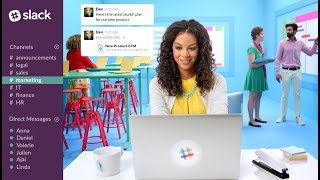
Slack : The Colla...
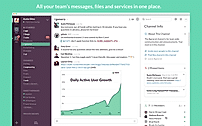
screenshots
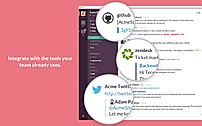
screenshots
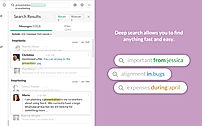
screenshots
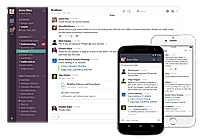
Slack Demo - Desk...
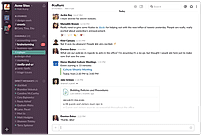
Slack Demo - Unif...
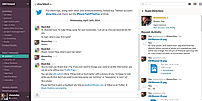
Slack Screenshots
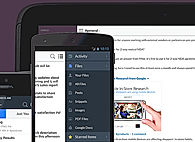
Slack Screenshots
What is Slack used for?
Slack is Business Instant Messaging Software. Slack offers the following functionalities:
Learn more about Slack features.
What are the top alternatives for Slack?
Here`s a list of the best alternatives for Slack:
Does Slack provide API?
Yes, Slack provides API.
Vendor Details
San Francisco, CaliforniaSocial Media Handles
Top Slack Alternatives 2025: Best Tools for Messagi...
Discord Alternatives 2024: Top 10 Apps like Discord...

5 Best SaaS Tools Every Product Manager Needs

How to Price Your SaaS Product: The Ultimate Guide

5 Top-Rated Healthcare Collaboration Software in 2022

SaaS weekly roundup #38: Slack Canvas to take on Go...

SaaS weekly roundup #37: Adobe acquires Figma for $...

SaaS weekly roundup #35: Slack updates Workflow Bui...
A Comprehensive Guide to Collaboration Software Too...

Interview with Jordan Boesch, CEO and co-founder at...



This research is curated from diverse authoritative sources; feel free to share your feedback at [email protected]

Looking for the right SaaS
We can help you choose the best SaaS for your specific requirements. Our in-house experts will assist you with their hand-picked recommendations.

Want more customers?
Our experts will research about your product and list it on SaaSworthy for FREE.