MEET CLARA - THE AI BEHIND SMARTER SOFTWARE CHOICES


94% SW Score The SW Score ranks the products within a particular category on a variety of parameters, to provide a definite ranking system. Read more
For teams, word processing
This profile is currently managed by the official vendor through the SaaSworthy Vendor Portal. Product details, features, pricing, and media assets are maintained directly by the company.

96% SW Score The SW Score ranks the products within a particular category on a variety of parameters, to provide a definite ranking system. Read more
Featured
76% SW Score The SW Score ranks the products within a particular category on a variety of parameters, to provide a definite ranking system. Read more

76% SW Score The SW Score ranks the products within a particular category on a variety of parameters, to provide a definite ranking system. Read more

 Deep Dive with Clara AI
Google Docs is a free Web-based tool that allows you to create, edit, and store documents and spreadsheets online. Any computer with an Internet connection and a full-featured Web browser can access the files. Google Docs is one of a larger set of online tools provided by and affiliated with Google. Google Docs users can combine text with formulas, lists, tables, and photos to create, edit, and update documents and spreadsheets in a variety of fonts and file formats. Most presentation software and word processor applications are compatible with Google Docs. A Web page or a print-ready manuscript can be used to publish your work. Users have complete control over who sees their work. Google Docs is perfect for publishing within an organisation, keeping blogs, and creating work for public consumption. Google Docs is ideal for collaborative projects in which numerous authors collaborate in real time from different parts of the world. Everyone in the room can see who made specific document modifications and when they were made. There is no risk of total data loss as a result of a localised disaster because documents are kept online and can also be stored on users' computers. However, because Google Docs is dependent on the Internet, some authors are concerned that their work will not be kept private or secure.
Read more

Pricing
SW Score Breakdown
Platforms Supported
Organization Types Supported
API Support
Modes of Support
AI-Powered Writing Assistance
AI-powered grammar and style checks, rewriting, and summarization.Export to Document Formats
Export files to various document formats, such as PPTX, PDF, and shareable linksComments (Notes)
To encourage discussion, offer feedback, make a note, or clarify a point within a document or application.Offline Editing
Helps to make changes and to edit the presentation content or data in an offline modeBuilt-in Templates
It has bundle of predefined templates that can be used for creating a designFree Trial
Available
Basic $6.00 $6.00 per user / month
Features
Business $12.00 $12.00 per user / month
Features
Enterprise $25.00 $25.00 per user / month
Features
Screenshots of Vendor Pricing Page
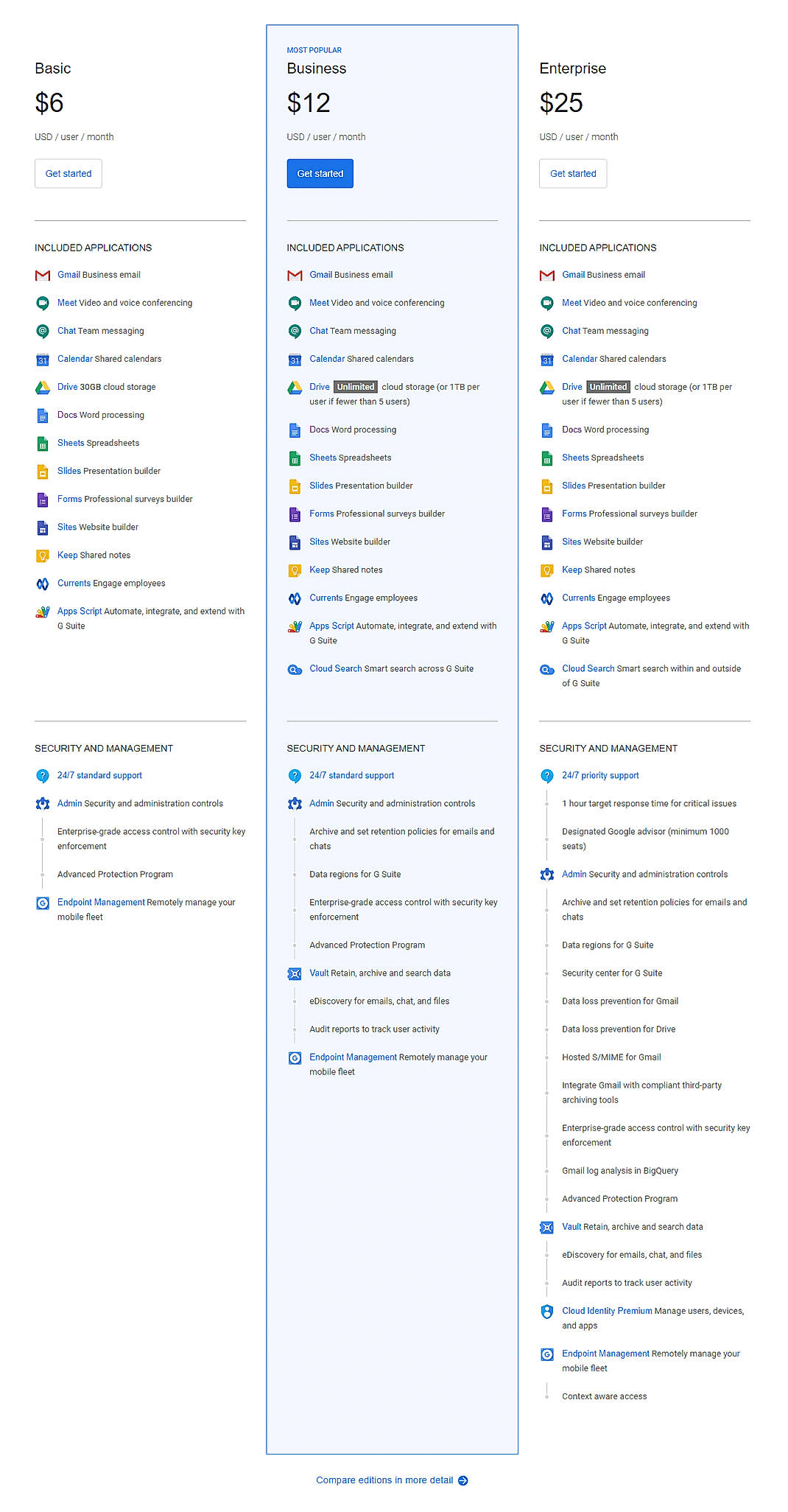
Disclaimer: The pricing details were last updated on 29/06/2020 from the vendor website and may be different from actual. Please confirm with the vendor website before purchasing.
Learn more about Google Docs Pricing
98% SW Score The SW Score ranks the products within a particular category on a variety of parameters, to provide a definite ranking system. Read more
Featured
96% SW Score The SW Score ranks the products within a particular category on a variety of parameters, to provide a definite ranking system. Read more
Featured
95% SW Score The SW Score ranks the products within a particular category on a variety of parameters, to provide a definite ranking system. Read more

90% SW Score The SW Score ranks the products within a particular category on a variety of parameters, to provide a definite ranking system. Read more

79% SW Score The SW Score ranks the products within a particular category on a variety of parameters, to provide a definite ranking system. Read more

74% SW Score The SW Score ranks the products within a particular category on a variety of parameters, to provide a definite ranking system. Read more

83% SW Score The SW Score ranks the products within a particular category on a variety of parameters, to provide a definite ranking system. Read more


78% SW Score The SW Score ranks the products within a particular category on a variety of parameters, to provide a definite ranking system. Read more

94% SW Score The SW Score ranks the products within a particular category on a variety of parameters, to provide a definite ranking system. Read more

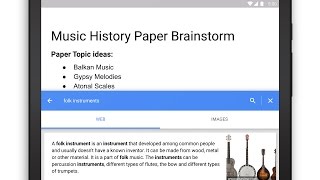
Research in Googl...
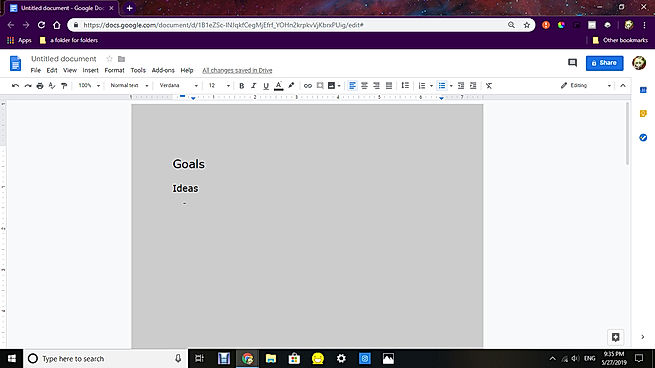
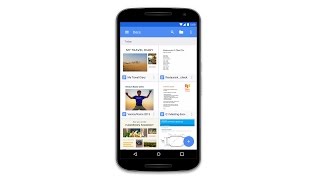
Meet the Docs app...
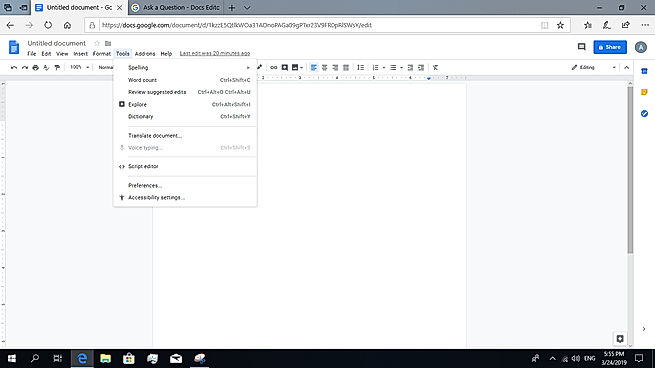
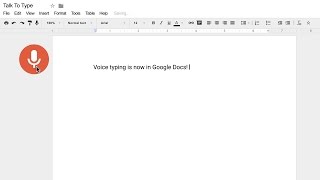
Voice typing in Docs
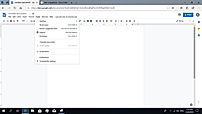
Voice Typing
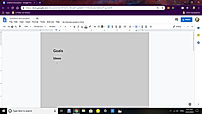
Weird Spacing
What is Google Docs used for?
Google Docs is Document Creation Software. Google Docs offers the following functionalities:
Learn more about Google Docs features.
What are the top alternatives for Google Docs?
Here`s a list of the best alternatives for Google Docs:
Does Google Docs provide API?
Yes, Google Docs provides API.
Vendor Details
Mountain View, California Founded : 2006Contact Details
Not available
https://gsuite.google.com/products/docs/
Social Media Handles



SaaSworthy may receive compensation from some vendors featured on this page. This does not influence our editorial evaluation or ratings. [email protected]

Looking for the right SaaS
We can help you choose the best SaaS for your specific requirements. Our in-house experts will assist you with their hand-picked recommendations.

Want more customers?
Our experts will research about your product and list it on SaaSworthy for FREE.