MEET CLARA - THE AI BEHIND SMARTER SOFTWARE CHOICES



Notion |
98% SW Score The SW Score ranks the products within a particular category on a variety of parameters, to provide a definite ranking system. Read more 
Visit Website
|
91% SW Score The SW Score ranks the products within a particular category on a variety of parameters, to provide a definite ranking system. Read more 
Visit Website
|
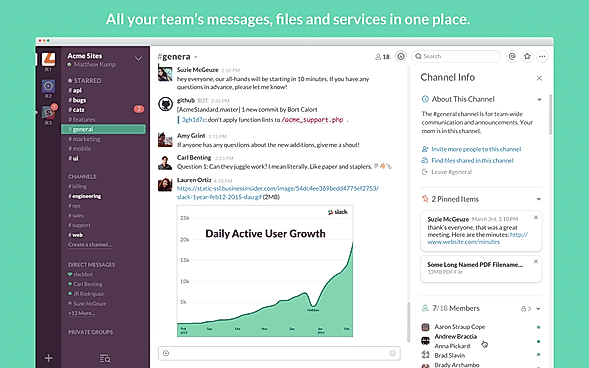
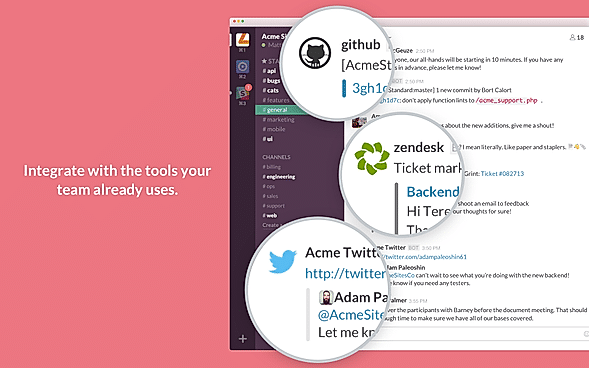
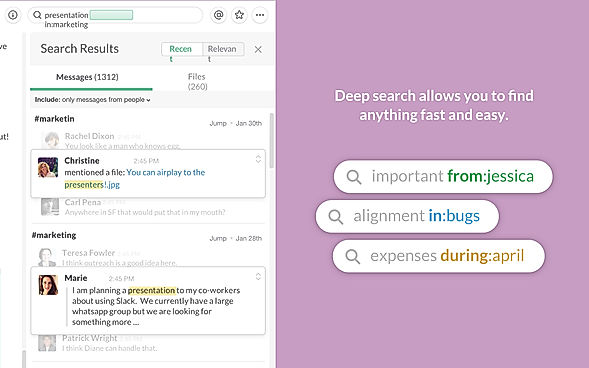
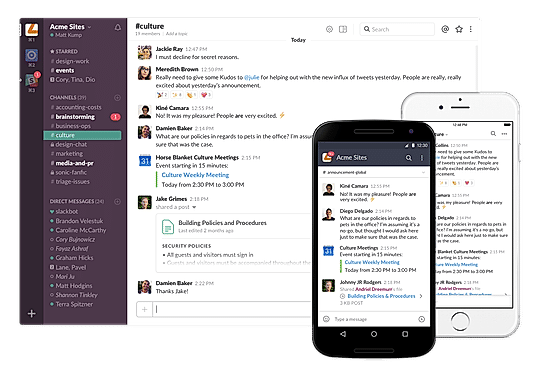
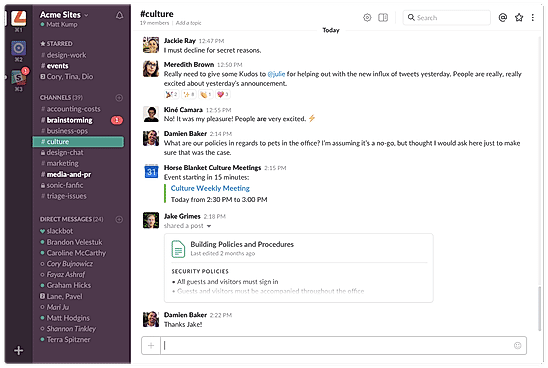
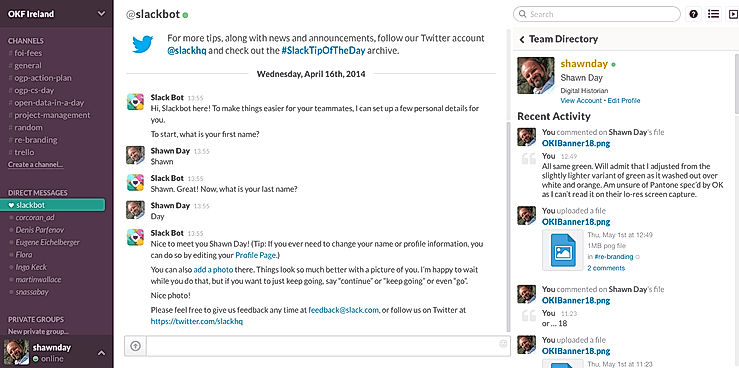
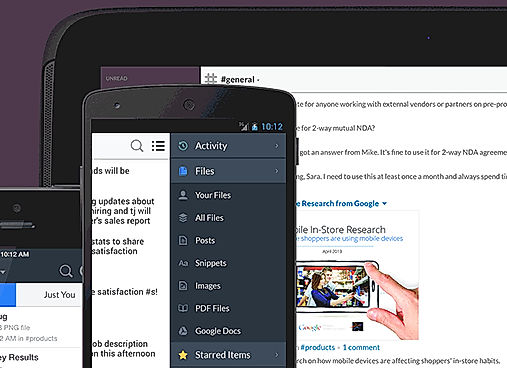
| Description | Slack is a communications and workflow solution designed for teams. Using Slack, you can set up channels, which can be around any theme, project, client or department. You can invite people to join these channels, or make them private, and people can leave whenever they want. With Slack’s search functionality, you can quickly skip to past communications. You can also star conversations to add them to your favorites, and allow you to quickly access them again in the future. Slack threads allow people to carry on the conversation in a separate place, rather than cluttering up the channel with their responses. With Slack, you can share PDFs, images, videos, and gifs, and you can mention one individual or multiple people within channels to get their attention. You can also direct message people when you want to have 1-2-1 conversations, and quickly add more people to that conversation if you need more opinions. Read more | Quip is a commercial instant messaging application. Productivity software that automates business processes while allowing for collaboration on any device. It can regulate access to documents and monitor spreadsheets using live Salesforce data and real-time chat. Salesforce customers can use Quip to automate operations like Account Planning, Mutual Close Plans, and Qualification Notes. The software has templates that can be customized to match your needs. It is compatible with Android and iOS mobile devices. You can unite your team's work and communication using Quip documents, so you can get everything done in one spot. Then you'll be able to integrate spreadsheets into documents to provide your team with the context they need to make important decisions. With team chat built into every document and spreadsheet, as well as team chat rooms and 1:1 texting, you can streamline your process. They work relentlessly to ensure that all clients' data is protected, private, and under their control. Furthermore, its strong security features assist the most security-conscious businesses in enhancing trust, transparency, compliance, and governance. Read more |
| Pricing Options |
|
|
| SW Score & Breakdown |
98% SW Score The SW Score ranks the products within a particular category on a variety of parameters, to provide a definite ranking system. Read more
|
91% SW Score The SW Score ranks the products within a particular category on a variety of parameters, to provide a definite ranking system. Read more
|
| Total Features |
20 Features
|
17 Features
|
| Common Features for All |
@Mentions
AI Summary
Channels and Spaces
Cloud Storage
Cross-Platform Access
Direct Message
Discussion Threads
Emojis and Reactions
External User Access
File Sharing
Group Chat
Message Catch Up
Message History and Archiving
Message Scheduling
Message Search
Multi-language Support
Presence Indicators
Screen Sharing
Security and Encryption
Video Calling
|
@Mentions
AI Summary
Channels and Spaces
Cloud Storage
Cross-Platform Access
Direct Message
Discussion Threads
Emojis and Reactions
External User Access
File Sharing
Group Chat
Message Catch Up
Message History and Archiving
Message Scheduling
Message Search
Multi-language Support
Presence Indicators
Screen Sharing
Security and Encryption
Video Calling
|
| Organization Types Supported |
|
|
| Platforms Supported |
|
|
| Modes of Support |
|
|
| API Support |
|
|
| User Rating |
|
Not Available
|
| Rating Distribution |
|
Not Available
|
| User Sentiments |
Real-time Messaging, Extensive Integrations, User Friendly Interface, Organized Channels Storage Limitations, Notification Overload, Search Functionality Limitations, Occasional Performance Issues |
Real-Time Collaboration, Ease Of Use, Extensive Integrations, Efficient Document Sharing Limited Spreadsheet Functionality, Occasional Performance Issues, Mobile App Instability, Limited Text Formatting Options |
| Review Summary |
Slack is a popular business communication and collaboration tool praised by users for its user-friendly interface, robust feature set, and seamless integrations with other tools. Reviewers appreciate its ability to streamline communication, improve team collaboration, and enhance productivity. The platform's search functionality, file sharing capabilities, and real-time messaging features receive particular acclaim. Additionally, Slack's mobile app is lauded for its convenience and ease of use. However, some reviewers express concerns regarding its pricing and occasional technical glitches. Overall, Slack is a highly regarded tool that effectively facilitates team communication and collaboration. |
Users appreciate Quip's user-friendly interface, collaborative features, and ability to seamlessly integrate with other applications, enhancing productivity and teamwork. Praises are also given to its mobile app for providing a seamless experience and being particularly useful for remote teams. However, some users have expressed concerns regarding the lack of advanced features, limited customization options, and occasional technical glitches. Overall, Quip is a solid choice for teams seeking a user-friendly and collaborative document creation and editing tool, but users requiring more advanced features may need to look elsewhere. |
| Read All User Reviews |
AI-Generated from the text of User Reviews
| Pricing Options |
|
|
|
Pricing Plans
Monthly Plans
Annual Plans
|
Free Free Pro $4.38 $4.38 per user / month Business+ $9.00 $9.00 per user / month Enterprise+ Custom |
Starter $10.00 $10.00 per user / month Enterprise $25.00 $25.00 per user / month Quip for Customer 360 Custom |
|
View Detailed Pricing
|
View Detailed Pricing
|
Get personalized recommendations from our experts on call
Trusted by more than 5 Million users across the globe.
Thank you for the enquiry. One of our software analysts will contact you soon.
| Screenshots |
+ 6 More
|
Not Available |
| Videos |

|

|
| Company Details | Located in: San Francisco, California | Located in: San Francisco, CA |
| Contact Details |
Not available https://slack.com/ |
+1-415-830-5754 https://quip.com/ |
| Social Media Handles |
|
|

Looking for the right SaaS
We can help you choose the best SaaS for your specific requirements. Our in-house experts will assist you with their hand-picked recommendations.

Want more customers?
Our experts will research about your product and list it on SaaSworthy for FREE.