MEET CLARA - THE AI BEHIND SMARTER SOFTWARE CHOICES
MEET CLARA - THE AI BEHIND SMARTER SOFTWARE CHOICES
MEET CLARA - THE AI BEHIND SMARTER SOFTWARE CHOICES
|
95% SW Score The SW Score ranks the products within a particular category on a variety of parameters, to provide a definite ranking system. Read more 
|
94% SW Score The SW Score ranks the products within a particular category on a variety of parameters, to provide a definite ranking system. Read more 
Visit Website
|
89% SW Score The SW Score ranks the products within a particular category on a variety of parameters, to provide a definite ranking system. Read more 
View Details
|
Featured
89% SW Score The SW Score ranks the products within a particular category on a variety of parameters, to provide a definite ranking system. Read more 
FigJam |
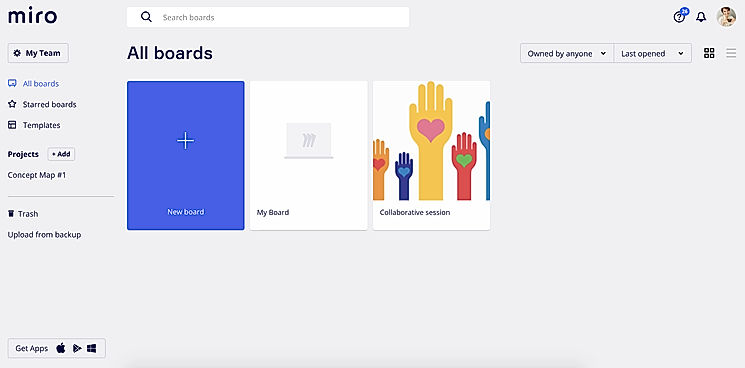
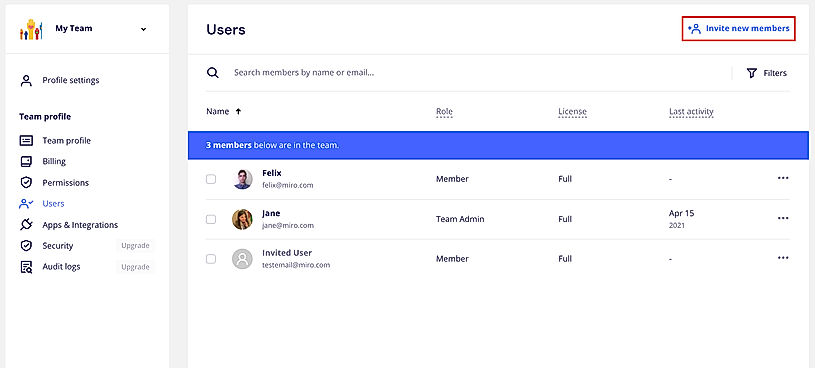
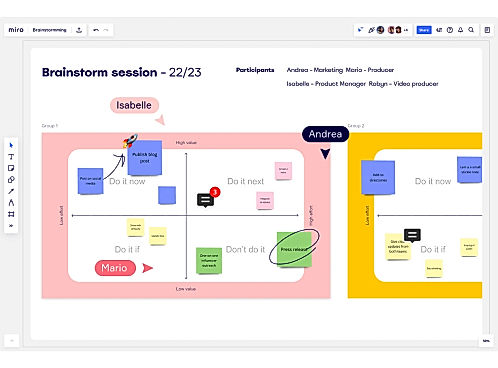
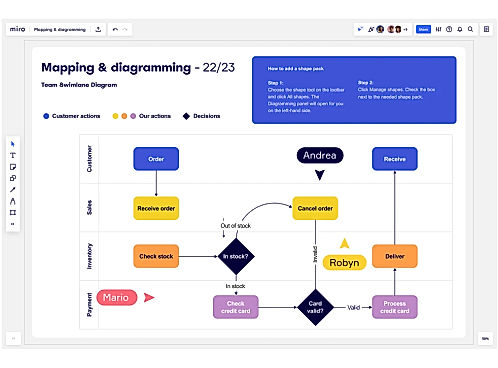
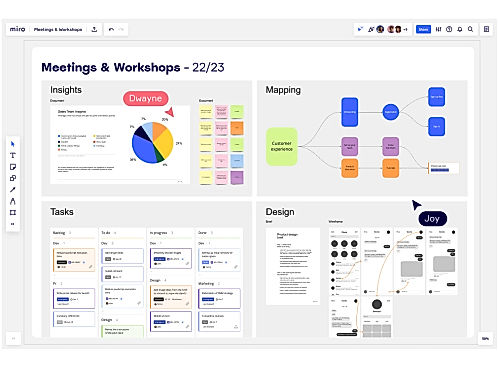
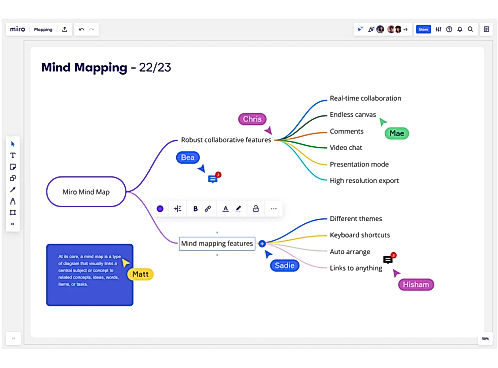
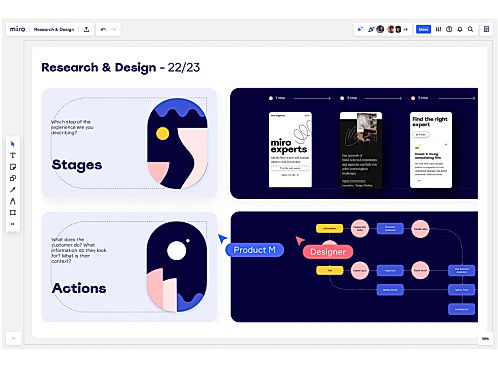
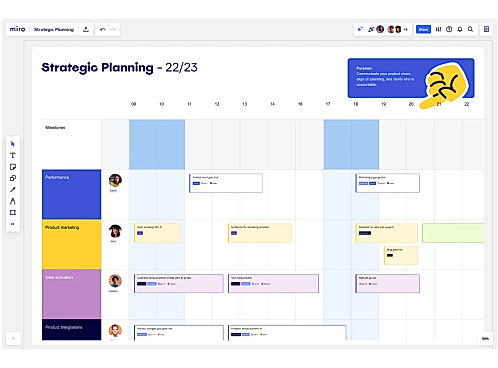
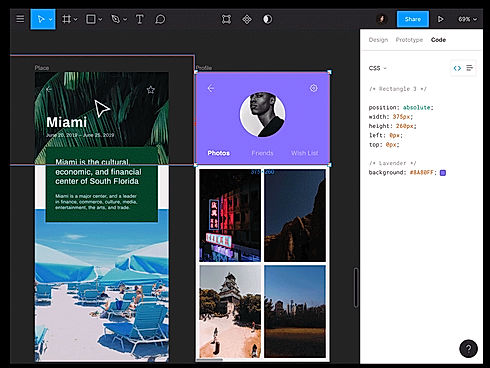
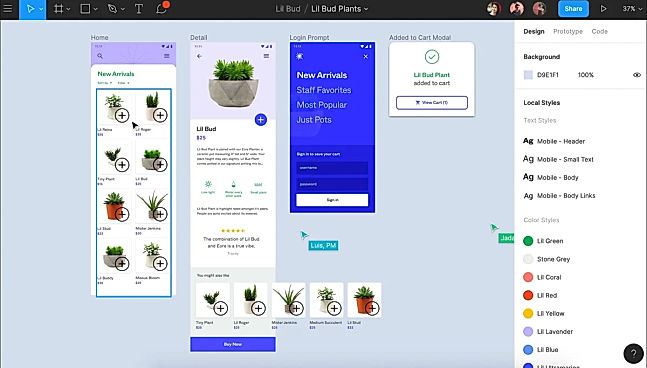
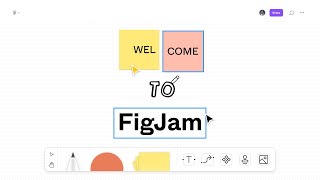
| Description | Miro is a smart platform that enables teams to come together and work efficiently to achieve the best results. The tool helps to run productive and engaging online meetings and workshops for teams. It provides a platform where users and the management can build and develop ideas with remote teams as if everyone is present in the same room. Through the research and design feature, users can co-create and align with stakeholders in a faster way. Agile processes and workflows can be easily taken care of using the tool. It’s a place where one could unleash their creativity and plan projects from different angles and create a centralized hub for information to keep everyone in the loop. So, whether teams are distributed or fully remote, Miro provides options for real-time or asynchronous work to get the right outcomes for any project. It allows integrations with popular tools like Box, Dropbox, Google Suite, Slack, and Sketch to help work seamlessly without any problems. Read more | Figma is a browser-based tool that allows users to edit vector graphics, collaborate, and create prototypes. It helps teams to create, test, and ship better end-to-end designs. In addition to the basic features, it also has unique inventions like the Arc Tool and Vector Networks. The Arc Tool makes it easy to design clocks, watch screens or pie charts, while the Vector Networks is a modern pen tool that enables designers to draw in any direction without merging or connecting to the path’s original point. OpenType is an advanced font feature that allows brands to express themselves fully. The Auto Layout feature designs the layout responsively. It requires minimum manual resizing, can automatically stretch the components in different directions, and also can translate the design directly into the code; making developer onboarding hassle-free. The tool also enables teams to automate and augment their work by building plugins which speeds up the design process. Figma stores all these assets on the cloud and can easily be accessed by the user. Read more | Collaboard lets users sketch their projects on an unlimited canvas. The tool enables users to generate new ideas by brainstorming with the most common design thinking techniques. It allows users to easily stay connected on this remote working software and share their ideas with other users. Users will have unlimited space to take notes, share design alternatives, and make freehand sketches. With the help of Collaboard, users can use imagination and creativity to plan a solid structure for their projects. The tool makes the planning of activities more organized and efficient. It allows users to simplify their workflow productivity and plan remotely with their team. Users can manage the organizational process from the start to the end using mind maps, workflow, flowcharts, and shared notes. It also helps users plan their digital strategy. The tool lets users create content in real-time and get fast feedback with rating features and voting. With the help of Collaboard, users can design site maps, wireframes, and user story maps. Read more | FigJam is an online whiteboard designed specifically for teams to ideate and brainstorm together. It enables you to express yourself and your ideas and to communicate using notes, stamps, dot votes, and drawings. You can ideate, brainstorm, share, and discover your ideas with your team together. FigJam provides various options like markers, shapes, and figures to sketch your ideas and show their workings. You can even use diagrams, shapes, and figures to demonstrate the workings of your mind with your team. It is an extremely easy-to-use and very intuitive app designed to let your ideas flow. You can use emotes with quick expressions, stamps to vote for ideas, and stickers from the default library to give shapes to your thoughts. Users can collect, organize and synthesize their findings using the FigJam whiteboard. They can create engaging and interactive mood boards for their teams. FigJam is currently in beta form and is free to use but from 2022, it will have plans starting from as less as $0 to $15 per editor per month. Read more |
| Pricing Options |
|
|
|
|
| SW Score & Breakdown |
95% SW Score The SW Score ranks the products within a particular category on a variety of parameters, to provide a definite ranking system. Read more
|
94% SW Score The SW Score ranks the products within a particular category on a variety of parameters, to provide a definite ranking system. Read more
|
89% SW Score The SW Score ranks the products within a particular category on a variety of parameters, to provide a definite ranking system. Read more
|
89% SW Score The SW Score ranks the products within a particular category on a variety of parameters, to provide a definite ranking system. Read more
|
| SaaSworthy Awards | # 2 Most Worthy # 1 Fastest Growing |
Not Available
|
# 4 Fastest Growing |
Not Available
|
| Organization Types Supported |
|
|
|
|
| Platforms Supported |
|
|
|
|
| Modes of Support |
|
|
|
|
| API Support |
|
|
|
|
| User Rating |
|
|
|
Not Available
|
| Rating Distribution |
|
|
|
Not Available
|
| User Sentiments |
Easy to Use Interface, Collaborative Features, Extensive Template Library, Versatile Capabilities Slow Loading Times, Confusing Navigation, Limited Offline Functionality, Inconsistent Third-Party Integrations |
Real-Time Collaboration, Intuitive Interface, Extensive Prototyping Features, Comprehensive Design Tools Steep Learning Curve, Limited Offline Functionality, Occasional Performance Issues, Limited Customization Options |
Ease of Use, Infinite Canvas, Extensive Template Library, Real-Time Collaboration Outdated User Interface, Limited Third-Party Integrations, Occasional Performance Issues, Lack of Mobile Application |
Not Available
|
| Review Summary |
Reviewers across prominent software review platforms agree that RealtimeBoard excels in fostering seamless collaboration, with its intuitive interface, robust features, and real-time editing capabilities receiving widespread praise. Users highlight the tool's ability to enhance team communication, streamline project management, and facilitate creative brainstorming sessions. Additionally, the platform's adaptability to various industries and its continuous updates based on user feedback are frequently cited as strengths. However, some users mention occasional glitches and a learning curve associated with certain advanced features. Overall, RealtimeBoard is highly regarded for its collaborative capabilities and user-friendly design. |
Reviewers across multiple platforms commend Figma for its user-friendly interface, collaborative features, and extensive resources. Users appreciate the intuitive design tools, smooth learning curve, and seamless integration with other applications. Collaboration features like real-time editing and commenting enhance teamwork and streamline the design process. Additionally, users praise Figma's vast library of templates, plugins, and tutorials, which cater to designers of all skill levels. Despite occasional reports of performance issues or feature limitations, the overall sentiment towards Figma is overwhelmingly positive, highlighting its strengths as a comprehensive and user-centric design tool. |
Reviewers commend CollaBoard for its user-friendly interface, intuitive design, and wide range of collaboration tools. They appreciate the real-time editing capabilities, seamless integration with other platforms, and the ability to easily share and collaborate on projects. Users also highlight the excellent customer support, praising the team's responsiveness and willingness to help. However, some reviewers mention occasional technical glitches and a lack of advanced features, suggesting room for improvement. Overall, CollaBoard is a well-received tool for teams seeking a user-friendly and collaborative virtual workspace. |
Not Available
|
| Read All User Reviews | Read All User Reviews | Read All User Reviews |
AI-Generated from the text of User Reviews
| Pricing Options |
|
|
|
|
|
Pricing Plans
Monthly Plans
Annual Plans
|
Free Free Starter $8.00 $10.00 per user / month Business $16.00 $20.00 per user / month Enterprise Custom Student (Education) Free Educator (Education) Free Institution (Education) Custom |
Starter Free Professional $16.00 $20.00 per month Organization $45.00 $45.00 per month Enterprise $90.00 $90.00 per month Figma for Education Free |
Free Free Personal Others Basic Others Advanced Others Enterprise Custom |
Starter Team Free Professional $5.00 $5.00 per user / month Organization $5.00 $5.00 per user / month Enterprise $5.00 $5.00 per user / month |
|
View Detailed Pricing
|
View Detailed Pricing
|
View Detailed Pricing
|
View Detailed Pricing
|
Get personalized recommendations from our experts on call
Trusted by more than 5 Million users across the globe.
Thank you for the enquiry. One of our software analysts will contact you soon.
| Screenshots |

+ 8 More
|
+ 1 More
|

+ 4 More
|
Not Available |
| Videos |

+ 3 More
|

+ 1 More
|

+ 2 More
|
+ 1 More
|
| Company Details | Located in: San Francisco, California Founded in: 2011 | Located in: San Francisco, California | Located in: Zürich, Switzerland | Located in: San Francisco, CA |
| Contact Details |
Not available |
Not available |
+41 44 745 92 50 |
Not available |
| Social Media Handles |
|
|
|
Not available |

Looking for the right SaaS
We can help you choose the best SaaS for your specific requirements. Our in-house experts will assist you with their hand-picked recommendations.

Want more customers?
Our experts will research about your product and list it on SaaSworthy for FREE.