MEET CLARA - THE AI BEHIND SMARTER SOFTWARE CHOICES
MEET CLARA - THE AI BEHIND SMARTER SOFTWARE CHOICES
MEET CLARA - THE AI BEHIND SMARTER SOFTWARE CHOICES
|
94% SW Score The SW Score ranks the products within a particular category on a variety of parameters, to provide a definite ranking system. Read more 
View Details
|
98% SW Score The SW Score ranks the products within a particular category on a variety of parameters, to provide a definite ranking system. Read more 
View Details
|
85% SW Score The SW Score ranks the products within a particular category on a variety of parameters, to provide a definite ranking system. Read more 
View Details
|
90% SW Score The SW Score ranks the products within a particular category on a variety of parameters, to provide a definite ranking system. Read more 
View Details
|
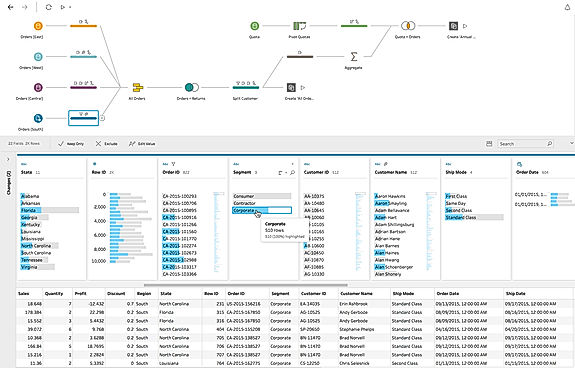
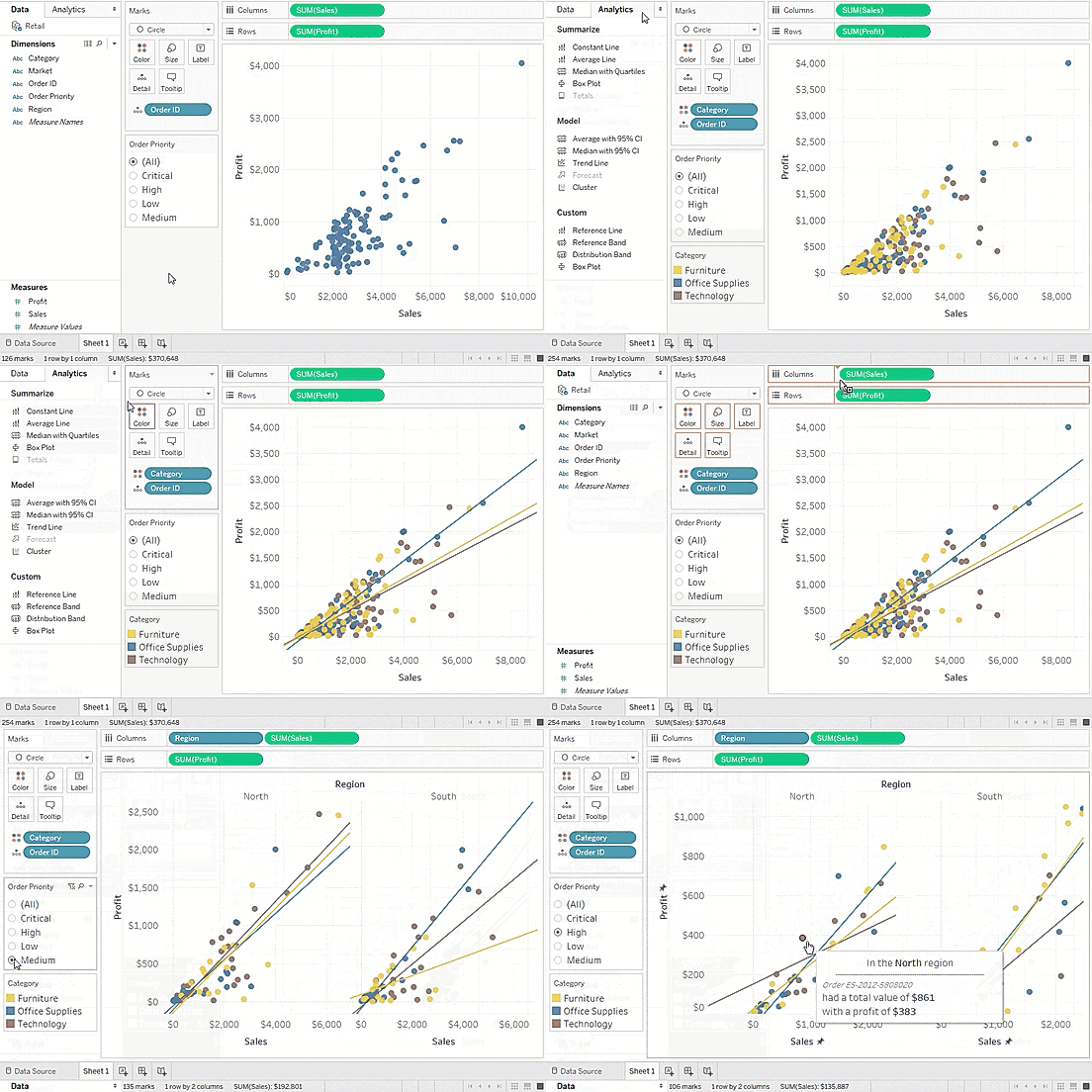
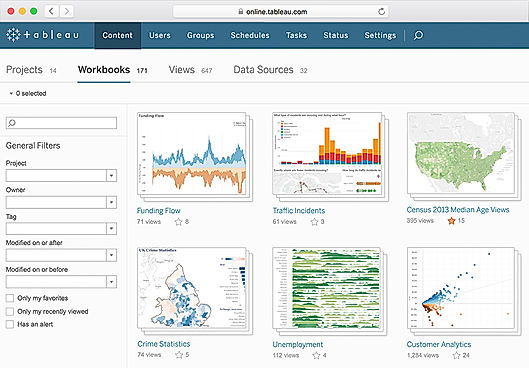
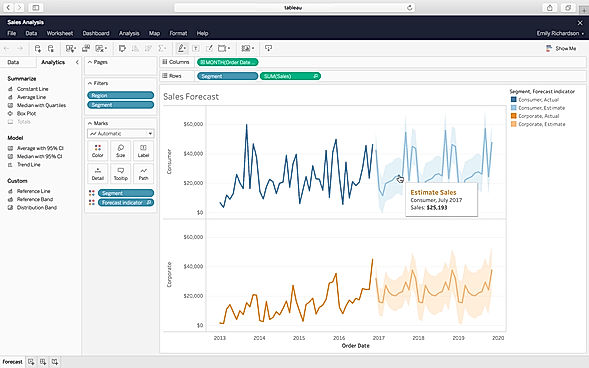
| Description | Tableau is an integrated business intelligence and visual analytics solution that helps users analyse the key business data and find solutions to different problems. The platform can be used to obtain data from multiple sources, such as spreadsheets, databases, SQL and cloud apps, to generate meaningful insights. It helps users generate interactive maps and find necessary solutions to all their problems – whether they are analysts, students, teachers, executives or business owners. From connection to collaboration, the platform provides a secure, powerful and flexible end-to-end analytical approach, finding out AI-driven effective solutions. Tableau is capable to scale companies engaged in different industries, including manufacturing, communication, healthcare, education, technology and real estate. It is referred to as the world’s deepest and broadest analytics platform, compatible with Salesforce CRM. Other than English its is available in different global languages like Spanish, German, Italian, Portuguese and more. Read more | Microsoft Power BI is a data visualization platform that enables its users to create a data-driven culture equipped with business intelligence. The software helps its users to allow their employees at different organizational levels to use the up to the minute analytics in order to make quick and confident decisions. Users can share and create interactive data visuals throughout the data centers around the world, including the national clouds to hence meet the regulation and compliance requirements of the organization. Power BI allows its users to apply sensitivity labels that are recognizable through Office 365 apps such as Excel, Word, Outlook, and PowerPoint. The software allows its users to use the oversight of sensitive data through Microsoft Cloud App Security to ensure better compliance of regulatory and privacy requirements. Users can extend the governance and protection policies along with the exported data to the software with the help of Microsoft Information Protection. One can block risky user activities in real-time to prevent the exposure of sensitive data. Read more | SAS Business Intelligence helps to bring all the powerful insights related to the user’s business within their fingertips. The software helps users to seamlessly integrate and discover data on their own. They can create and share interactive reports with SAS Business Intelligence. This application offers easy-to-use analytics to its users. It also enables them to monitor the key metrics related to their business and take the necessary steps in case anything goes wrong. The compelling visuals provided by the software help users to quickly understand what the reports have to say. The software allows users to find the metrics that matter the most. SAS Business Analytics also helps users to expand their analytics culture. The software lets users enjoy the freedom of self-service data protection. It provides all the basic capabilities needed for data mashup, access, filtering and transformation with its BI tools. By using the software, users can create narratives and storyboards with ease and have meaningful conversations with their clients. Read more | Microstrategy is a cloud-based intelligence to deploy consumer-grade business intelligence (BI) experiences on any device and connect every user and every application to all your data. You can create pixel-perfect visualizations, with a drag-and-drop canvas to extend the reach of data. You can deploy AI and gain insights to transform an organization in minutes. This software offers a wide range of data analytics capabilities; such as data discovery, advanced analytics, data visualizations, embedded BI, hyperintelligence, consulting, and banded reports and statements. It can also connect data to warehouses, relational systems, flat files, and web services and host other types of sources to pull data for analysis. Microstrategy is an industry leader in the BI software space because of features like highly formatted reports, ad hoc reports and analysis, strategic planning, interactive dashboard, thresholds and alerts, and automated report distribution. Microstrategy has a client interface that allows users to access its applications and services via the web, windows, mac, and mobile devices. Read more |
| Pricing Options |
|
|
|
|
| SW Score & Breakdown |
94% SW Score The SW Score ranks the products within a particular category on a variety of parameters, to provide a definite ranking system. Read more
|
98% SW Score The SW Score ranks the products within a particular category on a variety of parameters, to provide a definite ranking system. Read more
|
85% SW Score The SW Score ranks the products within a particular category on a variety of parameters, to provide a definite ranking system. Read more
|
90% SW Score The SW Score ranks the products within a particular category on a variety of parameters, to provide a definite ranking system. Read more
|
| SaaSworthy Awards | # 1 Most Worthy # 4 Highly Rated | # 2 Most Worthy # 1 Highly Rated | # 7 Highly Rated |
Not Available
|
| Total Features |
10 Features
|
10 Features
|
7 Features
|
9 Features
|
| Common Features for All |
Ad hoc Analysis
Ad hoc Query
Ad hoc Reports
Benchmarking
Dashboard
Data Analysis
Key Performance Indicators
Profitability Analysis
Strategic Planning
Trend Indicators
|
Ad hoc Analysis
Ad hoc Query
Ad hoc Reports
Benchmarking
Dashboard
Data Analysis
Key Performance Indicators
Profitability Analysis
Strategic Planning
Trend Indicators
|
Ad hoc Analysis
Ad hoc Query
Ad hoc Reports
Benchmarking
Dashboard
Data Analysis
Key Performance Indicators
Profitability Analysis
Strategic Planning
Trend Indicators
|
Ad hoc Analysis
Ad hoc Query
Ad hoc Reports
Benchmarking
Dashboard
Data Analysis
Key Performance Indicators
Profitability Analysis
Strategic Planning
Trend Indicators
|
| Organization Types Supported |
|
|
|
|
| Platforms Supported |
|
|
|
|
| Modes of Support |
|
|
|
|
| API Support |
|
|
|
|
| User Rating |
|
|
|
|
| Rating Distribution |
|
|
|
|
| User Sentiments |
Intuitive User Interface, Extensive Data Visualization Capabilities, Extensive Data Source Integrations, Active User Community Frequent Software Updates, Performance Issues with Large Datasets, Limited ETL Capabilities, High Pricing |
Data Visualization Capabilities, Extensive Data Source Integrations, Intuitive and User-Friendly Interface, Data Sharing and Collaboration Mobile App Functionality, Occasional Software Bugs, Pricing Model Limitations, Complex Interface for Beginners |
Powerful Analytics, Data Visualization capabilities, Extensive Statistical features, Comprehensive Reporting High Cost, Steep Learning Curve, Outdated User Interface, Complex coding |
Not Available
|
| Review Summary |
Tableau is lauded for its user-friendly interface, enabling even non-technical users to create insightful visualizations and reports. Its drag-and-drop functionality and intuitive design streamline data analysis, making it accessible to users of all skill levels. Additionally, Tableau's wide range of data connectors and integrations with various data sources enhances its versatility and allows users to seamlessly incorporate data from multiple platforms. The platform's collaborative features, such as the ability to share dashboards and collaborate on projects, further enhance its appeal for teams seeking a collaborative data analysis solution. |
Users appreciate Power BI's user-friendly interface, extensive data visualization options, and seamless integration with other Microsoft products. Many reviewers highlight its ability to transform raw data into insightful reports and dashboards, aiding in better decision-making. Additionally, Power BI's collaboration features and mobile accessibility receive positive feedback. However, some users mention occasional performance issues and a learning curve for advanced features. While praised for its affordability and value for money, certain users suggest enhancements in customer support. |
SAS Business Intelligence is praised for its powerful analytics capabilities, user-friendly interface, and ability to handle large datasets. Users appreciate the ease of creating reports and dashboards, the drag-and-drop functionality, and seamless integration with various data sources. However, some find the learning curve steep, especially for those not well-versed in statistical concepts, and the cost can be prohibitive. Additionally, the software's dated user interface and occasional slow processing times are drawbacks. |
MicroStrategy is a robust business intelligence tool that users praise for its comprehensive features, powerful analytics engine, and flexible reporting capabilities. While users appreciate its ease of use, particularly for creating dashboards and reports, many note a learning curve for those unfamiliar with the platform. Some point to outdated user interfaces, limited visualisations, and slow performance when dealing with large datasets as potential drawbacks. Despite these concerns, MicroStrategy remains a popular choice for companies seeking to centralise data management, improve reporting, and gain business insights. |
| Read All User Reviews | Read All User Reviews | Read All User Reviews | Read All User Reviews |
AI-Generated from the text of User Reviews
| Pricing Options |
|
|
|
|
|
Pricing Plans
Monthly Plans
Annual Plans
|
Tableau Creator Custom Tableau Explorer Custom Tableau Viewer Custom Enterprise Creator Custom Enterprise Explorer Custom Enterprise Viewer Custom Tableau+ Custom |
Free Account Free Power BI Pro $14.00 $14.00 per user / month Power BI Premium Per User $24.00 $24.00 per user / month Power BI Embedded Custom |
SAS Business Intelligence Custom |
MicroStrategy Custom |
|
View Detailed Pricing
|
View Detailed Pricing
|
View Detailed Pricing
|
View Detailed Pricing
|
Get personalized recommendations from our experts on call
Trusted by more than 5 Million users across the globe.
Thank you for the enquiry. One of our software analysts will contact you soon.
| Screenshots |
+ 3 More
|
+ 6 More
|

+ 3 More
|
Not Available |
| Videos |

+ 2 More
|

+ 4 More
|

|

+ 2 More
|
| Company Details | Located in: Seattle, Washington Founded in: 2003 | Located in: Redmond, Washington Founded in: 2014 | Located in: Cary, North Carolina | Located in: Tysons, Virginia Founded in: 1989 |
| Contact Details |
+1 206-633-3400 |
Not available https://www.microsoft.com/en-us/power-platform/products/power-bi/ |
+1-800-727-0025 https://www.sas.com/en_us/solutions/business-intelligence.html |
+1 703-848-8600 |
| Social Media Handles |
|
|
Not available |
|

Looking for the right SaaS
We can help you choose the best SaaS for your specific requirements. Our in-house experts will assist you with their hand-picked recommendations.

Want more customers?
Our experts will research about your product and list it on SaaSworthy for FREE.