MEET CLARA - THE AI BEHIND SMARTER SOFTWARE CHOICES

Airtable |
91% SW Score The SW Score ranks the products within a particular category on a variety of parameters, to provide a definite ranking system. Read more 
View Details
|
79% SW Score The SW Score ranks the products within a particular category on a variety of parameters, to provide a definite ranking system. Read more 
Visit Website
|
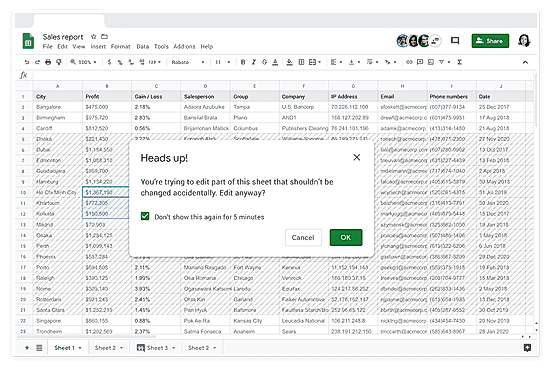
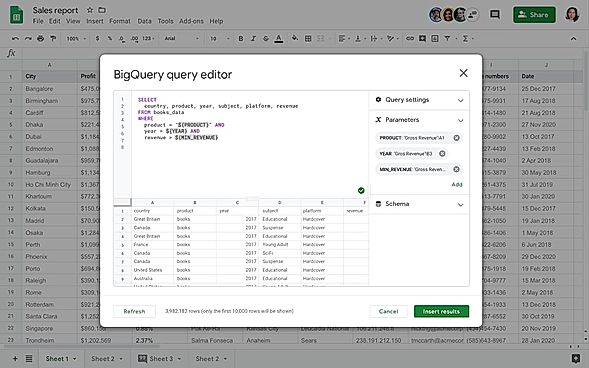
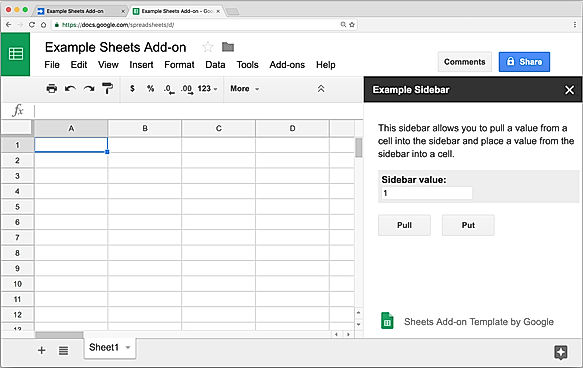
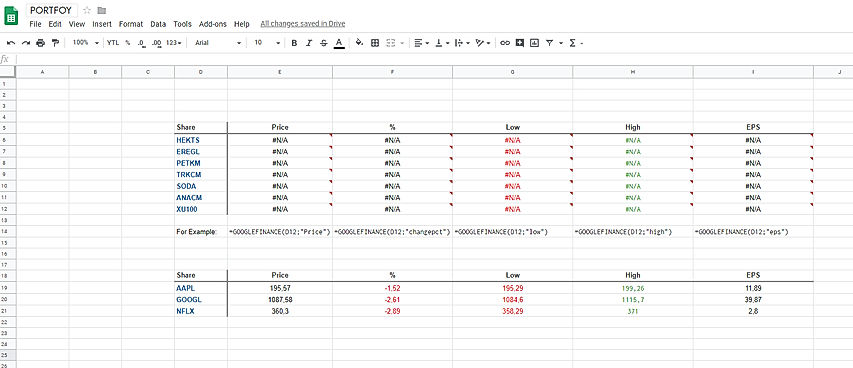
| Description | Microsoft SharePoint enables efficient collaboration between teams, helping companies to share and manage content besides applications and knowledge, facilitating efficient business outcomes. The software promotes collaboration between teams by allowing individual members to share files, news, data and resources alike. They can even customise their site to streamline the workflow of the entire team. Microsoft SharePoint helps users to build an intranet network of their own that can be used to enable cohesion between members and send information to every employee quickly. It also drives organisational efficiency by enabling users to share common resources and applications over home websites as well as on external portals. Further, with Microsoft SharePoint, team members can easily find the required information simply by searching through keywords. This information can be used later to make decisions and guide actions accordingly. Furthermore, companies can even accelerate their productivity levels by transforming processes, irrespective of the fact that whether these are simple tasks like approvals and notifications or complex ones like an operational workflow. Read more | Google sheets is a futuristic spreadsheet program offered by Google as a part of Suite editor to its subscribers. This web-based application enables users to create, edit, manage and modify spreadsheet data in real-time. The platform comes loaded with a plethora of functionalities like colour-coding, built-in formulas, pivot tables and conditional formatting which makes data creation and management incredibly easy. Also, in-built features like pre-designed templates make Google Sheets a valuable asset for businesses and individuals. Moreover, this software lets users access, create, and edit their sheets at any time from any device of their choice. Large teams located in different parts of the globe can collaborate with each other leveraging on features like built-in chat and comment sections. It also offers an offline working function letting users continue working even without a connection and auto-save retains their work in an instant. Google Sheets is also compatible with Excel, letting users import their templates without hassles. This power-packed application lets users get access to informative summaries and real-time third-party integration facilities. Read more |
| Pricing Options |
|
|
| SW Score & Breakdown |
91% SW Score The SW Score ranks the products within a particular category on a variety of parameters, to provide a definite ranking system. Read more
|
79% SW Score The SW Score ranks the products within a particular category on a variety of parameters, to provide a definite ranking system. Read more
|
| SaaSworthy Awards | # 19 Highly Rated # 18 Fastest Growing |
Not Available
|
| Organization Types Supported |
|
|
| Platforms Supported |
|
|
| Modes of Support |
|
|
| API Support |
|
|
| User Rating |
Not Available
|
|
| Rating Distribution |
Not Available
|
|
| User Sentiments |
Document Sharing, Real-Time Collaboration, Extensive Integrations, Robust Security Steep Learning Curve, Occasional Performance Issues, Limited Customization, Complex Administration |
Real-time Collaboration, Ease of Use, Cloud-based accessibility, Extensive Integrations Limited Offline Functionality, Limited Advanced Features compared to Excel, Occasional Performance Issues with large datasets, Mobile App limitations |
| Review Summary |
Not Available
|
Google Sheets is applauded for its user-friendly interface, seamless integration with other Google products, and extensive collaboration features. Its spreadsheet capabilities, including formula support, data manipulation tools, and conditional formatting, are highly praised by users. Additionally, its accessibility across multiple devices and platforms makes it a popular choice for teams seeking real-time collaboration and data sharing. However, some users have expressed concerns about the limited customization options, the occasional occurrence of glitches or bugs, and the need for better offline capabilities. |
| Read All User Reviews |
AI-Generated from the text of User Reviews
| Pricing Options |
|
|
|
Pricing Plans
Monthly Plans
Annual Plans
|
SharePoint (Plan 1) $5.00 $5.00 per user / month Microsoft 365 Business Standard $12.50 $12.50 per user / month Microsoft 365 Business Standard (no Teams) $10.25 $10.25 per user / month Microsoft 365 Copilot $30.00 $30.00 per user / month |
Basic $6.00 $6.00 per user / month Business $12.00 $12.00 per user / month Enterprise $25.00 $25.00 per user / month |
|
View Detailed Pricing
|
View Detailed Pricing
|
Get personalized recommendations from our experts on call
Trusted by more than 5 Million users across the globe.
Thank you for the enquiry. One of our software analysts will contact you soon.
| Screenshots | Not Available |
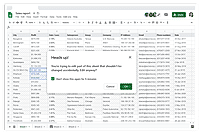
+ 3 More
|
| Videos |

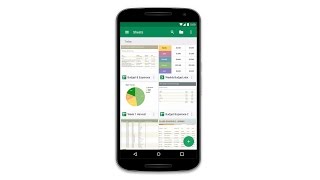
+ 1 More
|
|
| Company Details | Located in: Washington, United States | Located in: Mountain View, California |
| Contact Details |
Not available |
Not available |
| Social Media Handles |
|
|

Looking for the right SaaS
We can help you choose the best SaaS for your specific requirements. Our in-house experts will assist you with their hand-picked recommendations.

Want more customers?
Our experts will research about your product and list it on SaaSworthy for FREE.