MEET CLARA - THE AI BEHIND SMARTER SOFTWARE CHOICES



Atera |
84% SW Score The SW Score ranks the products within a particular category on a variety of parameters, to provide a definite ranking system. Read more 
View Details
|
89% SW Score The SW Score ranks the products within a particular category on a variety of parameters, to provide a definite ranking system. Read more 
View Details
|
Featured
98% SW Score The SW Score ranks the products within a particular category on a variety of parameters, to provide a definite ranking system. Read more 
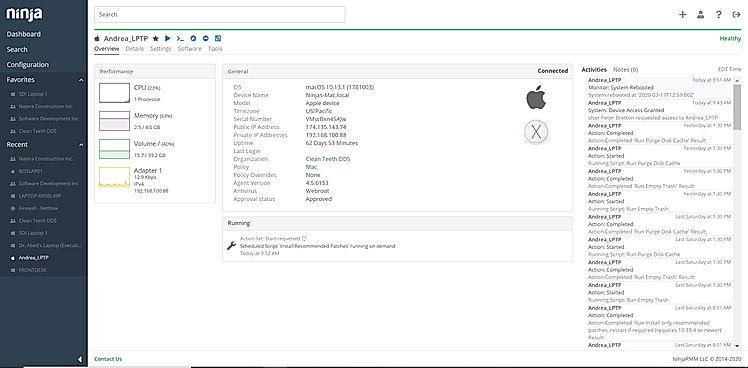
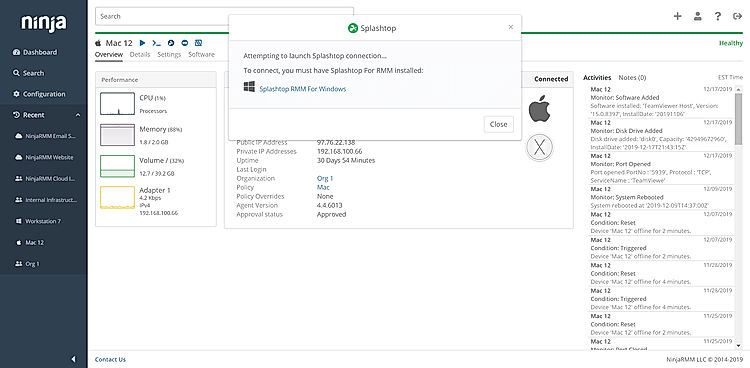
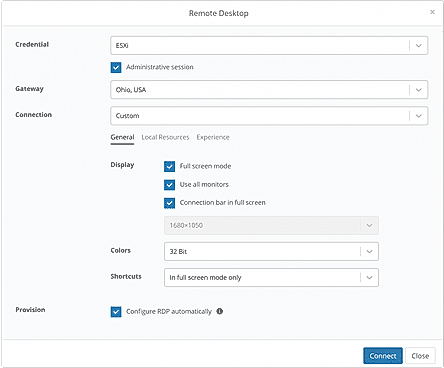
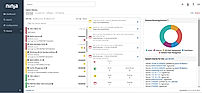
NinjaOne (NinjaRMM) |
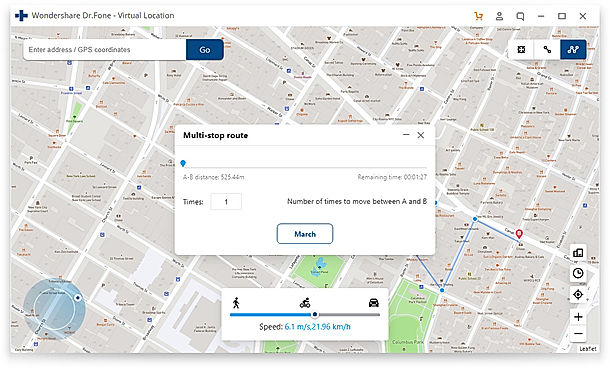
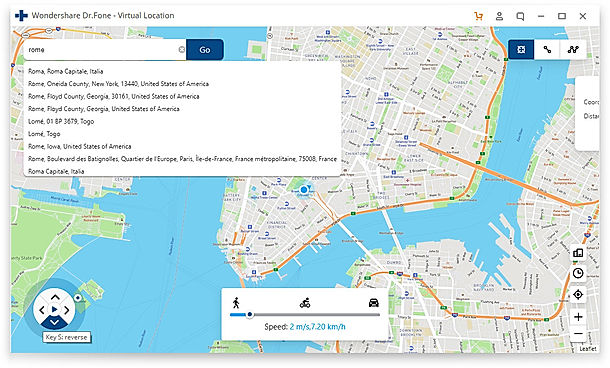
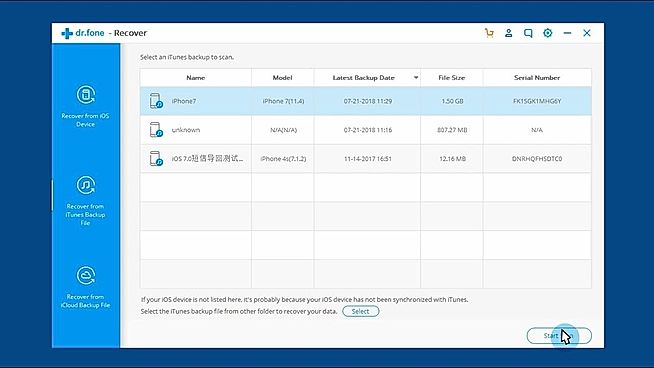
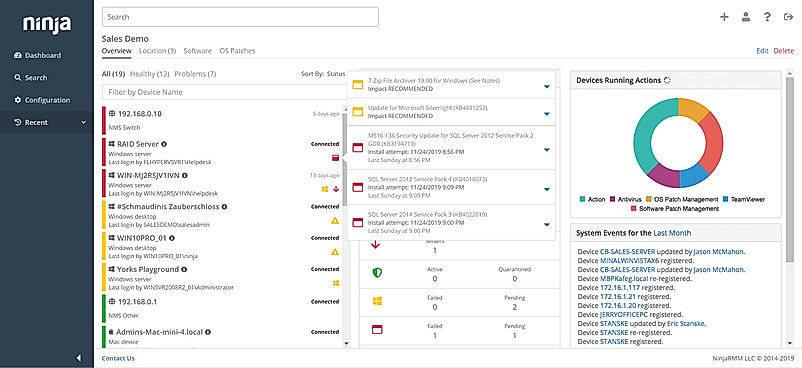
| Description | Avamar is a backup software developed by Dell to protect data that can be deployed in an individual system or in a company. It allows data storage and recovery through multiple channels and offers daily backups. This software uses RAID and RAIN technology, where RAID technology ensures that system performance will not be affected by minor errors.Along with this, the RAIN technology in this software makes data partition simpler. The Avamar backup software allows you to maintain daily backups and ensures secure data transmission. It is a cloud-based software that supports Windows, Linux and Mac and provides a single step recovery feature by which recovering of files become very easy Read more | Wondershare Dr.Fone is a comprehensive mobile device management toolkit designed for both iOS and Android users. The platform provides a collection of utilities that help users manage, repair, unlock, and transfer data across smartphones and tablets. Dr.Fone is particularly known for its AI-enhanced device recognition and lock- state analysis, which helps improve the accuracy of device unlocking and system repair processes. By identifying device models, operating system versions, and lock conditions, the software can apply the most suitable solution to recover access or restore device functionality. The toolkit includes modules for screen unlocking, system repair, data recovery, phone transfer, and mobile data management, making it useful for users who need to troubleshoot device issues, migrate data to new devices, or recover important information. With more than 17 years of development and 50+ million users worldwide, Dr.Fone has become a widely used solution for mobile troubleshooting and device management. Read more | NinjaOne automates the hardest parts of IT, delivering visibility, security, and control over all endpoints for more than 20,000 customers. The NinjaOne platform increases productivity while reducing risk and IT costs. Organizations use NinjaOne, including its wide range of IT and security integrations, for use cases such as endpoint management, patch management, mobile device management, software deployment, remote access, endpoint backup, and more. Read more |
| Pricing Options |
|
|
|
| SW Score & Breakdown |
84% SW Score The SW Score ranks the products within a particular category on a variety of parameters, to provide a definite ranking system. Read more
|
89% SW Score The SW Score ranks the products within a particular category on a variety of parameters, to provide a definite ranking system. Read more
|
98% SW Score The SW Score ranks the products within a particular category on a variety of parameters, to provide a definite ranking system. Read more
|
| Organization Types Supported |
|
|
|
| Platforms Supported |
|
|
|
| Modes of Support |
|
|
|
| API Support |
|
|
|
| User Rating |
Not Available
|
|
|
| Rating Distribution |
Not Available
|
|
|
| User Sentiments |
Fast Backups, High Deduplication Rates, VMware Integration, Reliable Backups Complex Configuration, Poor File Restore Capabilities, Outdated User Interface, Subpar Reporting Functionality |
Data Recovery, WhatsApp Transfer, User Friendly Interface, Efficient Customer Support Inaccurate Device Compatibility, Subscription Issues, Inadequate Data Restoration, Software Bugs |
Ease of Use, Fast and Reliable Remote Access, Comprehensive Patch Management, Excellent Customer Support Limited Third-Party Software Patching Support, Limited MacOS Support, Inadequate Reporting Functionality, Occasional Software Bugs |
| Review Summary |
Dell EMC Avamar receives high praise for its ease of use, scalability, and reliability. Users appreciate its intuitive interface, straightforward setup, and minimal maintenance requirements. The product's ability to handle large data volumes and its efficient deduplication capabilities are also highly regarded. Additionally, Avamar's integration with other Dell EMC products and its strong customer support are seen as major advantages. However, some users have noted that the product can be expensive and may require additional training for advanced configurations. |
Overall, users seem to find Dr.Fone easy to use and helpful in recovering lost data. Many praise its user-friendly interface, wide range of supported file types, and the ability to recover data from various devices. However, some users have experienced issues with the software, such as occasional crashes, difficulty recovering certain types of data, and the need for a computer connection in some cases. While the pricing is generally considered reasonable, some users have expressed concerns about the lack of a free trial and the potential for additional costs for specific features. |
The general consensus among reviewers is that NinjaRMM is a comprehensive and powerful RMM tool that offers a wide range of features to help MSPs streamline their operations. It is praised for its user-friendly interface, customizable dashboards, and robust reporting capabilities. However, some users have expressed concerns about the occasional occurrence of bugs and glitches, as well as the need for improved documentation and customer support. Overall, NinjaRMM is a solid choice for MSPs seeking a feature-rich and reliable RMM solution, though there is room for improvement in terms of stability and support. |
| Read All User Reviews | Read All User Reviews |
AI-Generated from the text of User Reviews
| Pricing Options |
|
|
|
|
Pricing Plans
Monthly Plans
Annual Plans
|
Dell Custom |
Dr.Fone Basic $29.95 $29.95 per month Monthly Plan $79.95 $79.95 per month Annual Plan $99.95 $99.95 per year Perpetual Plan $115.95 $115.95 Per Perpetual |
NinjaOne Custom |
|
View Detailed Pricing
|
View Detailed Pricing
|
View Detailed Pricing
|
Get personalized recommendations from our experts on call
Trusted by more than 5 Million users across the globe.
Thank you for the enquiry. One of our software analysts will contact you soon.
| Screenshots | Not Available |
+ 2 More
|
+ 3 More
|
| Videos | Not Available |
+ 2 More
|

+ 4 More
|
| Company Details | Located in: Hopkinton, MA | Located in: Mountain View, California | Located in: Austin, TX |
| Contact Details |
866-438-3622 https://www.delltechnologies.com/en-us/data-protection/index.htm |
Not available https://drfone.wondershare.com/ |
+1 888 542-8339 https://www.ninjaone.com/ |
| Social Media Handles |
|
|
|

Looking for the right SaaS
We can help you choose the best SaaS for your specific requirements. Our in-house experts will assist you with their hand-picked recommendations.

Want more customers?
Our experts will research about your product and list it on SaaSworthy for FREE.