MEET CLARA - THE AI BEHIND SMARTER SOFTWARE CHOICES

Axure RP |
92% SW Score The SW Score ranks the products within a particular category on a variety of parameters, to provide a definite ranking system. Read more 
Visit Website
|
94% SW Score The SW Score ranks the products within a particular category on a variety of parameters, to provide a definite ranking system. Read more 
Visit Website
|
80% SW Score The SW Score ranks the products within a particular category on a variety of parameters, to provide a definite ranking system. Read more 
Visit Website
|
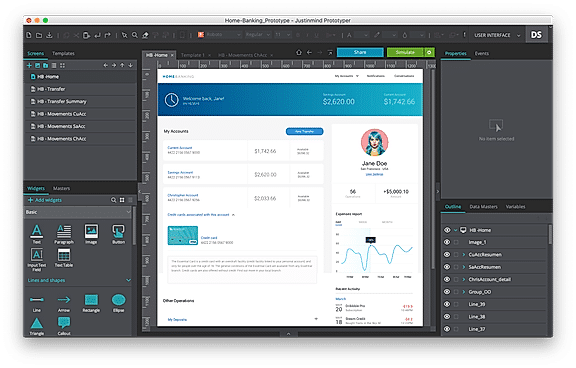
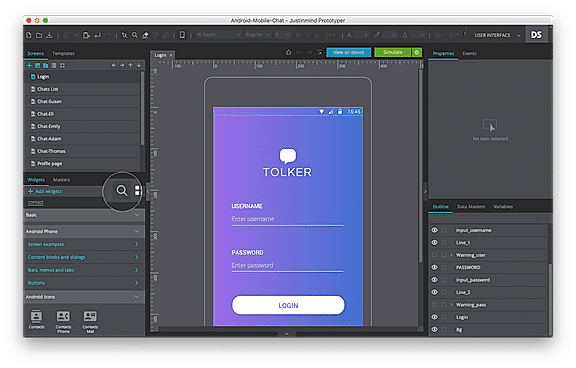
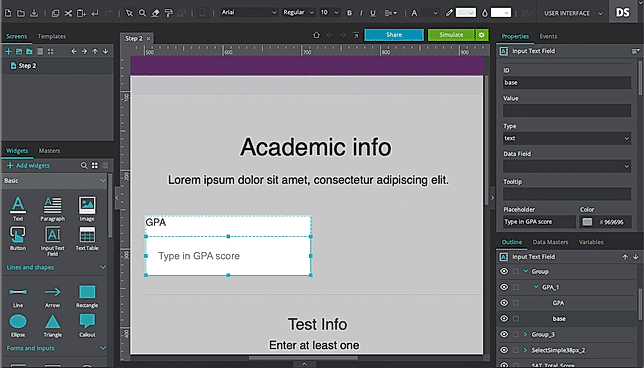
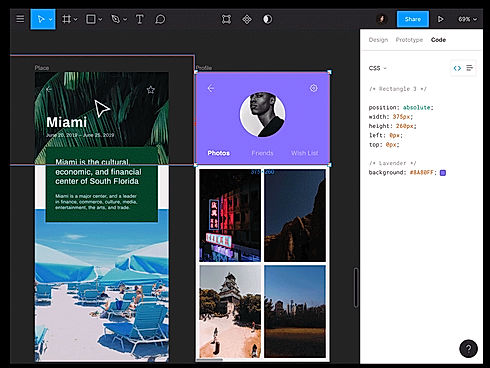
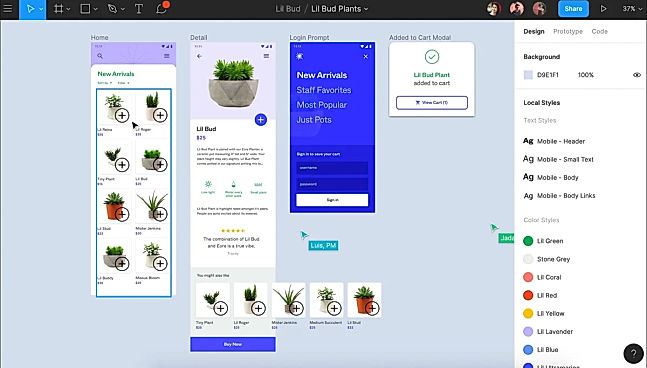
| Description | It is a best prototyping tool that allows the user to define websites without coding by using it’s simple drag and drop interface.It has a predefined UI kits with more than 1000 templates that is available for both web and mobile device.In addition,this software has variety of user events to trigger all sort of actions and allows you to build an interactive wireframes.It supports integration with design tools that link images and SVG files from Photoshop or Sketch.With the use of diagramming tool, you can design and validate the navigation flow of the website or application. Read more | Figma is a browser-based tool that allows users to edit vector graphics, collaborate, and create prototypes. It helps teams to create, test, and ship better end-to-end designs. In addition to the basic features, it also has unique inventions like the Arc Tool and Vector Networks. The Arc Tool makes it easy to design clocks, watch screens or pie charts, while the Vector Networks is a modern pen tool that enables designers to draw in any direction without merging or connecting to the path’s original point. OpenType is an advanced font feature that allows brands to express themselves fully. The Auto Layout feature designs the layout responsively. It requires minimum manual resizing, can automatically stretch the components in different directions, and also can translate the design directly into the code; making developer onboarding hassle-free. The tool also enables teams to automate and augment their work by building plugins which speeds up the design process. Figma stores all these assets on the cloud and can easily be accessed by the user. Read more | Axure Cloud is a robust product design workflow management platform that enables developers to streamline design specifications and build prototypes all in one place. Users can depend on the same to publish their products from Axure RP or import screens from other design tools, facilitating seamless engagement with customers. They can also receive feedback directly on-screen and use Microsoft Teams and Slack notifications to integrate the feedback into the workflow while creating customer-centric products. Moreover, Axure Cloud helps users to gain a complete picture of the generated products, including prototypes, redlines, documentation and visual design assets with CSS export facility. It allows users to turn any screen into a working interactive prototype, besides importing Sketch, Figma, Adobe XD or image assets to preview them. The platform helps cross-functional teams to deliver accurate digital outcomes by working together on individual projects. Users can also publish customer-specific stories and journeys for everyone in the team to gain a detailed understanding of the company’s goals. Read more |
| Pricing Options |
|
|
|
| SW Score & Breakdown |
92% SW Score The SW Score ranks the products within a particular category on a variety of parameters, to provide a definite ranking system. Read more
|
94% SW Score The SW Score ranks the products within a particular category on a variety of parameters, to provide a definite ranking system. Read more
|
80% SW Score The SW Score ranks the products within a particular category on a variety of parameters, to provide a definite ranking system. Read more
|
| Total Features |
8 Features
|
8 Features
|
7 Features
|
| Common Features for All |
Animation
For Mobile
For Websites
Prototyping
Screen Activity Recording
Unmoderated Testing
Usability Testing
User Journeys
User Research
|
Animation
For Mobile
For Websites
Prototyping
Screen Activity Recording
Unmoderated Testing
Usability Testing
User Journeys
User Research
|
Animation
For Mobile
For Websites
Prototyping
Screen Activity Recording
Unmoderated Testing
Usability Testing
User Journeys
User Research
|
| Organization Types Supported |
|
|
|
| Platforms Supported |
|
|
|
| Modes of Support |
|
|
|
| API Support |
|
|
|
| User Rating |
|
|
|
| Rating Distribution |
|
|
|
| User Sentiments |
Easy to use interface, High-fidelity prototyping, Interactive prototyping, Extensive UI element libraries Limited features in the free version, Occasional bugs and glitches, Steep learning curve, Limited offline functionality |
Real-Time Collaboration, Intuitive Interface, Extensive Prototyping Features, Comprehensive Design Tools Steep Learning Curve, Limited Offline Functionality, Occasional Performance Issues, Limited Customization Options |
Not Available
|
| Review Summary |
Justinmind garners praise for its user-friendly interface and intuitive features, making it accessible to designers of all skill levels. It excels in prototyping, allowing users to create interactive demos and prototypes quickly. The collaboration features are also well-received, enabling seamless teamwork and efficient feedback loops. However, some users express concerns about occasional bugs, limitations in exporting options, and a learning curve for advanced features. Overall, Justinmind is valued for its ease of use, prototyping capabilities, and collaboration tools, but it could benefit from improved stability and expanded export options. |
Reviewers across multiple platforms commend Figma for its user-friendly interface, collaborative features, and extensive resources. Users appreciate the intuitive design tools, smooth learning curve, and seamless integration with other applications. Collaboration features like real-time editing and commenting enhance teamwork and streamline the design process. Additionally, users praise Figma's vast library of templates, plugins, and tutorials, which cater to designers of all skill levels. Despite occasional reports of performance issues or feature limitations, the overall sentiment towards Figma is overwhelmingly positive, highlighting its strengths as a comprehensive and user-centric design tool. |
Not Available
|
| Read All User Reviews | Read All User Reviews | Read All User Reviews |
AI-Generated from the text of User Reviews
| Pricing Options |
|
|
|
|
Pricing Plans
Monthly Plans
Annual Plans
|
Professional (Subscriptions) $19.00 $29.00 per user / month Enterprise (Subscriptions) $39.00 $49.00 per user / month Professional (Perpetual License) $455.00 $455.00 per user Enterprise Perpetual License $795.00 $795.00 per user Server on-premise Custom |
Starter Free Professional $16.00 $20.00 per month Organization $45.00 $45.00 per month Enterprise $90.00 $90.00 per month Figma for Education Free |
Axure Cloud Free Axure Cloud for Business Others Axure Cloud for Business on Premises Custom |
|
View Detailed Pricing
|
View Detailed Pricing
|
View Detailed Pricing
|
Get personalized recommendations from our experts on call
Trusted by more than 5 Million users across the globe.
Thank you for the enquiry. One of our software analysts will contact you soon.
| Screenshots |
+ 2 More
|
+ 1 More
|
Not Available |
| Videos |

+ 1 More
|

+ 1 More
|
|
| Company Details | Located in: San Francisco, California Founded in: 2005 | Located in: San Francisco, California | Located in: San Diego, California Founded in: 2002 |
| Contact Details |
Not available |
Not available |
Not available |
| Social Media Handles |
|
|
|

Looking for the right SaaS
We can help you choose the best SaaS for your specific requirements. Our in-house experts will assist you with their hand-picked recommendations.

Want more customers?
Our experts will research about your product and list it on SaaSworthy for FREE.