MEET CLARA - THE AI BEHIND SMARTER SOFTWARE CHOICES
|
94% SW Score The SW Score ranks the products within a particular category on a variety of parameters, to provide a definite ranking system. Read more 
View Details
|
96% SW Score The SW Score ranks the products within a particular category on a variety of parameters, to provide a definite ranking system. Read more 
View Details
|
91% SW Score The SW Score ranks the products within a particular category on a variety of parameters, to provide a definite ranking system. Read more 
View Details
|
91% SW Score The SW Score ranks the products within a particular category on a variety of parameters, to provide a definite ranking system. Read more 
View Details
|
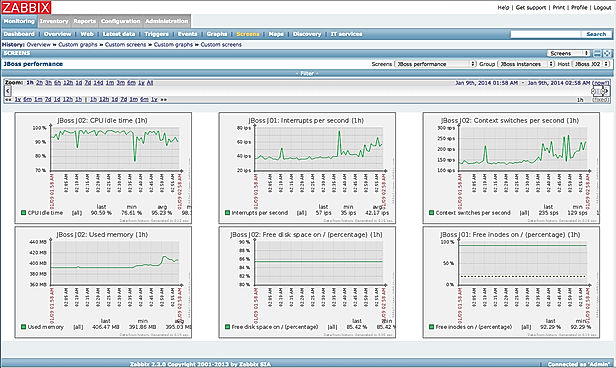
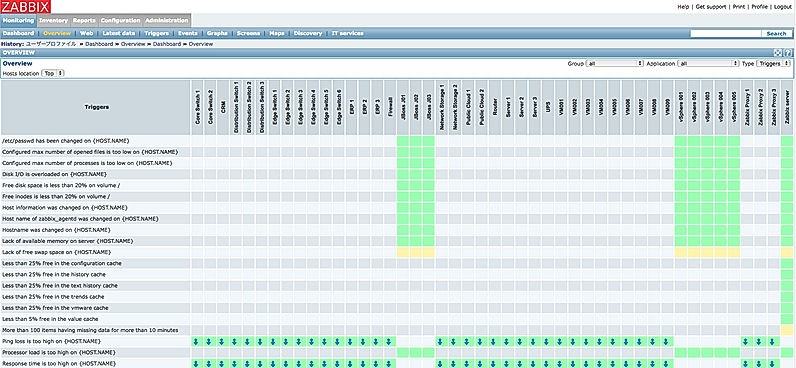
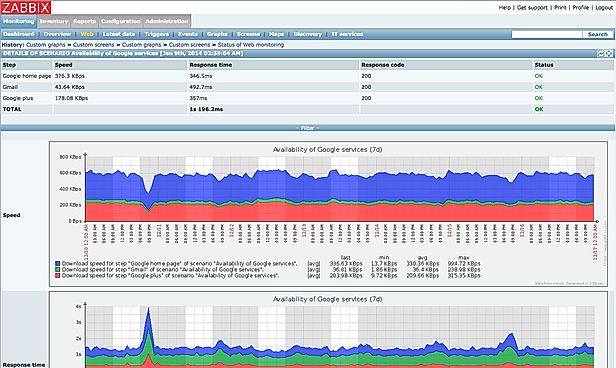
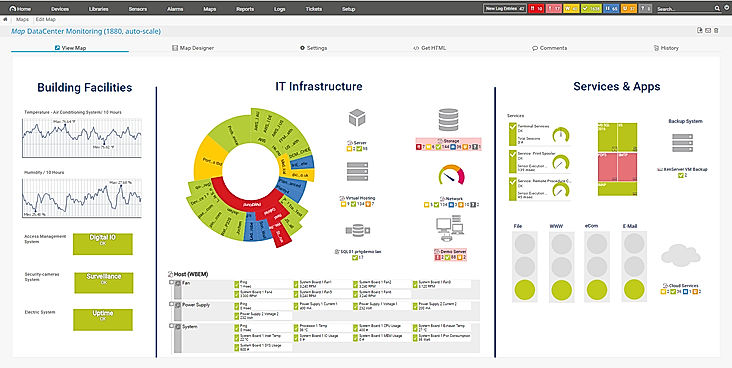
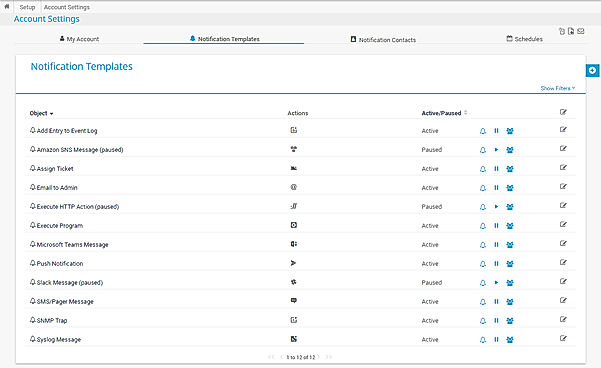
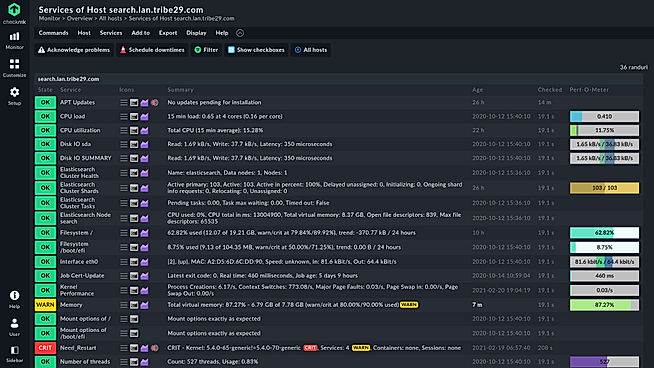
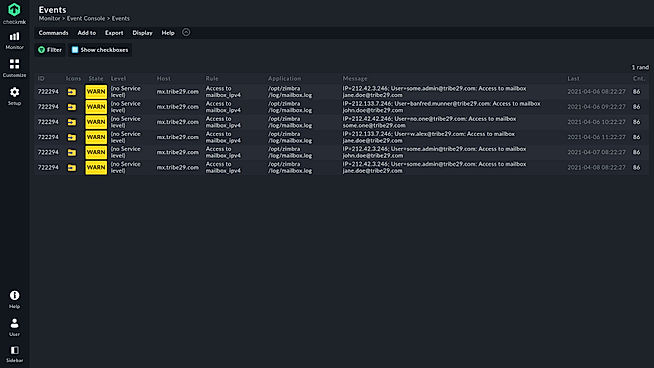
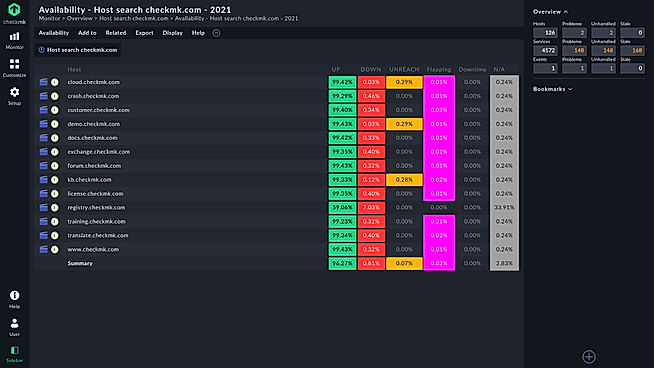
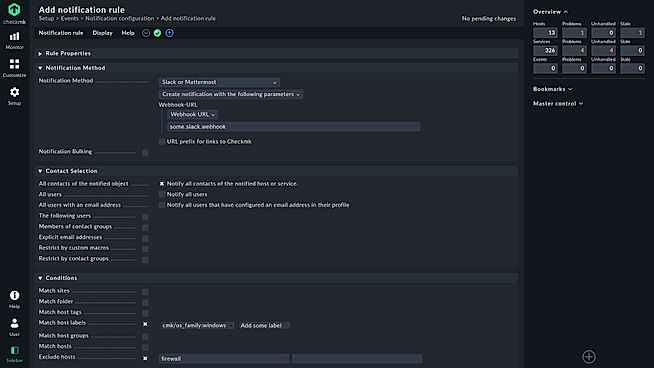
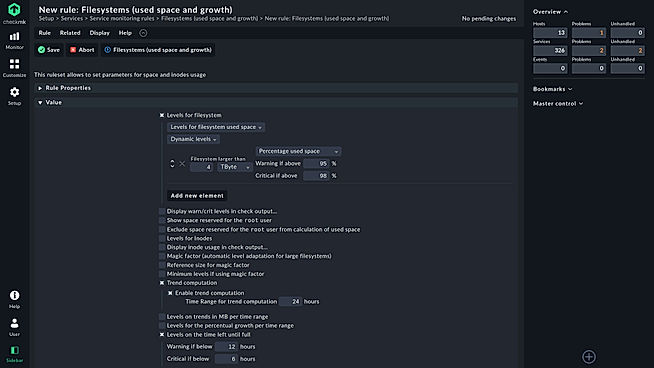
| Description | Zabbix is a network monitoring software that allows real-time network performance monitoring and management.You can monitor internet usage, bandwidth, IP address, uptime, server etc.The software comes designed with real time analytics, diagnostic tools and web traffic reporting.It helps in resource management as well.The platform is highly scalable. Zabbix Monitoring Solution notifies you if the power supply is critical, device temperature is excessively high/low, low free disk space etc.The tool is optimized for better performance and allows 3rd party software integration. It further includes features like security authentication, templating, autodiscovery etc. Read more | PRTG Network Monitor is a comprehensive network monitoring software that helps organisations keep their systems, devices, traffic and applications free from any troubles. The software provides powerful and easy-to-use solutions to businesses of all sizes. In an organisation’s network, it focuses on the bandwidth, database, running applications, cloud storage, server, LAN and Simple Network Management Protocol, ensuring seamless operations. PRTG Network Monitor integrates with pre-existing components of users’ network and analyses live status information to provide the best solutions. The software is customisable and its functionalities can be extended for using HTTP API and custom sensors. PRTG Network Monitor is an AI-based platform that automatically solves cluster failover solutions avoiding any delay. The software can monitor several networks in different locations and within the organisation with PRTG Remote Probes. It provides in-depth reports based on live and historical data monitoring, enabling users to take the right action at the right time. Read more | Companies depend on Pandora FMS to get their monitoring needs taken care of in a simple and secure way. The particular tool is designed by Artica ST and comes loaded with a full-fledged ecosystem inclusive of facilities like personalised face to face training, technical support, distance training, certified international partners, community version developers and an intuitive plugin library alike. Further, it is also capable of integrating information islands of SAP, servers, Mainframe, IP telephony, applications or communications within a unified monitoring umbrella. The platform is absolutely secure, compatible with stringent security standards like SO 27001 and PCI/DSS. Its integrated list of secure architecture elements comes loaded with metrics like delegated authentication system, safe traffic through certificates and encryptions, double authentication system, internal audit system, password policy, credential storages, rootless installation, agent communication based safe architecture and integrated backup. Pandora FMS is certified under ISO/IEC 27001:2013 besides complying with National Security Scheme. Read more | Checkmk is Best-in-class infrastructure & application monitoring Helping you stay up and running from simple to the most complex environments. And its a leading IT monitoring system for on-premise and cloud infrastructure and application monitoring that enables admins, IT managers, and DevOps teams to identify and resolve issues across their entire IT infrastructure quickly. It is suitable for all size of organizations. Read more |
| Pricing Options |
|
|
|
|
| SW Score & Breakdown |
94% SW Score The SW Score ranks the products within a particular category on a variety of parameters, to provide a definite ranking system. Read more
|
96% SW Score The SW Score ranks the products within a particular category on a variety of parameters, to provide a definite ranking system. Read more
|
91% SW Score The SW Score ranks the products within a particular category on a variety of parameters, to provide a definite ranking system. Read more
|
91% SW Score The SW Score ranks the products within a particular category on a variety of parameters, to provide a definite ranking system. Read more
|
| Total Features |
9 Features
|
11 Features
|
10 Features
|
8 Features
|
| Common Features for All |
Bandwidth Monitoring
Baseline Manager
Diagnostic Tools
IP Address Monitoring
Internet Usage Monitoring
Real Time Analytics
Resource Management
SLA Monitoring
Server Monitoring
Uptime Monitoring
Web Traffic Reporting
|
Bandwidth Monitoring
Baseline Manager
Diagnostic Tools
IP Address Monitoring
Internet Usage Monitoring
Real Time Analytics
Resource Management
SLA Monitoring
Server Monitoring
Uptime Monitoring
Web Traffic Reporting
|
Bandwidth Monitoring
Baseline Manager
Diagnostic Tools
IP Address Monitoring
Internet Usage Monitoring
Real Time Analytics
Resource Management
SLA Monitoring
Server Monitoring
Uptime Monitoring
Web Traffic Reporting
|
Bandwidth Monitoring
Baseline Manager
Diagnostic Tools
IP Address Monitoring
Internet Usage Monitoring
Real Time Analytics
Resource Management
SLA Monitoring
Server Monitoring
Uptime Monitoring
Web Traffic Reporting
|
| Organization Types Supported |
|
|
|
|
| Platforms Supported |
|
|
|
|
| Modes of Support |
|
|
|
|
| API Support |
|
|
|
|
| User Rating |
|
|
|
|
| Rating Distribution |
|
|
|
|
| User Sentiments |
Customizable Monitoring, Comprehensive Monitoring Capabilities, Open Source, Real-Time Alerting Steep Learning Curve, Outdated User Interface, Complicated Setup Process, Limited Reporting Functionality |
Ease of Use, Comprehensive Monitoring Capabilities, Extensive Customizability, Effective Alerting System Limited Linux Support, Occasional Performance Issues, Steep Learning Curve, Sensor-Based Pricing Model |
Flexibility, Real-time Monitoring, Customizable Dashboards, Comprehensive Monitoring Capabilities Initial Setup Complexity, Outdated User Interface, Limited Free Version, Occasional Software Crashes |
Not Available
|
| Review Summary |
Overall, users find the software easy to use, praising its intuitive interface, user-friendly dashboards, and customizable features. It is lauded for its comprehensive monitoring capabilities, including network monitoring, server monitoring, and application monitoring, with users appreciating its ability to detect and alert on issues promptly. However, some users have reported occasional bugs and performance issues, and a few have expressed concerns about the complexity of the software and the need for specialized skills for full utilization. |
PRTG Network Monitor garners praise for its comprehensive monitoring capabilities, customizable alerts, and user-friendly interface. Reviewers appreciate its ability to monitor various aspects of IT infrastructure, including network performance, server uptime, and application availability. They also highlight the customizable dashboards and reporting features that enable tailored monitoring and analysis. However, some users mention occasional performance issues and a learning curve associated with setting up complex monitoring scenarios. Overall, PRTG Network Monitor is well-received for its robust monitoring features and customization options, making it a reliable choice for IT professionals seeking a comprehensive monitoring solution. |
Pandora FMS is a highly customizable and powerful monitoring solution praised by users for its comprehensive capabilities. While users appreciate its flexibility in monitoring various systems, including networks, servers, applications, and cloud services, some find the initial setup and configuration complex. The software's real-time alerts and detailed reports are valued assets, though the user interface could be modernized. Despite a few minor drawbacks, Pandora FMS offers robust monitoring capabilities at a competitive price, making it a reliable choice for organizations seeking to enhance their IT infrastructure management. |
Checkmk is a robust monitoring solution praised for its wide range of out-of-the-box checks, extensive plugin library, and robust alerting capabilities. Users highlight its easy setup, scalability for large environments, and the active community offering support. However, some find the configuration process complex, particularly for beginners, with a steep learning curve. The GUI can feel cluttered, and certain features, like rule management and dashboard creation, might require further refinement for improved user experience. |
| Read All User Reviews | Read All User Reviews | Read All User Reviews | Read All User Reviews |
AI-Generated from the text of User Reviews
| Pricing Options |
|
|
|
|
|
Pricing Plans
Monthly Plans
Annual Plans
|
Zabbix Free |
PRTG 500 $1,750.00 $1,750.00 PRTG 1000 $3,200.00 $3,200.00 PRTG 2500 $6,500.00 $6,500.00 PRTG 5000 $11,500.00 $11,500.00 PRTG XL1 $15,500.00 $15,500.00 PRTG Enterprise Custom |
Lite Others Enterprise Custom Corporate Custom |
Free Free Plan 1 $150.00 $150.00 per month Plan 2 $250.00 $250.00 per month Plan 3 $375.00 $375.00 per month Plan 4 $600.00 $600.00 per month Plan 5 $750.00 $750.00 per month Enterprise Custom |
|
View Detailed Pricing
|
View Detailed Pricing
|
View Detailed Pricing
|
View Detailed Pricing
|
Get personalized recommendations from our experts on call
Trusted by more than 5 Million users across the globe.
Thank you for the enquiry. One of our software analysts will contact you soon.
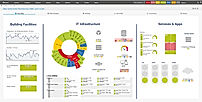
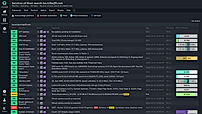
| Screenshots |
+ 3 More
|
+ 1 More
|
Not Available |
+ 4 More
|
| Videos |

|

+ 2 More
|

|

+ 2 More
|
| Company Details | Located in: Riga, Latvia | Located in: Nuremberg, Germany Founded in: 1997 | Located in: Madrid, Spain | Located in: Munich, Germany |
| Contact Details |
+371 6778-4742 |
+49 911 93775-0 |
+34-91-559-72-22 |
+ 498912085616 |
| Social Media Handles |
|
|
|
|

Looking for the right SaaS
We can help you choose the best SaaS for your specific requirements. Our in-house experts will assist you with their hand-picked recommendations.

Want more customers?
Our experts will research about your product and list it on SaaSworthy for FREE.