MEET CLARA - THE AI BEHIND SMARTER SOFTWARE CHOICES
|
Featured
84% SW Score The SW Score ranks the products within a particular category on a variety of parameters, to provide a definite ranking system. Read more 
Plesk |
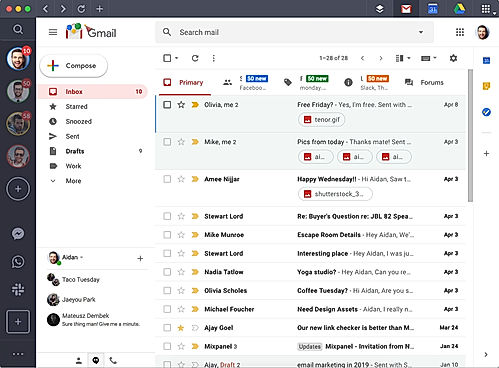
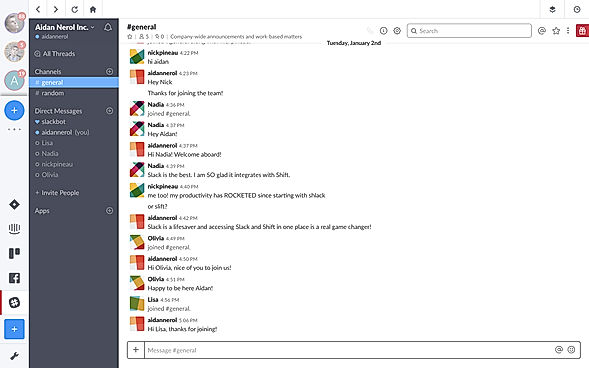
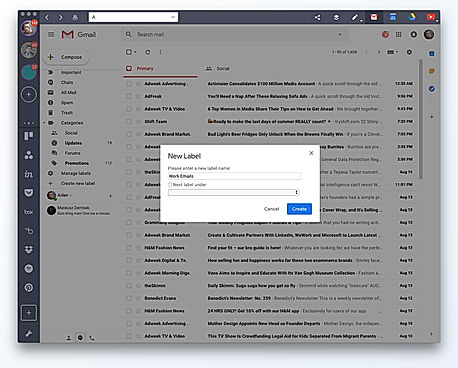
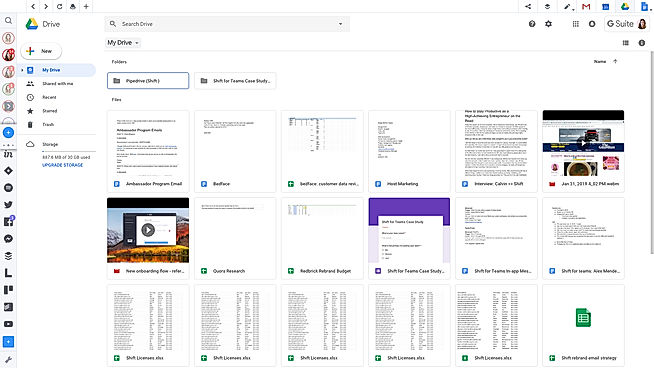
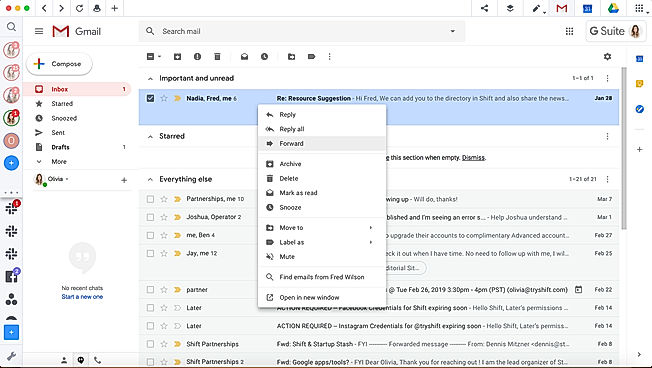
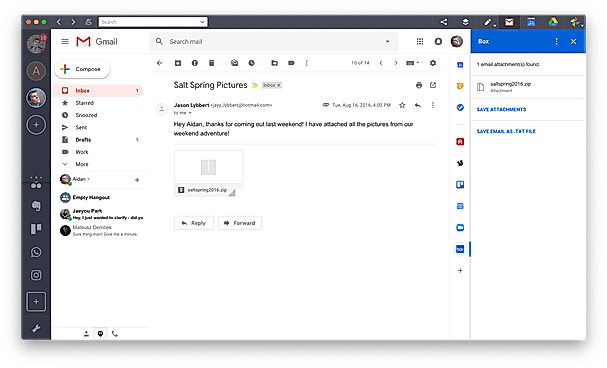
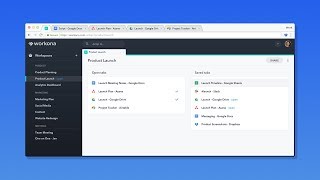
| Description | Workona is an ultimate work organizer for the cloud; it brings all the vital businesses to teams by assisting them in organizing everything for a project in a single place. Workona is here to transform and make easier the entire modern work process. Workona is a useful tool with its promising features of autosaved tables that help users keep their work safe from losing. It also offers tab backups to protect users in case of emergency and the built-in tab suspension to save memory. Workona software is ultimately helpful for the users as it organizes their projects, apps, and documents in one place. Moreover, businesses can collaborate with their team and create Asana projects, Google Docs, Zoom meetings, and much more with Workona. Workona software offers excellent features to keep everything well organized in dedicated work environments. Users will experience hassle-free work as all cloud apps can be accessed through one platform without moving to different tabs. You can keep project work, links and tasks close at hand and easy to discover with Workona under the freemium and subscription pricing strategies. Read more | Shift is the desktop app for streamlining your accounts, apps, and workflows. You can connect all of your Gmail, Outlook, and Office 365 accounts and manage everything from one centralized workstation. Enjoy access to Boomerang, Grammarly, LastPass, and many of your other favorite Chrome Extensions. Access the web from inside Shift. Manage your tabs and organize them by account for a better browsing experience. Save time and find exactly what you're looking for across any of your Mail, Calendar, and Drive accounts. Read more | Toby software is a platform used to organize your browser tabs into Toby in one click. Manage collections with any reports, libraries, and documents configured from different projects. Collaborate with your team with shared knowledge work of your organizations. Small and Medium companies make use of the software. Read more | Plesk is the premier WebOps hosting platform, capable of running, automating, and expanding applications, websites, and hosting services. It is the only OS-agnostic platform, used in over 140 countries in 32 languages across 384,000 servers, managing 11 million websites and 15 million mailboxes. As 50% of the top 100 service providers partner with Plesk, this hosting platform provides application developers with easy and secure access to web infrastructure, expertly managed by web professionals and hosting companies. Read more |
| Pricing Options |
|
|
|
|
| SW Score & Breakdown |
|
|
|
84% SW Score The SW Score ranks the products within a particular category on a variety of parameters, to provide a definite ranking system. Read more
|
| Organization Types Supported |
|
|
|
|
| Platforms Supported |
|
|
|
|
| Modes of Support |
|
|
|
|
| User Rating |
|
|
|
|
| Rating Distribution |
|
|
|
|
| User Sentiments |
Tab Organization, Memory Saving, Improved Productivity, Easy to Use Limited Free Workspaces, Occasional System Failures, Learning Curve, Limited Cross-Platform Compatibility |
Multi-Account Management, Streamlined Workflow, Extensive Integrations, Time-Saving Efficiency Application Instability, Performance Issues, Occasional Login Issues, Limited Free Version Functionality |
Not Available
|
Not Available
|
| Review Summary |
Workona receives overwhelmingly positive reviews, praised for its browser tab management and organization features. Users appreciate its ability to create and switch between workspaces, saving time and increasing productivity. The intuitive interface makes it easy to group tabs by project, allowing users to quickly access relevant information. While some users mention minor issues like occasional glitches or limited workspace count in the free version, the overall sentiment is highly favorable. Workona is seen as a game-changer for anyone who works with multiple tabs and projects online. |
Users commend Shift for its user-friendly interface, ease of use, robust scheduling capabilities, seamless integration with other tools, efficiency gains, and excellent customer support. However, some reviewers express concerns regarding occasional bugs, limitations in reporting features, and the need for improved mobile app functionality. Overall, Shift receives positive feedback for its user-friendliness, functionality, and customer support, but there is room for improvement in certain areas. |
Not Available
|
User reviews of Plesk highlight its user-friendly interface, ease of use, and powerful features for managing websites, emails, and domains. Users appreciate Plesk's intuitive design, making server administration more accessible for non-technical users. However, concerns about Plesk's cost, occasional bugs, and the need for regular updates are also mentioned. Some users find its security features lacking, while others report compatibility issues with certain software or platforms. |
| Pros & Cons |
|
|
|
Not Available
|
| Read All User Reviews | Read All User Reviews | Read All User Reviews | Read All User Reviews |
AI-Generated from the text of User Reviews
| Pricing Options |
|
|
|
|
|
Pricing Plans
Monthly Plans
Annual Plans
|
Free Free Pro $6.00 $8.00 per month |
Basic Free Advanced $99.99 $99.99 per year Teams $99.99 $99.99 per year |
Free Free Teams Custom Enterprise Custom |
Web Admin Edition VPS $9.90 $12.00 per month Web Pro Edition VPS $15.26 $18.50 per month Web Host Edition VPS $25.16 $30.50 per month Partners Custom |
|
View Detailed Pricing
|
View Detailed Pricing
|
View Detailed Pricing
|
View Detailed Pricing
|
Get personalized recommendations from our experts on call
Trusted by more than 5 Million users across the globe.
Thank you for the enquiry. One of our software analysts will contact you soon.
| Screenshots |

+ 2 More
|
+ 5 More
|
Not Available | Not Available |
| Videos |
|

+ 3 More
|
Not Available |

+ 1 More
|
| Company Details | Located in: San Mateo, California - 94401 | Located in: Victoria, Canada | Located in: Vancouver, British Columbia | Located in: Schaffhausen, Switzerland Founded in: 2000 |
| Contact Details |
Not available |
Not available |
Not available |
+41 52 539 10 00 |
| Social Media Handles |
|
|
|
|

Looking for the right SaaS
We can help you choose the best SaaS for your specific requirements. Our in-house experts will assist you with their hand-picked recommendations.

Want more customers?
Our experts will research about your product and list it on SaaSworthy for FREE.