MEET CLARA - THE AI BEHIND SMARTER SOFTWARE CHOICES
|
91% SW Score The SW Score ranks the products within a particular category on a variety of parameters, to provide a definite ranking system. Read more 
View Details
|
79% SW Score The SW Score ranks the products within a particular category on a variety of parameters, to provide a definite ranking system. Read more 
View Details
|
Featured
96% SW Score The SW Score ranks the products within a particular category on a variety of parameters, to provide a definite ranking system. Read more 
Google Workspace |
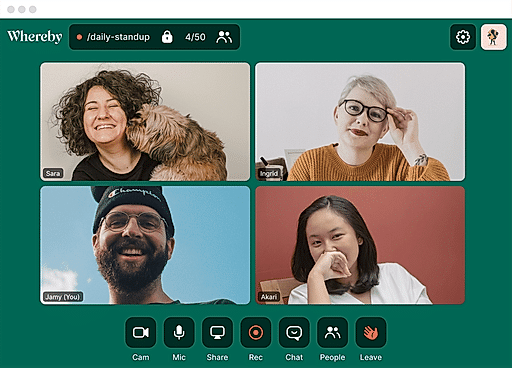
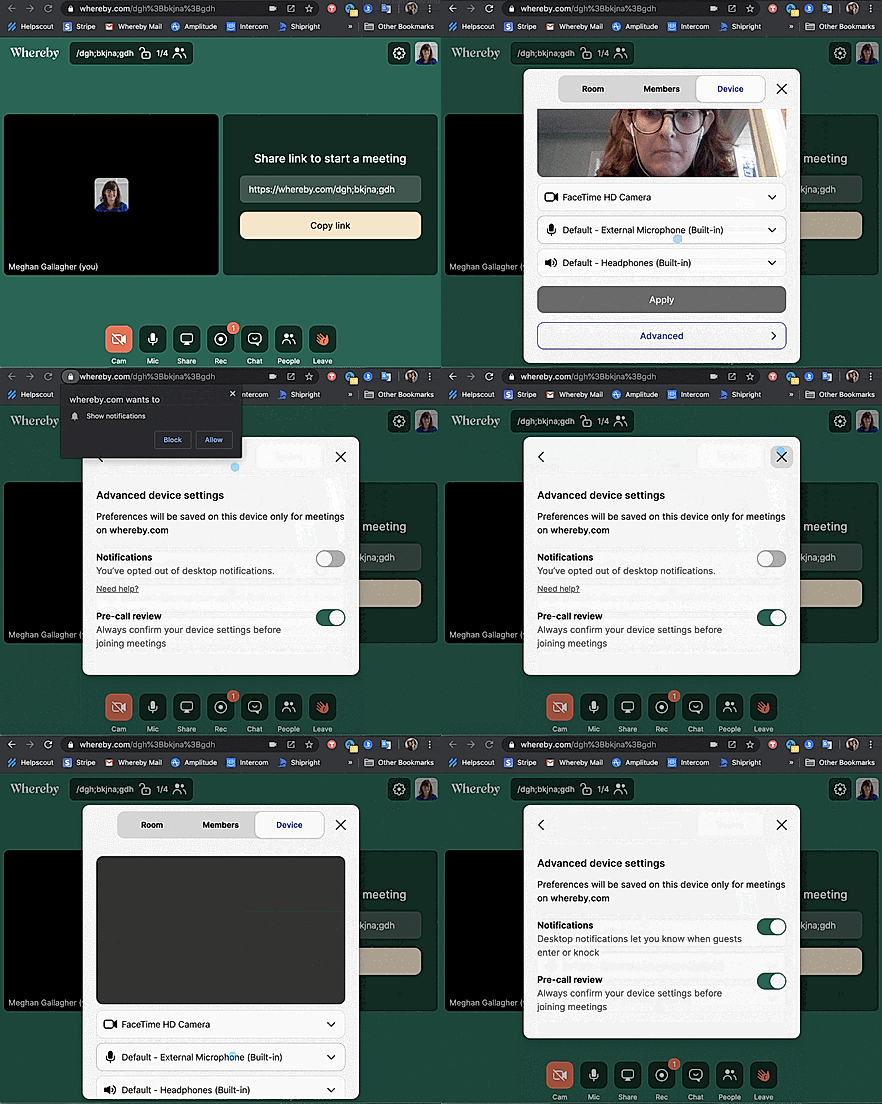
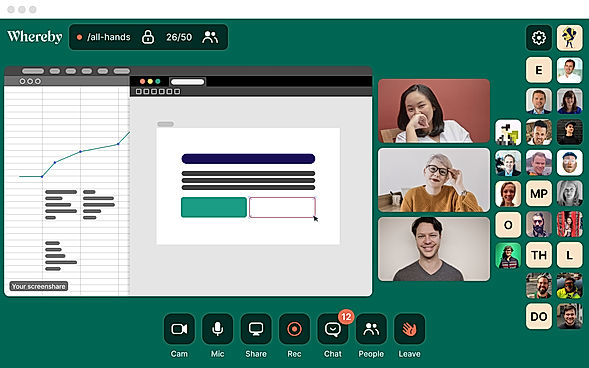
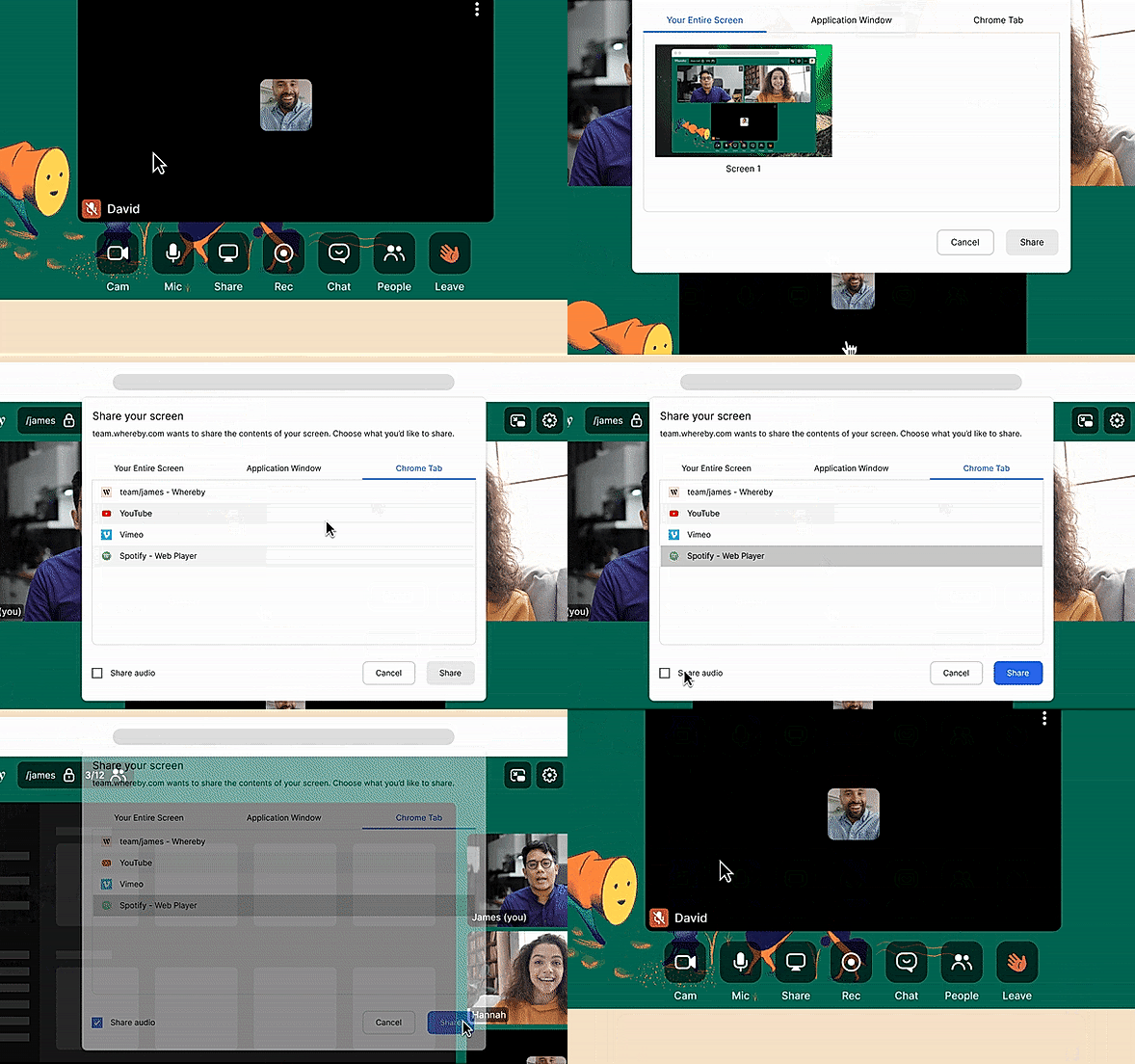
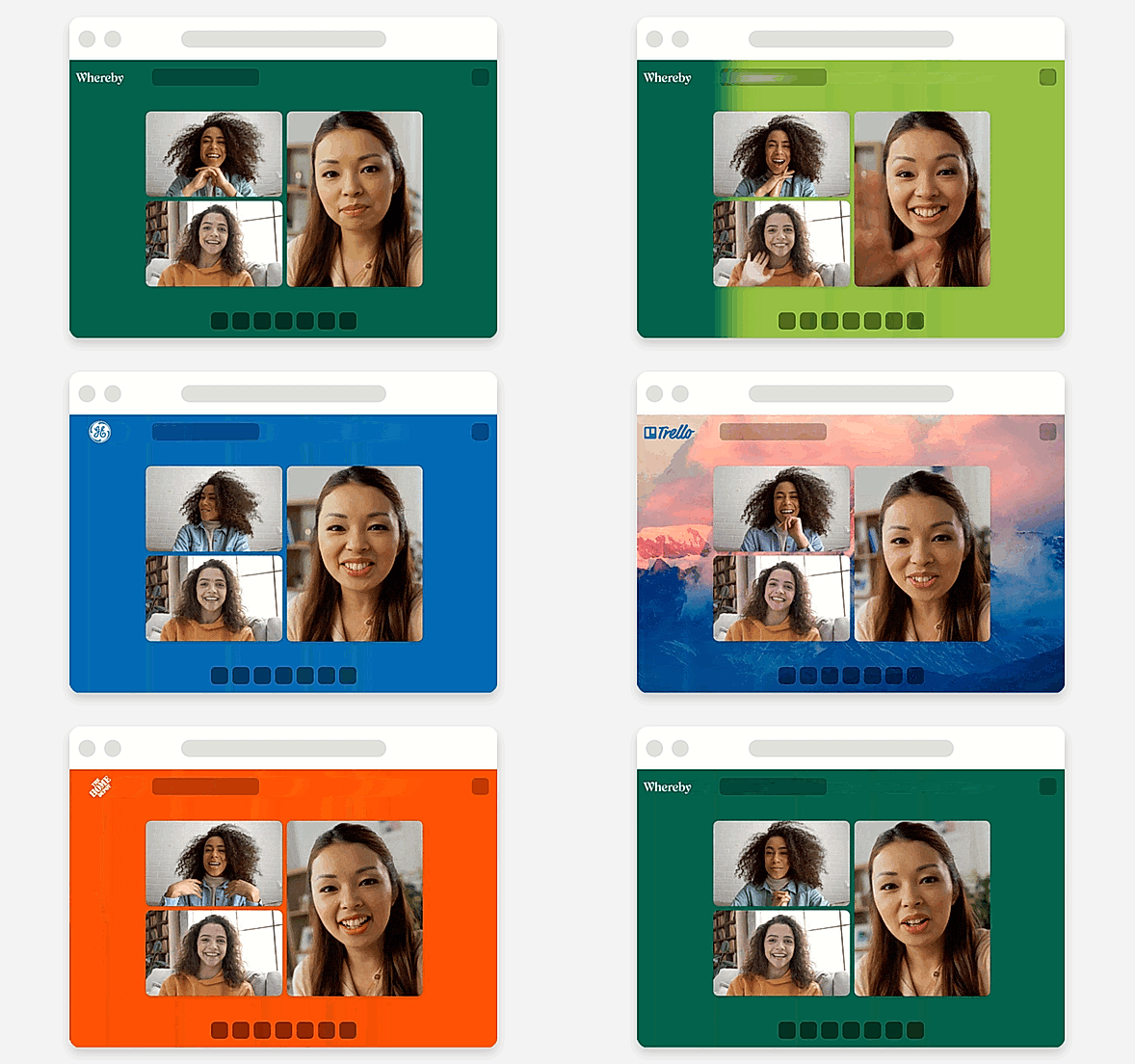
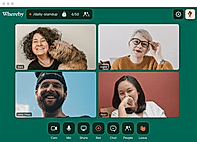
| Description | Whereby is the easiest way to meet over video. With no app or installs required, and the same meeting link every time, the privacy-friendly video meeting platform gives users the freedom to work from anywhere. Whereby users can invite colleagues, clients, and friends to meet over mobile or desktop, simply by sharing a link, which instantly sends guests into a personalized meeting room. There’s no registration or downloads required, and the simple UI means that anyone can quickly join or host a call with no technical experience needed. Built-in features like screen and audio sharing, meeting recording, branded rooms, and customizable room links mean that users can make the most of their video meetings. Integrations like Trello, Google Docs, and Miro Whiteboard give teams the tools they need to collaborate remotely. And now, with Whereby’s new API product, Whereby embedded, companies can easily add video meetings to their website or app. With a quick turnaround time and minimal coding requirements, it’s ideal for connecting with consultants, clinicians, teachers, students, sales teams, and other specialists. Read more | grptalk is an innovative audio-conferencing tool to conduct meetings, training, and even have general discussions. Once downloaded, users can select different contacts for an immediate call with the quick talk option or create a schedule for repeated conferences. The tool comes with regular features like Add, Mute, Unmute, and also download call recordings and mute-dial participants for broadcasts. Users can create multiple sub-accounts for different teams, making it easy for all teams to host team-specific conference calls. It allows users to easily get on an audio conference with hundreds of employees with the sleek web interface and upload a contact list from Excel and connect with them instantly. With the dial-out option, users can just answer the incoming call to connect to their group or enable dial-in and call a conference the normal way. The tool requires only the host to install the application to schedule a conference call and participants only need to answer the call and join the audio conference. Read more | Riverside’s AI-powered platform lets you record, edit, repurpose, and distribute studio-quality content as easily as having a full production crew. Whether you're recording solo or with guests, achieve top-quality results every time. The platform streamlines your workflow from start to finish. Turn one recording into multiple clips with AI, stream in HD to several destinations at once, and publish directly to YouTube, Spotify, and Apple Podcasts. Riverside’s AI automatically generates a polished cut of your session, complete with transcripts and show notes. Editing is made simple with the text-based editor—just search, cut, and paste in the transcript to edit your video. Separate track recording allows you to easily remove crosstalk and change layouts. Maintain a consistent brand by adding your logo, colors, and intro/outro, then apply them with a single click. You can also generate customizable animated captions instantly, perfect for creating engaging reels and TikToks. With Riverside, you have a powerful partner to help you focus on content creation and audience growth. Read more | Google Workspace is an intuitive platform that helps teams of all sizes to connect and collaborate with each other and improve their efficiency levels in real-time. It provides an innovative and flexible solution that helps businesses to achieve more. With the help of shared calendars, users can see who is available and when so they can fix meetings without clashing anybody’s timings. It also allows them to start video conferencing with just a single click through their laptop, tab or mobile. With Google Workspace, team members can collaborate with each other and share documents, slides and spreadsheets with or without the internet. They can work in a single document, see edits, communicate through in-built chat and tag each other in comments and ask questions. Google Workspace also allows users to upload their data on the cloud to keep it safe and easily available to team members through a shared link. To assure comprehensive security the software offers advanced privacy algorithms like single-sign-on and 2-step verification. Read more |
| Pricing Options |
|
|
|
|
| SW Score & Breakdown |
91% SW Score The SW Score ranks the products within a particular category on a variety of parameters, to provide a definite ranking system. Read more
|
79% SW Score The SW Score ranks the products within a particular category on a variety of parameters, to provide a definite ranking system. Read more
|
|
96% SW Score The SW Score ranks the products within a particular category on a variety of parameters, to provide a definite ranking system. Read more
|
| SaaSworthy Awards | # 2 Most Popular # 3 Most Worthy |
Not Available
|
Not Available
|
# 3 Fastest Growing # 4 Most Popular |
| Organization Types Supported |
|
|
|
|
| Platforms Supported |
|
|
|
|
| Modes of Support |
|
|
|
|
| API Support |
|
|
|
|
| User Rating |
|
|
|
|
| Rating Distribution |
|
|
|
|
| User Sentiments |
Ease of Use, Personalized Meeting Room URL, High Quality Video and Audio, Extensive Integrations Occasional Audio/Video Issues, Limited Mobile Device Functionality, Lack of Advanced Features, Screen Sharing Issues |
Not Available
|
Not Available
|
Not Available
|
| Review Summary |
Users appreciate the user-friendly interface, ease of use, and fast setup process of the software. They find it reliable and stable, with good video and audio quality. The platform offers various features such as screen sharing, recording, and breakout rooms, which are highly valued. However, some users have reported occasional technical issues, such as connectivity problems and glitches during calls. Additionally, the pricing structure and lack of certain advanced features have been mentioned as areas for improvement. Overall, users generally have a positive experience with the software, highlighting its simplicity, reliability, and feature-richness. |
Not Available
|
Riverside.fm receives mixed reviews, with users praising its high-quality audio and ease of use for remote podcast recording. The platform’s intuitive interface, AI-powered editing features, and integration with Spotify are frequently commended. However, users often report encountering sync issues, missing files, and technical glitches. Customer service, while sometimes helpful, is criticized for its inconsistent responses and lack of transparency. Some users mention concerns about pricing and limited features, highlighting a need for more flexible options and robust integration with other platforms. |
Not Available
|
| Read All User Reviews | Read All User Reviews | Read All User Reviews | Read All User Reviews |
AI-Generated from the text of User Reviews
| Pricing Options |
|
|
|
|
|
Pricing Plans
Monthly Plans
Annual Plans
|
Free (Meetings) Free Pro (Meetings) $5.82 $6.99 per month Business (Meetings) $8.32 $9.99 per month Explore (Embedded) Free Build (Embedded) $9.99 $9.99 per month Grow (Embedded) Custom |
grptalk Custom |
Free Free Pro $24.00 $29.00 per month Live $34.00 $39.00 per month Webinar $79.00 $99.00 per month Business Custom |
Starter $7.00 $8.40 per user / month Standard $14.00 $16.80 per user / month Plus $22.00 $26.40 per user / month Enterprise Plus Custom |
|
View Detailed Pricing
|
View Detailed Pricing
|
View Detailed Pricing
|
View Detailed Pricing
|
Get personalized recommendations from our experts on call
Trusted by more than 5 Million users across the globe.
Thank you for the enquiry. One of our software analysts will contact you soon.
| Screenshots |
+ 4 More
|
Not Available | Not Available | Not Available |
| Videos |

+ 1 More
|

|
+ 1 More
|

+ 2 More
|
| Company Details | Located in: Oslo, Norway Founded in: 2013 | Located in: Hyderabad, India | Located in: Dover, DE, USA Founded in: 2019 | Located in: Mountain View, California |
| Contact Details |
Not available |
+91-40-71044555 |
Not available |
Not available |
| Social Media Handles |
|
|
|
|

Looking for the right SaaS
We can help you choose the best SaaS for your specific requirements. Our in-house experts will assist you with their hand-picked recommendations.

Want more customers?
Our experts will research about your product and list it on SaaSworthy for FREE.