MEET CLARA - THE AI BEHIND SMARTER SOFTWARE CHOICES
|
94% SW Score The SW Score ranks the products within a particular category on a variety of parameters, to provide a definite ranking system. Read more 
View Details
|
87% SW Score The SW Score ranks the products within a particular category on a variety of parameters, to provide a definite ranking system. Read more 
View Details
|
Featured
97% SW Score The SW Score ranks the products within a particular category on a variety of parameters, to provide a definite ranking system. Read more 
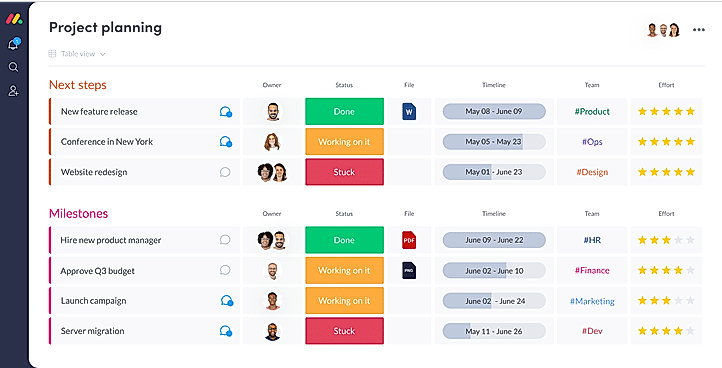
monday.com |
Featured
94% SW Score The SW Score ranks the products within a particular category on a variety of parameters, to provide a definite ranking system. Read more 
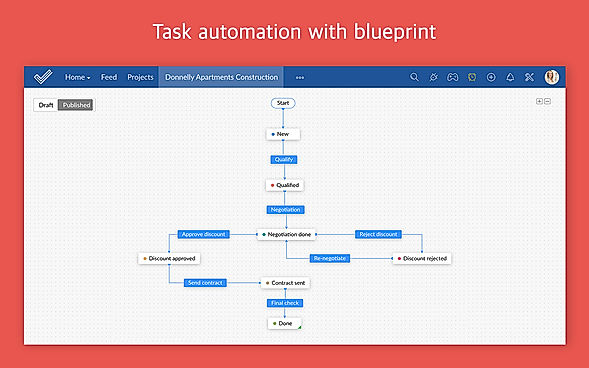
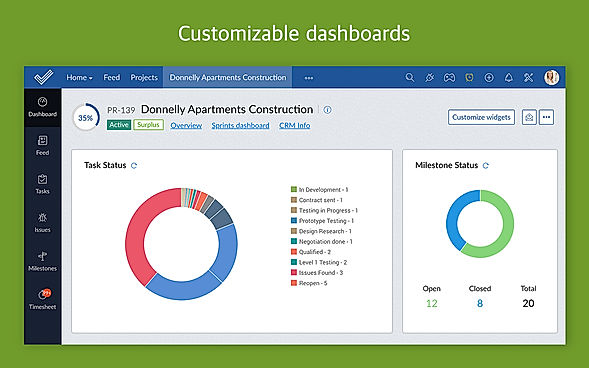
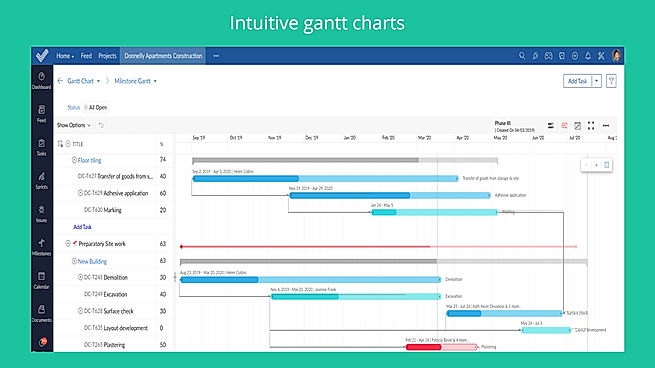
Zoho Projects |
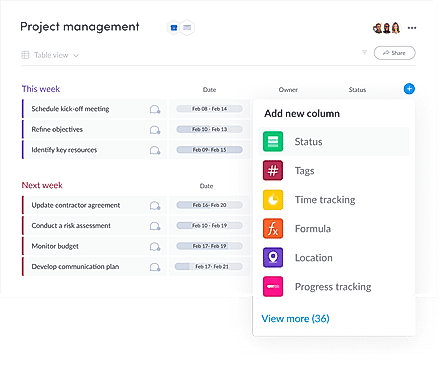
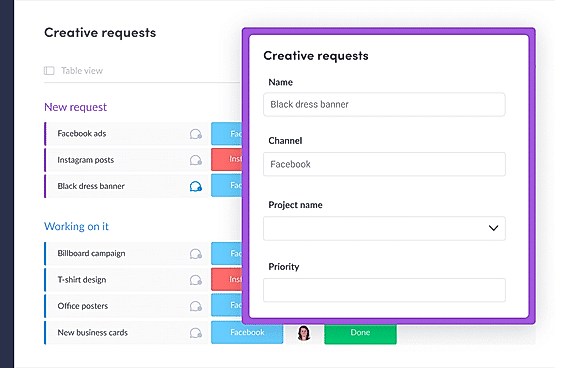
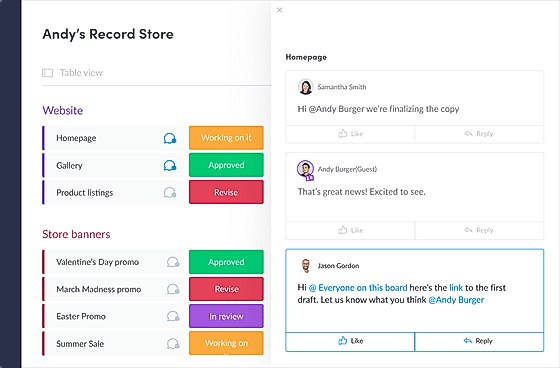
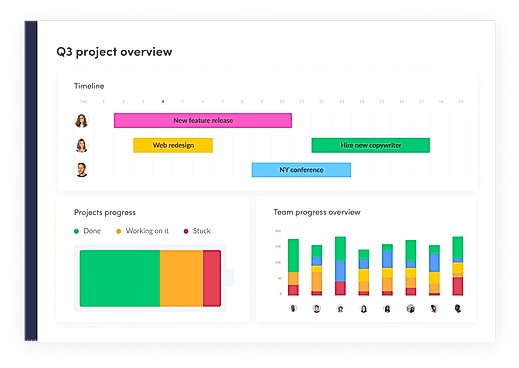
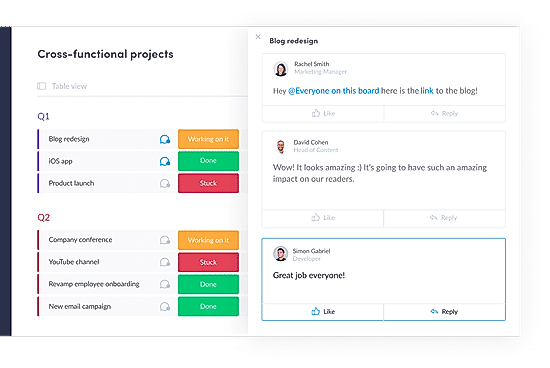
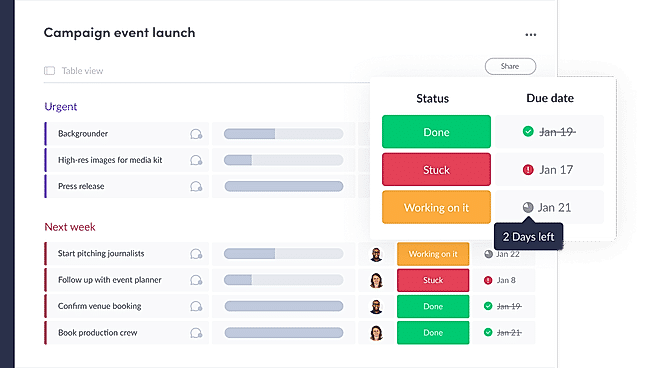
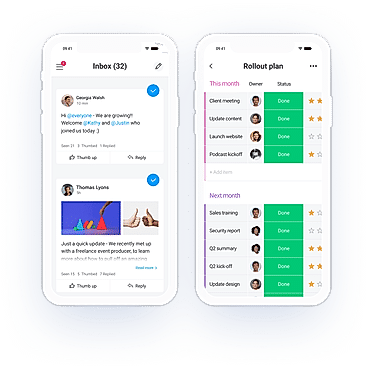
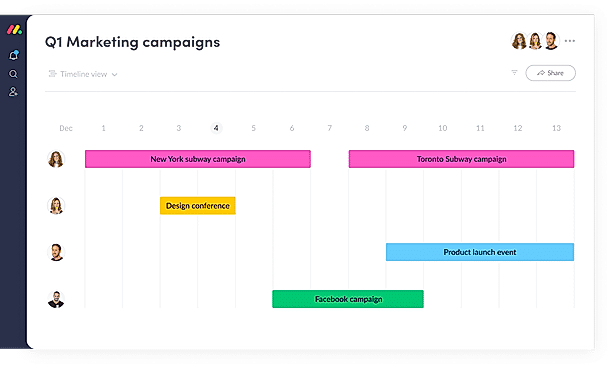
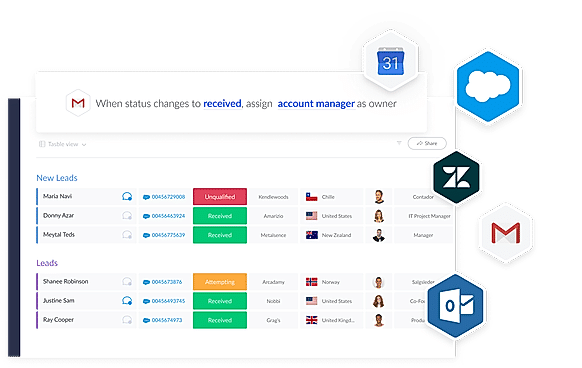
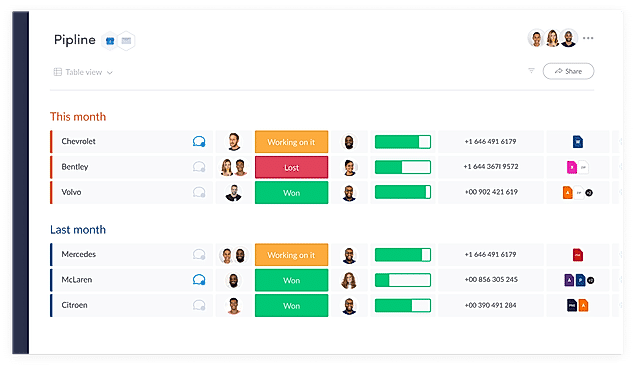
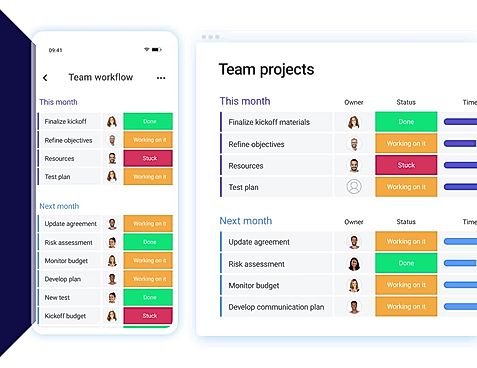
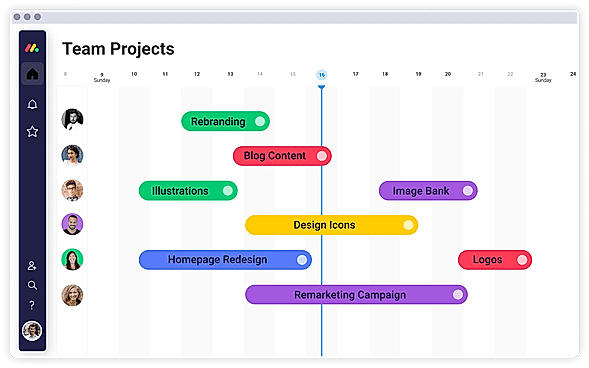
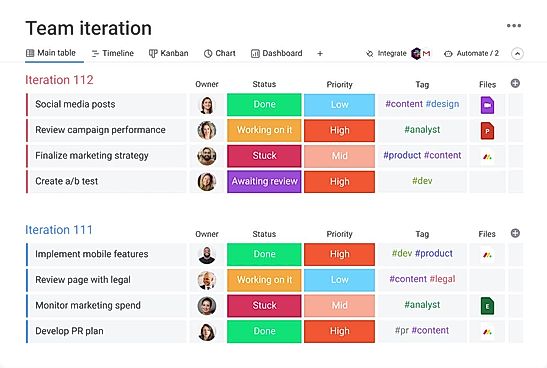
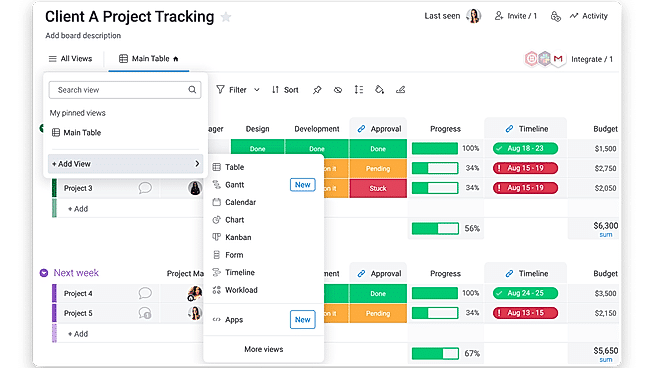
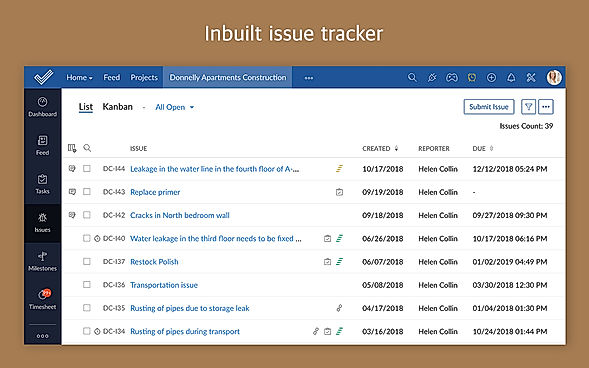
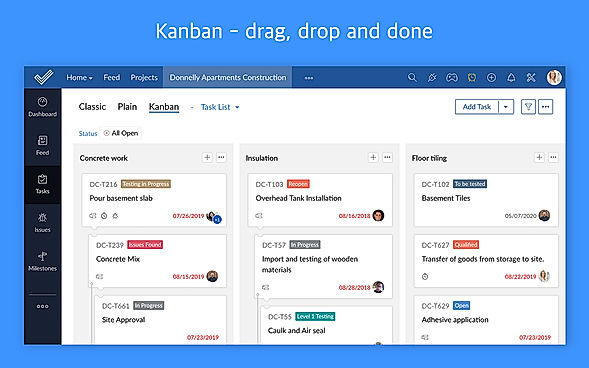
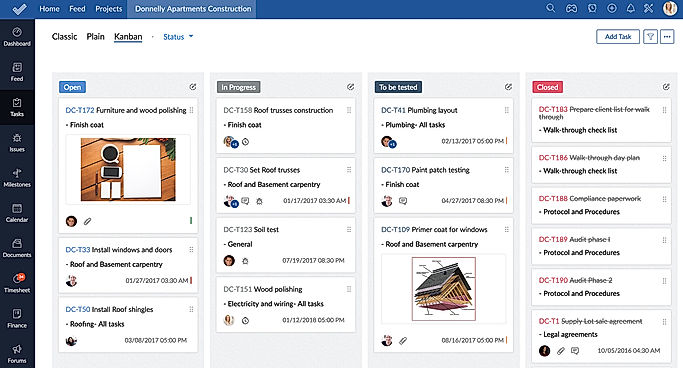
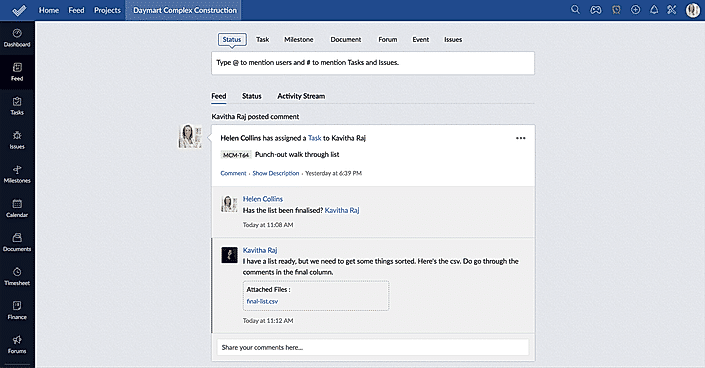
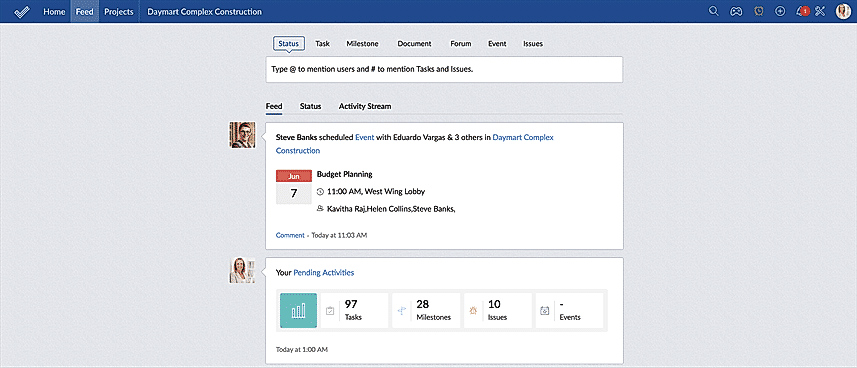
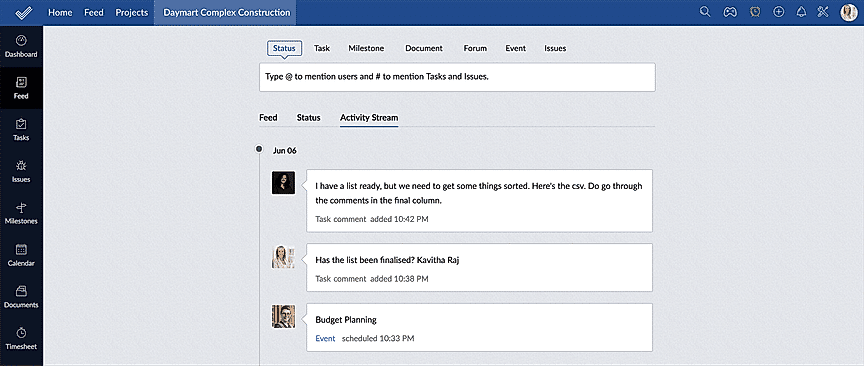
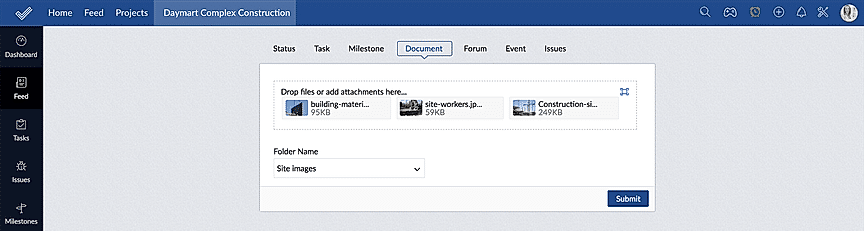
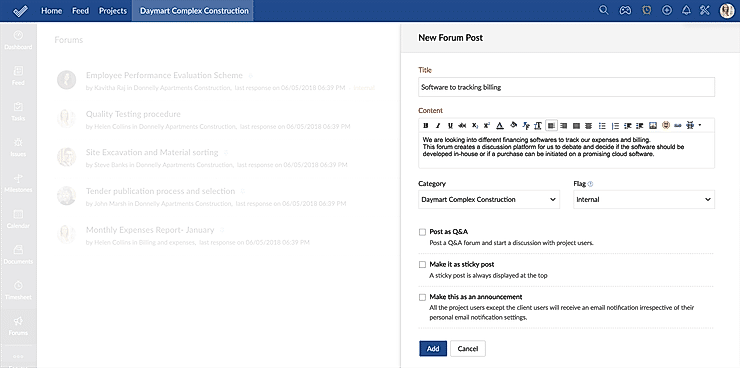
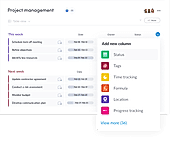
| Description | Motion is a productivity tool designed for one’s browsers. It highly pays attention to the idea of doing real work with no distractions, thus saving time. The software actively prevents users from getting distracted on the web, and it uses various measures like real-time interventions, analytics and reminders. The application lets users unlock their productivity superpowers by intercepting distracting sites through pop-ups, which lets one close the tab. The software even displays a countdown timer on the screen. Besides this, users can set the task and can see it on every page to get a rough idea on how much time they have spent on it. Additionally, it allows users to measure their browsing habits and improve on the same so that they can limit their time in future. The software silently runs in the web browser while the user is working on it. Motion is quite easy to install, and doesn’t take too much time. Developers have designed Motion in a unique way so that it can easily be integrated with the latest technologies without any fuss. Read more | TimeHero, an AI-driven task management tool, revolutionizes how professionals handle their workload. It seamlessly schedules and prioritizes tasks, making it ideal for those with tight deadlines. Features include self-planning repetitive tasks, customizable templates with dependencies, and efficient team project planning. Additionally, TimeHero offers a start-anywhere timer for multitasking, automatic timesheet updates, and advance visibility into future schedules to aid in decision-making regarding task reassignments and realistic deadline setting. This tool not only helps in staying on top of tasks but also ensures smoother operation by allowing real-time progress tracking. Read more | With monday.com, managers can better keep their team aligned from one collaborative workspace. This flexible platform allows you to truly centralize your data, leveraging native integrations, third-party apps, and helpful widgets. With an overview of all ongoing processes, you can quickly gauge the status of essential tasks and follow up with the relevant team member efficiently. Essentially, on monday.com, executives have the flexibility to build the perfect tools for their team using intuitive drag-and-drop technology. Simply select one of over 200 templates, and customize it using the 20 editable columns to support any of your workflows. Then if your team grows, your workflows can easily scale with you, empowering your team to new heights with complete visibility. Read more | Helps in planning projects, assigning tasks, keeping track on the work progress, managing documents, communicating seamlessly with the team to get the work done on time. Navigates the workflow through mapping out Gantt Charts and time management sheets. Also useful for project budgeting and allocating it as per the resources available. Additionally, it tracks issues associated with the project and manages resolving them. Maintains a database in which, the whereabouts of the employees can be seen along with their skills and availability. You can add unlimited members to your project without spending any extra money. Moreover, a mobile application also available to manage your task on-the-go. Read more |
| Pricing Options |
|
|
|
|
| SW Score & Breakdown |
94% SW Score The SW Score ranks the products within a particular category on a variety of parameters, to provide a definite ranking system. Read more
|
87% SW Score The SW Score ranks the products within a particular category on a variety of parameters, to provide a definite ranking system. Read more
|
97% SW Score The SW Score ranks the products within a particular category on a variety of parameters, to provide a definite ranking system. Read more
|
94% SW Score The SW Score ranks the products within a particular category on a variety of parameters, to provide a definite ranking system. Read more
|
| SaaSworthy Awards |
Not Available
|
# 10 Fastest Growing | # 3 Most Worthy # 1 Most Popular | # 4 Fastest Growing # 18 Most Popular |
| Organization Types Supported |
|
|
|
|
| Platforms Supported |
|
|
|
|
| Modes of Support |
|
|
|
|
| API Support |
|
|
|
|
| User Rating |
Not Available
|
|
|
|
| Rating Distribution |
Not Available
|
|
|
|
| User Sentiments |
Not Available
|
Not Available
|
User-friendly Interface, Extensive Customization, Effective Team Collaboration, Robust Automations Mobile App Functionality, Limited Sub-Item Functionality, Inconsistent Notifications, Slow Loading Times |
User-friendly Interface, Extensive Project Management Features, Comprehensive Collaboration Features, Seamless Integrations with Other Zoho Apps Limited Third-Party Integrations, Occasional Performance Issues/Slow Loading Times, Limited Mobile App Functionality, Complex Customization Options |
| Review Summary |
Not Available
|
Not Available
|
Overall, users praise the user-friendly interface, customization options, and ability to manage projects and tasks efficiently. They also appreciate the integrations with other tools and the mobile app. However, some users mention occasional glitches and a learning curve for new users. While customer support is generally well-received, some users report slow response times. Nevertheless, the majority of users find the platform valuable for project management and collaboration, highlighting its flexibility, ease of use, and positive impact on their productivity. |
Reviewers generally agree that Zoho Projects is a user-friendly and affordable project management tool with a wide range of features. It is praised for its intuitive interface, ease of use, and customizable features. Many users appreciate its Gantt charts, timesheets, and reporting capabilities. However, some reviewers mention occasional bugs and limitations in certain functionalities. Additionally, the mobile app is sometimes criticized for its lack of features and stability. Overall, Zoho Projects is a solid choice for teams seeking a user-friendly and feature-rich project management solution. |
| Pros & Cons |
|
|
Not Available
|
Not Available
|
| Read All User Reviews | Read All User Reviews | Read All User Reviews |
AI-Generated from the text of User Reviews
| Pricing Options |
|
|
|
|
|
Pricing Plans
Monthly Plans
Annual Plans
|
Basic $4.60 $5.00 per user / month Professional $10.00 $12.00 per user / month Premium $22.00 $27.00 per user / month |
Free Free Basic $9.00 $12.00 per user / month Standard $12.00 $14.00 per user / month Pro $19.00 $24.00 per user / month Enterprise Custom |
Free Free Premium $4.00 $5.00 per user / month Enterprise $9.00 $10.00 per user / month Projects Plus Custom |
|
| Not Available |
View Detailed Pricing
|
View Detailed Pricing
|
View Detailed Pricing
|
Get personalized recommendations from our experts on call
Trusted by more than 5 Million users across the globe.
Thank you for the enquiry. One of our software analysts will contact you soon.
| Screenshots |

+ 1 More
|
Not Available |
+ 20 More
|
+ 11 More
|
| Videos | Not Available |

+ 2 More
|
+ 4 More
|

+ 4 More
|
| Company Details |
Not available |
Located in: Ontario, Canada Founded in: 2015 | Located in: New York, NY 10003 Founded in: 2012 | Located in: Pleasanton, California - 94588 |
| Contact Details |
Not available |
Not available |
Not available |
+1 844-584-2497 |
| Social Media Handles |
|
|
|
|
What are the key features of Motion?
What are the key features of TimeHero?
What are the alternatives to Motion?
What are the alternatives to TimeHero?
Which SaaS products can TimeHero integrate with?

Looking for the right SaaS
We can help you choose the best SaaS for your specific requirements. Our in-house experts will assist you with their hand-picked recommendations.

Want more customers?
Our experts will research about your product and list it on SaaSworthy for FREE.