MEET CLARA - THE AI BEHIND SMARTER SOFTWARE CHOICES

Snagit |
92% SW Score The SW Score ranks the products within a particular category on a variety of parameters, to provide a definite ranking system. Read more 
View Details
|
79% SW Score The SW Score ranks the products within a particular category on a variety of parameters, to provide a definite ranking system. Read more 
View Details
|
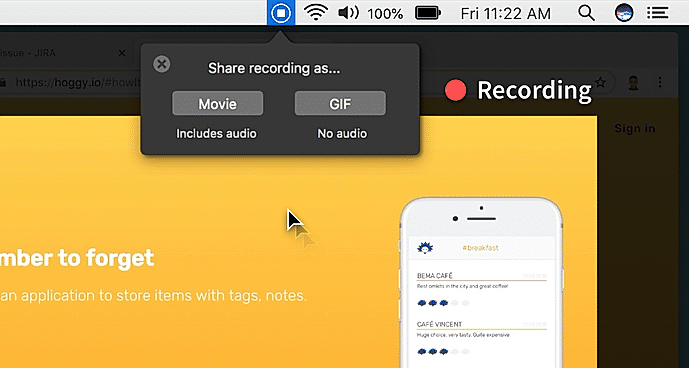
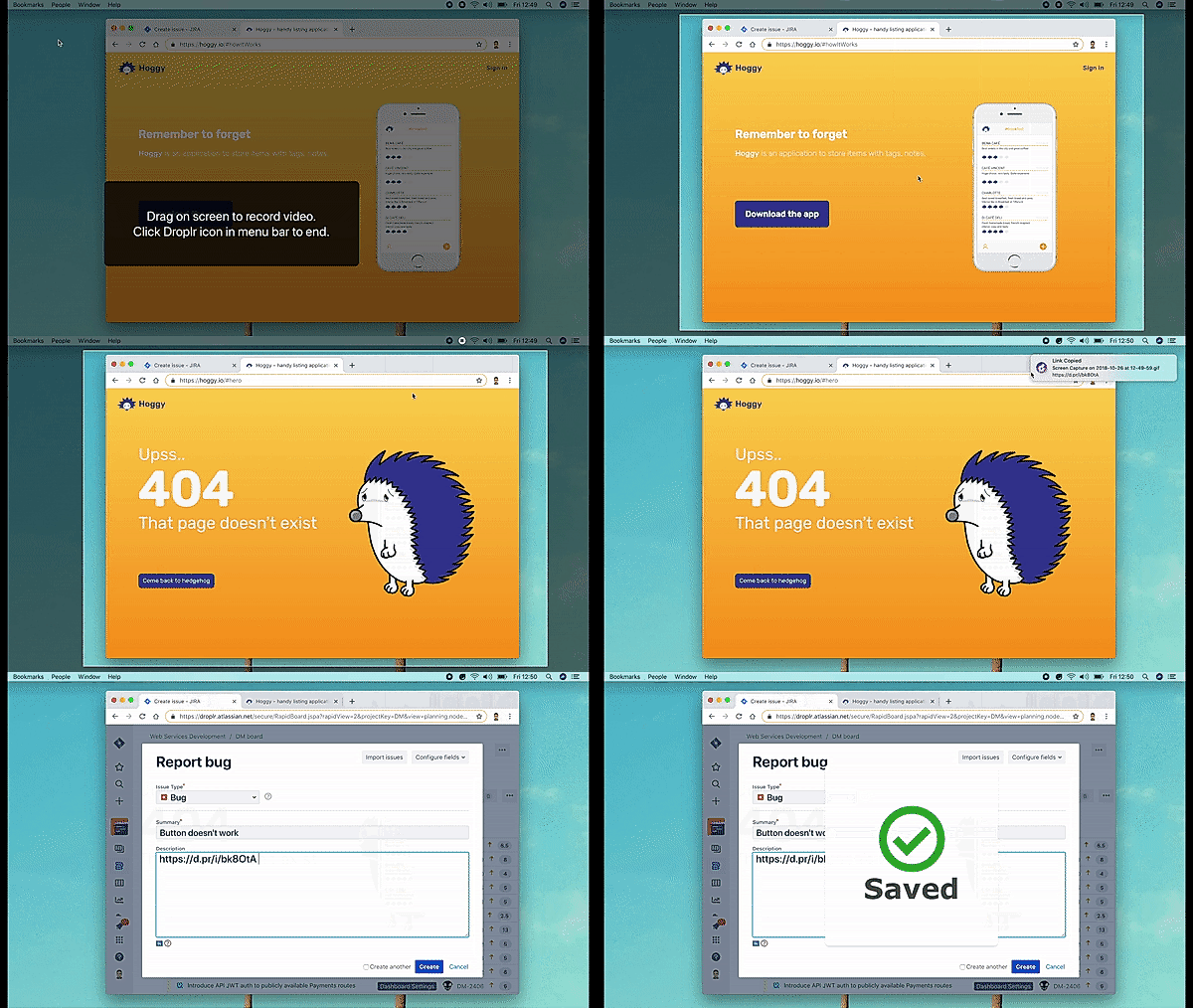
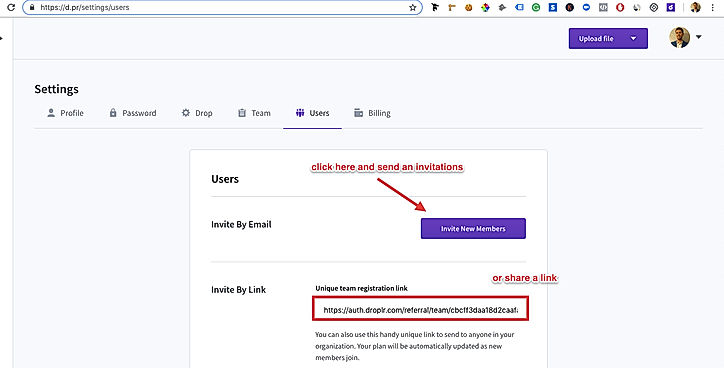
| Description | Loom is a communication tool for work based on instantly shareable videos. Users can record videos by capturing their screens or using their front-facing camera and add vocal comments. The videos can then be shared simply using a public link, which can be accessed without a loom account. Deleting videos is easy as well and it only needs a click of a button on the video page. It features ultra HD/4K video recording with a desktop application. Users can also share links to public folders with multiple videos inside it. Call-to-action buttons can be added to the videos and various recording tools like mouse emphasis, drawing, and custom recording dimensions are present. There are in-depth viewer insights available for data such as viewers and watched durations. Unlimited video storage is available as well and SSL encryption is deployed for enhanced data security. The software can also be easily integrated with Gmail and Slack. Read more | Droplr is a screenshot and screen recording software. It allows users to take snaps and record screen sessions instantly and saves that automatically on the cloud. The captured media can be shared directly with anyone with the help of a link that is specific for each file. The screenshot taking tool provides multiple ways of capturing screen. A user can either snap the entire screen or a part of it, or can take an optimized screenshot of a webpage without the unnecessary edges. Furthermore, the screenshots can be annotated with texts and colors to add meaningful information. The screen recording module also offers flexibility to the users, which means one can record either full or a part of the screen. One can also use the webcam simultaneously with the screen recorder. This enables adding real-time video explanations for the recorded sessions. Although the software is primarily made to eliminate the cluttering of screenshots and screen recordings in your computer, the user can download the files on a local drive. Droplr can also be integrated easily with a host of applications such as Gmail, Google Docs, Adobe Photoshop and many more. Read more |
| Pricing Options |
|
|
| SW Score & Breakdown |
92% SW Score The SW Score ranks the products within a particular category on a variety of parameters, to provide a definite ranking system. Read more
|
79% SW Score The SW Score ranks the products within a particular category on a variety of parameters, to provide a definite ranking system. Read more
|
| Organization Types Supported |
|
|
| Platforms Supported |
|
|
| Modes of Support |
|
|
| API Support |
|
|
| User Rating |
|
|
| Rating Distribution |
|
|
| User Sentiments |
Ease of Use, Ease of Sharing, Chrome Extension, High Quality Videos Limited Editing Options, Desktop App Bugs, Mobile App Issues, Five Minute Recording Limit |
Easy to Use, Fast File Sharing, Screenshot Annotation Features, Screen Recording Capability Occasional Software Crashes/Bugs, Limited Mobile App Functionality, Slow Upload Speeds for Large Files, Limited Annotation Tool Functionality |
| Review Summary |
Users praise Loom for its intuitive interface, ease of use, and seamless integration with other applications. They appreciate the platform's ability to record and share videos, collaborate with team members, and provide feedback. Many reviewers highlight Loom's impact on enhancing communication, fostering collaboration, and streamlining workflows. However, some users mention occasional technical glitches and limitations in customization options as areas for improvement. Overall, reviewers find Loom valuable for creating engaging video content and improving team collaboration. |
Overall, Droplr is praised for its user-friendly interface, ease of use, and quick sharing capabilities. Reviewers appreciate the drag-and-drop functionality, customizable shortcuts, and integration options with various platforms. Many users highlight the benefits of Droplr in streamlining their workflow and enhancing productivity. The ability to capture, annotate, and share screenshots and other visual content seamlessly is a key factor in user satisfaction. However, some reviewers mention occasional glitches and limitations, emphasizing the need for ongoing improvements and feature enhancements. |
| Read All User Reviews | Read All User Reviews |
AI-Generated from the text of User Reviews
| Pricing Options |
|
|
|
Pricing Plans
Monthly Plans
Annual Plans
|
Starter Free Pro $8.00 $8.00 per user / month Enterprise Custom |
Pro $2.99 $5.99 per user / month Enterprise & Teams Custom |
|
View Detailed Pricing
|
View Detailed Pricing
|
Get personalized recommendations from our experts on call
Trusted by more than 5 Million users across the globe.
Thank you for the enquiry. One of our software analysts will contact you soon.
| Screenshots | Not Available |
+ 2 More
|
| Videos | Not Available |

+ 1 More
|
| Company Details | Located in: San Francisco, CA | Located in: Bend, Oregon Founded in: 2013 |
| Contact Details |
Not available |
Not available |
| Social Media Handles |
|
|

Looking for the right SaaS
We can help you choose the best SaaS for your specific requirements. Our in-house experts will assist you with their hand-picked recommendations.

Want more customers?
Our experts will research about your product and list it on SaaSworthy for FREE.