MEET CLARA - THE AI BEHIND SMARTER SOFTWARE CHOICES

Seismic |
92% SW Score The SW Score ranks the products within a particular category on a variety of parameters, to provide a definite ranking system. Read more 
View Details
|
90% SW Score The SW Score ranks the products within a particular category on a variety of parameters, to provide a definite ranking system. Read more 
Visit Website
|
| Description | Loom is a communication tool for work based on instantly shareable videos. Users can record videos by capturing their screens or using their front-facing camera and add vocal comments. The videos can then be shared simply using a public link, which can be accessed without a loom account. Deleting videos is easy as well and it only needs a click of a button on the video page. It features ultra HD/4K video recording with a desktop application. Users can also share links to public folders with multiple videos inside it. Call-to-action buttons can be added to the videos and various recording tools like mouse emphasis, drawing, and custom recording dimensions are present. There are in-depth viewer insights available for data such as viewers and watched durations. Unlimited video storage is available as well and SSL encryption is deployed for enhanced data security. The software can also be easily integrated with Gmail and Slack. Read more | CloudApp is a screen recording software that helps to capture and embed video, screen recordings, GIFs, screencasts, screenshots, and images to the cloud. It allows one-click screen capture and also enables cropping and annotating the snaps right on the platform. Users can add colorful text, highlights, etc to make the images more informative. The screen recorder is also enriched with a hefty of features. Not mere recording screen sessions but one can also use the webcam to add explanations to the videos. The GIF creation module is also much easier to use. Once created, the GIFs can be dragged directly into the message. The user can share the created media easily with respective shareable links. This sharing feature has a layer of robust security modules as well. One can add passwords to the uploaded files and also define expiry dates to make sure that the file is not accessible after a certain period. The software also has a ‘Call-to-Action Button’, which is customizable. This button can be used to link a help article, provide direct sales links, etc. Read more |
| Pricing Options |
|
|
| SW Score & Breakdown |
92% SW Score The SW Score ranks the products within a particular category on a variety of parameters, to provide a definite ranking system. Read more
|
90% SW Score The SW Score ranks the products within a particular category on a variety of parameters, to provide a definite ranking system. Read more
|
| Organization Types Supported |
|
|
| Platforms Supported |
|
|
| Modes of Support |
|
|
| API Support |
|
|
| User Rating |
|
|
| Rating Distribution |
|
|
| User Sentiments |
Ease of Use, Ease of Sharing, Chrome Extension, High Quality Videos Limited Editing Options, Desktop App Bugs, Mobile App Issues, Five Minute Recording Limit |
Ease of Use, Seamless Sharing Capabilities, Effective Annotation Features, Extensive Integrations Occasional Software Bugs, Limited Mobile Functionality, Video Processing Delays, Inconsistent Clipboard Functionality |
| Review Summary |
Users praise Loom for its intuitive interface, ease of use, and seamless integration with other applications. They appreciate the platform's ability to record and share videos, collaborate with team members, and provide feedback. Many reviewers highlight Loom's impact on enhancing communication, fostering collaboration, and streamlining workflows. However, some users mention occasional technical glitches and limitations in customization options as areas for improvement. Overall, reviewers find Loom valuable for creating engaging video content and improving team collaboration. |
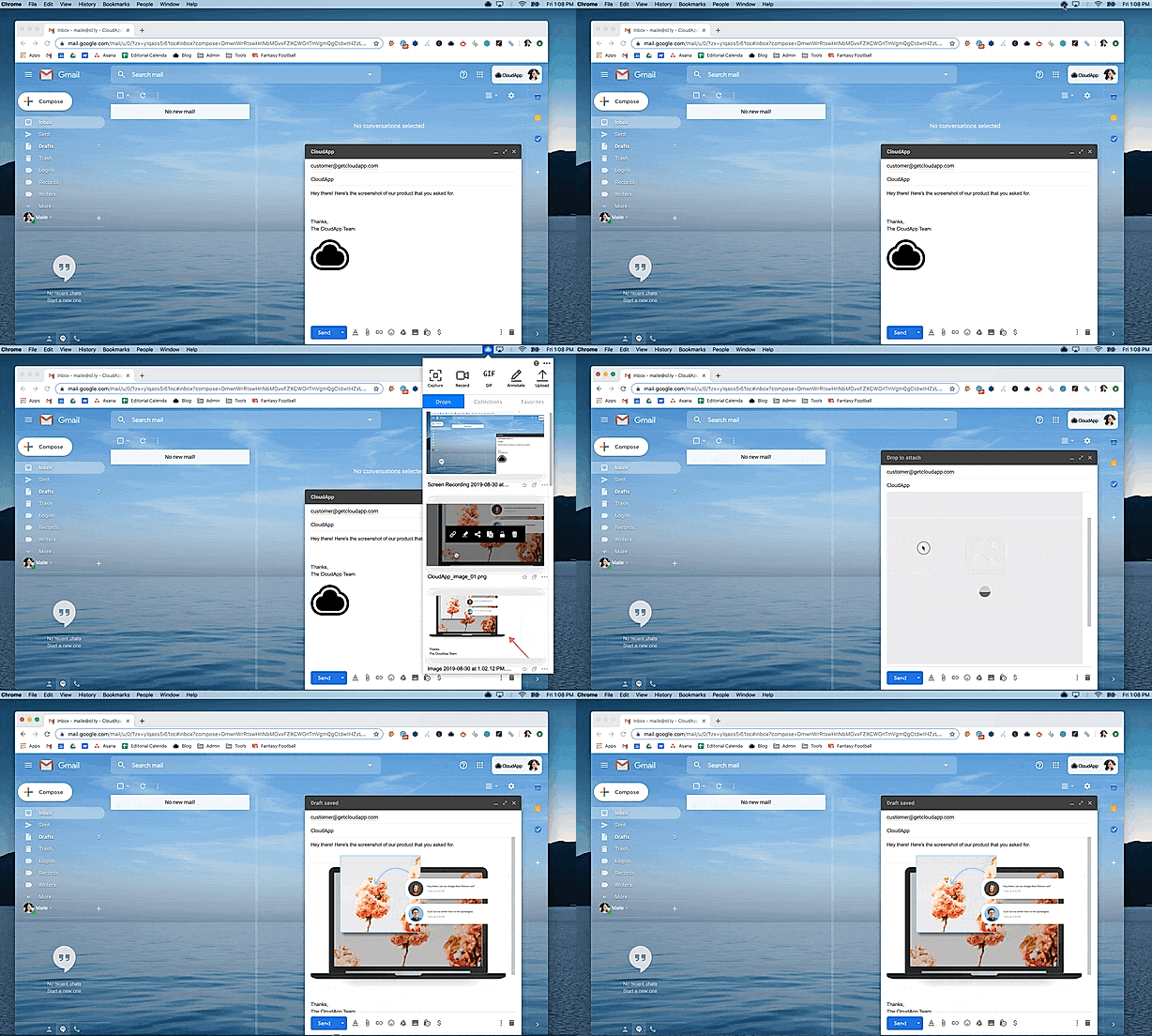
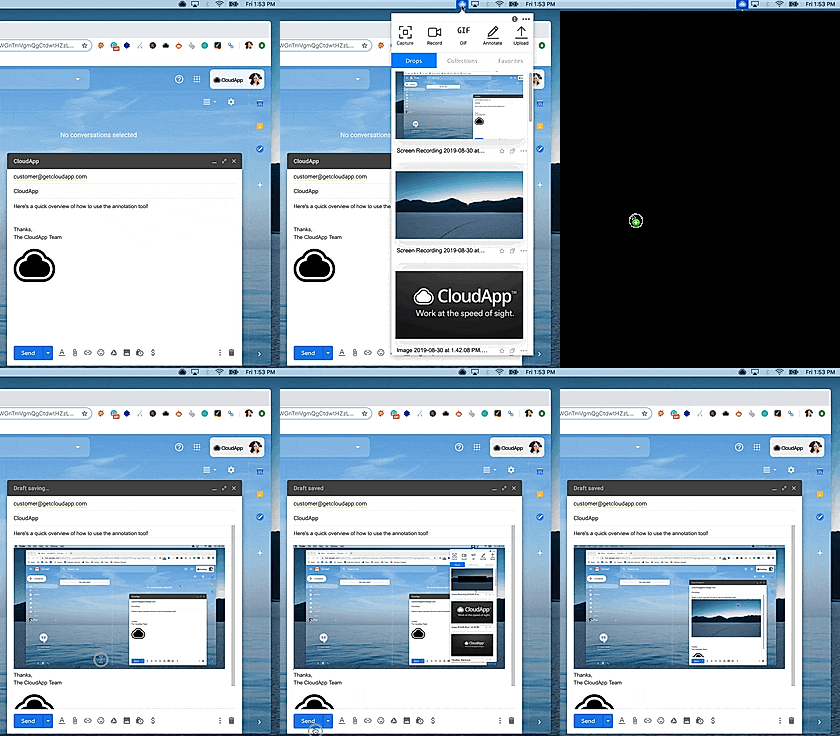
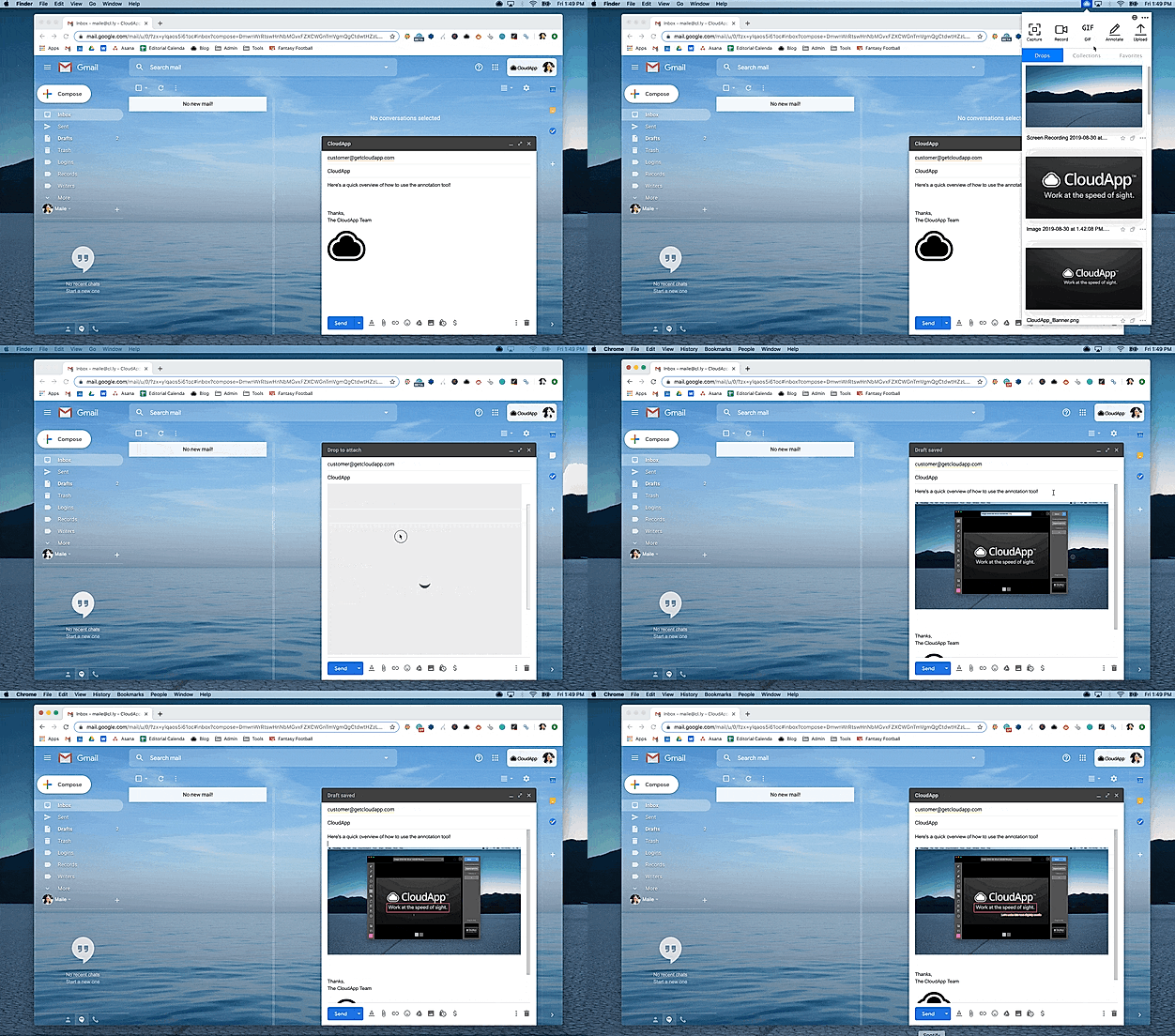
CloudApp garners praise for its user-friendly interface, intuitive features, and excellent customer support. Reviewers highlight its ease of use and appreciate the seamless integration with various platforms. CloudApp's ability to capture, annotate, and share screenshots, along with its robust screen recording capabilities, are consistently mentioned as strengths. Reviewers also commend the platform's secure file sharing and collaboration features, making it a reliable choice for businesses. However, some reviewers express concerns about occasional bugs and glitches, calling for improvements in overall stability and performance. |
| Read All User Reviews | Read All User Reviews |
AI-Generated from the text of User Reviews
| Pricing Options |
|
|
|
Pricing Plans
Monthly Plans
Annual Plans
|
Starter Free Pro $8.00 $8.00 per user / month Enterprise Custom |
Free Free Pro $9.00 $9.00 per month Team $8.00 $8.00 per user / month Enterprise Custom |
|
View Detailed Pricing
|
View Detailed Pricing
|
Get personalized recommendations from our experts on call
Trusted by more than 5 Million users across the globe.
Thank you for the enquiry. One of our software analysts will contact you soon.
| Screenshots | Not Available |

+ 3 More
|
| Videos | Not Available |

+ 3 More
|
| Company Details | Located in: San Francisco, CA | Located in: San Francisco, California Founded in: 2015 |
| Contact Details |
Not available |
Not available |
| Social Media Handles |
|
|

Looking for the right SaaS
We can help you choose the best SaaS for your specific requirements. Our in-house experts will assist you with their hand-picked recommendations.

Want more customers?
Our experts will research about your product and list it on SaaSworthy for FREE.