MEET CLARA - THE AI BEHIND SMARTER SOFTWARE CHOICES



Lansweeper |
92% SW Score The SW Score ranks the products within a particular category on a variety of parameters, to provide a definite ranking system. Read more 
View Details
|
98% SW Score The SW Score ranks the products within a particular category on a variety of parameters, to provide a definite ranking system. Read more 
|
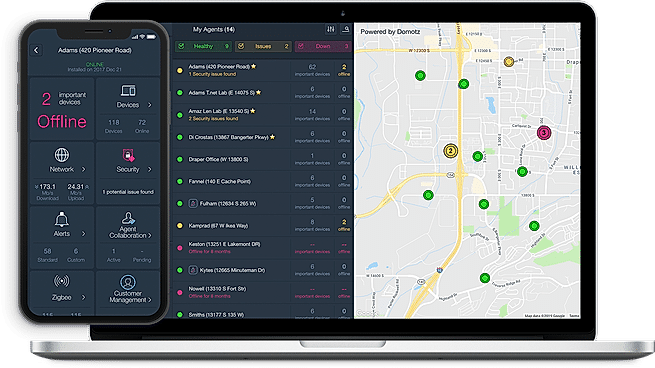
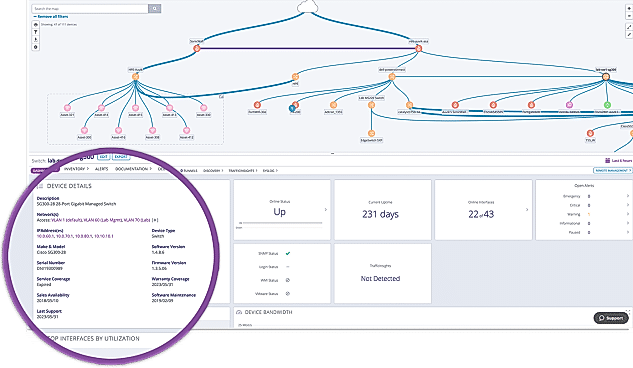
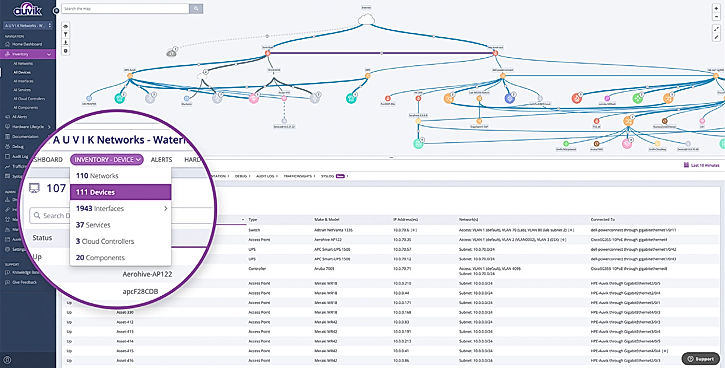
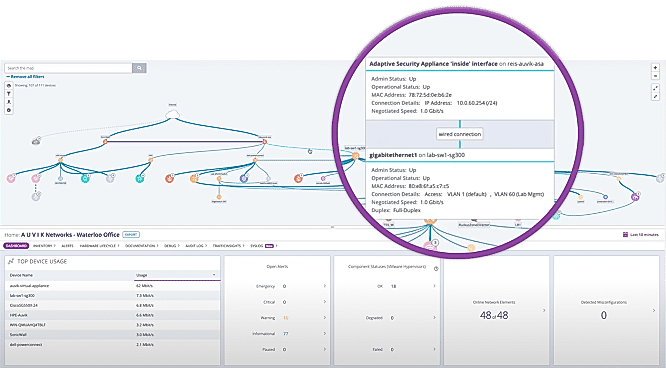
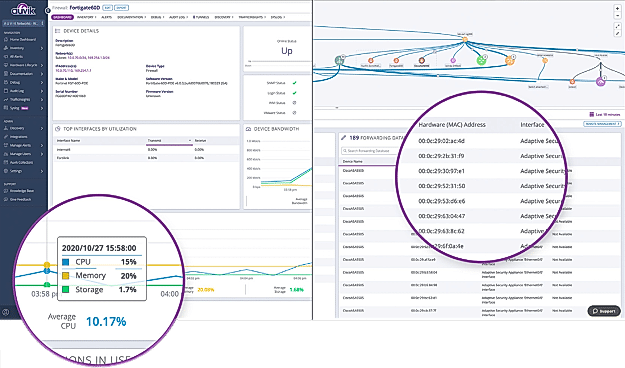
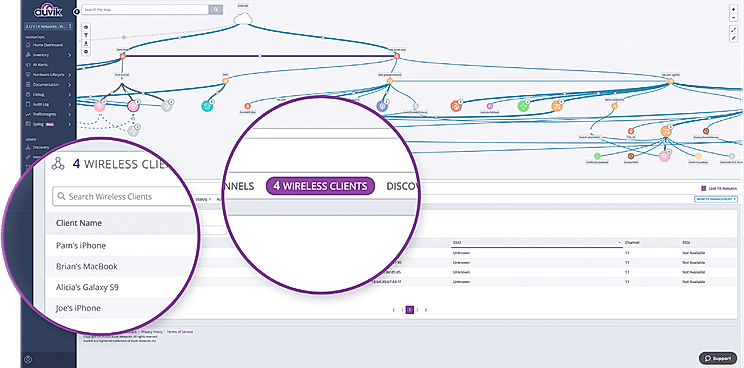
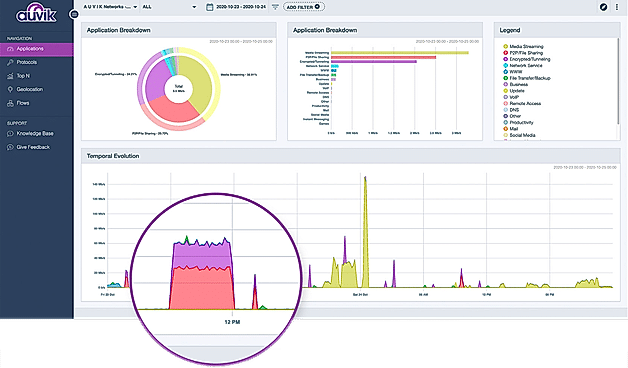
| Description | Domotz PRO software is one of the best network management and monitoring solution provider available in the market.With this tool you can manage any kind of IP-enabled device.The important network monitoring features it comes equipped with are bandwidth monitoring, internet usage monitoring, IP address monitoring, resource management, server monitoring, real time analytics, web traffic reporting, uptime monitoring, diagnostic tools etc.The software is easy to use and setup.It supports SNMP, multi subnet & VLANs and ZigBee. Domotz PRO also helps in remote access using RDP, http/s, SSH or Telnet connections.The tool provides network and device alerts and allows automated network mapping. Read more | Auvik is cloud-based network management software. Complete your network picture with automated network discovery, inventory, and documentation that updates in real-time as the network evolves. Respond to network issues in real-time and dive deep into problems with Syslog so your users are always connected to the business-critical resources they need to do their job. Quickly see the big network picture, narrow down possible devices to investigate, and zoom in to get the info you need. Remotely connect network devices in Auvik’s inventory and troubleshoot issues without ever leaving your desk. Read more |
| Pricing Options |
|
|
| SW Score & Breakdown |
92% SW Score The SW Score ranks the products within a particular category on a variety of parameters, to provide a definite ranking system. Read more
|
98% SW Score The SW Score ranks the products within a particular category on a variety of parameters, to provide a definite ranking system. Read more
|
| Total Features |
9 Features
|
11 Features
|
| Common Features for All |
Bandwidth Monitoring
Baseline Manager
Diagnostic Tools
IP Address Monitoring
Internet Usage Monitoring
Real Time Analytics
Resource Management
SLA Monitoring
Server Monitoring
Uptime Monitoring
Web Traffic Reporting
|
Bandwidth Monitoring
Baseline Manager
Diagnostic Tools
IP Address Monitoring
Internet Usage Monitoring
Real Time Analytics
Resource Management
SLA Monitoring
Server Monitoring
Uptime Monitoring
Web Traffic Reporting
|
| Organization Types Supported |
|
|
| Platforms Supported |
|
|
| Modes of Support |
|
|
| API Support |
|
|
| User Rating |
|
|
| Rating Distribution |
|
|
| User Sentiments |
Ease of Use, Remote Access Capabilities, Comprehensive Network Monitoring, Extensive Integrations Inaccurate Device Offline Status, Desktop App Lag, Limited Residential Plan, Overwhelming Outage Notifications |
Easy to Use Interface, Automatic Network Mapping, Comprehensive Network Monitoring, Extensive Integrations Network Map Issues, High Pricing, Alert Configuration Challenges, Limited Server Resource Monitoring |
| Review Summary |
Domotz Pro is a remote monitoring and management (RMM) solution designed for managed service providers (MSPs) and IT professionals. Users praise its user-friendly interface, robust monitoring capabilities, and comprehensive reporting features. They also appreciate its ability to monitor various devices, including network switches, routers, servers, and IoT devices. However, some users have experienced occasional connectivity issues and limited customization options. Overall, Domotz Pro is a reliable and feature-rich RMM solution that simplifies network management for MSPs and IT professionals. |
Users praise Auvik for its user-friendly interface, powerful network monitoring capabilities, and excellent customer support. They appreciate its ability to provide comprehensive visibility into network performance, identify and troubleshoot issues quickly, and generate detailed reports for analysis. Additionally, users highlight Auvik's scalability, flexibility, and compatibility with various devices and platforms. However, some users mention occasional glitches and performance issues, particularly when dealing with large networks. Overall, Auvik is highly regarded for its ease of use, powerful features, and exceptional customer support. |
| Pros & Cons |
|
|
| Read All User Reviews | Read All User Reviews |
AI-Generated from the text of User Reviews
| Pricing Options |
|
|
|
Pricing Plans
Monthly Plans
Annual Plans
|
Domotz PRO $19.00 $19.00 per month |
Essentials Custom Performance Custom |
|
View Detailed Pricing
|
View Detailed Pricing
|
Get personalized recommendations from our experts on call
Trusted by more than 5 Million users across the globe.
Thank you for the enquiry. One of our software analysts will contact you soon.
| Screenshots |
|
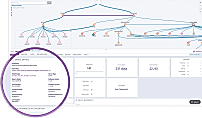
+ 5 More
|
| Videos |
+ 1 More
|

|
| Company Details | Located in: San Francisco, CA | Located in: Waterloo, Canada Founded in: 2011 |
| Contact Details |
Not available |
1-226-214-0841 |
| Social Media Handles |
|
|
What are the key features of Domotz PRO?
How does Domotz PRO compare to Auvik in terms of features?
What are the alternatives to Domotz PRO?
Can Domotz PRO be integrated with other SaaS products?
What are the strengths of Auvik?

Looking for the right SaaS
We can help you choose the best SaaS for your specific requirements. Our in-house experts will assist you with their hand-picked recommendations.

Want more customers?
Our experts will research about your product and list it on SaaSworthy for FREE.