MEET CLARA - THE AI BEHIND SMARTER SOFTWARE CHOICES
MEET CLARA - THE AI BEHIND SMARTER SOFTWARE CHOICES
MEET CLARA - THE AI BEHIND SMARTER SOFTWARE CHOICES
|
98% SW Score The SW Score ranks the products within a particular category on a variety of parameters, to provide a definite ranking system. Read more 
View Details
|
98% SW Score The SW Score ranks the products within a particular category on a variety of parameters, to provide a definite ranking system. Read more 
|
91% SW Score The SW Score ranks the products within a particular category on a variety of parameters, to provide a definite ranking system. Read more 
View Details
|
Featured
93% SW Score The SW Score ranks the products within a particular category on a variety of parameters, to provide a definite ranking system. Read more 
Wave.video |
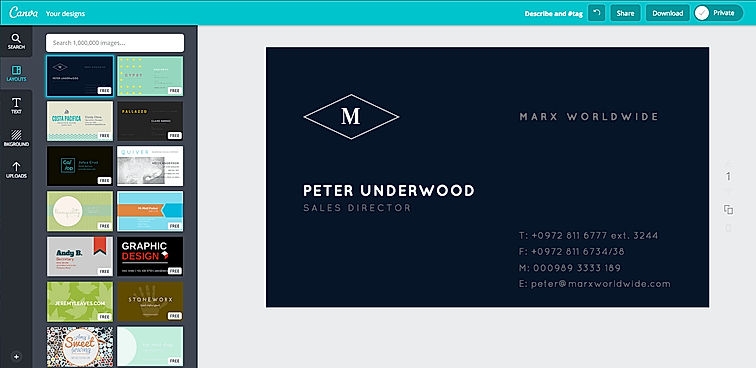
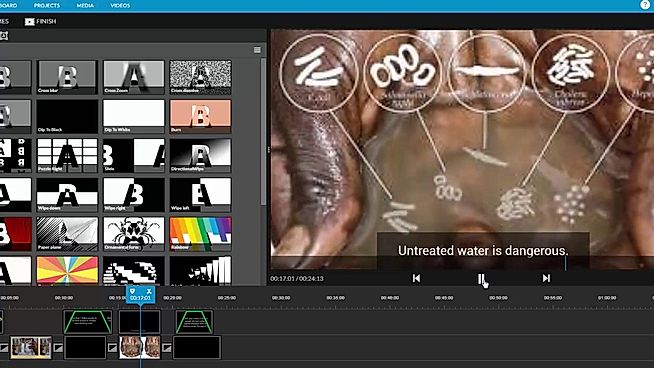
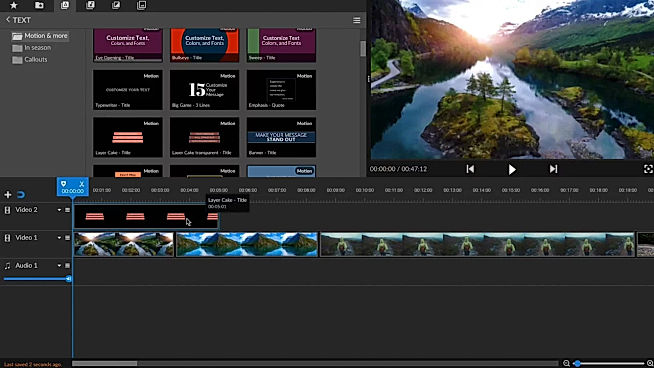
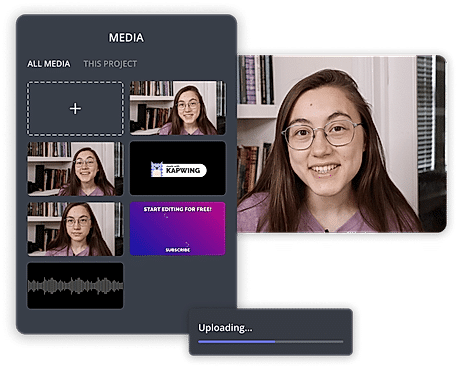
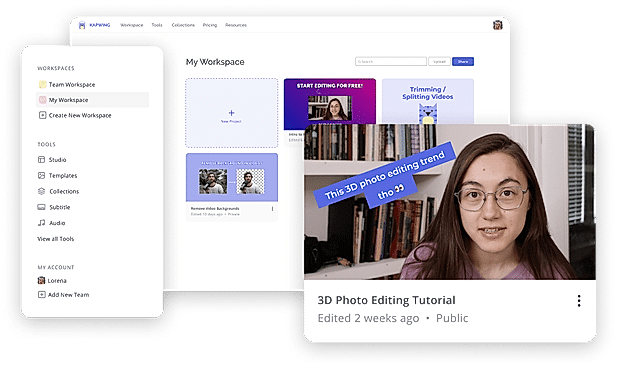
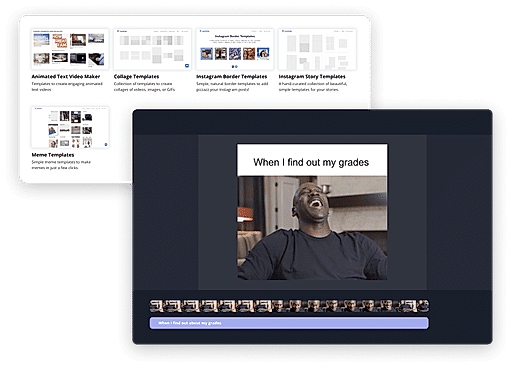
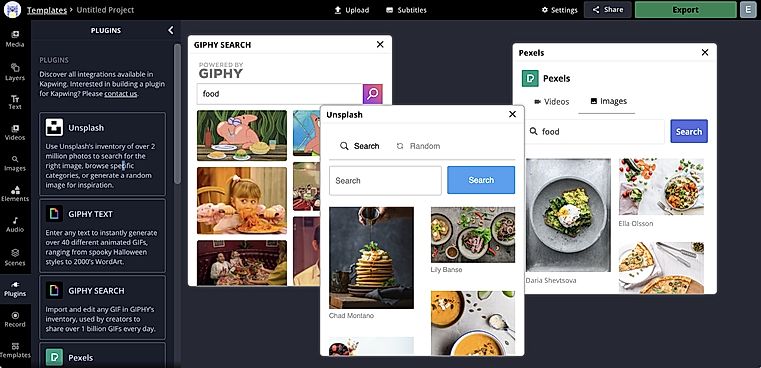
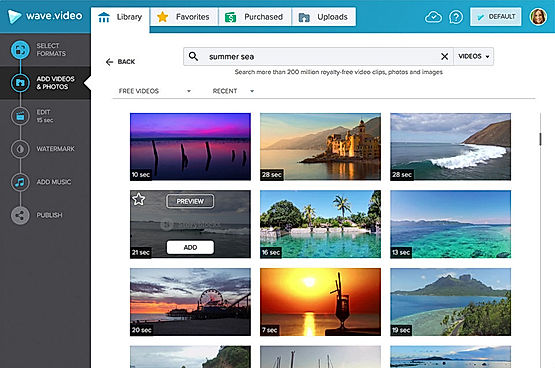
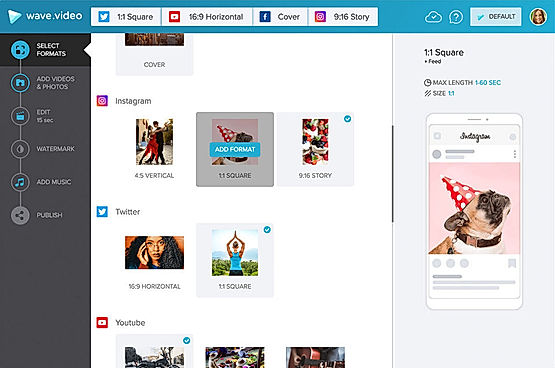
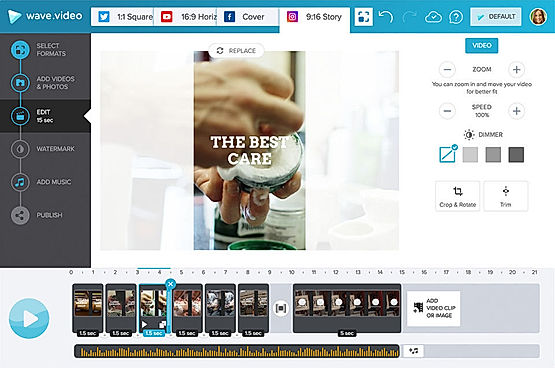
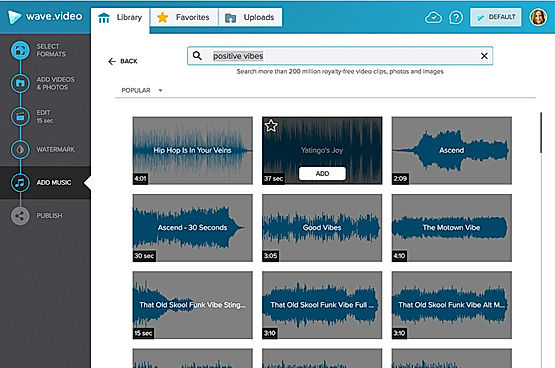
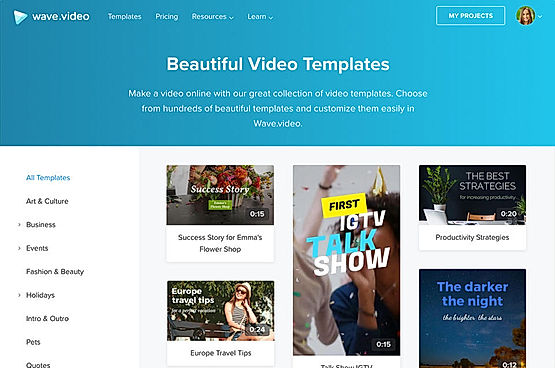
| Description | Canva offers a simple design platform for users to create quality graphic designs. This online design application has simple drag and drop tool which makes designing easy for the users. It has around 8000 default templates that you can use to create appealing designs. It also allows you to create custom designs that holds your brand name. In addition, this software supports configuration and collaboration using which designs can be viewed and modified by multiple users. It is an user-friendly application with millions of texts and fonts that you can use in order to create presentations and social media graphics. Read more | WeVideo helps to create stunningly gorgeous professional-grade videos and offers impressive video editing solution. This video editing software comes with screencasting capabilities. It is mobile-friendly and can be run on Android native & iOS native. WeVideo allows you to upload an image/logo of your company or of anything you like, and overlay such graphics onto the video player for spreading brand awareness. Social sharing feature helps in sharing the videos on social media channels for helping the users enjoy better prominence, through wider coverage. WeVideo comes with other important video editing features, like speed adjustment, text overlay, video capture, audio tools etc. Read more | Kapwing is an online tool for editing images, GIFs and videos which can additionally function as a meme generator. Useful for trimming videos and even adding subtitles, Kapwing can be used by anyone who has at least an idea of video production. With Kapwing, you are able to edit your videos as much as your creativity allows. Videos can be looped, resized, trimmed and filtered. You can also add audio to video and adjust it for the perfect sync, images can also be converted to videos and can be watermarked. Kapwing is also able to make slideshows and montages. Kapwing’s major selling point is how easy it can be used, since it is suitable for both amateur and professional video producers. Kapwing provides an option to share your videos after working on them, to other sites like YouTube etc. Kapwing is easy to install and can be used by almost anyone to perform their tasks in just a few clicks. It is accessible on both Android and iOS mobile devices and on computers too. Read more | Wave.video is an online video maker, host and editor that can be used to generate interesting and engaging clips for social media, websites, blogs and emails. At Wave.video, there are more than 200 million stock images, videos and audio clips available to choose from. Users can personalise their contents with templates, style their videos, add captions or subtitles and post them on the targeted platforms. They can also apply colour filters, insert voiceovers, add animated texts, trim the content, combine different clips and modify the aspect ratio. The available templates are divided into several categories, including Social Media, Industry, Ads and Promotions. There is also a different section for stock libraries, visual effects and graphic elements. Wave.video offers real-time integration with external platforms like Vimeo, Dropbox, Facebook, Wistia, Google Drive, Youtube, Twitter and Hubspot. Some of the vital functionalities offered by the solution are ad-free video hosting, an inspirational calendar comprising video ideas, a personalised video player, auto-generated landing pages. Read more |
| Pricing Options |
|
|
|
|
| SW Score & Breakdown |
98% SW Score The SW Score ranks the products within a particular category on a variety of parameters, to provide a definite ranking system. Read more
|
98% SW Score The SW Score ranks the products within a particular category on a variety of parameters, to provide a definite ranking system. Read more
|
91% SW Score The SW Score ranks the products within a particular category on a variety of parameters, to provide a definite ranking system. Read more
|
93% SW Score The SW Score ranks the products within a particular category on a variety of parameters, to provide a definite ranking system. Read more
|
| SaaSworthy Awards | # 1 Most Worthy # 1 Fastest Growing | # 2 Most Worthy # 4 Highly Rated | # 2 Fastest Growing # 5 Most Popular | # 10 Highly Rated # 9 Fastest Growing |
| Organization Types Supported |
|
|
|
|
| Platforms Supported |
|
|
|
|
| Modes of Support |
|
|
|
|
| API Support |
|
|
|
|
| User Rating |
|
|
|
|
| Rating Distribution |
|
|
|
|
| User Sentiments |
User-friendly interface, Extensive library of templates and design elements, Value for money, Extensive integration options Poor Customer Service, Confusing account cancellation process, Technical issues and bugs with mobile application, Limited video editing functionality |
User-friendly interface, Extensive Stock Media Library, Cloud-based accessibility, Comprehensive Editing Features Limited Free Version Functionality, Slow Upload/Export Speeds, Occasional Software Glitches/Crashes, Complex Navigation and Workflow |
Not Available
|
Not Available
|
| Review Summary |
Canva is a user-friendly graphic design platform that empowers individuals and businesses to create stunning visuals. Reviewers praise its intuitive interface, extensive template library, and wide range of customization options. Many users highlight Canva's value for money, as it offers a feature-rich platform at an affordable price. However, some reviewers mention occasional glitches and limitations in the free version. Overall, Canva is a highly recommended tool for non-designers who seek an easy and efficient way to create professional-looking designs. Its user-centric approach and commitment to innovation have earned it a loyal customer base. |
WeVideo users widely commend its intuitive interface, ease of use, and extensive features that cater to both beginners and professionals. Reviewers highlight its user-friendly drag-and-drop editor, rich templates, and wide range of customizable options. Additionally, the platform's integration with stock media libraries and social media platforms is seen as a major advantage. However, some users have reported experiencing occasional technical glitches and limited customer support, suggesting room for improvement in these areas. |
Not Available
|
Based on user reviews, Wave.video is generally praised for its user-friendly interface, ease of use, and wide range of features. Many users appreciate the intuitive drag-and-drop functionality, customizable templates, and the ability to create professional-looking videos without prior experience. Additionally, the platform's extensive media library, including stock images, videos, and music, is seen as a valuable asset. However, some users have expressed concerns regarding the limited video editing capabilities, occasional glitches, and the need for more flexibility in customizing certain aspects of the videos. |
| Read All User Reviews | Read All User Reviews | Read All User Reviews | Read All User Reviews |
AI-Generated from the text of User Reviews
| Pricing Options |
|
|
|
|
|
Pricing Plans
Monthly Plans
Annual Plans
|
Canva Free Free Canva Pro $10.00 $15.00 per user / month Canva for Teams $8.33 $10.00 per user / month Canva Enterprise Custom Teachers Custom Schools and Districts Custom Canva for Campus Custom |
Free Free Power $4.99 $9.99 per month Unlimited $7.99 $15.99 per month Professional $19.99 $39.99 per month Business $36.99 $73.99 per month Individual Free Plan Free WeVideo for Teachers $89.00 $89.00 per year WeVideo for Classroom $299.00 $299.00 per year WeVideo for Schools Custom |
Free Free Pro $16.00 $20.00 per month For Teams $16.00 $20.00 per user / month |
Free Free Creator $24.00 $30.00 per month Business $48.00 $60.00 per month |
|
View Detailed Pricing
|
View Detailed Pricing
|
View Detailed Pricing
|
View Detailed Pricing
|
Get personalized recommendations from our experts on call
Trusted by more than 5 Million users across the globe.
Thank you for the enquiry. One of our software analysts will contact you soon.
| Screenshots |
|

+ 1 More
|

+ 3 More
|
+ 4 More
|
| Videos |

+ 1 More
|

+ 1 More
|
+ 2 More
|

+ 1 More
|
| Company Details | Located in: Sydney, Australia | Located in: Menlo, California Founded in: 2011 | Located in: San Francisco, California Founded in: 2017 | Located in: Boston, Massachusetts Founded in: 2017 |
| Contact Details |
Not available |
+1 650-800-3400 |
Not available |
+1 800-928-3998 |
| Social Media Handles |
|
|
|
|

Looking for the right SaaS
We can help you choose the best SaaS for your specific requirements. Our in-house experts will assist you with their hand-picked recommendations.

Want more customers?
Our experts will research about your product and list it on SaaSworthy for FREE.