MEET CLARA - THE AI BEHIND SMARTER SOFTWARE CHOICES

Sketch |
92% SW Score The SW Score ranks the products within a particular category on a variety of parameters, to provide a definite ranking system. Read more 
View Details
|
94% SW Score The SW Score ranks the products within a particular category on a variety of parameters, to provide a definite ranking system. Read more 
Visit Website
|
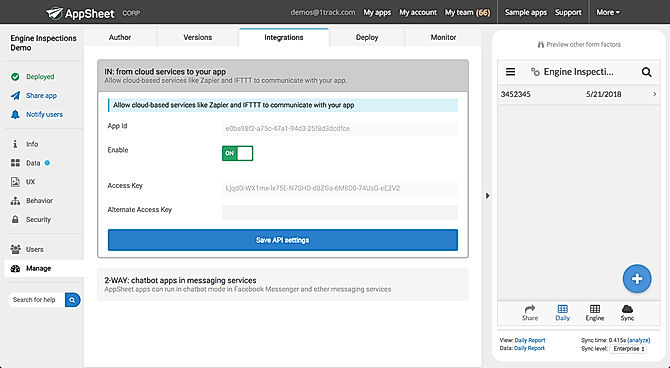
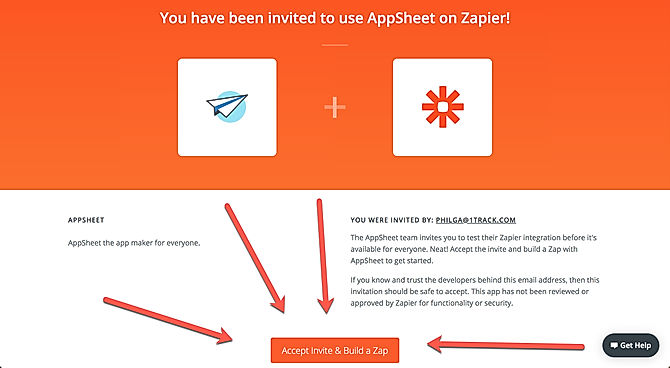
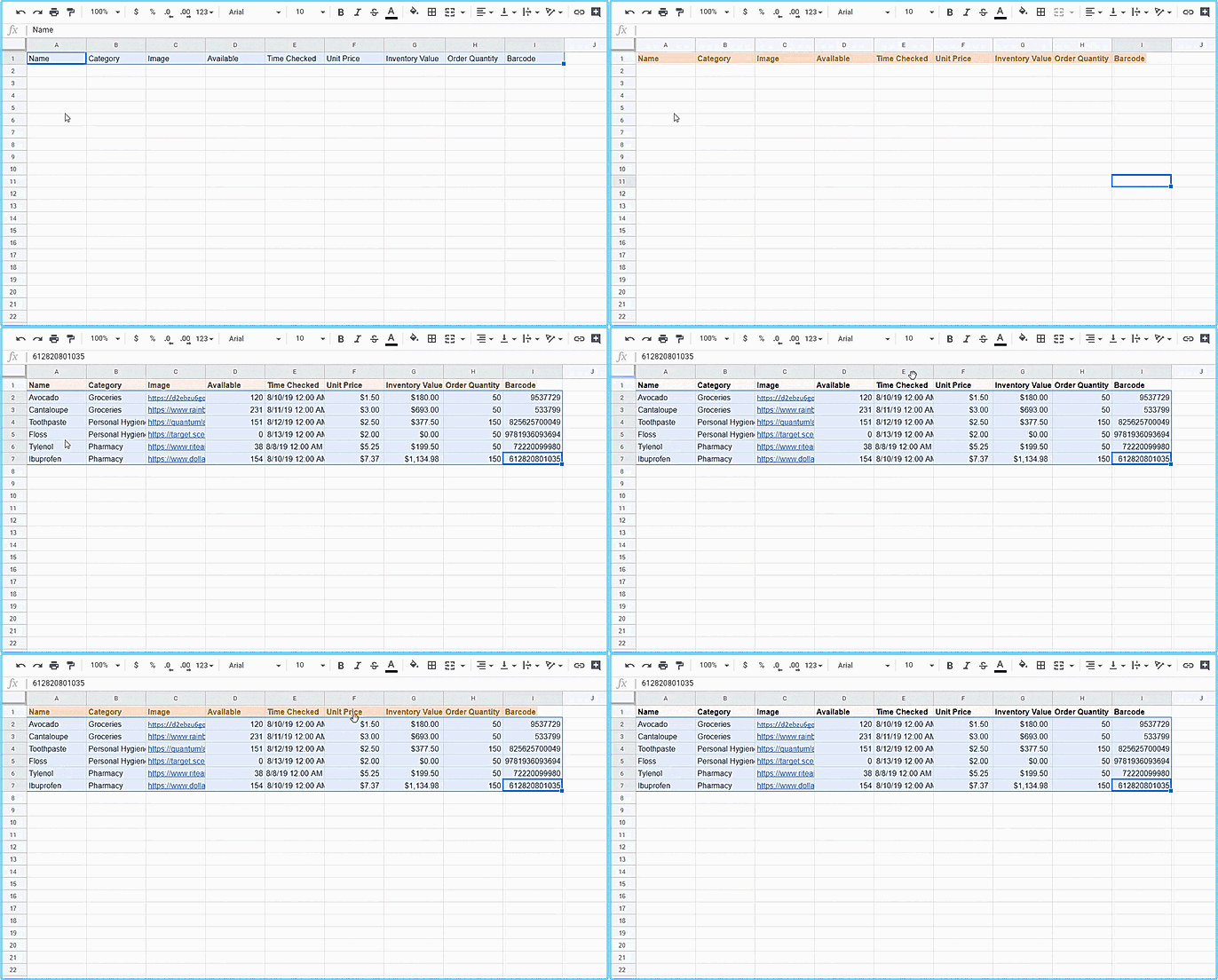
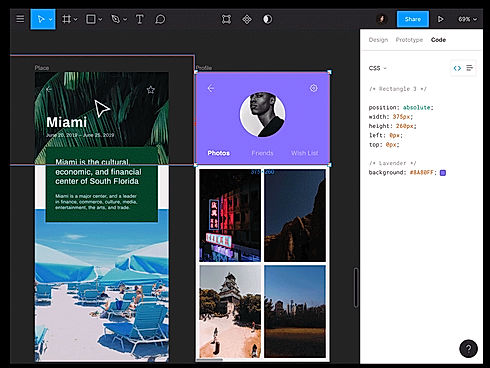
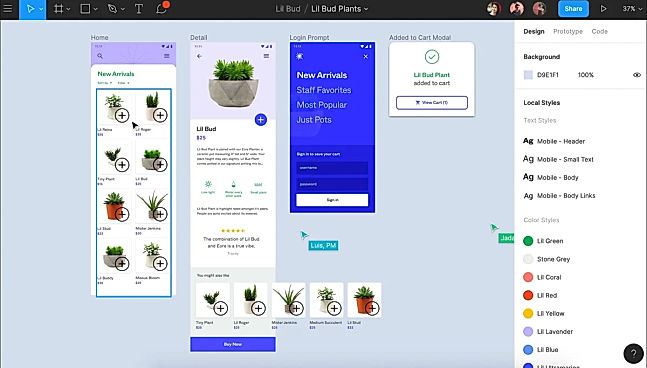
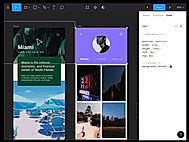
| Description | Google AppSheet is a powerful tool that allows users to build solutions without coding. It simplifies work processes and increases efficiency. With customizable features and a user-friendly interface, AppSheet is accessible for all levels of technical expertise. One key feature is the ability to capture rich data using forms, barcodes, locations, signatures, and photos. It also offers customization options such as UX design, security measures, and branding. Managing users is simple with role-based security, authentication processes, and usage reports. AppSheet enables automatic email, SMS, and Push notifications for streamlined communication. Workflow logic is possible with triggers, conditions, and branches. Integrating machine learning models enhances AppSheet's capabilities. It seamlessly integrates with Google Workspace apps like Gmail, Sheets, and Spaces, as well as third-party apps like Office 365, Dropbox, and Salesforce.com. Businesses can connect their app to existing systems and incorporate them into their workflow effortlessly. Read more | Figma is a browser-based tool that allows users to edit vector graphics, collaborate, and create prototypes. It helps teams to create, test, and ship better end-to-end designs. In addition to the basic features, it also has unique inventions like the Arc Tool and Vector Networks. The Arc Tool makes it easy to design clocks, watch screens or pie charts, while the Vector Networks is a modern pen tool that enables designers to draw in any direction without merging or connecting to the path’s original point. OpenType is an advanced font feature that allows brands to express themselves fully. The Auto Layout feature designs the layout responsively. It requires minimum manual resizing, can automatically stretch the components in different directions, and also can translate the design directly into the code; making developer onboarding hassle-free. The tool also enables teams to automate and augment their work by building plugins which speeds up the design process. Figma stores all these assets on the cloud and can easily be accessed by the user. Read more |
| Pricing Options |
|
|
| SW Score & Breakdown |
92% SW Score The SW Score ranks the products within a particular category on a variety of parameters, to provide a definite ranking system. Read more
|
94% SW Score The SW Score ranks the products within a particular category on a variety of parameters, to provide a definite ranking system. Read more
|
| SaaSworthy Awards | # 1 Most Worthy # 1 Fastest Growing |
Not Available
|
| Organization Types Supported |
|
|
| Platforms Supported |
|
|
| Modes of Support |
|
|
| API Support |
|
|
| User Rating |
|
|
| Rating Distribution |
|
|
| User Sentiments |
Ease of Use, Intuitive Interface, Extensive Integrations, Rapid App Development Limited Customization Options, Occasional Performance Issues, Steep Learning Curve for Advanced Features, Confusing Documentation for Specific Features |
Real-Time Collaboration, Intuitive Interface, Extensive Prototyping Features, Comprehensive Design Tools Steep Learning Curve, Limited Offline Functionality, Occasional Performance Issues, Limited Customization Options |
| Review Summary |
AppSheet is praised for its user-friendliness, ease of creating and maintaining applications, and intuitive integration with Google Sheets. Users appreciate its no-code development approach, allowing them to quickly build apps without programming skills. However, some users prefer more customization options, particularly in the design and analytics capabilities. AppSheet solves a range of problems, including data management, task automation, and streamlined communication, benefiting users in various sectors from customer support to education and logistics. |
Reviewers across multiple platforms commend Figma for its user-friendly interface, collaborative features, and extensive resources. Users appreciate the intuitive design tools, smooth learning curve, and seamless integration with other applications. Collaboration features like real-time editing and commenting enhance teamwork and streamline the design process. Additionally, users praise Figma's vast library of templates, plugins, and tutorials, which cater to designers of all skill levels. Despite occasional reports of performance issues or feature limitations, the overall sentiment towards Figma is overwhelmingly positive, highlighting its strengths as a comprehensive and user-centric design tool. |
| Pros & Cons |
|
|
| Read All User Reviews | Read All User Reviews |
AI-Generated from the text of User Reviews
| Pricing Options |
|
|
|
Pricing Plans
Monthly Plans
Annual Plans
|
Starter $5.00 $5.00 per user / month Core $10.00 $10.00 per user / month Enterprise Standard Custom Enterprise Plus Custom |
Starter Free Professional $16.00 $20.00 per month Organization $45.00 $45.00 per month Enterprise $90.00 $90.00 per month Figma for Education Free |
|
View Detailed Pricing
|
View Detailed Pricing
|
Get personalized recommendations from our experts on call
Trusted by more than 5 Million users across the globe.
Thank you for the enquiry. One of our software analysts will contact you soon.
| Screenshots |

+ 5 More
|
+ 1 More
|
| Videos |

+ 1 More
|

+ 1 More
|
| Company Details | Located in: Seattle, Washington Founded in: 2014 | Located in: San Francisco, California |
| Contact Details |
Not available |
Not available |
| Social Media Handles |
|
|
What are the key features of Google AppSheet?
What are the key features of Figma?
What are the alternatives to Google AppSheet?
What are the alternatives to Figma?
Which product is better for large-scale design projects?

Looking for the right SaaS
We can help you choose the best SaaS for your specific requirements. Our in-house experts will assist you with their hand-picked recommendations.

Want more customers?
Our experts will research about your product and list it on SaaSworthy for FREE.