MEET CLARA - THE AI BEHIND SMARTER SOFTWARE CHOICES
MEET CLARA - THE AI BEHIND SMARTER SOFTWARE CHOICES
MEET CLARA - THE AI BEHIND SMARTER SOFTWARE CHOICES
|
98% SW Score The SW Score ranks the products within a particular category on a variety of parameters, to provide a definite ranking system. Read more 
|
90% SW Score The SW Score ranks the products within a particular category on a variety of parameters, to provide a definite ranking system. Read more 
View Details
|
91% SW Score The SW Score ranks the products within a particular category on a variety of parameters, to provide a definite ranking system. Read more 
View Details
|
94% SW Score The SW Score ranks the products within a particular category on a variety of parameters, to provide a definite ranking system. Read more 
View Details
|
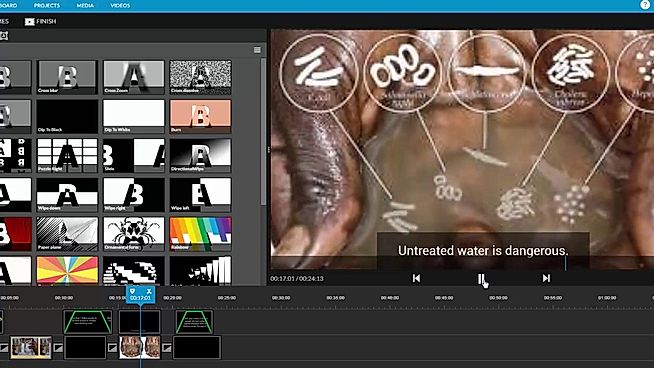
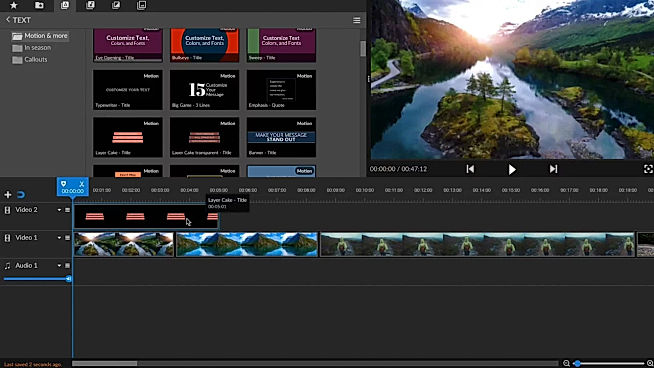
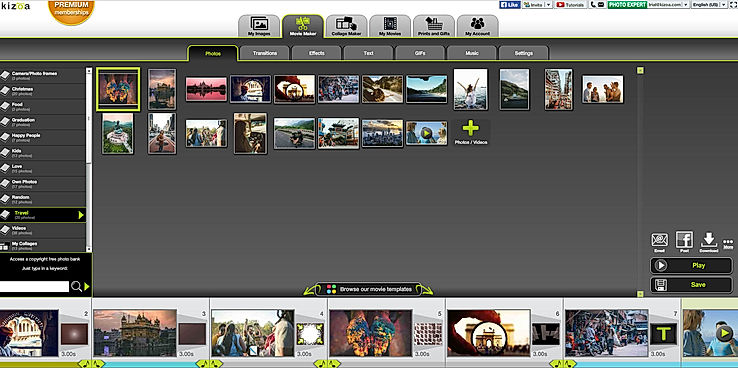
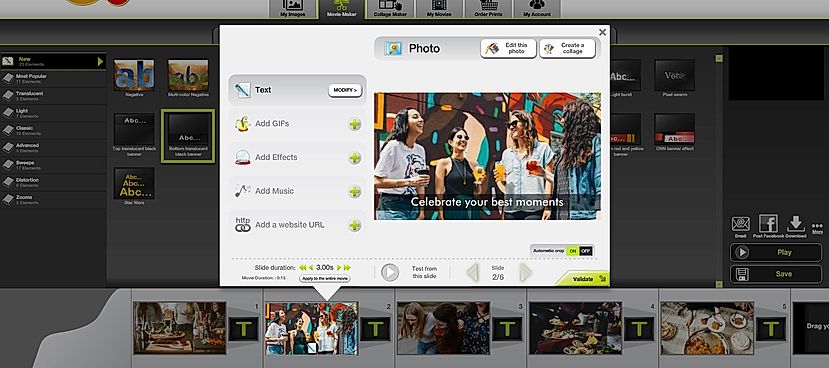
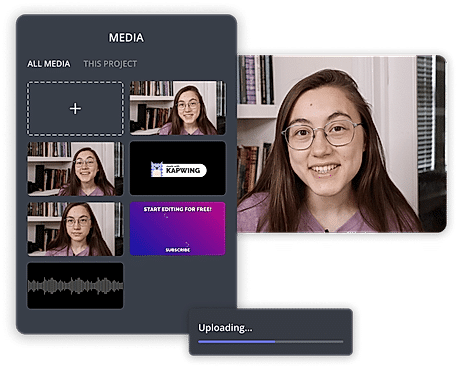
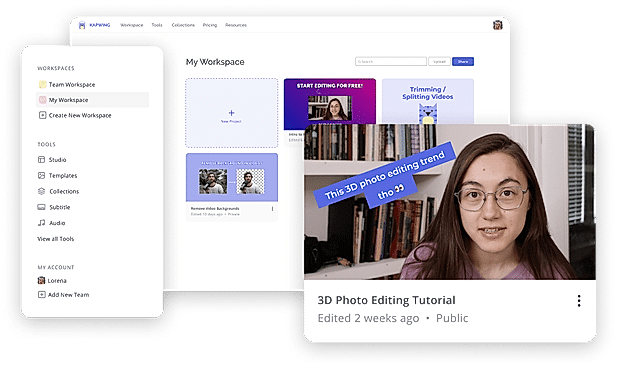
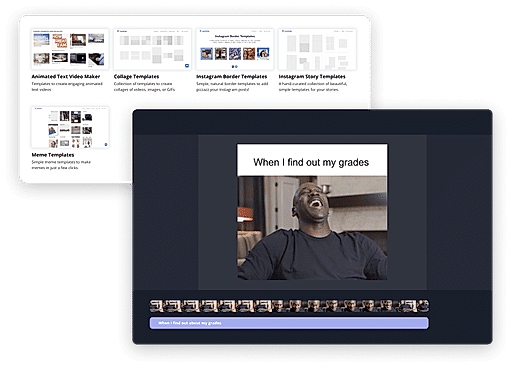
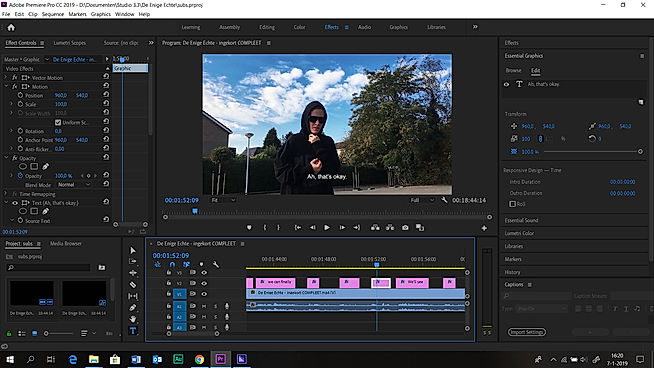
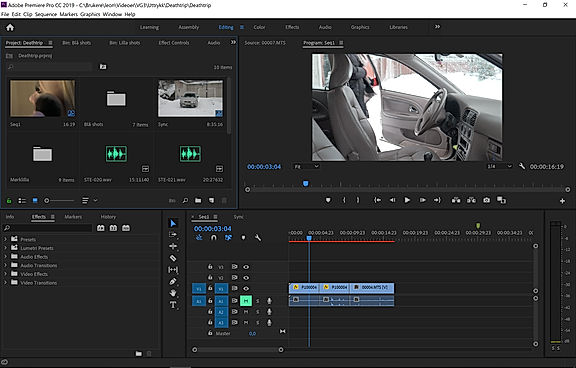
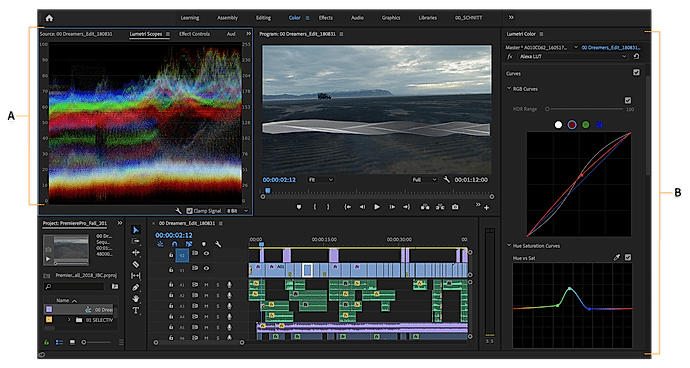
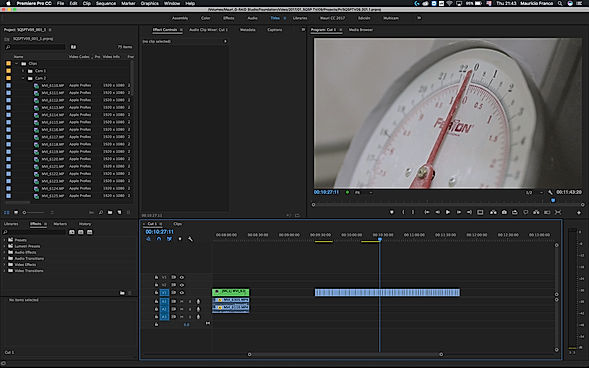
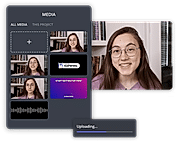
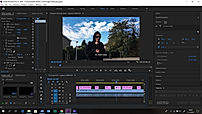
| Description | WeVideo helps to create stunningly gorgeous professional-grade videos and offers impressive video editing solution. This video editing software comes with screencasting capabilities. It is mobile-friendly and can be run on Android native & iOS native. WeVideo allows you to upload an image/logo of your company or of anything you like, and overlay such graphics onto the video player for spreading brand awareness. Social sharing feature helps in sharing the videos on social media channels for helping the users enjoy better prominence, through wider coverage. WeVideo comes with other important video editing features, like speed adjustment, text overlay, video capture, audio tools etc. Read more | Kizoa video editing software helps in online movie making process too. This online video making and editing platform helps creating animated and still collages using the videos and still images. Social sharing feature helps users share the videos and photo collages via social media platforms. The software features a 4K video editor to help making movies in ultra HD. Users can edit videos using their iPhone. Several eye-catching video templates are available for easing the video making task. Kizoa helps in video marketing as well. Kizoa helps capturing videos in ultra-high resolution for. You can upload different types of RAW file types onto this software. Read more | Kapwing is an online tool for editing images, GIFs and videos which can additionally function as a meme generator. Useful for trimming videos and even adding subtitles, Kapwing can be used by anyone who has at least an idea of video production. With Kapwing, you are able to edit your videos as much as your creativity allows. Videos can be looped, resized, trimmed and filtered. You can also add audio to video and adjust it for the perfect sync, images can also be converted to videos and can be watermarked. Kapwing is also able to make slideshows and montages. Kapwing’s major selling point is how easy it can be used, since it is suitable for both amateur and professional video producers. Kapwing provides an option to share your videos after working on them, to other sites like YouTube etc. Kapwing is easy to install and can be used by almost anyone to perform their tasks in just a few clicks. It is accessible on both Android and iOS mobile devices and on computers too. Read more | Adobe Premium is an advanced video editing software that works on both mobiles as well as on desktop to create and share videos modified for YouTube, Tiktok, Facebook, and other social media networks used for personal and professional use. With Adobe Premium, users can enjoy the advantages of photography, video, graphic design, illustration, and much more in one single place. With Premiere Pro, designers can edit images in any format, captured from either a professional camera or a normal phone. The brand also has features such as native file support, light, and faster HDR proxy workflows. With Premiere Pro, users can discover audio tools and music tracks, build games with graphics such as titles and animations, and use Drag and Drop to adjust the color with integrated pre-set settings. Users also have complete extras access to features such as sources, adobe actions, music, and models of motion graphics, and can also connect with other Adobe applications like Photoshop to continue to create. The software offers a free trial and a wide variety of premium plan options to choose from. Read more |
| Pricing Options |
|
|
|
|
| SW Score & Breakdown |
98% SW Score The SW Score ranks the products within a particular category on a variety of parameters, to provide a definite ranking system. Read more
|
90% SW Score The SW Score ranks the products within a particular category on a variety of parameters, to provide a definite ranking system. Read more
|
91% SW Score The SW Score ranks the products within a particular category on a variety of parameters, to provide a definite ranking system. Read more
|
94% SW Score The SW Score ranks the products within a particular category on a variety of parameters, to provide a definite ranking system. Read more
|
| SaaSworthy Awards | # 2 Most Worthy # 4 Highly Rated | # 11 Fastest Growing # 8 Most Popular | # 2 Fastest Growing # 5 Most Popular |
Not Available
|
| Total Features |
11 Features
|
10 Features
|
11 Features
|
13 Features
|
| Common Features for All |
3D Video Editing
Audio Tools
Brand Overlay
Collaboration
Media Library
Merge video
Social Sharing
Split Video
Supports HD Resolution
Text Overlay
Video Capture
Video Speed Controller
Video Stabilization
|
3D Video Editing
Audio Tools
Brand Overlay
Collaboration
Media Library
Merge video
Social Sharing
Split Video
Supports HD Resolution
Text Overlay
Video Capture
Video Speed Controller
Video Stabilization
|
3D Video Editing
Audio Tools
Brand Overlay
Collaboration
Media Library
Merge video
Social Sharing
Split Video
Supports HD Resolution
Text Overlay
Video Capture
Video Speed Controller
Video Stabilization
|
3D Video Editing
Audio Tools
Brand Overlay
Collaboration
Media Library
Merge video
Social Sharing
Split Video
Supports HD Resolution
Text Overlay
Video Capture
Video Speed Controller
Video Stabilization
|
| Organization Types Supported |
|
|
|
|
| Platforms Supported |
|
|
|
|
| Modes of Support |
|
|
|
|
| API Support |
|
|
|
|
| User Rating |
|
|
|
|
| Rating Distribution |
|
|
|
|
| User Sentiments |
User-friendly interface, Extensive Stock Media Library, Cloud-based accessibility, Comprehensive Editing Features Limited Free Version Functionality, Slow Upload/Export Speeds, Occasional Software Glitches/Crashes, Complex Navigation and Workflow |
Ease of use, User-friendly interface, Great video and photo editing features, Good range of templates Poor customer support, Technical issues and bugs, Download issues, Video processing problems |
Not Available
|
Not Available
|
| Review Summary |
WeVideo users widely commend its intuitive interface, ease of use, and extensive features that cater to both beginners and professionals. Reviewers highlight its user-friendly drag-and-drop editor, rich templates, and wide range of customizable options. Additionally, the platform's integration with stock media libraries and social media platforms is seen as a major advantage. However, some users have reported experiencing occasional technical glitches and limited customer support, suggesting room for improvement in these areas. |
Kizoa user reviews are overwhelmingly negative, citing widespread technical issues, unreliable customer service, and a disregard for customer concerns. Users report problems with video uploading, editing, and downloading, as well as a complete lack of response from support. Many are upset by the sudden shutdown of the Kizoa platform after purchasing lifetime memberships, leaving them with unusable projects. Several users express anger and frustration at the company's lack of communication and support. Overall, Kizoa is considered a product with significant quality and service issues, leaving customers feeling disappointed and cheated. |
Not Available
|
Adobe Premiere Pro is a robust video editing software widely praised for its user-friendly interface, powerful features, and seamless integration with other Adobe Creative Suite applications. Users appreciate its drag-and-drop functionality, extensive toolkit, and ability to create professional-level videos on a budget. However, some drawbacks include limited rendering options, a steep learning curve for certain functions, and occasional stability issues. While there are simpler alternatives, Premiere Pro's versatility and integration make it a standout choice for professionals and enthusiasts alike. |
| Read All User Reviews | Read All User Reviews | Read All User Reviews | Read All User Reviews |
AI-Generated from the text of User Reviews
| Pricing Options |
|
|
|
|
|
Pricing Plans
Monthly Plans
Annual Plans
|
Free Free Power $4.99 $9.99 per month Unlimited $7.99 $15.99 per month Professional $19.99 $39.99 per month Business $36.99 $73.99 per month Individual Free Plan Free WeVideo for Teachers $89.00 $89.00 per year WeVideo for Classroom $299.00 $299.00 per year WeVideo for Schools Custom |
Basic Free Starter $29.99 $29.99 One-Time Payment Creator $49.99 $49.99 One-Time Payment Professional $99.99 $99.99 One-Time Payment Bussiness $299.99 $299.99 One-Time Payment |
Free Free Pro $16.00 $20.00 per month For Teams $16.00 $20.00 per user / month |
Premiere Pro $20.99 $31.49 per month |
|
View Detailed Pricing
|
View Detailed Pricing
|
View Detailed Pricing
|
View Detailed Pricing
|
Get personalized recommendations from our experts on call
Trusted by more than 5 Million users across the globe.
Thank you for the enquiry. One of our software analysts will contact you soon.
| Screenshots |

+ 1 More
|

+ 1 More
|
+ 3 More
|
+ 3 More
|
| Videos |

+ 1 More
|
+ 3 More
|
+ 2 More
|
|
| Company Details | Located in: Menlo, California Founded in: 2011 | Located in: Paris, France Founded in: 2007 | Located in: San Francisco, California Founded in: 2017 | Located in: San Jose, California |
| Contact Details |
+1 650-800-3400 |
Not available |
Not available |
Not available |
| Social Media Handles |
|
|
|
Not available |

Looking for the right SaaS
We can help you choose the best SaaS for your specific requirements. Our in-house experts will assist you with their hand-picked recommendations.

Want more customers?
Our experts will research about your product and list it on SaaSworthy for FREE.