MEET CLARA - THE AI BEHIND SMARTER SOFTWARE CHOICES



Snagit |
98% SW Score The SW Score ranks the products within a particular category on a variety of parameters, to provide a definite ranking system. Read more 
View Details
|
74% SW Score The SW Score ranks the products within a particular category on a variety of parameters, to provide a definite ranking system. Read more 
View Details
|
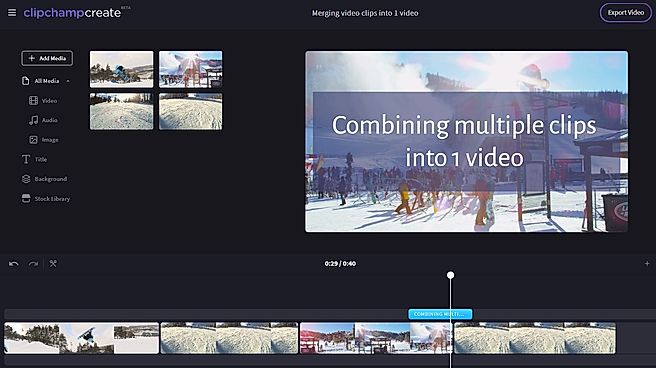
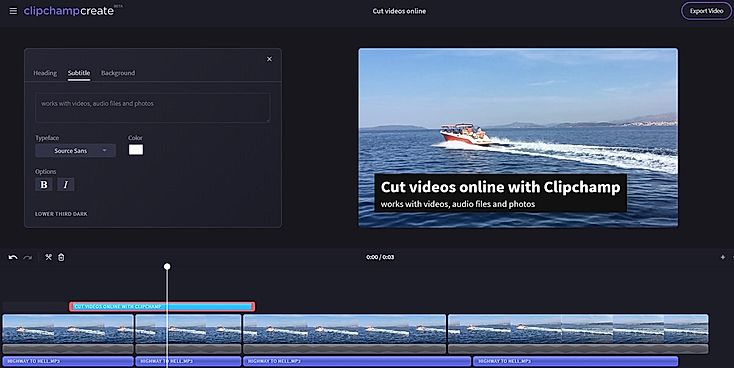
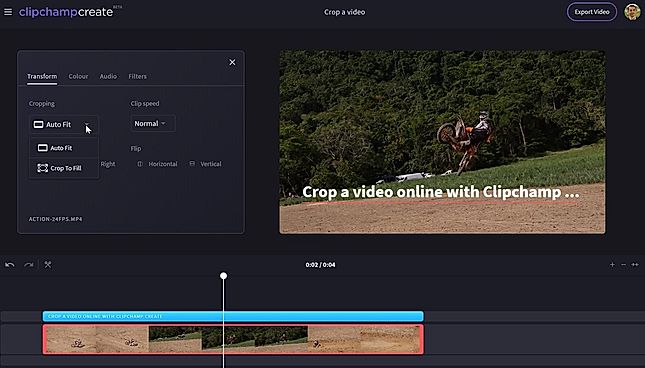
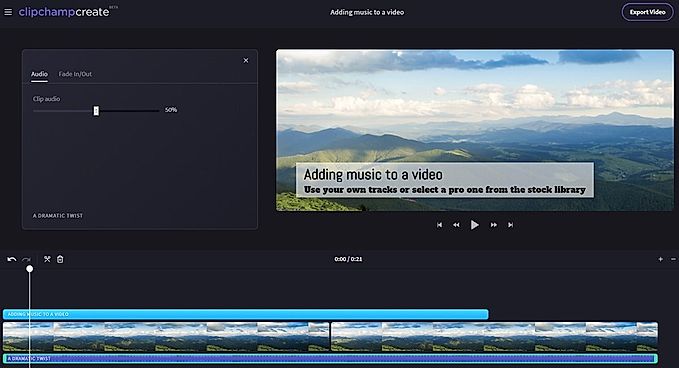
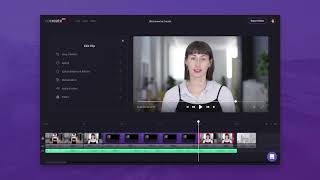
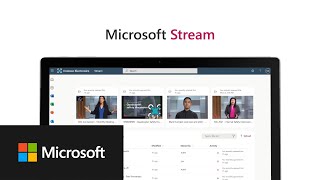
| Description | ClipChamp video editing software helps in designing your own slideshows. Users can upload not just videos, but also photos and music. Users can get access to a host of credible video editing features that can help to produce professional-grade stunning video content. Trim & cut options help to crop off the unnecessary video parts. Split & combine feature helps splitting longer videos into smaller parts, delete the unnecessary ones and then combine the important ones to give the final shape to the video. Adding still photos & audio tracks and adjusting the audio level are very much possible with the help of ClipChamp video editing software. ClipChamp features filter options too. Read more | With Stream (on SharePoint), the client can easily upload, share, and manage videos in one place. The client will also be able to easily create channels and groups to organize videos. Additionally, with Stream (on SharePoint), can easily search for videos across all channels or groups. It will also be able to securely share videos with external users and get analytics insights on how videos are being used. Read more |
| Pricing Options |
|
|
| SW Score & Breakdown |
98% SW Score The SW Score ranks the products within a particular category on a variety of parameters, to provide a definite ranking system. Read more
|
74% SW Score The SW Score ranks the products within a particular category on a variety of parameters, to provide a definite ranking system. Read more
|
| SaaSworthy Awards | # 14 Highly Rated # 3 Fastest Growing |
Not Available
|
| Organization Types Supported |
|
|
| Platforms Supported |
|
|
| Modes of Support |
|
|
| API Support |
|
|
| User Rating |
|
Not Available
|
| Rating Distribution |
|
Not Available
|
| User Sentiments |
User-Friendly Interface, No Watermark on Free Version, Extensive Free Features, Versatile Editing Capabilities Occasional Glitches and Bugs, Slow Export Times, Limited Resolution on Free Version, Inconsistent File Linking |
Not Available
|
| Review Summary |
Users applaud Clipchamp's user-friendliness, praising its intuitive interface and ease of use, making it accessible to both beginners and professionals. Reviewers highlight the extensive library of templates and stock assets, enabling users to create polished videos without the hassle of starting from scratch. Additionally, Clipchamp's integration with cloud storage platforms like Google Drive and Dropbox is lauded for its convenience and seamless workflow. However, some users have expressed concerns regarding the limited editing capabilities and occasional glitches, suggesting that the platform might not be suitable for advanced video editing tasks. |
Not Available
|
| Pros & Cons |
|
Not Available
|
| Read All User Reviews |
AI-Generated from the text of User Reviews
| Pricing Options |
|
|
|
Pricing Plans
Monthly Plans
Annual Plans
|
Basic Free Creator $6.00 $9.00 per month Business $13.00 $19.00 per month Business Platinum $27.00 $39.00 per month |
Microsoft Stream Custom |
|
View Detailed Pricing
|
View Detailed Pricing
|
Get personalized recommendations from our experts on call
Trusted by more than 5 Million users across the globe.
Thank you for the enquiry. One of our software analysts will contact you soon.
| Screenshots |

+ 3 More
|

+ 3 More
|
| Videos |
+ 1 More
|
|
| Company Details | Located in: Brisbane, Australia Founded in: 2013 | Located in: Redmond, Washington State |
| Contact Details |
Not available https://clipchamp.com/en/ |
Not available https://www.microsoft.com/en-us/microsoft-365/microsoft-stream |
| Social Media Handles |
|
|
What are the key features of ClipChamp?
What are the alternatives to ClipChamp?
What are the key features of Microsoft Stream?
What are the alternatives to Microsoft Stream?
How does ClipChamp compare to Microsoft Stream?

Looking for the right SaaS
We can help you choose the best SaaS for your specific requirements. Our in-house experts will assist you with their hand-picked recommendations.

Want more customers?
Our experts will research about your product and list it on SaaSworthy for FREE.