

Open source CRM software is reshaping how companies manage customer relationships in 2025. Businesses are moving toward open platforms for greater control, transparency, and flexibility. These CRMs give you the freedom to host, customize, and integrate your tools without being locked into expensive vendor ecosystems. From Odoo and SuiteCRM to EspoCRM and Vtiger, open source solutions are now competing head-to-head with proprietary systems on performance, usability, and scalability.
What is an Open Source CRM?
An open source CRM is a customer relationship management system where the source code is publicly available. This means you can modify, enhance, and self-host the software based on your business needs. It’s particularly popular among startups and mid-sized businesses that want ownership over their data, lower costs, and custom workflows.
Why Open Source CRM Matters for Businesses
Open source CRMs have evolved into robust, enterprise-ready platforms. They matter because:
- Businesses want control over data privacy and compliance in multiple regions.
- Licensing costs are rising across SaaS categories, driving adoption of open alternatives.
- Modern developer communities ensure constant innovation, quick fixes, and AI-ready integrations.
- Open architectures allow seamless alignment with your internal tools and processes.
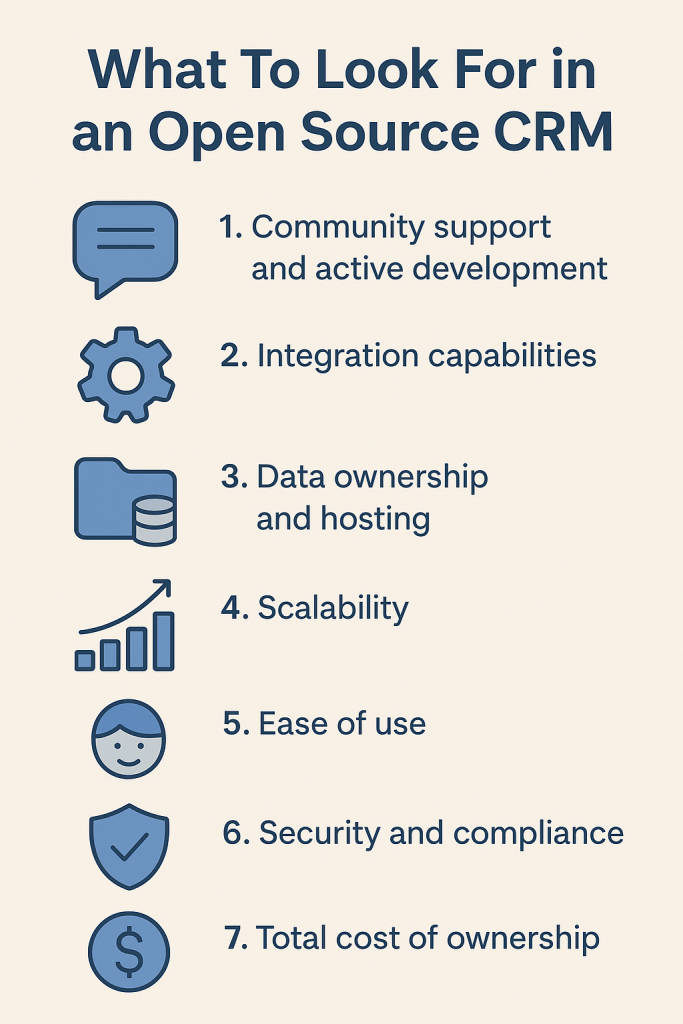
Choosing the right open source CRM goes beyond downloading a free version. Evaluate these factors before you commit:
- Community support and active development – A healthy contributor base ensures faster updates and issue resolution.
- Integration capabilities – Check for REST APIs, webhooks, and support for marketing automation or ERP tools.
- Data ownership and hosting – Self-hosting gives you full control, but managed options may simplify maintenance.
- Scalability – The CRM should handle growing teams, multi-pipeline sales, and cross-department data flows.
- Ease of use – Clean UX and customizable dashboards drive adoption among non-technical users.
- Security and compliance – Look for role-based access, audit trails, and data encryption for sensitive customer data.
- Total cost of ownership – Factor in setup, hosting, and developer time alongside software costs.
8 Top Open Source CRMs
1. Odoo CRM
Odoo CRM is part of the broader Odoo ERP ecosystem, offering a modular approach to manage sales, marketing, finance, and operations from one platform. It supports deep customization, third-party integrations, and open-source flexibility, making it suitable for organizations that want full control over their business stack. The interface is intuitive, and its scalability appeals to growing businesses seeking end-to-end process automation.
Pros: Modular design, open-source flexibility, extensive app marketplace
Cons: Steeper learning curve, setup complexity for non-technical teams
Pricing: Free Community Edition; Enterprise plan starts at $31.10/user/month
Best For: Businesses looking for a full-suite open source ERP and CRM ecosystem
2. SuiteCRM
SuiteCRM is one of the most established open source CRMs, known for its robust modules covering sales, marketing, service, and reporting. With a strong community and continuous updates, it offers the freedom to self-host and customize workflows extensively. Its familiarity for users transitioning from SugarCRM makes it a dependable option for companies seeking flexibility and ownership without recurring license costs.
Pros: Free and open source, active community, deep customization options
Cons: Dated UI compared to modern CRMs, limited official support
Pricing: Free (self-hosted); managed hosting starts at around $18/user/month
Best For: Mid-sized businesses needing flexibility and deep customizations
You May Also Read: Best free and open source CRM software
3. Vtiger CRM
Vtiger CRM combines open-source flexibility with modern cloud convenience. It offers sales automation, AI-powered lead scoring, and multichannel communication. The platform is available in both self-hosted (Community) and cloud versions, giving teams the freedom to choose deployment models. Its visual dashboards and unified contact management make it an efficient choice for growing organizations looking to bridge on-premise control with cloud scalability.
Pros: Hybrid deployment options, AI insights, built-in telephony
Cons: UI feels crowded, limited scalability for large enterprises
Pricing: Community Edition is free; Cloud edition starts at $12/user/month
Best For: Teams wanting hybrid deployment with future cloud scalability
4. EspoCRM
EspoCRM is a lightweight, fully open source CRM that focuses on simplicity, performance, and extensibility. It features Kanban views, workflow automation, email integration, and REST API access for developers. With a clean interface and low resource footprint, it’s ideal for businesses that want fast, self-managed CRM software without enterprise overhead. Its customization tools allow users to tailor modules and entities easily.
Pros: Fast and resource-efficient, intuitive UI, flexible API architecture
Cons: Limited third-party integrations, smaller extension marketplace
Pricing: Free (self-hosted); Cloud edition starts at $15/user/month
Best For: Small to mid-size teams prioritizing agility and simplicity
5. Bitrix24
Bitrix24 blends CRM, project management, and internal communication tools into a unified platform. It supports lead tracking, sales pipelines, chat, task management, and document sharing in one workspace. The system is available in both cloud and self-hosted versions, offering flexibility for different business sizes. The free plan is generous, making it a popular entry point for companies seeking collaboration-driven CRM.
Pros: All-in-one CRM and collaboration suite, generous free plan, mobile app
Cons: Interface cluttered for beginners, occasional sync delays
Pricing: Free plan available; paid plans start at $49/month (5 users)
Best For: Companies needing CRM plus internal collaboration in one tool
6. EngageBay
EngageBay is a unified marketing, sales, and support platform designed for startups and SMBs. While not fully open source, it offers affordable automation and CRM capabilities with a generous free plan. It includes lead nurturing, email marketing, helpdesk, and landing page tools in a single dashboard, giving small teams an integrated growth solution without needing multiple subscriptions.
Pros: Affordable all-in-one suite, free plan available, easy automation
Cons: Not open source, limited third-party integrations
Pricing: Free plan available; paid plans start at $13.79/user/month
Best For: Startups needing free CRM automation with upgrade paths
7. HubSpot CRM (Free)
HubSpot CRM is a top-rated free CRM offering enterprise-grade features with an easy-to-use interface. It provides contact management, pipeline tracking, reporting, and integration with hundreds of business apps. The free version is powerful enough for small teams, while paid Sales Hub and Marketing Hub plans unlock deeper automation and analytics. Its ecosystem and scalability make it a leading choice for growing businesses.
Pros: Intuitive UI, strong ecosystem, scalable with advanced hubs
Cons: Premium features can get expensive, limited customization in free tier
Pricing: Free plan available; paid plans start at $18/user/month
Best For: Small businesses looking for an easy-to-deploy CRM with growth potential
8. Freshsales
Freshsales, by Freshworks, offers an intuitive CRM with built-in email, AI insights, and automation workflows. Its setup is simple, making it ideal for teams new to CRM systems. With features like deal tracking, activity timelines, and contact scoring, Freshsales streamlines sales processes for SMBs. The platform’s native integration with Freshdesk and Freshmarketer adds value for companies adopting an all-Freshworks suite.
Pros: Simple setup, built-in AI, seamless Freshworks ecosystem integration
Cons: Limited open source flexibility, advanced reports require higher tiers
Pricing: Free plan available; paid plans start at $9/user/month
Best For: Growing startups seeking quick deployment with minimal setup
You May Also Like: Top Real Estate CRM Software
5 Advantages of Using Open Source CRMs
1. Cost Efficiency
No recurring licensing fees or per-user subscriptions. You invest in setup and hosting once, with long-term savings over time.
2. Complete Customization
Modify modules, user roles, or entire workflows. You decide how the CRM behaves instead of adapting your business to fit it.
3. Full Data Control
Open source platforms let you store data on your servers, ensuring compliance with local privacy and data protection laws.
4. Active Developer Communities
Open projects benefit from global developer participation, which means continuous improvement and faster feature rollouts.
5. No Vendor Lock-In
You retain full freedom to change hosting providers, upgrade infrastructure, or migrate data at any time.
How to Choose the Best Open Source CRM for Your Business
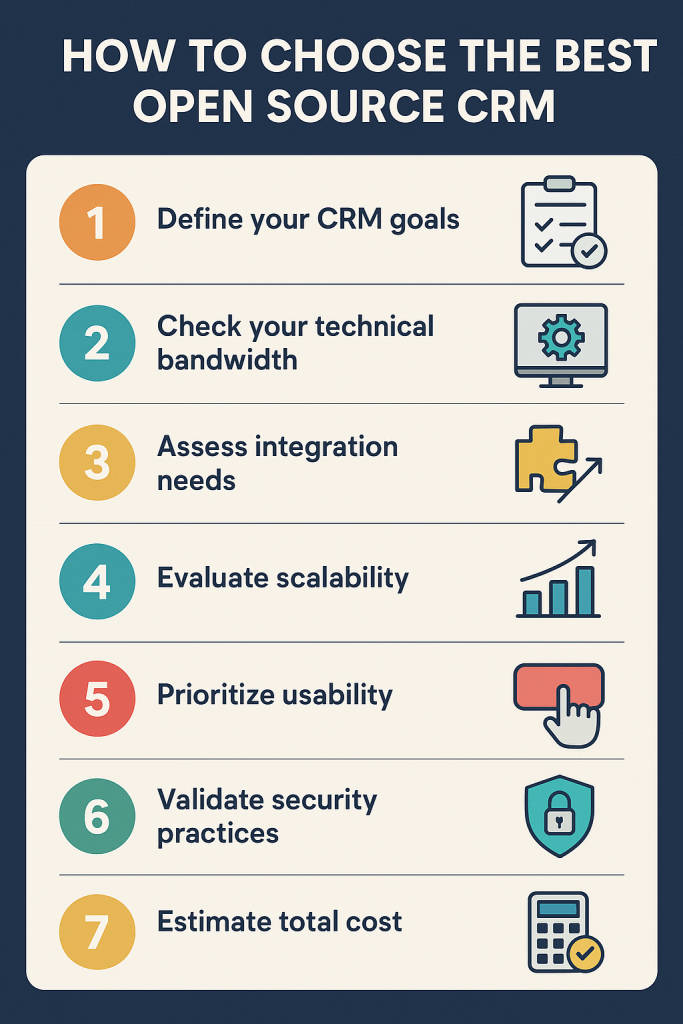
- Define your CRM goals – Outline key objectives such as sales automation, pipeline visibility, or multi-channel tracking.
- Check your technical bandwidth – Decide whether you can self-host or prefer managed open source hosting.
- Assess integration needs – Ensure the CRM can connect to your email, accounting, and marketing tools.
- Evaluate scalability – Test for performance under multiple users and large datasets.
- Prioritize usability – A simple UI improves adoption, especially for non-technical sales teams.
- Validate security practices – Implement HTTPS, two-factor authentication, and regular backups.
- Estimate total cost – Balance open source savings with infrastructure, customization, and support expenses.
- Test before deployment – Run pilots with your sales and marketing teams before rolling out company-wide.
Final Thoughts
Open source CRMs have matured into serious contenders in the CRM landscape. With options like Odoo, SuiteCRM, and EspoCRM, businesses can now enjoy enterprise-grade functionality without losing flexibility or control.
The best open source CRM for your organization depends on your technical capacity and growth strategy. For agile startups, EspoCRM and Vtiger deliver quick wins. For larger teams or integrated business suites, Odoo and SuiteCRM are ideal. If you want simplicity first, HubSpot’s free CRM can be a good gateway before transitioning to open source later.
Ultimately, open source CRM adoption in 2025 is less about “free software” and more about strategic ownership. Businesses that value control, transparency, and adaptability will find open source CRMs a cornerstone of their long-term digital strategy.
FAQs
1. Is there a free open source CRM?
Yes. Tools like SuiteCRM, Odoo, and EspoCRM offer free downloadable versions that can be self-hosted without licensing costs.
2. Do I need to know how to code?
Basic setup requires minimal coding, but custom workflows and integrations may need developer support.
3. Can I migrate my data from another CRM?
Most open source CRMs support data import through CSV or API connectors. Some even offer migration plugins.
4. Do open source CRMs have the same features as paid ones?
They offer comparable sales, marketing, and automation tools, though advanced analytics or AI may need add-ons.
5. Can I integrate open source CRMs with other tools?
Yes. Most provide open APIs and plugin frameworks for email, ERP, marketing, and analytics integrations.
6. What is the difference between open source and proprietary CRM?
Open source gives you access to the code and hosting freedom. Proprietary CRMs are vendor-controlled with limited customization.
7. Are open source CRMs secure for sensitive data?
They can be highly secure if configured properly. The responsibility for patches, backups, and hosting security lies with your team.
