

Efficient workforce planning is essential for tech companies to adapt to the rapidly changing industry landscape. These software solutions empower businesses to optimize staffing, project timelines, and resource allocation, ultimately driving productivity and growth. If you’re searching for the best workforce planning software tailored to the tech sector, look no further. Here is the list of the top 10 Workforce Planning software programs.
Table of Contents
Top Workforce Planning Software for Tech Industry


Popular Workforce Planning Software
Anaplan
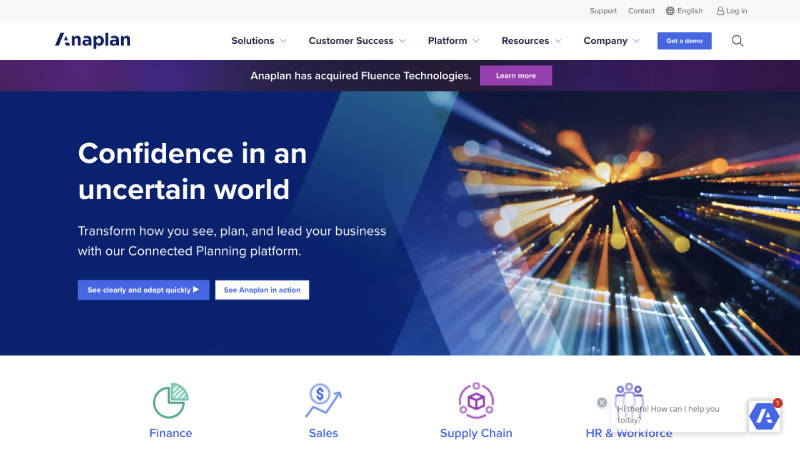
Anaplan is a cloud-based platform renowned for its enterprise-grade planning capabilities. It allows tech companies to connect data from various sources, model scenarios, and create dynamic plans to align financial and operational strategies.
Standout Features:
- Connected planning across finance, sales, HR, and operations
- Scenario modeling for “what-if” analysis
- Flexible modeling environment
- Real-time collaboration
Pros:
- Robust enterprise-level planning
- Highly customizable and scalable
- Strong collaboration features
Cons:
- Steep learning curve
- May be overwhelming for smaller businesses
- Higher price point
Workday Adaptive Planning
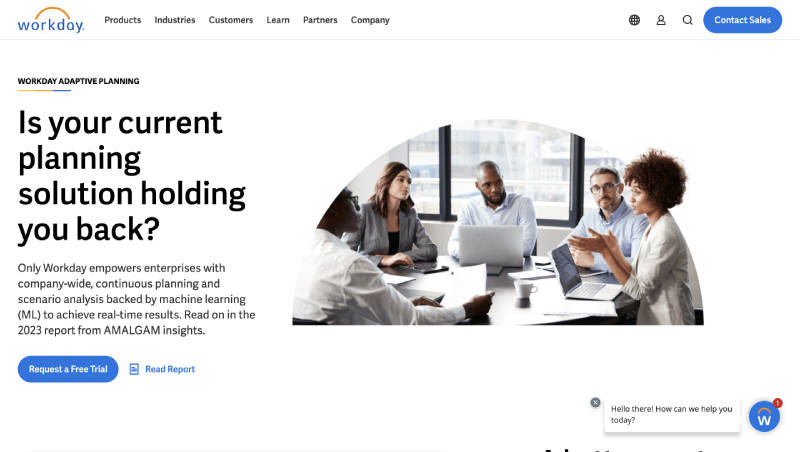
Workday Adaptive Planning, integrated with Workday’s comprehensive HR suite, is ideal for tech companies prioritizing talent management. It enables businesses to forecast workforce needs, model succession plans, and analyze workforce trends.
Standout Features:
- Seamless integration with Workday HCM
- Talent management and succession planning
- Robust workforce analytics
- Scenario planning
Pros:
- Powerful HR integration
- Comprehensive workforce planning
- Intuitive interface
Cons:
- May be most suitable for existing Workday users
- Some features may be redundant for smaller teams
Visier People
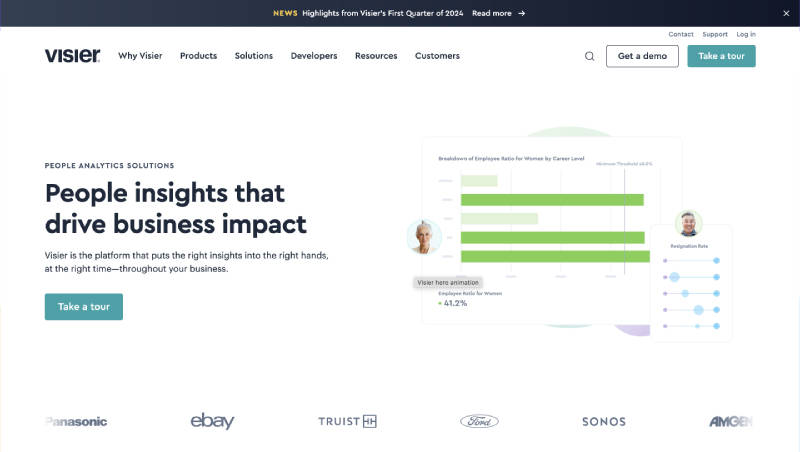
Visier People leverages people analytics to provide deep insights into workforce trends. Tech companies can utilize this data to make informed decisions about talent acquisition, retention, and development.
Standout Features:
- Advanced people analytics
- Customizable dashboards and reports
- Predictive analytics
- Integration with HR systems
Pros:
- Rich data-driven insights
- Intuitive interface
- Focus on actionable recommendations
Cons:
- Analytics-heavy, may not suit all user needs
- Implementation can be time-consuming
- Price may be prohibitive for smaller companies
ClickUp
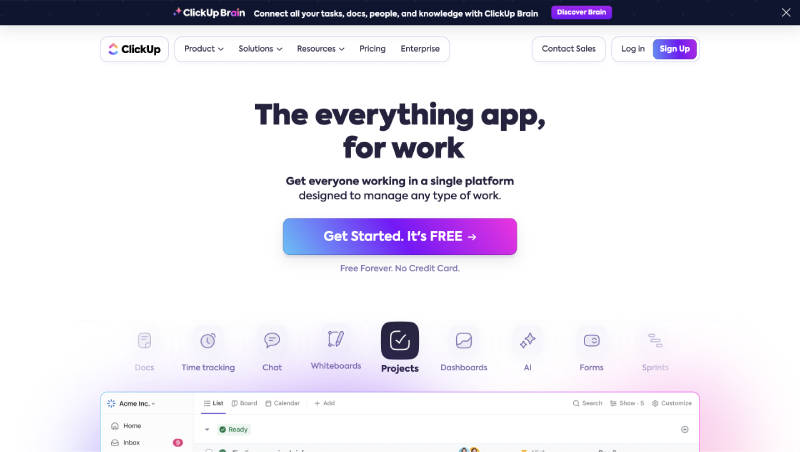
ClickUp is primarily a project management tool, but its robust features also make it a valuable asset for workforce planning, particularly for agile tech teams.
Standout Features:
- Project timelines and Gantt charts
- Task dependencies and workload visualization
- Time tracking and resource allocation
- Real-time collaboration and communication
Pros:
- Intuitive interface with drag-and-drop functionality
- Extensive project management features
- Free plan for basic needs
Cons:
- Workforce planning features may not be as comprehensive as dedicated solutions
- The learning curve for all the advanced features
- Can become cluttered for complex projects
Also read: What is Workforce Management Software? Know the 10 Best Workforce Management Tools (2024)
Runn
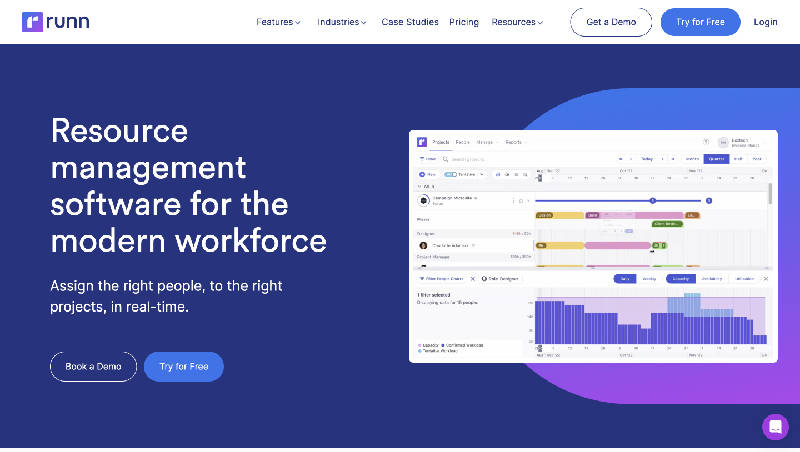
Runn specializes in capacity planning and resource management. It helps tech companies visualize project timelines, allocate resources effectively, and forecast future capacity needs.
Standout Features:
- Capacity planning and resource scheduling
- Project forecasting and scenario planning
- Time tracking and project profitability reports
- Integration with popular project management tools
Pros:
- Intuitive drag-and-drop interface
- Focus on capacity planning and resource optimization
- Clear project visualization
Cons:
- Learning curve for some features
- Limited integrations compared to other solutions
- Pricing may be higher for larger teams
Planful
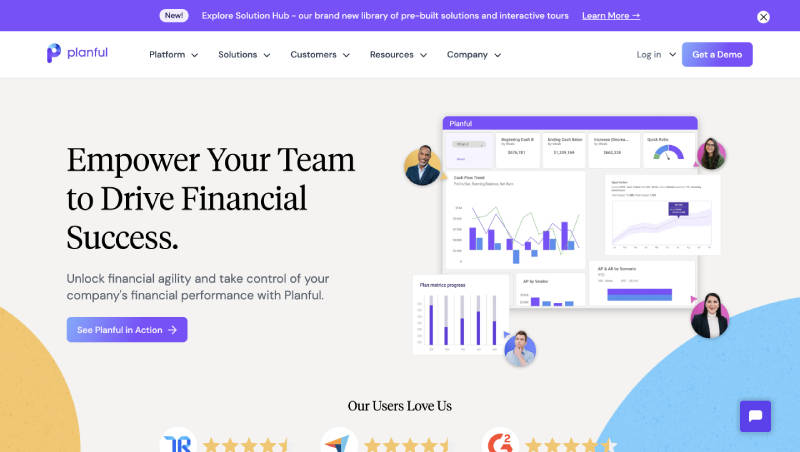
Planful integrates financial planning and analysis (FP&A) with workforce planning. It allows tech companies to align financial goals with workforce strategies, optimize resource allocation, and model various scenarios.
Standout Features:
- Financial forecasting and budgeting
- Workforce planning and scenario modeling
- Dashboarding and reporting
- Integration with ERP and HR systems
Pros:
- Strong FP&A integration
- Comprehensive workforce planning features
- Powerful reporting capabilities
Cons:
- Can be complex to set up and configure
- Steeper learning curve compared to other solutions
- Higher price point
Paymo
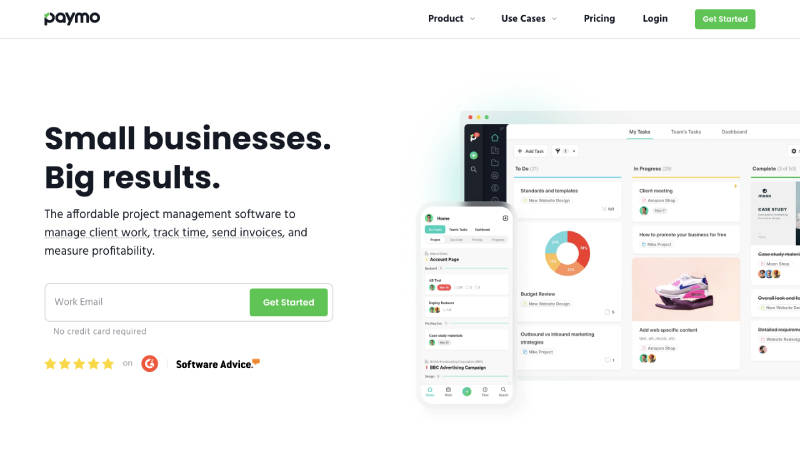
Paymo is a versatile project management and workforce planning tool suitable for small to medium-sized tech businesses. It offers features like task management, time tracking, and resource scheduling.
Standout Features:
- Task management and project timelines
- Time tracking and timesheets
- Resource scheduling and workload management
- Invoicing and budgeting
Pros:
- Affordable pricing for smaller teams
- User-friendly interface
- Combined project management and workforce planning
Cons:
- May lack some advanced features found in enterprise solutions
- Limited integrations compared to other platforms
Forecast
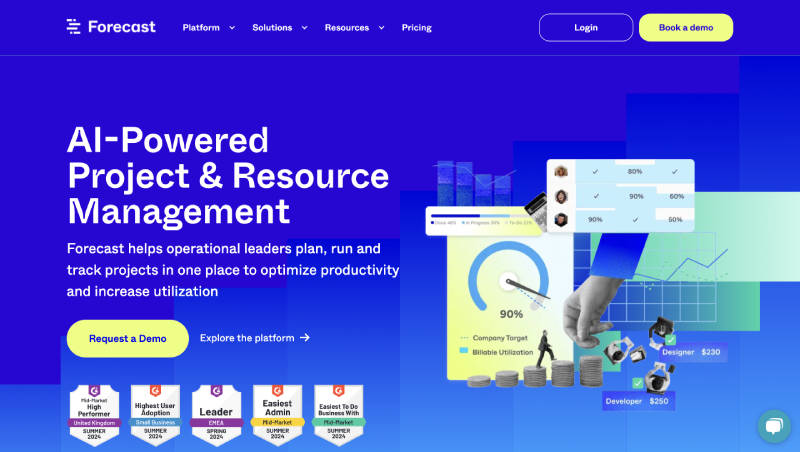
Forecast is an AI-powered project management and resource planning platform. It uses machine learning to predict project timelines, allocate resources, and optimize workflows.
Standout Features:
- AI-powered project planning and forecasting
- Resource allocation and capacity planning
- Automated time tracking and project insights
- Collaboration tools and project dashboards
Pros:
- Innovative AI-driven features
- Streamlined project planning and resource allocation
- Easy-to-use interface
Cons:
- AI may not always be perfectly accurate
- Learning curve for utilizing all AI capabilities
- Pricing may be higher for some teams
10,000ft by Smartsheet
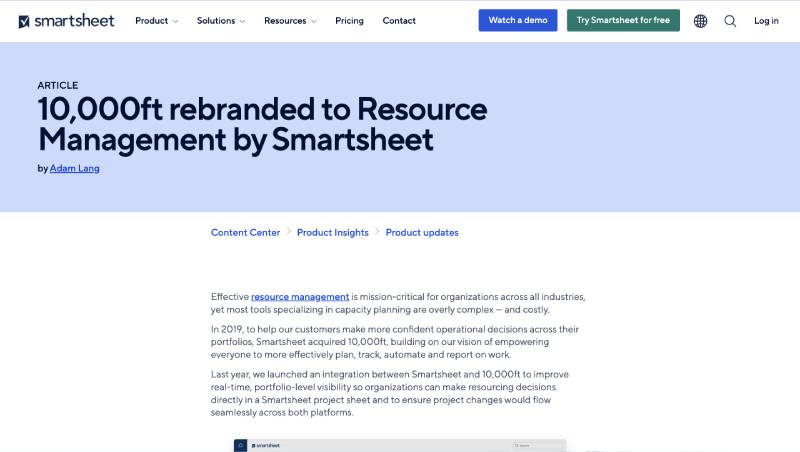
10,000ft by Smartsheet is tailored towards creative and project-based teams. It helps tech companies manage project portfolios, schedule resources, and track project progress.
Standout Features:
- Resource scheduling and capacity planning
- Project portfolio management
- Time tracking and project budgeting
- Collaboration and reporting tools
Pros:
- Intuitive interface designed for creative teams
- Focus on project portfolio management
- Integration with Smartsheet project management tool
Cons:
- Workforce planning features may not be as extensive as other solutions
- Limited customization options
- Pricing may be a factor for smaller teams
Leapsome
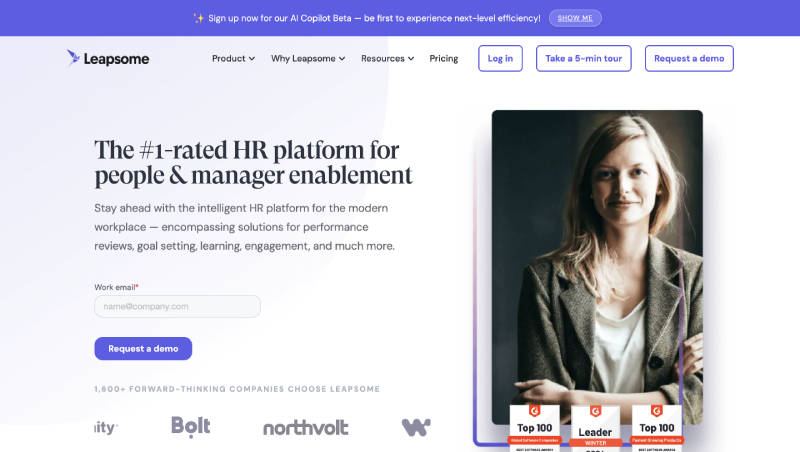
Leapsome combines performance management with workforce planning. Tech companies can use it to align employee goals with company objectives, identify skill gaps, and plan for future talent needs.
Standout Features:
- Performance reviews and feedback
- Goals and OKRs tracking
- Competency frameworks and skill assessments
- Learning and development modules
Pros:
- Comprehensive performance management features
- Focus on employee development and growth
- Integration with other HR tools
Cons:
- Workforce planning features may not be as robust as dedicated solutions
- Learning curve for complex performance management processes
- Pricing may be a consideration for smaller teams
FAQs
Why is workforce planning important for tech companies?
Workforce planning is critical for several reasons. Here are few of them –
- Talent Acquisition: Identifying and attracting the right skills for innovation.
- Resource Optimization: Ensuring efficient allocation of resources to projects.
- Skill Gap Analysis: Identifying and addressing areas where upskilling is needed.
- Cost Control: Optimizing labor costs and avoiding overstaffing or understaffing.
- Succession Planning: Developing future leaders and ensuring smooth transitions.
How do I choose the right workforce planning software for my tech company?
Consider the following factors when selecting software:
- Company Size: Some solutions are better suited for enterprises, while others cater to smaller businesses.
- Specific Needs: Identify your priorities (e.g., project management, HR integration, financial planning).
- Ease of Use: A user-friendly interface is crucial for quick adoption and utilization.
- Integration: Ensure the software integrates with your existing tools and systems.
- Budget: Determine your budget and compare pricing models to find the best value.
