

Effective email campaigns are crucial for engaging with your audience, driving conversions, and building brand loyalty. With numerous email campaign management tools available, choosing the right one can make a significant difference in your marketing strategy. In this article, we’ll explore ten of the best email campaign management software solutions you can consider in 2024, including Campaigner.
Table of Contents
List of Email Campaign Management Software
Here’s a quick overview of the top email campaign management software, including their best uses and pricing details:
| Software Name | Link | Pricing | Best For |
| Campaigner | https://www.campaigner.com/ | Free trial | Advanced email marketing features |
| Mailchimp | https://mailchimp.com/landers/email-marketing-platform/ | Free plan | Small to medium-sized businesses |
| Sendinblue | https://www.brevo.com/ | Free plan | Email and SMS marketing |
| HubSpot | https://www.hubspot.com/products/marketing/email | Free trial | All-in-one marketing solution |
| Constant Contact | https://www.constantcontact.com/?ic=hptest | Free trial | Small businesses and nonprofits |
| GetResponse | https://www.getresponse.com/ | Free trial | Marketing automation and CRM |
| AWeber | https://www.aweber.com/ | Free plan | Email automation for small businesses |
| ActiveCampaign | https://www.activecampaign.com/ | Free trial | Advanced marketing automation |
| Moonsend | https://moosend.com/ | Free trial | E-commerce email campaigns |
| ConvertKit | https://convertkit.com/ | Free plan | Content creators and bloggers |
Campaigner
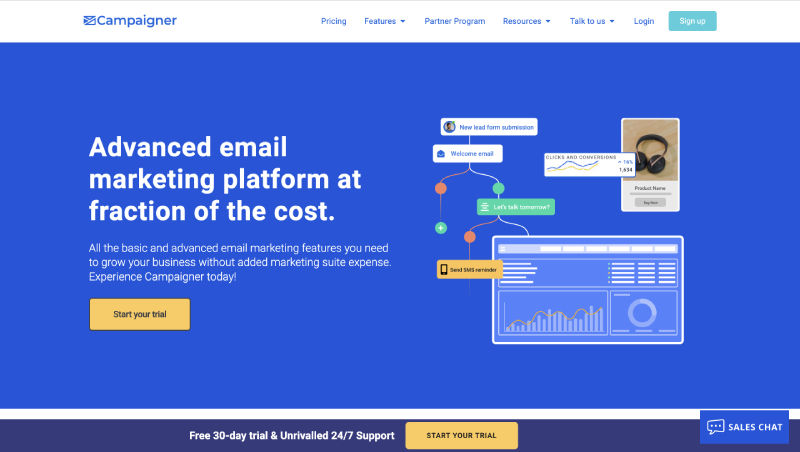
Campaigner is a robust email campaign management tool designed for advanced users who require comprehensive email marketing features. It offers a free trial to help you explore its capabilities.
Key Features
- Advanced Automation: Create sophisticated email workflows and automation sequences.
- Segmentation: Target specific audience segments with tailored messages.
- Analytics and Reporting: Access detailed performance metrics and insights.
- A/B Testing: Test different email variations to optimize performance.
Pros and Cons
Pros:
- Extensive automation features for complex campaigns
- Detailed reporting and analytics tools
- Advanced segmentation and targeting options
Cons:
- Higher cost after the free trial
- It can be complex for beginners
- Limited integration options compared to some competitors
Mailchimp
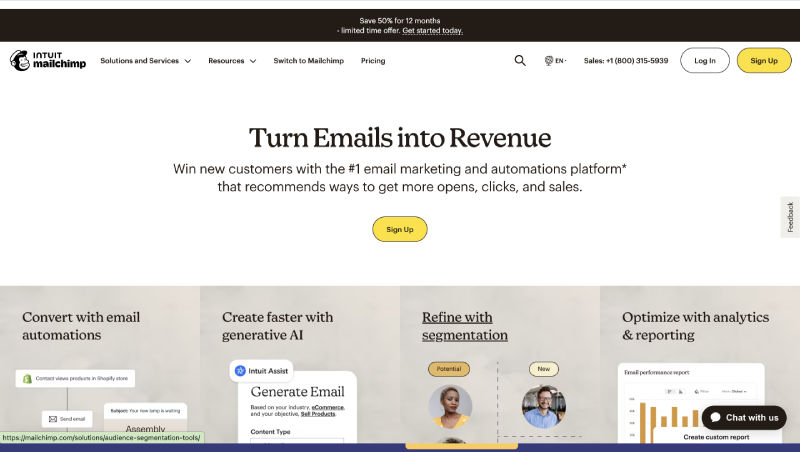
Mailchimp is a popular email marketing platform known for its user-friendly interface and comprehensive features. It offers a free plan suitable for small to medium-sized businesses.
Key Features
- Email Templates: A wide range of customizable templates for various campaigns.
- Automation: Automate email responses and workflows.
- Audience Management: Tools to manage and segment your audience.
- Analytics: Insights into email performance and engagement.
Pros and Cons
Pros:
- Intuitive and easy to use
- Free plan available with essential features
- Good integration with other tools
Cons:
- Limited features on the free plan
- Pricing can be high as your list grows
- Advanced features may require a paid plan
Sendinblue
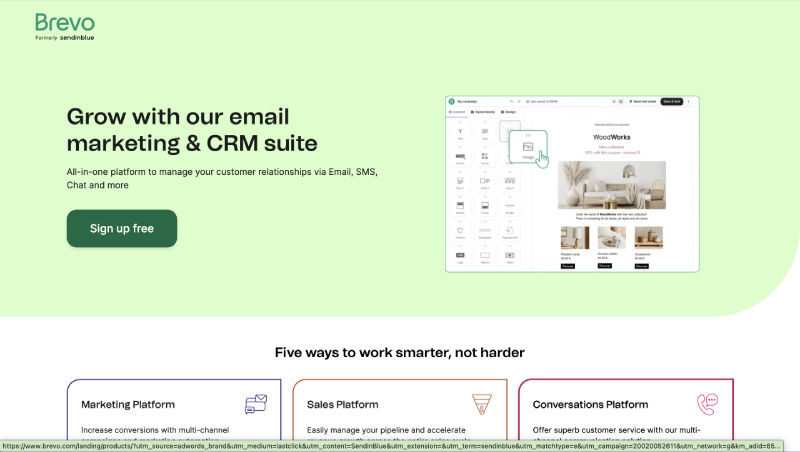
Sendinblue offers a comprehensive email marketing solution with additional SMS marketing features. Its free plan provides a great starting point for businesses looking to diversify their marketing strategies.
Key Features
- Email and SMS Campaigns: Manage both email and SMS marketing from a single platform.
- Marketing Automation: Automate your email workflows and customer journeys.
- Transactional Emails: Send order confirmations and other transactional messages.
- Segmentation: Target specific groups within your email list.
Pros and Cons
Pros:
- Integrates email and SMS marketing
- The free plan includes essential features
- User-friendly interface
Cons:
- Limited features on the free plan
- SMS credits are separate from email usage
- Advanced features can be expensive
Also read: Top 10 Personalized Email Software in 2024
HubSpot
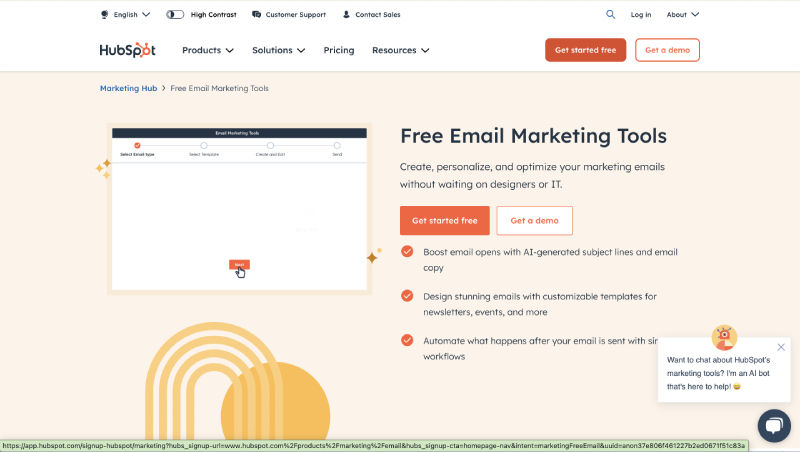
HubSpot provides an all-in-one marketing solution, including powerful email campaign management tools. It offers a free trial for users to explore its extensive features.
Key Features
- Email Marketing: Create and send personalized email campaigns.
- CRM Integration: Integrates with HubSpot’s CRM for better customer insights.
- Marketing Automation: Automate email workflows and lead nurturing.
- Analytics: Comprehensive reporting and analytics tools.
Pros and Cons
Pros:
- Robust all-in-one marketing platform
- Excellent CRM integration
- Advanced automation and segmentation
Cons:
- Higher cost for premium features
- Steeper learning curve
- It can be overwhelming for small businesses
Constant Contact
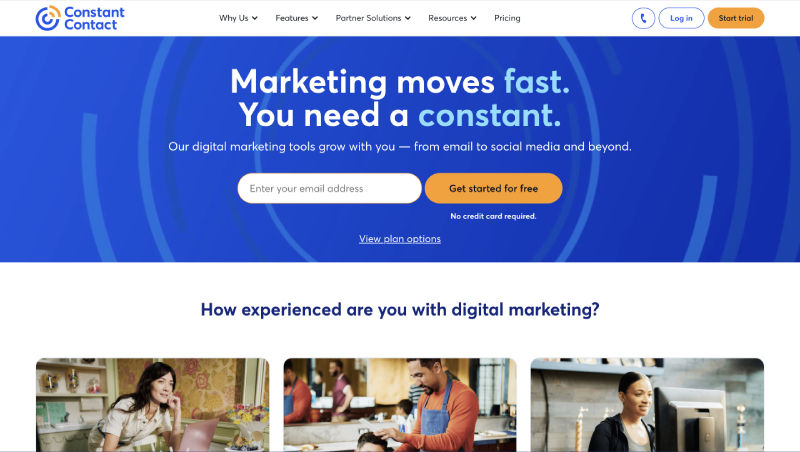
Constant Contact is known for its ease of use and effectiveness for small businesses and nonprofits. It offers a free trial to test its email campaign features.
Key Features
- Email Templates: A variety of professionally designed templates.
- Automation: Simple automation tools for follow-up emails.
- Event Marketing: Tools for managing and promoting events.
- Survey Tools: Create surveys to gather customer feedback.
Pros and Cons
Pros:
- Easy to use with a straightforward interface
- Good customer support
- Effective for small businesses and nonprofits
Cons:
- Limited features compared to more advanced platforms
- Pricing can increase with list size
- Automation tools are basic
GetResponse
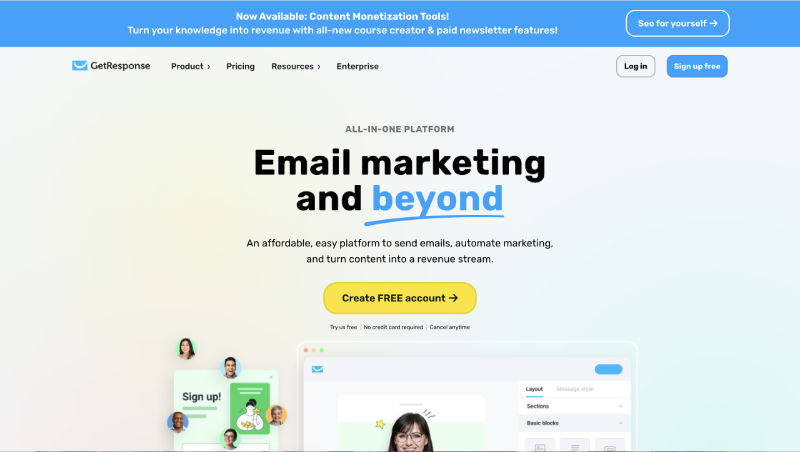
GetResponse combines email marketing with CRM and marketing automation features. It offers a free trial for businesses looking to explore its comprehensive capabilities.
Key Features
- Marketing Automation: Create complex email workflows and automation.
- CRM: Manage customer relationships and interactions.
- Landing Pages: Design and publish landing pages for lead generation.
- Webinars: Host webinars to engage with your audience.
Pros and Cons
Pros:
- All-in-one marketing and CRM solution
- Advanced automation and segmentation
- Effective landing page and webinar tools
Cons:
- It can be complex for beginners
- Higher cost for advanced features
- Some users find the interface overwhelming
AWeber
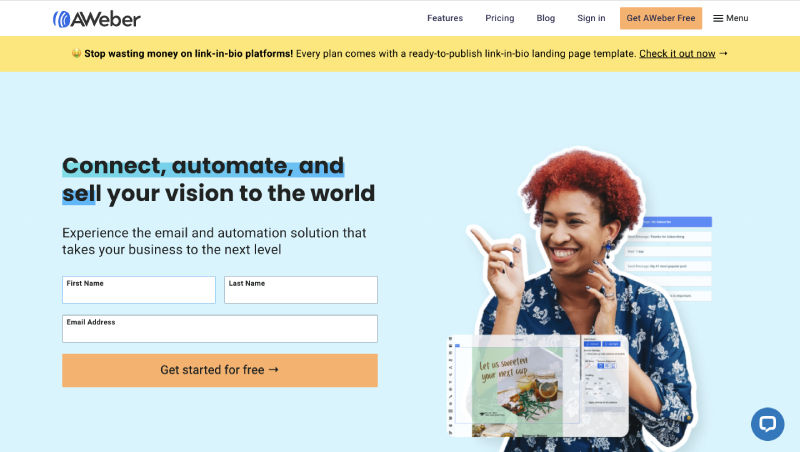
AWeber is an email marketing tool designed for small businesses, offering a free plan that includes essential email automation features.
Key Features
- Autoresponders: Create automated email sequences for new subscribers.
- Email Templates: Access a library of customizable templates.
- Sign-Up Forms: Easily create sign-up forms for your website.
- Analytics: Monitor the performance of your email campaigns.
Pros and Cons
Pros:
- Free plan available with basic features
- Easy-to-use interface
- Good for small businesses and startups
Cons:
- Limited features compared to some competitors
- Pricing can increase as your list grows
- Basic automation tools
ActiveCampaign
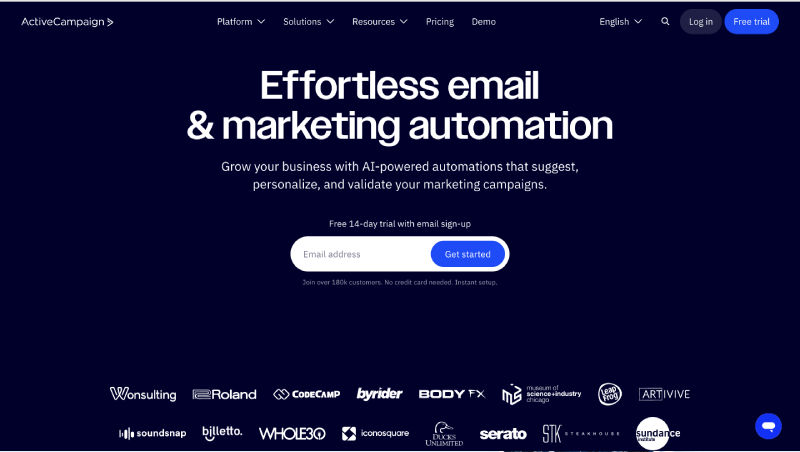
ActiveCampaign is known for its advanced marketing automation and CRM capabilities. It offers a free trial to explore its extensive features.
Key Features
- Email Automation: Create detailed and complex email workflows.
- CRM Integration: Manage customer relationships and sales pipelines.
- Segmentation: Advanced targeting and segmentation options.
- Reporting: Detailed analytics and performance reports.
Pros and Cons
Pros:
- Highly customizable automation
- Strong CRM features
- Detailed reporting and analytics
Cons:
- Higher cost for premium features
- It can be complex for new users
- Requires a learning curve
Moonsend
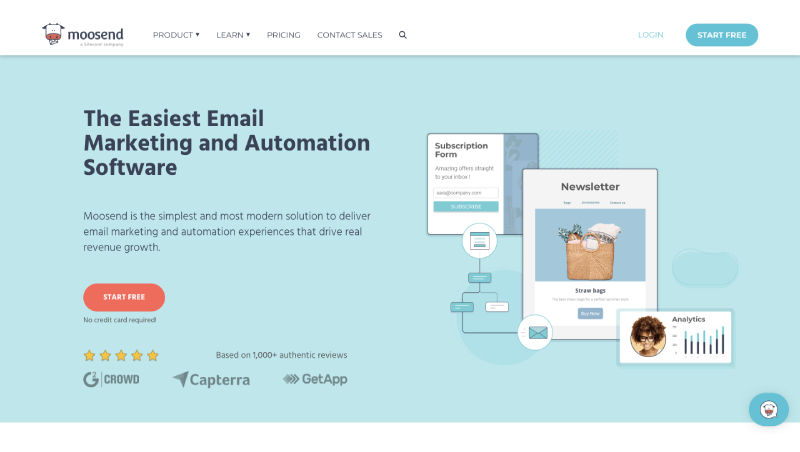
Moonsend offers an intuitive platform for managing e-commerce email campaigns. It provides a free trial to test its features.
Key Features
- E-commerce Integrations: Connects with popular e-commerce platforms.
- Automation: Advanced automation for customer journeys and follow-ups.
- Landing Pages: Create and optimize landing pages for conversions.
- Analytics: Detailed performance metrics and insights.
Pros and Cons
Pros:
- Ideal for e-commerce businesses
- Easy-to-use interface
- Strong automation and landing page tools
Cons:
- Higher cost for advanced features
- Limited integration options
- The learning curve for advanced features
ConvertKit
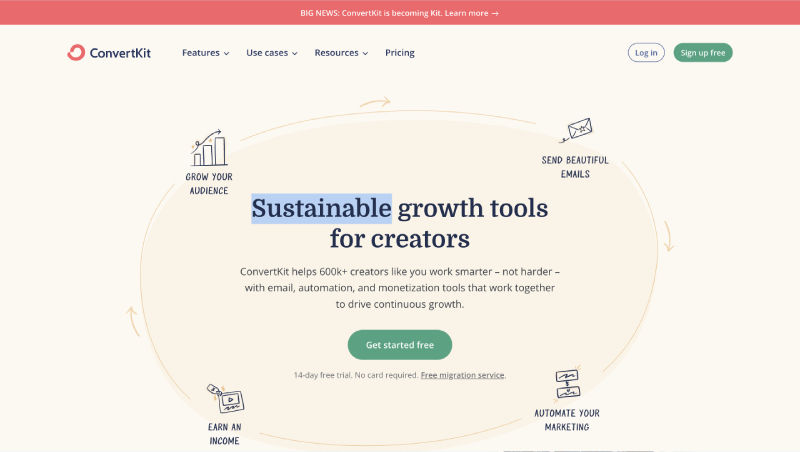
ConvertKit is tailored for content creators and bloggers, offering a free plan with essential email marketing features.
Key Features
- Email Sequences: Create automated email sequences for subscribers.
- Landing Pages: Build landing pages to capture leads.
- Subscriber Management: Manage and segment your subscriber list.
- Analytics: Track the performance of your email campaigns.
Pros and Cons
Pros:
- Excellent for content creators and bloggers
- Free plan available with basic features
- User-friendly interface
Cons:
- Limited features on the free plan
- Higher cost for advanced functionality
- Basic automation tools
Conclusion
These ten email campaign management software solutions offer a range of features to help businesses of all sizes manage their email marketing effectively. Whether you need advanced automation, CRM integration, or simple email management, there’s a tool available that fits your needs. Explore these options to find the best solution for your email marketing strategy in 2024.
