

HR departments are constantly juggling mountains of paperwork. From employee onboarding to performance reviews and everything in between, managing these documents efficiently is crucial for any organization. This is where HR document management software comes in, offering a digital solution to streamline processes, improve compliance, and boost overall productivity.
In this blog, we’ll explore the top 10 HR document management software solutions that can transform the way you handle your people-related documentation, reordered based on their general popularity and market presence:
Table of Contents
Workday
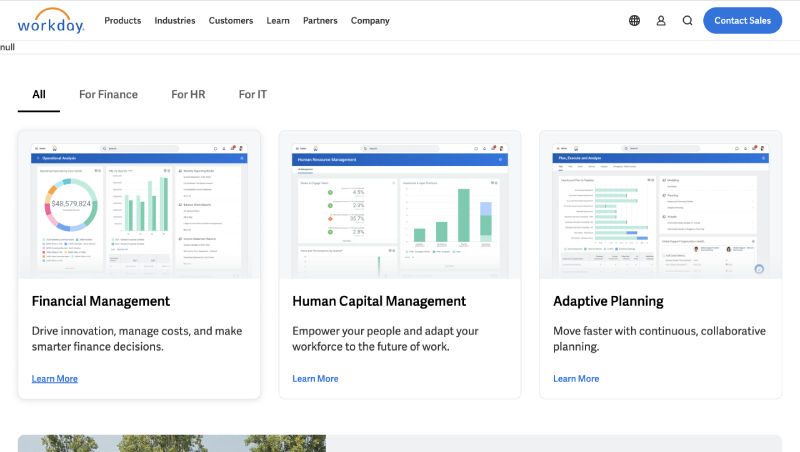
Workday is a cloud-based HR software that caters to large enterprises. Its document management capabilities are extensive, allowing you to manage complex document workflows and automate document approvals. Workday also supports document retention policies, ensuring compliance with legal and regulatory requirements.
Key Features: Extensive document management capabilities, Complex document workflow management, Automated document approvals, Document retention policies, Integration with other Workday modules
Pros: Highly scalable, Suitable for large enterprises, Strong compliance features
Cons: Can be complex to implement and use, Expensive
Pricing: Custom pricing based on company size and needs
ADP Workforce Now
ADP Workforce Now is a comprehensive HR solution that includes powerful document management features. It enables you to store and share employee documents securely, track document changes, and automate document approvals. ADP Workforce Now also integrates with other ADP solutions, creating a seamless HR ecosystem.
Key Features: Secure document storage and sharing, Document change tracking, Automated document approvals, Integration with other ADP solutions, Payroll and HR management tools
Pros: Comprehensive HR solution, Good for businesses of all sizes, Strong customer support
Cons: Can be expensive, Interface can be outdated
Pricing: Custom pricing based on company size and needs
Oracle HCM Cloud
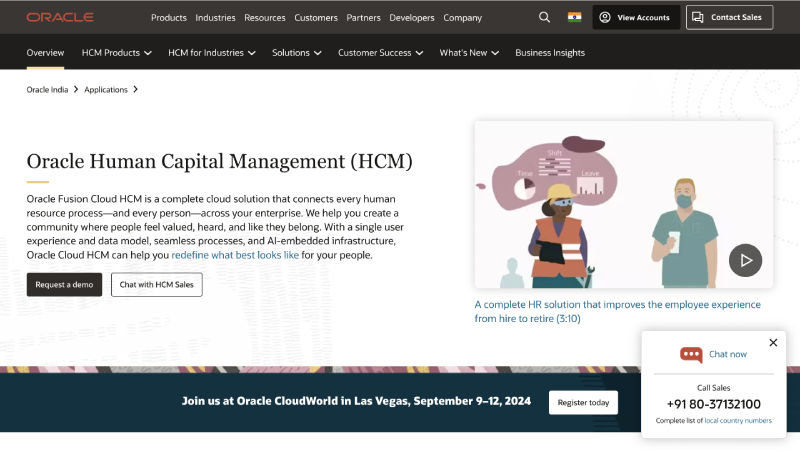
Oracle HCM Cloud is a comprehensive HR solution designed for large enterprises. It offers robust document management capabilities, allowing you to manage complex document workflows and automate document approvals. Oracle HCM Cloud also supports document retention policies and integrates with other Oracle solutions.
Key Features: Robust document management capabilities, Complex document workflow management, Automated document approvals, Document retention policies, Integration with other Oracle solutions
Pros: Highly scalable, Suitable for large enterprises, Strong compliance features
Cons: Can be complex to implement and use, Expensive
Pricing: Custom pricing based on company size and needs
BambooHR

BambooHR is a user-friendly HR software that simplifies document management. It allows you to create custom document folders, set access permissions, and track document changes. BambooHR also integrates with popular e-signature platforms, further streamlining your document workflows.
Key Features: Custom document folders, Access permissions, Document change tracking, Integration with e-signature platforms, Employee self-service
Pros: Intuitive interface, Easy to use, Good for small to medium-sized businesses
Cons: Limited reporting features, Can be expensive for larger organizations
Pricing: Starts at $6.19 per employee per month
Zoho People
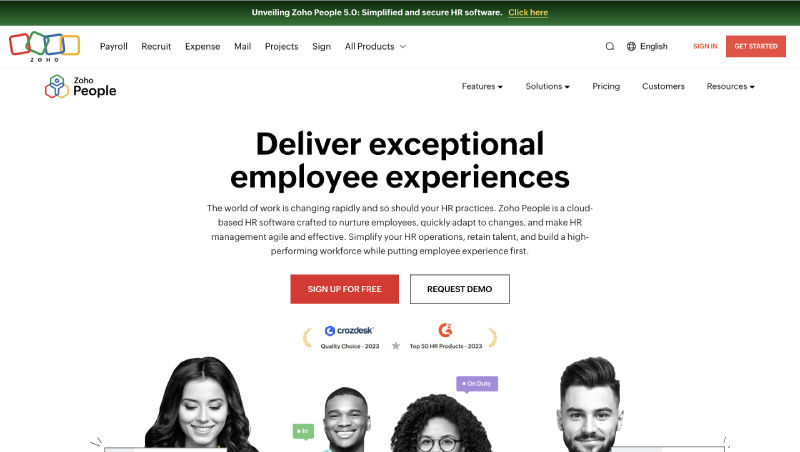
Zoho People is another popular HR software that offers comprehensive document management functionalities. It provides a centralized repository for storing employee documents, making it easy to find and retrieve information when needed. Zoho People also supports version control, ensuring that you always have the latest version of a document.
Key Features: Centralized document repository, Version control, Customizable document templates, Employee self-service portals, Integration with other Zoho apps
Pros: Affordable pricing, Wide range of features, Good for small to medium-sized businesses
Cons: Can be complex to set up, Limited customer support
Pricing: Free plan available, paid plans start at $1 per employee per month
Namely
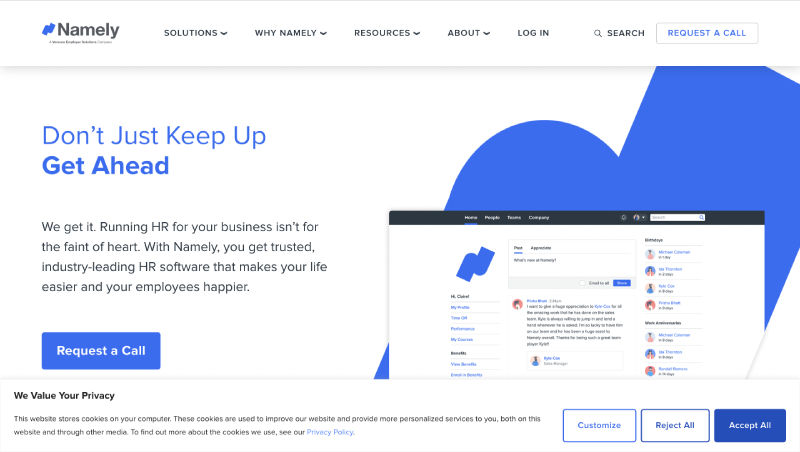
Namely is an HR platform designed for mid-sized businesses. It offers a secure document management system where you can store and organize employee files. Namely also provides self-service portals, enabling employees to access their documents and update their information independently.
Key Features: Secure document management system, Self-service portals, Performance management tools, Onboarding and offboarding workflows, Benefits administration
Pros: Modern and intuitive interface, Strong focus on employee engagement, Good for mid-sized businesses
Cons: Can be expensive, Limited customization options
Pricing: Custom pricing based on company size and needs
Also read: 7 Best HR Software for Small Businesses in 2024 with Free Trials
UKG Pro
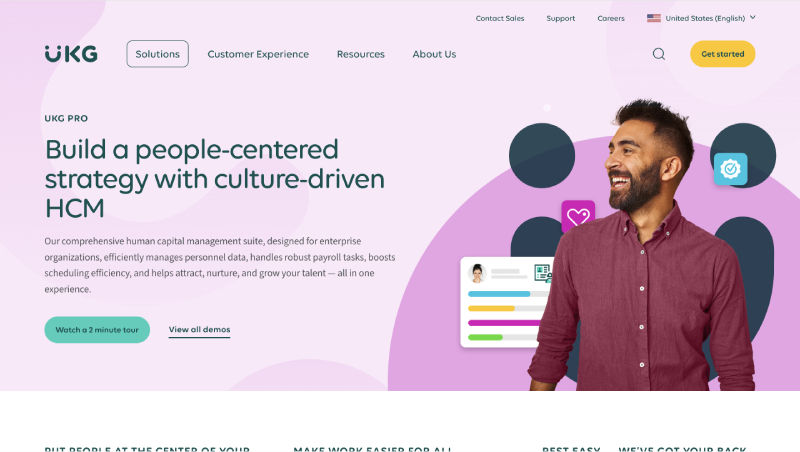
UKG Pro (formerly UltiPro) is a cloud-based HR software that offers a wide range of features, including document management. It enables you to store and organize employee files, automate document approvals, and track document changes. UKG Pro also supports document retention policies.
Key Features: Document storage and organization, Automated document approvals, Document change tracking, Document retention policies, Time and attendance tracking
Pros: Wide range of features, Good for businesses of all sizes, Cloud-based solution
Cons: Can be complex to set up, Customer support can be inconsistent
Pricing: Custom pricing based on company size and needs
Paycor
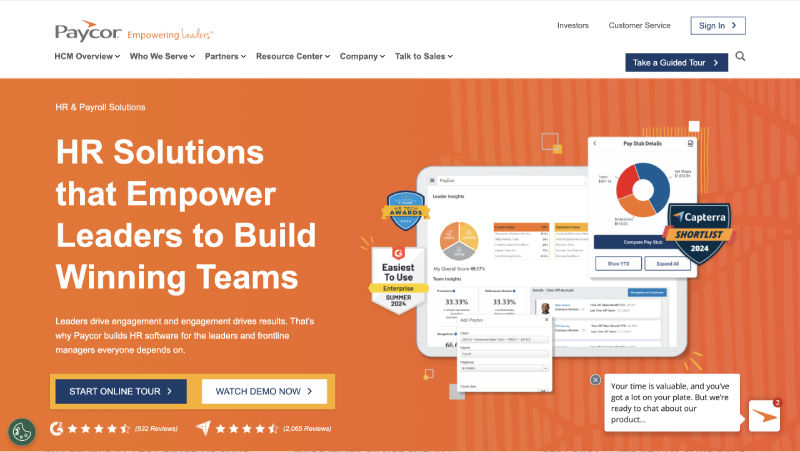
Paycor is an HR software that focuses on payroll and HR management. It offers a document management system that allows you to store employee files, create custom document templates, and track document approvals. Paycor also provides self-service portals for employees to access their documents.
Key Features: Document management system, Custom document templates, Document approval tracking, Self-service portals, Payroll and HR management tools
Pros: Affordable pricing, Good for small to medium-sized businesses, Easy to use
Cons: Limited reporting features, Customer support can be slow
Pricing: Starts at $99 per month plus $4 per employee per month
GoCo
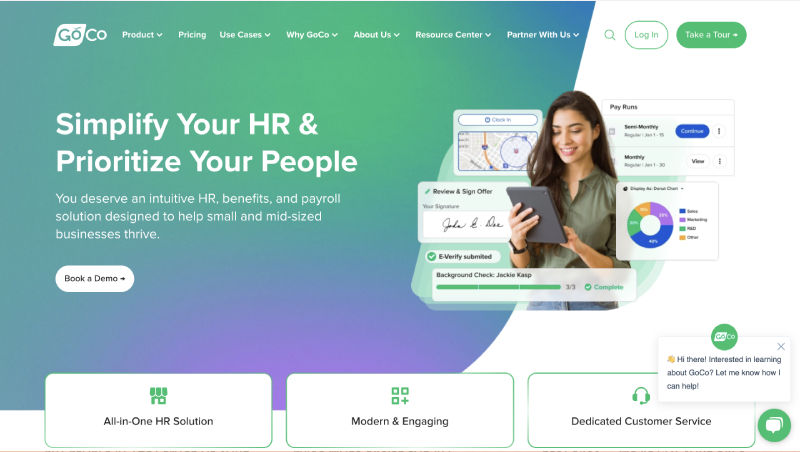
GoCo is an all-in-one HR platform that includes robust document management features. It enables you to store, organize, and access employee files securely. With its intuitive interface, you can easily create custom workflows for document approvals and automate onboarding tasks. GoCo also offers e-signature capabilities, eliminating the need for physical paperwork.
Key Features: Secure document storage and organization, Custom workflows for document approvals, Automated onboarding tasks, E-signature capabilities, Self-service portals for employees
Pros: User-friendly interface, All-in-one HR platform, Strong automation capabilities, Excellent customer support
Cons: Limited reporting features, May not be suitable for very large enterprises
Pricing: Starts at $5 per employee per month
isolved
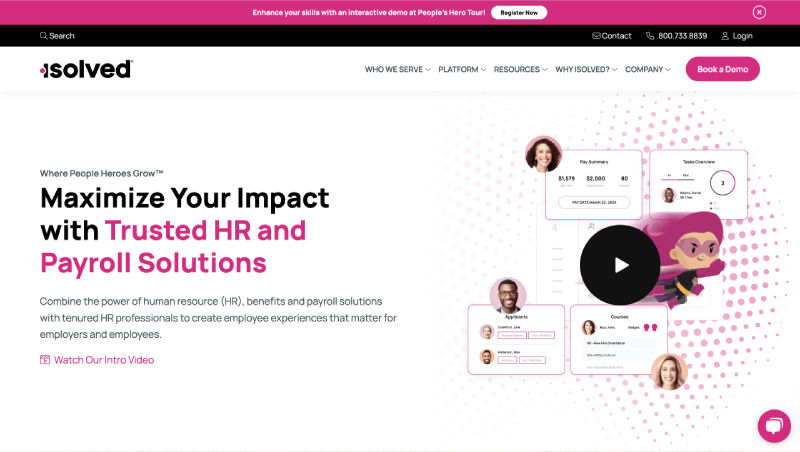
isolved is an HR platform that combines payroll, HR, and time-tracking functionalities. It offers a document management system that allows you to store employee files, create custom document templates, and track document approvals. isolved also provides self-service portals for employees.
Key Features: Document management system, Custom document templates, Document approval tracking, Self-service portals, Payroll, HR, and time tracking tools
Pros: All-in-one solution, Good for small to medium-sized businesses, User-friendly interface
Cons: Can be expensive for larger organizations, Limited reporting features
Pricing: Custom pricing based on company size and needs
HR Document Management Software Comparison Table
| Software Name | URL | Best For | Pricing |
| Workday | https://www.workday.com/en-us/products/human-capital-management/overview.html | Large enterprises with complex document workflows | Custom pricing |
| ADP Workforce Now | https://www.adp.com/what-we-offer/products/adp-workforce-now.aspx | Businesses of all sizes seeking a comprehensive HR solution | Custom pricing |
| Oracle HCM Cloud | https://www.oracle.com/human-capital-management/ | Large enterprises needing robust document management and compliance | Custom pricing |
| BambooHR | https://www.bamboohr.com/ | Small to medium-sized businesses seeking a user-friendly solution | Starts at $6.19 per employee per month |
| Zoho People | https://www.zoho.com/people/ | Small to medium-sized businesses looking for an affordable, feature-rich option | Free plan available, paid plans start at $1 per employee per month |
| Namely | https://www.namely.com/ | Mid-sized businesses prioritizing employee engagement | Custom pricing |
| UKG Pro | https://www.ukg.com/ | Businesses of all sizes want a cloud-based solution with diverse features | Custom pricing |
| Paycor | https://www.paycor.com/ | Small to medium-sized businesses focused on payroll and HR management | Starts at $99 per month plus $4 per employee per month |
| GoCo | https://www.goco.io/ | Businesses seeking an all-in-one HR platform with strong automation | Starts at $5 per employee per month |
| isolved | https://www.isolvedhcm.com/ | Small to medium-sized businesses needing an integrated payroll, HR, and time-tracking solution | Custom pricing |
Conclusion
Remember to consider your organization’s specific needs and requirements when choosing an HR document management software. Factors such as the size of your workforce, budget, and desired features should all be taken into account. By selecting the right solution, you can transform the way you handle your people-related documentation and free up valuable time for more strategic HR initiatives.
FAQs
-
What are the key benefits of using HR document management software?
HR document management software offers numerous advantages, including streamlined HR processes, improved compliance, and increased productivity. By centralizing employee documents and automating workflows, these solutions save time, reduce errors, and enhance data security. Self-service portals empower employees, while integration capabilities ensure a seamless HR ecosystem.
-
How do I choose the right HR document management software for my organization?
Selecting the right HR document management software involves considering factors like company size, document workflow complexity, desired features, budget, and user experience. Evaluate available options against your organization’s specific needs, and prioritize solutions that align with your requirements and financial constraints.
-
Can HR document management software integrate with my existing HR systems?
Yes, most HR document management solutions provide integration options with other HR systems like payroll, benefits, and applicant tracking. This integration ensures seamless data flow, eliminating manual entry and reducing errors, leading to a more cohesive and efficient HR environment.
-
Is my data secure in HR document management software?
Data security is paramount for HR document management providers. They implement robust measures like encryption, access controls, and regular backups to safeguard sensitive employee data. Compliance with data protection regulations like GDPR and CCPA further ensures data privacy and security.
