

As construction wrestles with ever-evolving demands, making any project successful depends on effective project management. Construction management software empowers teams to streamline workflows, optimize communication, and maximize productivity. To identify the top 10 construction management software for 2025, we’ve evaluated the most used software in the construction industry based on user-friendliness, comprehensive features, seamless integrations, reliable support, and scalability, ensuring your chosen solution fuels peak performance and exceptional project delivery.
Table of Contents
Top Construction Management Software Options
ClickUp
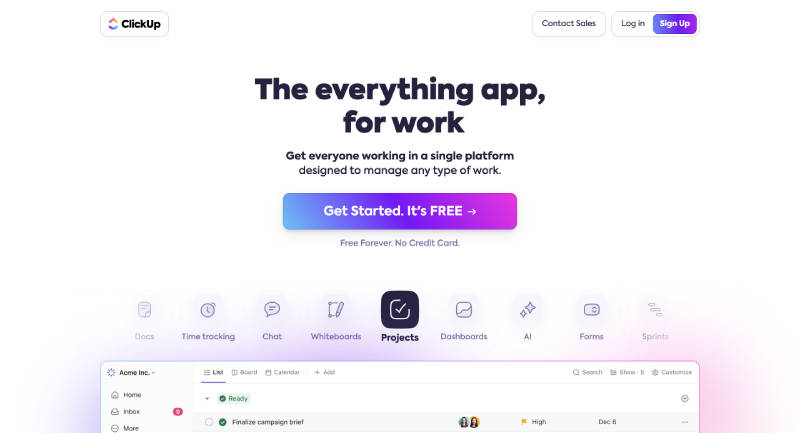
ClickUp provides a comprehensive task management and collaboration platform, suitable for managing construction projects of various sizes. It offers a wide range of features, including customizable workflows and time tracking, to ensure projects are managed effectively. ClickUp’s user-friendly interface and extensive customization options make it a popular choice for teams looking to enhance their project management capabilities.
Top Features:
- Task Management: Create and manage tasks.
- Customizable Workflows: Tailor workflows to project needs.
- Time Tracking: Integrated time tracking tools.
Pros:
- Highly customizable.
- User-friendly interface.
- Free plan available.
Cons:
- Advanced features may require higher-tier plans.
- May be overwhelming for new users.
Pricing: ClickUp offers a free plan with basic features. Paid plans start at $5 per user per month.
Procore
Procore offers a comprehensive construction management solution that integrates project management, quality and safety, and financials into one platform. It simplifies complex construction workflows, ensuring projects are completed efficiently. Procore’s robust tools help in managing documents, schedules, and budgets, making it a favorite among large construction firms. Its user-friendly interface and extensive integration capabilities make it a versatile choice for managing various aspects of construction projects.
Top Features:
- Integrated project management and comprehensive project tracking.
- Tools to ensure compliance and safety.
- Budgeting and cost control features.
Pros:
- All-in-one platform.
- Strong integration capabilities.
- User-friendly interface.
Cons:
- Pricing is not transparent.
- May be complex for smaller projects.
Pricing: Procore pricing is available upon request. Contact Procore for more information.
Buildertrend
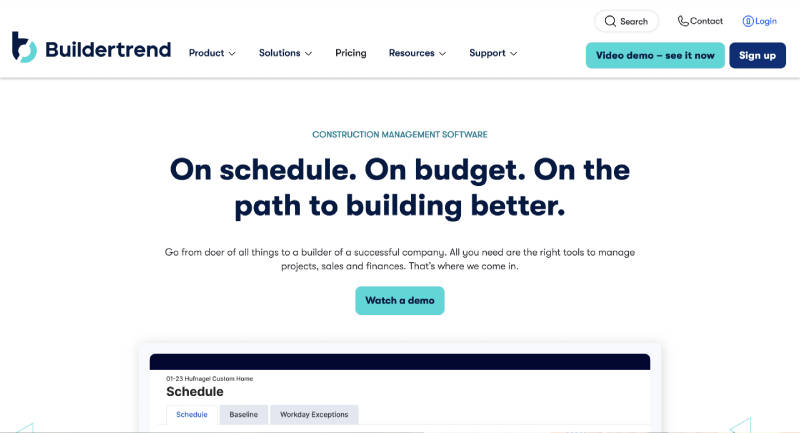
Buildertrend is designed for residential construction management, providing tools to manage projects from pre-sale to completion. It’s ideal for home builders and remodelers. With Buildertrend, users can track leads, manage bids, and communicate effectively with clients and subcontractors. Its financial management features help keep budgets on track and streamline payment processes, making it a comprehensive tool for residential construction.
Top Features:
- Lead and bid tracking.
- Scheduling and communication tools.
- Budgeting and payment processing.
Pros:
- Tailored for residential projects.
- Excellent customer support.
- Comprehensive feature set.
Cons:
- Pricing is not transparent.
- Limited to residential construction.
Pricing: Buildertrend pricing is available upon request. Contact Buildertrend for more information.
PlanGrid
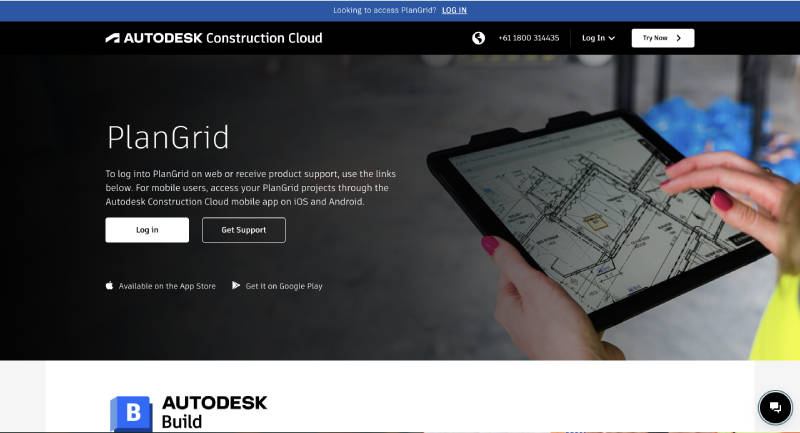
PlanGrid is known for its blueprint management capabilities, allowing construction teams to share and collaborate on project plans in real time. This software simplifies the process of keeping blueprints up-to-date, ensuring all team members are working from the latest plans. PlanGrid’s document control and task management features help in tracking project progress and addressing issues promptly, making it a valuable tool for construction professionals.
Top Features:
- Share and annotate blueprints.
- Track project tasks and issues.
- Version control for project documents.
Pros:
- Real-time collaboration.
- Easy to use.
- Strong document management.
Cons:
- Pricing is not transparent.
- May require additional training for new users.
Pricing: PlanGrid pricing is available upon request. Contact PlanGrid for more information.
CoConstruct
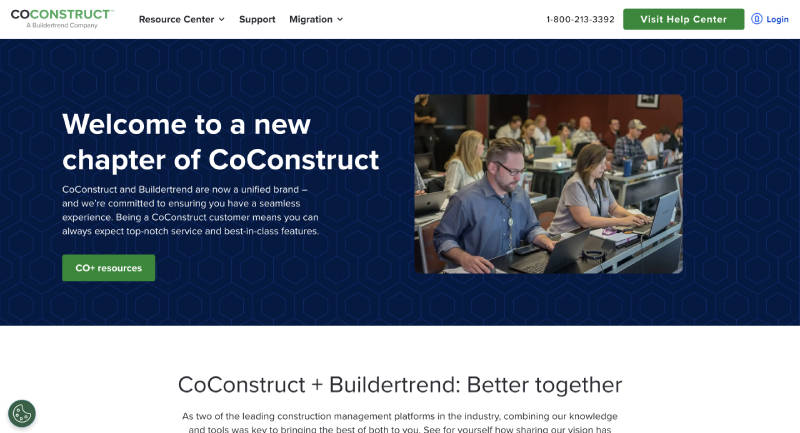
CoConstruct is a construction management tool tailored for custom home building and remodels, providing a comprehensive set of tools to manage projects effectively. It offers robust client communication features, helping builders keep clients informed and involved throughout the project. CoConstruct’s project scheduling and financial management tools ensure that custom projects are completed on time and within budget, making it a top choice for custom builders.
Top Features:
- Client Communication: Tools to keep clients informed.
- Project Scheduling: Detailed project timelines.
- Financial Management: Budgeting and invoicing features.
Pros:
- Tailored for custom builders.
- Excellent client communication tools.
- Strong financial management.
Cons:
- Pricing is not transparent.
- May be complex for smaller projects.
Pricing: CoConstruct pricing is available upon request. Contact CoConstruct for more information.
Also read: What is Construction Estimating Software? Key Features, Benefits, and Popular Software
Fieldwire
Fieldwire focuses on field management, providing tools for on-site task management, plan viewing, and real-time collaboration. It’s designed to help construction teams coordinate effectively on the ground, ensuring tasks are completed efficiently. Fieldwire’s intuitive interface makes it easy for field workers to use, and its powerful collaboration tools help teams stay connected and informed, enhancing overall project management.
Top Features:
- Task Management: Assign and track tasks.
- Plan Viewing: View and annotate plans on-site.
- Real-Time Collaboration: Collaborate with team members.
Pros:
- User-friendly interface.
- Strong field management tools.
- Free plan available.
Cons:
- Limited advanced features in free plan.
- Paid plans can be expensive.
Pricing: Fieldwire offers a free plan with basic features. Paid plans start at $29 per month.
Wrike
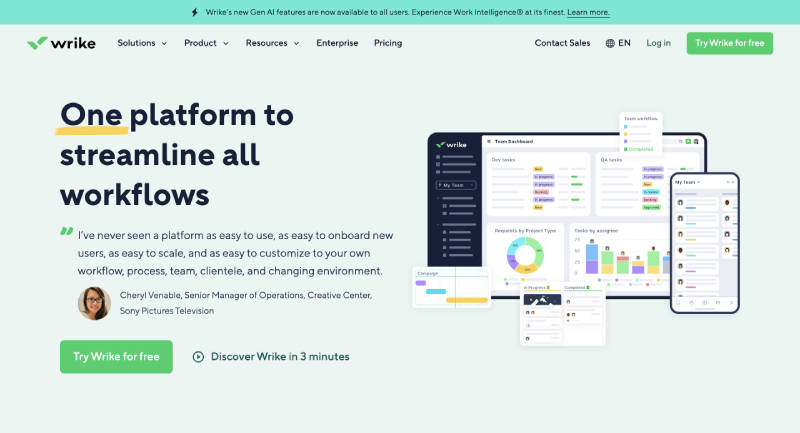
Wrike is a versatile project management tool that integrates seamlessly with construction management, offering robust task management and collaboration features. It’s ideal for organizations looking to combine project management with construction tasks, ensuring that projects are completed on schedule. Wrike’s customizable templates and real-time collaboration tools enhance productivity, making it a flexible solution for various construction management needs.
Top Features:
- Task Management: Organize and assign tasks.
- Collaboration Tools: Real-time collaboration with team members.
- Customizable Templates: Create project templates.
Pros:
- Strong project management features.
- Flexible and customizable.
- Free plan available.
Cons:
- May require a learning curve.
- Advanced features can be expensive.
Pricing: Wrike offers a free plan with basic features. Paid plans start at $9.80 per user per month.
Asana

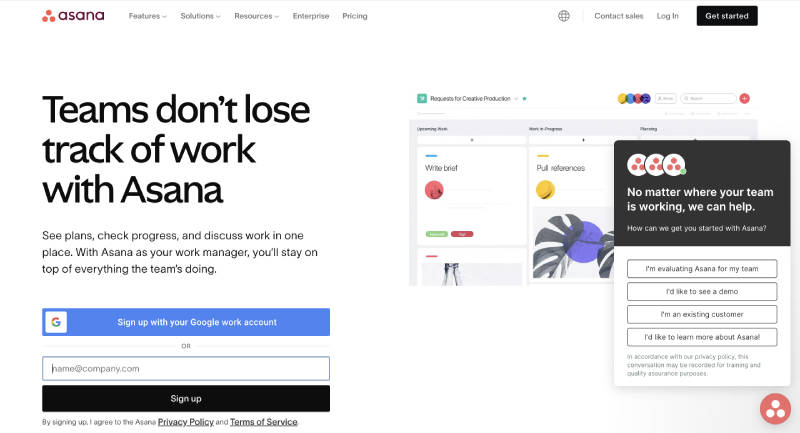
Asana is a popular task and project management tool, offering robust features for managing construction projects and team collaboration. It provides visual project timelines and detailed task management tools to keep projects on track. Asana’s collaboration features facilitate communication among team members, making it easier to coordinate tasks and ensure project milestones are met.
Top Features:
- Task Management: Organize and assign tasks.
- Project Timelines: Visual project timelines.
- Team Collaboration: Tools for team communication.
Pros:
- Easy to use.
- Strong collaboration features.
- Free plan available.
Cons:
- Advanced features may require higher-tier plans.
- May not be tailored specifically for construction.
Pricing: Asana offers a free plan with basic features. Paid plans start at $10.99 per user per month.
Zoho Projects
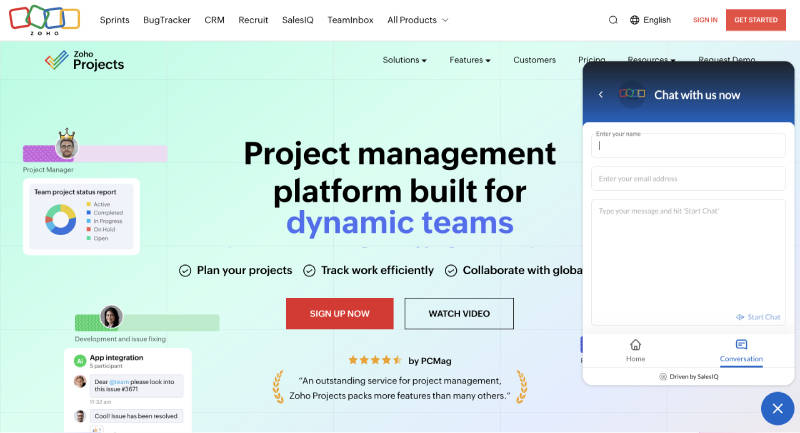
Zoho Projects provides comprehensive project management features, including task management, Gantt charts, and time tracking, suitable for construction projects. Its intuitive interface and robust functionality make it an excellent choice for managing complex construction workflows. Zoho Projects also offers extensive customization options, allowing users to tailor the software to their specific project needs.
Top Features:
- Task Management: Create and manage tasks.
- Gantt Charts: Visualize project timelines.
- Time Tracking: Integrated time tracking.
Pros:
- Comprehensive feature set.
- User-friendly interface.
- Affordable pricing.
Cons:
- Some features may require higher-tier plans.
- Limited third-party integrations.
Pricing: Zoho Projects offers paid plans starting at $5 per user per month.
TeamGantt
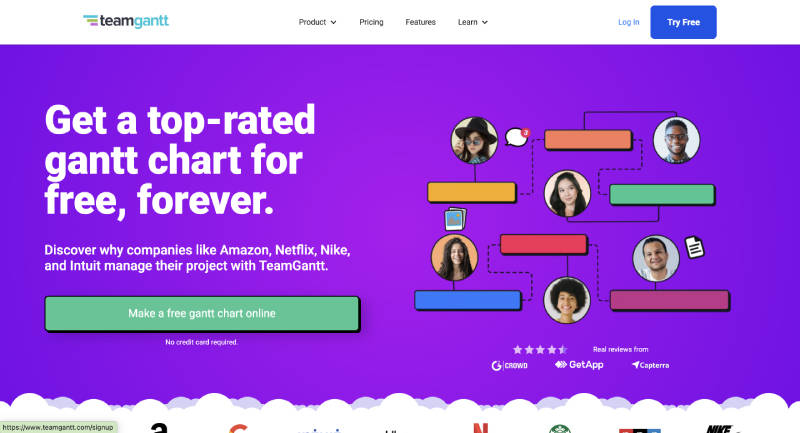
TeamGantt is known for its Gantt chart planning capabilities, providing a visual and intuitive way to manage construction project timelines and tasks. It allows users to create detailed project plans, assign tasks, and track progress in real time. TeamGantt’s collaboration tools enhance team communication, ensuring everyone is on the same page and project deadlines are met.
Top Features:
- Gantt Chart Planning: Create and manage Gantt charts.
- Task Management: Assign and track tasks.
- Collaboration Tools: Real-time team collaboration.
Pros:
- Easy to use.
- Strong Gantt chart features.
- Free plan available.
Cons:
- Limited features in the free plan.
- Some advanced features require higher-tier plans.
Pricing: TeamGantt offers a free plan with basic features. Paid plans start at $24.95 per month.
|
Software Name
|
Best For | Pricing | URL |
| ClickUp | Task management and collaboration | Free plan, Paid plans start at $5/month | ClickUp |
| Procore | Comprehensive construction management | Contact for pricing | Procore |
| Buildertrend | Residential construction management | Contact for pricing | |
| PlanGrid | Blueprint management | Contact for pricing | |
| CoConstruct | Custom home building | Contact for pricing | |
| Fieldwire | Field management | Free plan, Paid plans start at $29/month | |
| Wrike | Project management integration | Free plan, Paid plans start at $9.80/month | Wrike |
| Asana | Task and project management | Free plan, Paid plans start at $10.99/month | Asana |
| Zoho Projects | Comprehensive project management | Paid plans start at $5/month | |
| TeamGantt | Gantt chart planning | Free plan, Paid plans start at $24.95/month |
FAQs
Can the software help me manage changes to the project plan?
Yes, most construction project management software allows for real-time updates and revisions to the plan. You can track changes, see their impact on the schedule and budget, and communicate updates to the entire team efficiently. This helps ensure everyone is aware of adjustments and avoids confusion.
Does the software integrate with other construction tools I use?
Many construction project management software options offer integrations with other popular tools in the industry, like accounting software, design software, or document management systems. This allows for a smooth flow of data between platforms, reducing manual entry and improving overall efficiency.
Does the software help with safety compliance on construction sites?
Some construction project management software offers features specifically for safety management. These can include tools for creating and distributing safety plans, logging incidents, and tracking safety training completion. This helps ensure a safe work environment and can even contribute to reducing insurance costs
