

Sending documents via a fax machine may sound ancient; however, it is still a popular mode of communication used by several organizations. Over the years, with all the advancements in technology, sending documents via fax has also been upgraded and now businesses can simply invest in a free fax software to get the job done.
Read on as we explain about a fax software, some of its key benefits, and provide you a detailed comparison of the 6 best free fax software.
Table of Contents
What is a fax software?
A fax software is the digital version of a traditional fax machine that allows you to fax all your required documents online. With this software, you no longer have to spend your time and money on printing the documents, filing them safely, using the clunky fax machine and spending on its maintenance, etc. An online fax service will allow you to securely save your documents on the cloud, thus making them accessible whenever you want.
The majority of the businesses are now switching to online fax services because it offers several benefits which has helped these businesses save their efforts and money.
How does a fax software work?
The fax software will use a unique email address that includes the fax number of the recipient. The software comes equipped with the required feature to translate the documents into the right format which can be read by the recipient’s system. While receiving a fax also, the process is similar, and you will receive the faxed document in your inbox.
Benefits of fax software
Some of the key benefits of a fax software include –
- You can get rid of any additional equipment, such as your bulky fax machine and the dedicated phone lines.
- You can cut down a lot on your expenses as you no longer have to spend your money on purchasing, operating, and maintaining a fax machine with its own phone line. You can save money and avoid buying sheets of paper in bulk as you no longer have to print the documents before faxing them.
- A fax software makes it really convenient for businesses to send and receive fax from anywhere as long as they have access to a desktop or even a smartphone.
6 best free fax software to use in 2021
If you are still unsure on whether or not you should be investing in a fax service, we recommend you take a look at this list of the 6 best free fax software so that you can understand how the software works and see if it is feasible for your organization or not.
Our list includes free fax software for Windows 10, free fax software for Mac, fax machine software for PC, etc. so that you have all the options at your fingertips.
1. HelloFax
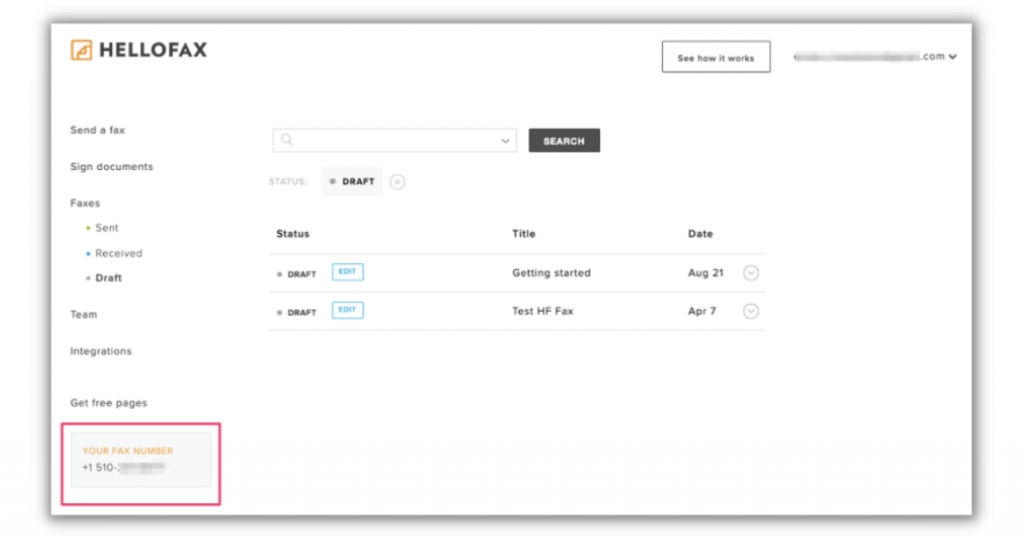
HelloFax is one of the easiest and best free fax software that can be used to send and receive faxes. One of the key USPs of this fax software is its cloud storage integration features. HelloFax can be used by anyone in your company as this software can house any number of users, fax lines, and faxes. Whenever you receive a fax through this software, it will arrive in your inbox in the form of a PDF. You can then view, share, and download the document as required.
Features
- Editing
- Document signature
- Contact management
- Alerts
- Fax numbers
- Secure storage
- Cross-platform sending
- Multiple recipients
- Unlimited storage
- Sync with cloud storage
- Local numbers or port current numbers
- Drag and drop attachments
Business size
HelloFax is ideal for small and medium-sized organizations that send and receive a lot of their documents via fax.
Pros
- HelloFax has an amazing and intuitive interface which makes it really easy and efficient for users to navigate and use the software.
- With HelloFax, you can easily convert your existing fax numbers without having the need to take up new numbers.
Cons
- One of the major cons of HelloFax is that it does not have any mobile app.
- Another disadvantage is that this software has very few non-US fax numbers.
Pricing plans
- Freemium
- Home Office – $8.33/month/billed annually
- Professional – $16.67/month/billed annually
- Small Business – $33.33/month/billed annually
2. CocoFax
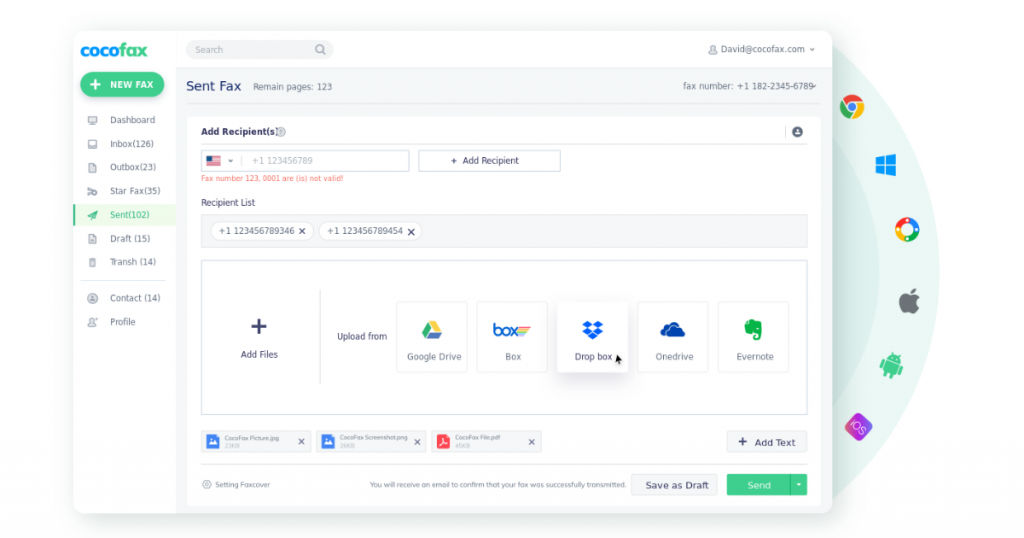
CocoFax is a cloud-based free fax software for Windows 10 and Mac that offers an easy and secure online fax service. This easy-to-use tool allows users to quickly and efficiently send and receive faxes through the G Suite using the Google fax feature. CocoFax is compatible with all devices – desktops and mobiles which enables the users to access the fax services at any time and from anywhere. This free fax software provides all the required security features, so you do not have to worry about the security of your documents. From integrating CocoFax into your workflow to adding/deleting user accounts to porting existing numbers for free, this is one of the best free fax software currently in the market.
Features
- Archiving & retention
- Delivery tracking
- Fax to email
- Email to Fax
- Automated routing
- Document templates
- Multiple format support
- Secure data storage
- Multiple user accounts
Business size
CocoFax is ideal for use by freelancers, small, medium, and large enterprises.
Pros
- CocoFax is very easy to install and it also has a great user interface.
- Users can simply enable the CocoFax add-on and they will be able to fax anyone from their Gmail, Google Drive, Docs, and Sheets.
Cons
- The reporting feature of CocoFax needs to be developed more.
Pricing plans
- Free trial
- Lite – $4.99/month/billed annually
- Basic – $9.99/month/billed annually
- Premium – $16.99/month/billed annually
- Business – $24.99/month/billed annually
- Enterprise – Custom pricing
3. WestFax
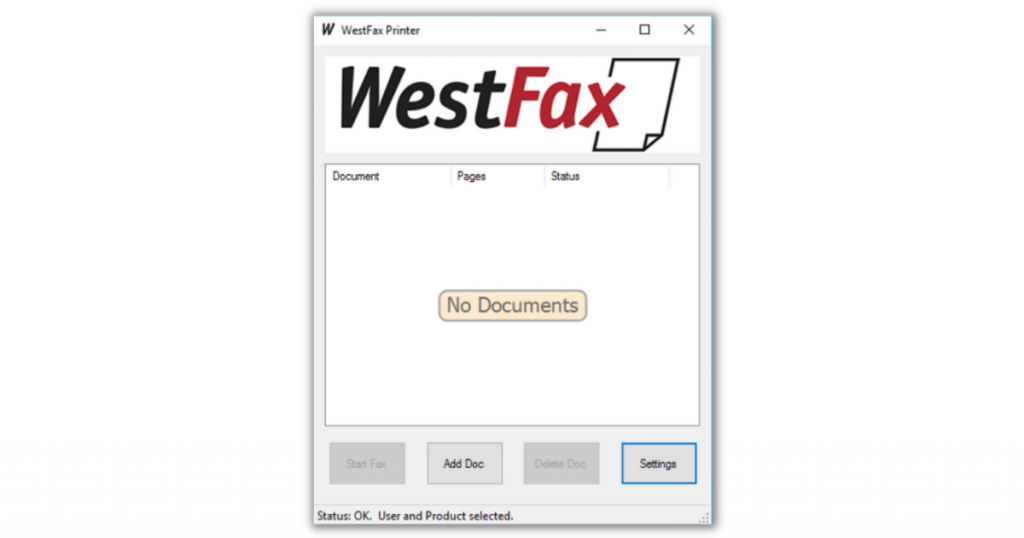
If you are looking for the best online fax service that is cloud-based, secure, and HIPAA-compliant, we recommend you check out WestFax. This fax software allows users to send and receive a high number of faxes. It provides all the required features of a fax service, such as fax to email, fax API integration, etc. WestFax is also preferred by many individuals as well as businesses because of its exceptional security features. When you fax confidential documents via WestFax, it goes through a unique Fax ID, is password-protected, and has SSL/TLS encryption. This platform also supports multiple formats, so you can upload Word, PDF, Excel, Publisher, PowerPoint, etc.
Features
- Archiving & retention
- Delivery tracking
- Email to Fax
- Fax to email
- Automated routing
- FoIP
- Whitelisting/Blacklisting
- Collaboration tools
- Document storage
- Encryption
- HIPAA-Compliant
- Multiple user accounts
- Multiple format support
- Third party integrations
- SSL Security
- Secure data storage
- Mobile access
- Electronic signature
- Cloud storage
Business size
WestFax is suitable for use by individuals as well as businesses of all types and sizes.
Pros
- The WestFax tools are easy to use, enabling users to send and receive fax from anywhere.
- The customer support team of WestFax is amazing and provides a quick turnaround for any issues.
Cons
- The options for customizing the fax cover sheet are limited.
- More integration options are required.
Pricing plans
- Free trial
- Basic – $8.99 per month
- FAX 1500 – $29.95 per month
- FAX 3K – $59.95 per month
- Enterprise – Custom pricing
4. eFax Corporate
eFax Corporate is a cloud-based online fax services software that allows its users to send and receive faxes digitally, thereby, reducing their expenses on faxing equipment and its maintenance. This free fax software is compatible with desktops as well as mobile platforms like Android and iOS. Similar to the other fax software listed here, eFax also comes equipped with all the necessary features to make your faxing services seamless and productive. You can use your existing fax numbers, assign control based on access levels, receive delivery confirmation emails, and perform various other functions.
Features
- Archiving & retention
- Delivery tracking
- Fax to email
- Email to fax
- FoIP
- HIPAA-Compliant
- EMR/HER
- Automated routing
- Whitelisting/Blacklisting
- Digital Signature
- Document storage
- Templates
- Encryption
- Full text search
- Reporting & Statistics
- Third party integrations
- Secure data storage
- Self-service portal
- Multiple user accounts
Business size
This free fax software for Mac and Windows 10 can be used by small, medium, and large enterprises.
Pros
- It is quite easy to maintain a contact list and send faxes via eFax Corporate.
- eFax Corporate’s mobile device compatibility makes it easy to send and receive fax at any time and from anywhere.
Cons
- eFax Corporate imposes limitations on page/file size requiring the user to split the file into multiple faxes.
- The customer service of eFax Corporate is not up to the mark, often leaving their customers frustrated and without any support.
Pricing plans
- Free trial
- Custom pricing plans
5. RingCentral Fax
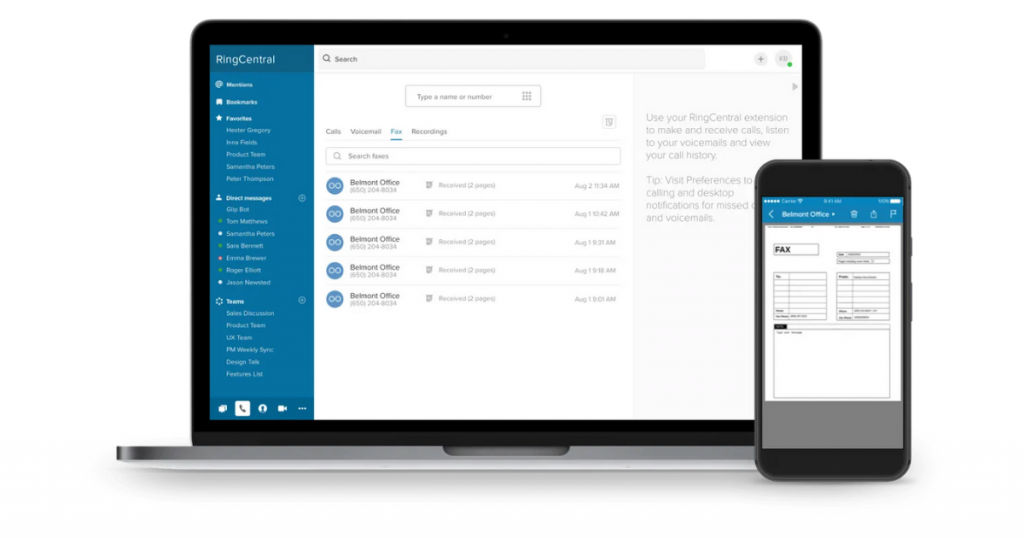
RingCentral Fax is another amazing free fax software that supports desktops as well as mobile platforms. This cloud-based free fax software allows you to go paperless and print only those documents which are absolutely essential. One of the key USPs of this online fax software is that it has a strong encryption method in place coupled with the highest security policies as per the industry standards. You will find all the required features of a fax software plus additional features which will make your lives much easier. You will be able to send and receive faxed documents within a few minutes in your inbox from anywhere in the world.
Features
- Archiving & retention
- Alerts & Notifications
- Collaboration tools
- Fax management
- Mobile access
- Monitoring
- Reporting & Statistics
- Third party integrations
Business size
RingCentral Fax can be used by small, medium, and large enterprises as well as freelancers.
Pros
- It is very easy to configure this fax software as per your business requirements.
- RingCentral Fax can be seamlessly integrated with Salesforce and Office 365.
Cons
- Compared to some of the other free fax software listed here, RingCentral Fax has a steeper learning curve and may take some time to set up.
Pricing plans
- Free trial
- Fax 1500 – $17.99/user/month
- Fax + Phone + Video (RingCentral MVP) – $37.99/user/month
6. mFax
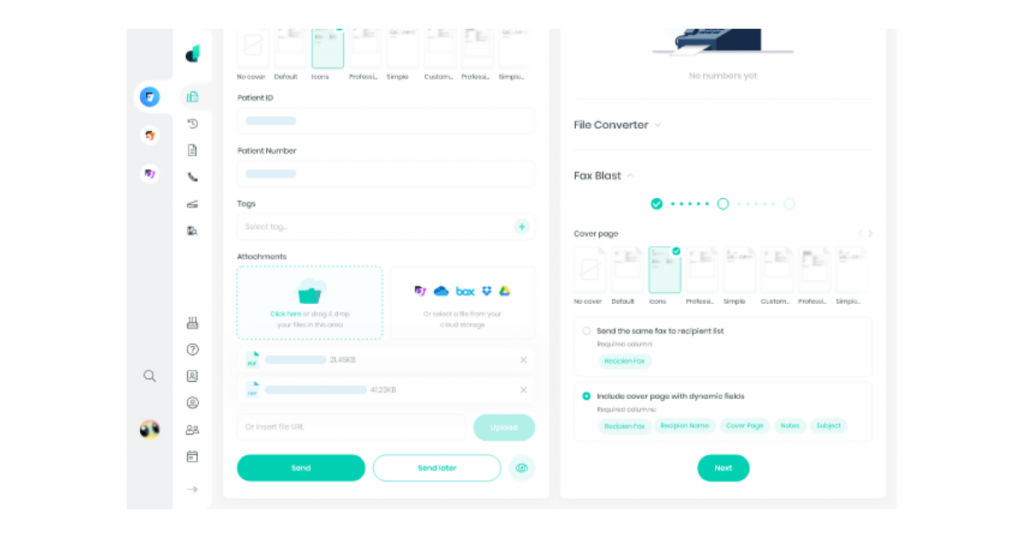
mFax is one of the leading free fax software available in the market today. This next-generation cloud-based online fax service makes it very easy for users to send and receive faxes reliably and securely. mFax is a scalable fax software that can be used for high volumes of faxes. This software is also compliant with HIPAA, SOX, PCI, and GLBA.
You can also rest assured that your data and documents are absolutely safe and secure as it uses AES 256-bit encryption and TLS 1.2. You can upload documents in different formats, such as PDF, JPEG, PPT, and Doc. Compared to some of the other free fax software, mFax definitely stands out because of its wide range of features.
Features
- Secure data storage
- Fax number
- Unlimited sending
- Existing numbers
- Cross-platform sending
- Contact management
- Alerts
- Archiving & retention
- Automated routing
- Delivery tracking
- Electronic signature
- Email to fax
- Fax to email
- FoIP
- HIPAA-Compliant
- Multiple user accounts
- SSL Security
- Multiple format support
- Whitelisting/Blacklisting
- Third party integrations
Business size
mFax is suitable for individuals, small, medium, and large-sized companies.
Pros
- The number of features provides by mFax is far superior to any of the other free fax software.
- One of the key advantages of mFax is that you can get real-time information on whether or not your fax has been sent successfully.
Cons
- One of the disadvantages is that any user who has access to the fax line will be able to view the history.
- The amount of features provided can be overwhelming for some users, especially when they have no use for it.
Pricing plans
- Free trial
- Solo – $10/month/billed annually
- Team – $25/month/billed annually
- Business – $50/month/billed annually
- Infinity – $99/month/billed annually
- Custom – Custom pricing
Conclusion
If your business relies heavily on using fax services, we highly recommend you switch over from the traditional fax machines to modern, intuitive, and feature-rich fax software. To start off, you can give any of the free fax software listed here a try and go ahead with the one that best matches your business requirements.
You can also check out more such software on SaaSworthy!
Also read:
• 7 Best Electrical Estimating Software You Can Use in 2021
• 5 Best Business Intelligence Software for Mac: A Comprehensive Guide
