


Imagine sitting through a tedious presentation or demo where you are simply reading the text present on the screen. Sounds boring, doesn’t it? Imagine having the same information displayed in visually appealing flowcharts and diagrams! The information will be easier to understand as well as retain. Creating these diagrams manually is a tedious task which is why you need to invest in the best diagramming software for Mac.
Read on to find out what is a diagramming software, factors that you need to focus on while investing in a flowchart software, and the top five best flowchart software for Mac.
Table of Contents
What is a diagramming software?
A diagramming software is used for creating flawless and detailed flowcharts, diagrams, floor plans, etc., using data and images. Users can either create diagrams from scratch or use the in-built templates available in the diagramming software. With the right diagramming software, you can easily create easy-to-understand diagrams and flowcharts with minimal effort and within a short span of time.
Factors to consider while investing in a diagramming software
When you search for the best diagramming software for Mac, you will find several options. However, you need to consider certain factors before you choose any one of them. Here are the key factors that you need to consider –
- Budget
- Features
- Web-based or installed
- Reputation of the company
- Add-on features
5 best diagramming Software for Mac in 2021
In this post, we will take a look at the 5 best flowchart software for Mac, their top features, advantages, disadvantages, and pricing plans. By the end of this post, you will have complete information about these five network diagram software for Mac and choose the one that best matches your requirements.
1. SmartDraw
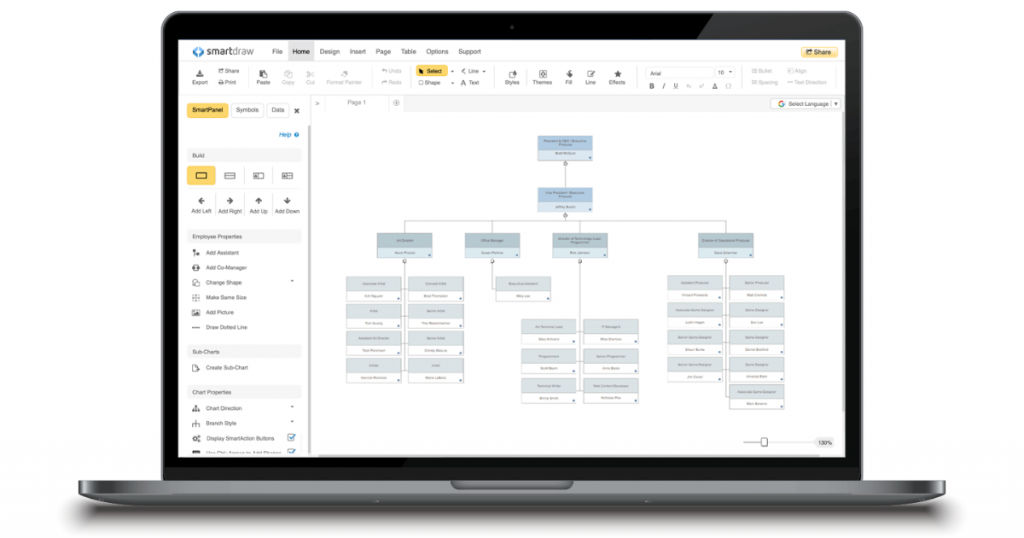
One of the key reasons why people prefer SmartDraw over other open-source flowchart software for Mac is because it is extremely easy to use and allows the user to create amazing flowcharts in a very short span of time. Users can use SmartDraw to create any type of diagrams as it offers one of the largest collections of flowchart templates, which includes Workflow diagrams, Business Process Mapping, Swim Lane diagrams, EPC diagrams, and more.
SmartDraw uses high-quality vector graphics which ensures that your diagrams and flowcharts look professional and visually appealing. Apart from the vector graphics, users also have the option to choose from more than 34,000 shapes and objects! This diagramming software also automatically adjusts and re-balances your diagram whenever you add or subtract any data. With SmartDraw, you can either save all your work on its own servers or use other online storage solutions.
Features
Some of the key features of SmartDraw are –
- Export
- Upload
- Drag-and-drop
- Details
- Customize
- Restructure
- Multi-user collaboration
- For developers
- Flowchart
- Diagram templates
- Mind map
- Organizational charting
- Symbols and shapes
- Supports multiple languages
- Integrations
- Different diagram types
- Secure
- Automation
Advantages
- Because of its integration feature, all you need to do is just one click to send your flowcharts and diagrams to other tools, such as Outlook, PowerPoint, Google Docs, Google Sheets, etc.
- SmartDraw offers 4,500 built-in templates that can be used to create more than 70 types of visual content.
Disadvantages
- The customization feature needs to be more enhanced.
- The software might seem complex and sophisticated initially.
Pricing plan
Below are the pricing plans offered by SmartDraw –
- Individual – $9.95/month/billed annually
- Team – $5.95/user/month/billed annually
- Enterprise – $2,995/billed annually
2. Creately
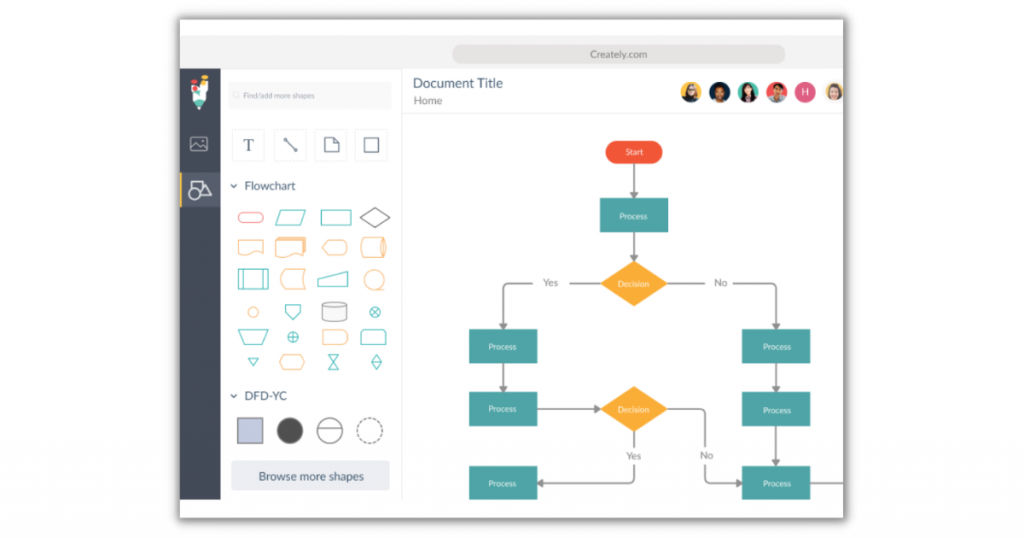
The next best flowchart software for Mac on our list is Creately. You can use this software to create your desired flowcharts and diagrams and also incorporate several useful flowchart, wireframe, and organization chart features. You can easily download the Creately app on your Mac desktop and create amazing diagrams within minutes. This software has a very user-friendly interface with all the required tools available in the top menu. You can also take advantage of the one-click create and connect function which helps the user to automate most of the diagramming process.
Creately offers its users to create five free diagrams; however, remember that the free diagrams are made public. Users can also use the edit or view-only modes to secure their shared links. Creately is compatible with desktop as well as mobile devices.
Features
Below are the key features of Creately –
- Multi-user collaboration
- Diagram templates
- Flowcharts
- For developers
- Mind map
- Drag and drop
- Organizational charting
- Data Import
- Data Export
- One-click create
- Smart shapes
- Themes and color palette
- Templates
- Real-time collaboration
- SVG import & export
- Text to shape
- Alignment, sizing, grouping
Advantages
- The real-time collaboration feature allows you to finish your projects quickly.
- You can continue to work on Creately even when your internet connection is down.
Disadvantages
- Though Creately has a good collection of icons, not all of them are free.
- There is limited space on Creately which means that you will need to delete your older diagrams as you create new ones.
Pricing plan
Below are the pricing plans offered by Creately –
- Free version
- Personal – $3.25/month/billed annually
- Team – $2.75/user/month/billed annually
- Enterprise – $15/user/month/billed annually
3. Lucidchart
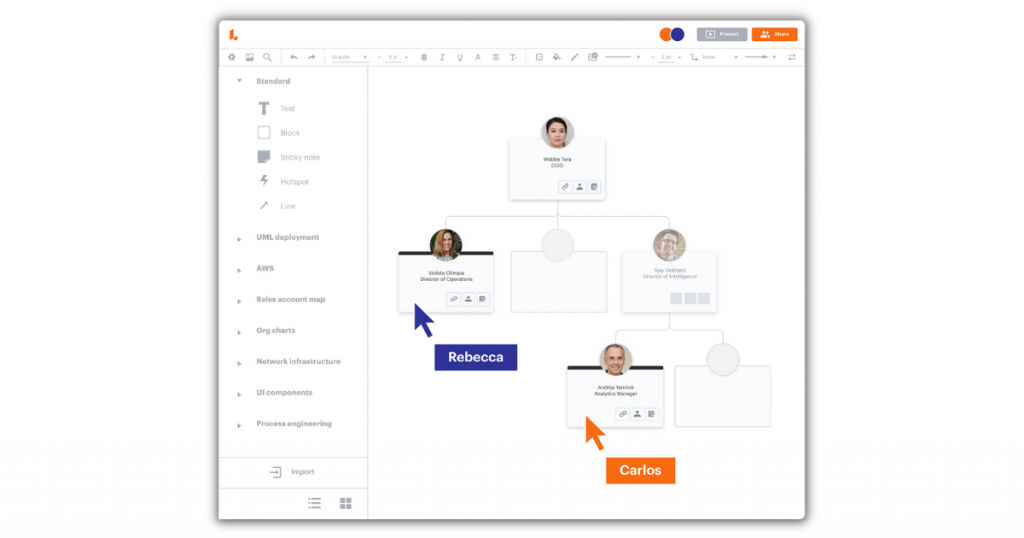
Lucidchart is one of the best free Mac flowchart software which is useful for creating simple as well as complex diagrams and flowcharts. You can either create the diagrams using your own live data or import the data from various sources. Similar to the other diagramming software for Mac, Lucidchart also provides the drag and drop feature to create professional-looking network diagrams. This software also enables seamless working between different people through its collaboration features, such as group chats and comments.
You can use Lucidchart on any device and browser, and integrate it with several apps, Microsoft Office, G Suite, Atlassian, etc. One of the reasons why this diagramming software is preferred is because it is quite straightforward. All you need to do is sign-in to the editor, insert your industry type, Lucidchart will automatically customize your interface based on your industry type, and then you can select the type of diagram that you wish to create.
Features
The key features of Lucidchart are –
- Integration
- Upload
- Employee directory
- Analytics
- Export
- Broad overview
- Custom templates
- Pre-made templates
- Drag and drop
- Details
- Restructure
- Update
- Customize
- Permissions
- Integrations
- Multi-user collaboration
- Flowchart
- For developers
- Mind map
- Organizational charting
Advantages
- The integration feature makes your work easier and quicker.
- It is an easy and simple-to-use tool with effective collaboration features.
Disadvantages
- The tool bar needs to have more details.
- The export option needs to be enhanced.
Pricing plan
Below are the pricing plans offered by Lucidchart –
- Free version
- Individual – $7.95/month
- Team – $6.67/user/month
- Enterprise – Custom pricing
4. OmniGraffle
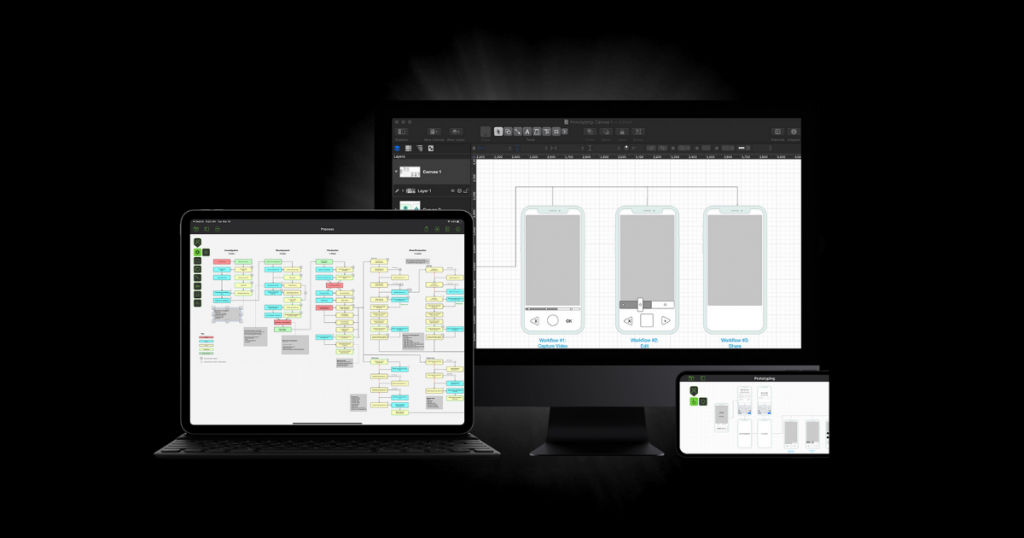
If you are searching for a desktop diagramming software for Mac, you can check out OmniGraffle. From creating beautiful and visually appealing flowcharts to industrial prototypes to wireframes, you can use this network diagram software for Mac with ease. Users of OmniGraffle have the option to choose from a wide range of templates and stencils to create their perfect flowcharts. The majority of these templates are uploaded by other users which means that you will be able to find different varieties of templates.
You can also access more than 10,000 templates with over a hundred flowcharts; however, most of them are available only in the paid version. A key feature of this software is the Document Picker which allows the user to store their complete collection of stencils, templates, Graffles, plug-ins, etc. OmniGraffle supports multiple languages which facilitates seamless business collaboration around the globe. The software offers all the necessary tools, such as pen, shape, selection, text, line, etc., so that users can create professional-looking vector diagrams and flowcharts.
Features
The key features of OmniGraffle are –
- Multi-user collaboration
- For developers
- Mind map
- Data import
- Data export
- Organizational charting
- Drag and drop
- Flowchart
- Templates and stencils
- Collaboration tools
Advantages
- A good library of pre-designed templates makes it easy to create stunning flowcharts within no time.
- This is one of the best diagramming software for Mac if you want to create outlining process flows.
Disadvantages
- The print settings are not up to the mark.
- There is no option or features for real-time collaboration.
Pricing plan
Below are the pricing plans offered by OmniGraffle –
- 14-days free trial version
- Standard – $149.99 – one-time payment
- Pro – $249.99 – one-time payment
5. Gliffy
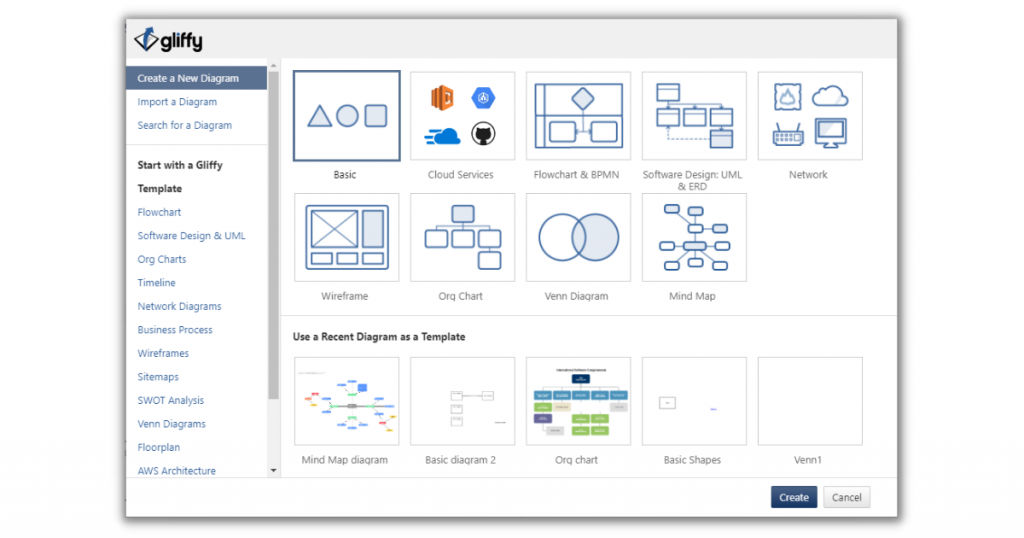
If you are looking for the best flowchart software for Mac which is simple, quick, and easy to use, then you can check out Gliffy. This cloud-based software integrates well with Confluence and Jira and is quite useful in creating workflow diagrams. Similar to most of the other diagramming software, Gliffy also provides key features, such as drag and drop, templates, instant collaboration, etc., for users to create their stunning and attractive flowcharts and diagrams. You can securely save all your data on their cloud storage. This software also has a revision history feature that allows the users to access the previous versions of their diagrams and flowcharts.
Gliffy basically has two tools – Gliffy Diagram which is mainly used for creating diagrams and flowcharts either inside or outside of Confluence, and Gliffy Project which is more of a project management tool that enables users to turn their visual content into Jira tasks.
Features
The key features of Gliffy are –
- HTML5 for diagramming
- Drag and drop
- Templates and symbols
- Integrations
- Multi-user collaboration
- For developers
- Mind map
- Flowcharts
- Organizational charting
- Data import
- Data export
- Revision history
- Wireframe creation
- Mockup creation
Advantages
- Gliffy is well-priced and affordable for small and medium-sized businesses.
- It is an easy-to-use software even for someone who is new to the tool.
Disadvantages
- There are limitations on the color palette for diagrams.
- Compared to some of the other open-source flowchart software for Mac, Gliffy doesn’t have an extensive library of shapes.
Pricing plan
Below are the pricing plans offered by Gliffy –
- 14-days free trial version
- Professional – $8/user/month/billed annually (1-9 users)
- Professional – $6/user/month/billed annually (10-50 users)
- Enterprise – Custom pricing
- Gliffy Diagrams for Jira – $10/month (up to 10 users)
- Gliffy Diagrams for Jira – $3.80/user/month/billed annually (11-100 users)
- Gliffy Diagrams for Confluence – $10/month (up to 10 users)
- Gliffy Diagrams for Confluence – $3.80/user/month/billed annually (11-100 users)
Conclusion
So, there you have it – a detailed description including key features, advantages, disadvantages, and pricing plans of the five best diagramming software for Mac. All these software are amazing at creating professional-looking flowcharts and diagrams and come with their own set of pros and cons. Hence, we recommend that you review each software thoroughly before deciding on which one is best suited for your requirements.
You can check out more useful software on SaaSworthy which has a collection of over 40,000 software across 300 categories!
Also read:
• Work Seamlessly with These 5 Best Remote Access Software for Mac
