


Data loss can occur due to hardware failures, human mistakes, viruses, or networking difficulties. You can retrieve your data using data recovery software. There are a variety of data recovery methods present. In this article, we will be talking about the top 5 free and open-source data recovery software in 2021.
Table of Contents
What is free and open-source data recovery software?
Data recovery software is a software that recovers missing, corrupted, or deleted files, images, videos, and documents from a storage device. A data recovery software examines the storage database and scans, detects, extracts, and arranges the data from a storage device.
A free and open-source data recovery software is available at no cost and has a publicly available source code. A free and open-source data recovery software caters to the needs of both newbies and professionals.
1. Recuva
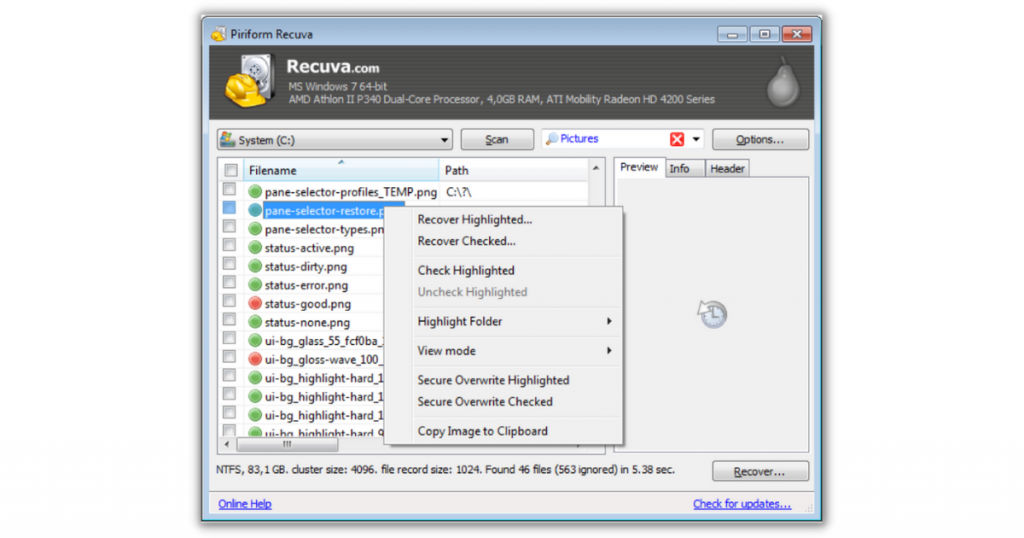
Recuva is a free and open-source data recovery software. It can recover photos, videos, music, files, and other file formats from hard drives, memory cards, floppy disks, MP3 players, and USB devices. Recuva is SaaSworthy’s top choice in terms of free and open-source data recovery software.
The various features of Recuva include –
- It allows you to recover important data from a corrupted or destroyed drive.
- It features a deep scan mode that detects evidence of files that you may have unintentionally erased.
- Recuva features an easy-to-use wizard that will help you recover your file.
- You can use Recuva to retrieve emails from Windows Live Mail, Microsoft Outlook Express, and Mozilla Thunderbird.
- It features a secure overwrite function that employs industrial and military deletion procedures.
- You can use it to recover data from both FAT and NTFS file systems.
- You can check the preview screen before executing the final recovery.
The limitations of Recuva are –
- It is very slow and takes a lot of time for scanning and recovering files.
- It lacks some advanced features that other software offer.
2. Recoverit
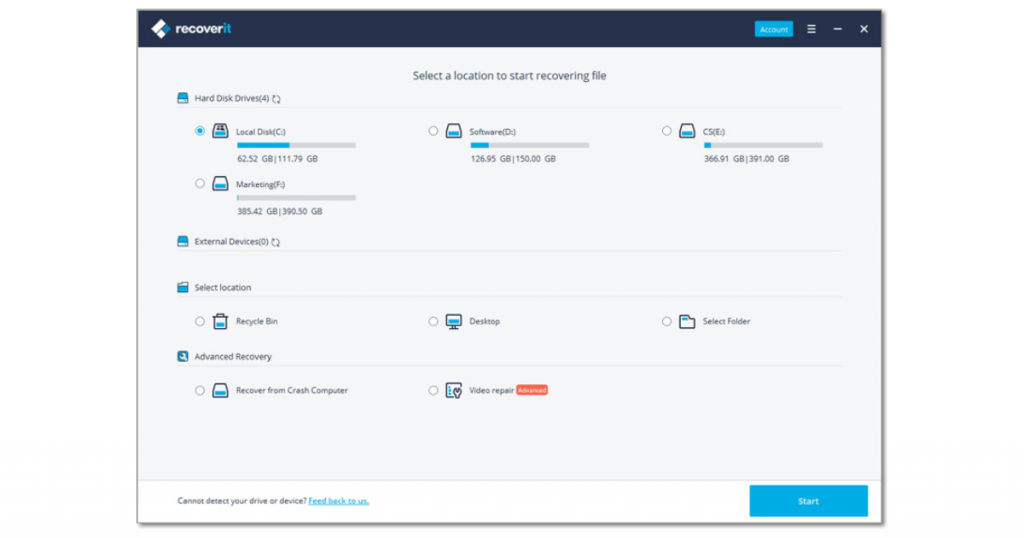
Recoverit, established in 2003, is a robust, user-friendly, and free data recovery software. It is compatible with both Windows and macOS. It also assures 100\% security from viruses during the recovery process. Recoverit has more than 5 million users in over 160 countries, making it the widely used free data recovery software.
The various features of Recoverit include –
- It enables you to preview the lost files before you recover them.
- Recoverit will recover your data regardless of how you lost it, whether it was due to a computer crash or an accidental deletion.
- Recoverit offers technical assistance 24/7.
- It can recover data from hard drives, SSDs, memory cards, USB drives, microSD cards, music players, camcorders, digital cameras, etc.
- It supports data recovery in more than 1000 types of file formats.
- It can recover lost data from any device and boasts a data recovery rate of more than 96\%.
The limitations of Recoverit are –
- It consumes a large amount of RAM while scanning for lost files.
- The free version allows you to recover only up to 100MB of data.
3. Disk Drill
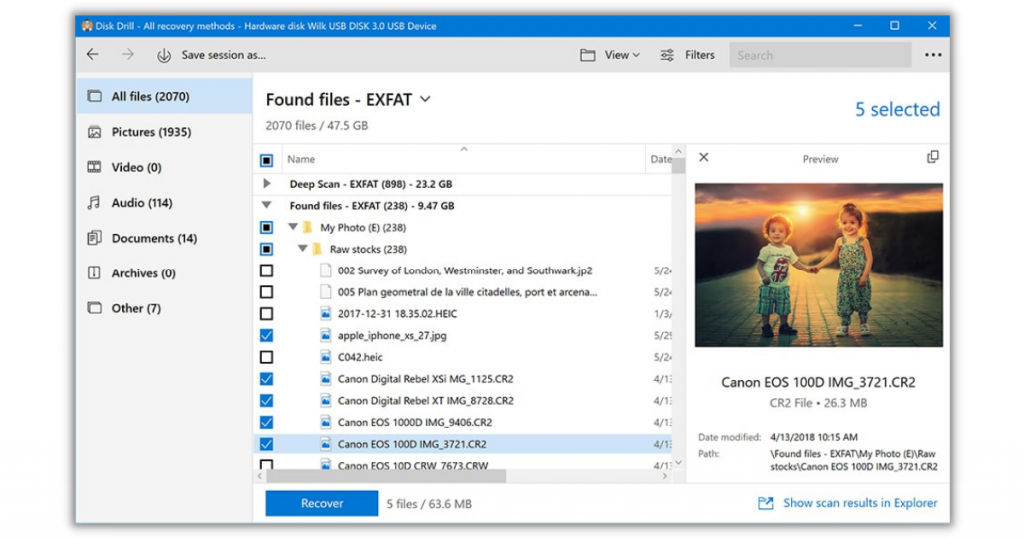
Disk Drill is a free and open-source data recovery software that helps in recovering permanently deleted files. It can run on Windows, macOS, Android, and iOS devices. It is a simple-to-use and sophisticated software that will help both rookie and professional users. Disk Drill is among SaaSworthy’s top choices as the best open-source data recovery for android devices.
The various features of Disk Drill include –
- Disk Drill allows you to recover whole hard disk partitions.
- It has features that help you in maximizing the success rate of your data recovery.
- It can recover data from almost any storage device, including internal and external hard disks, USB flash drives, memory cards, and iPods.
- It features a clean user interface that allows you to quickly recover your lost data.
- With Disk Drill, you can recover deleted data, backup failing drives, and test your recovery procedures.
- It has the ability to store the recovery session for subsequent usage.
The limitations of Disk Drill are –
- It can fail at times to recover the data.
- It lacks the option to filter the file format you are searching for.
4. Stellar Data Recovery
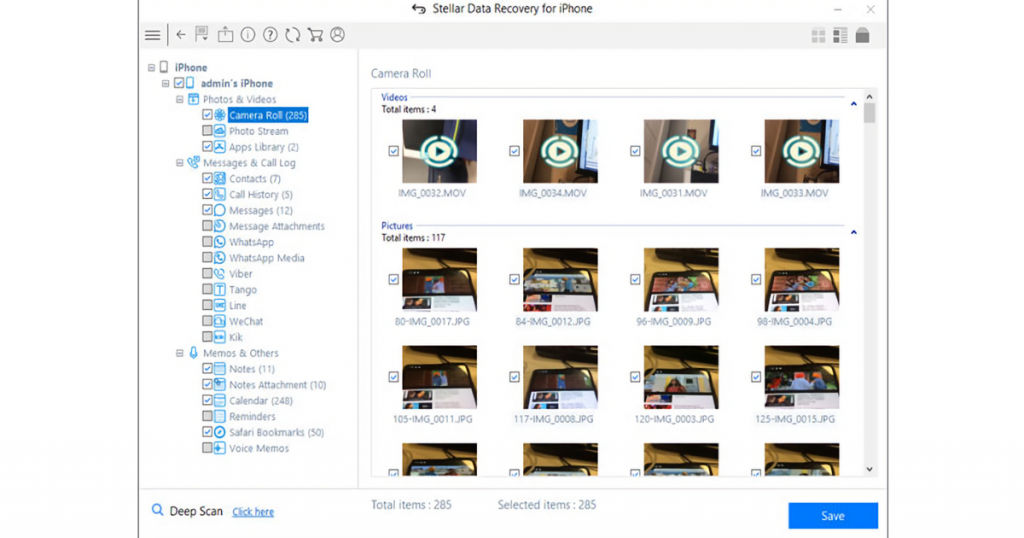
Stellar Data Recovery is a free data recovery software designed for Windows and macOS. You can recover your data in just 3 simple steps. It has a user base of more than 3 million in over 190 countries. Stellar Data Recovery is a leader in the industry with over 25 years of experience.
The various features of Stellar Data Recovery include –
- It employs a wizard-based interface and a complex algorithm to quickly scan the problematic disk and recover the necessary documents to a secure location.
- The free version allows you to recover up to 1 GB of corrupted or deleted data. This makes it the best free data recovery software to use in 2021.
- It allows you to build a hard drive image for a swift recovery process.
- You can recover data from a damaged Windows computer as well as an encrypted disc with ease.
- You can preview files before recovering them.
The limitations of Stellar Data Recovery are –
- It is slow while scanning the drives for deleted files.
- It can slow down the computer during the scanning process.
5. TestDisk
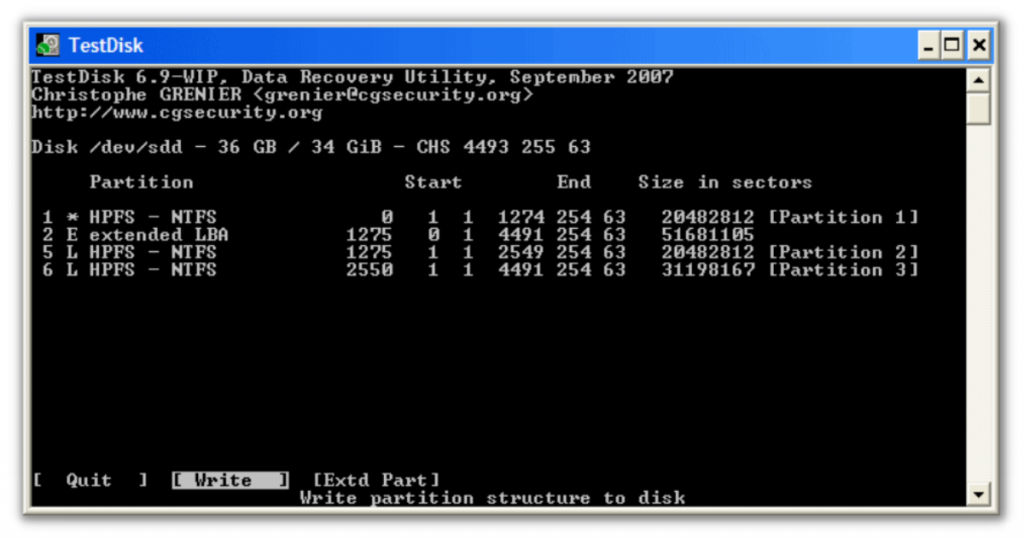
TestDisk is a free and open-source data recovery software compatible with Windows, Linux, DOS, macOS, FreeBSD, OpenBSD, NetBSD, and Sun OS. It aids in the recovery of deleted partitions as a result of defective software, viruses, or human mistake. It is one of the top open-source data recovery software in 2021.
The various features of TestDisk include –
- It can recover deleted files from FAT, exFAT, ext2, and NTFS file systems.
- Users can recover/rebuild the boot sector with this software.
- It does not need any installation and can be used with any device such as a USB.
- It can repair the MFT (Master File Table) by utilizing a backup of the first four NTFS system files.
- It has the ability to repair the partition table as well as retrieve lost partitions.
- TestDisk is a strong and quick file recovery software that is capable of repairing and rebuilding FAT tables.
The limitations of TestDisk are –
- The Linux version is in need of some upgrades that other versions have.
- It can be complicated to use because of its command-line-based interface.
Conclusion
You should understand that no free and open-source data recovery software can assure you a 100\% data recovery. However, these software can increase the chances of recovering the lost data. You can now choose a free and open-source data recovery software best suited to your needs after weighing each of its pros and cons.
If you want to know about more such top free and open-source software, scroll through SaaSworthy’s list of top free and open-source software blogs.
Also read:
• Top 7 Free and Open-Source Database Management Software in 2021
