

Business organizations often use diagramming software in order to give a pictorial representation of their process. The most widely used business process modelling software is Microsoft Visio that was initially developed by the Shapeware Corporation.
Microsoft acquired this software and made diagramming much easier for users by adding new features. Microsoft Visio is currently available as Visio 2016 which is its latest upgraded vector graphics application that comes with a special feature of excel data connectivity.
Even though Microsoft Visio 2016 holds a variety of features, it is not a very affordable solution. Moreover, Visio is feasible only with Windows operating system and does not support other OS like Linux or Ubuntu. Visio is not a great option also when it comes to real-time collaboration and sharing. In order to make your diagramming easy and efficient, we have brought a list of the top alternatives to Microsoft Visio.
Table of Contents
5 Best Alternatives to Microsoft Visio
Lucidchart
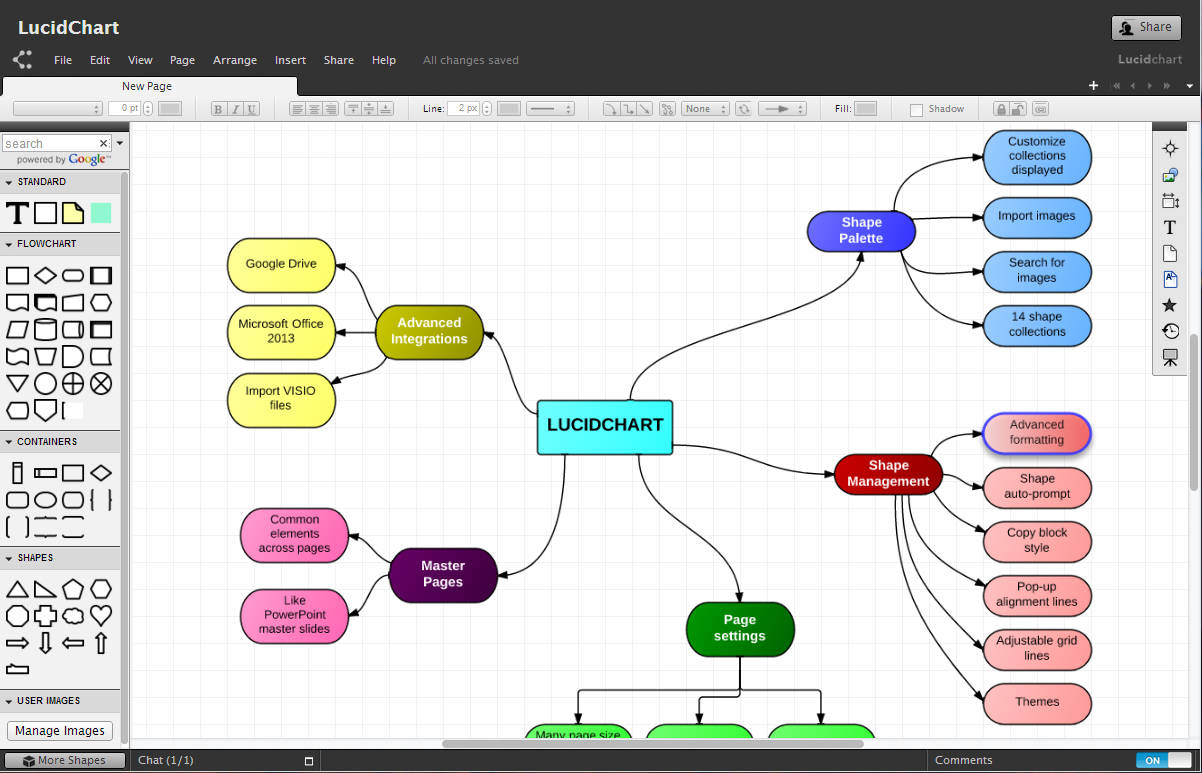
Lucidchart is one of the best alternatives to Visio, which makes diagramming easier with its drag and drop interface. It is a cloud-based application that allows you to access your files from any system through the Internet.
In addition to this, Lucidchart provides default templates and easy user interface that helps you to generate data flow diagrams in an effective way. The software can also be integrated with Google Drive that lets you store and share your file. It even supports sharing and editing so that multiple users can have access to the same file and work in collaboration.
Gliffy
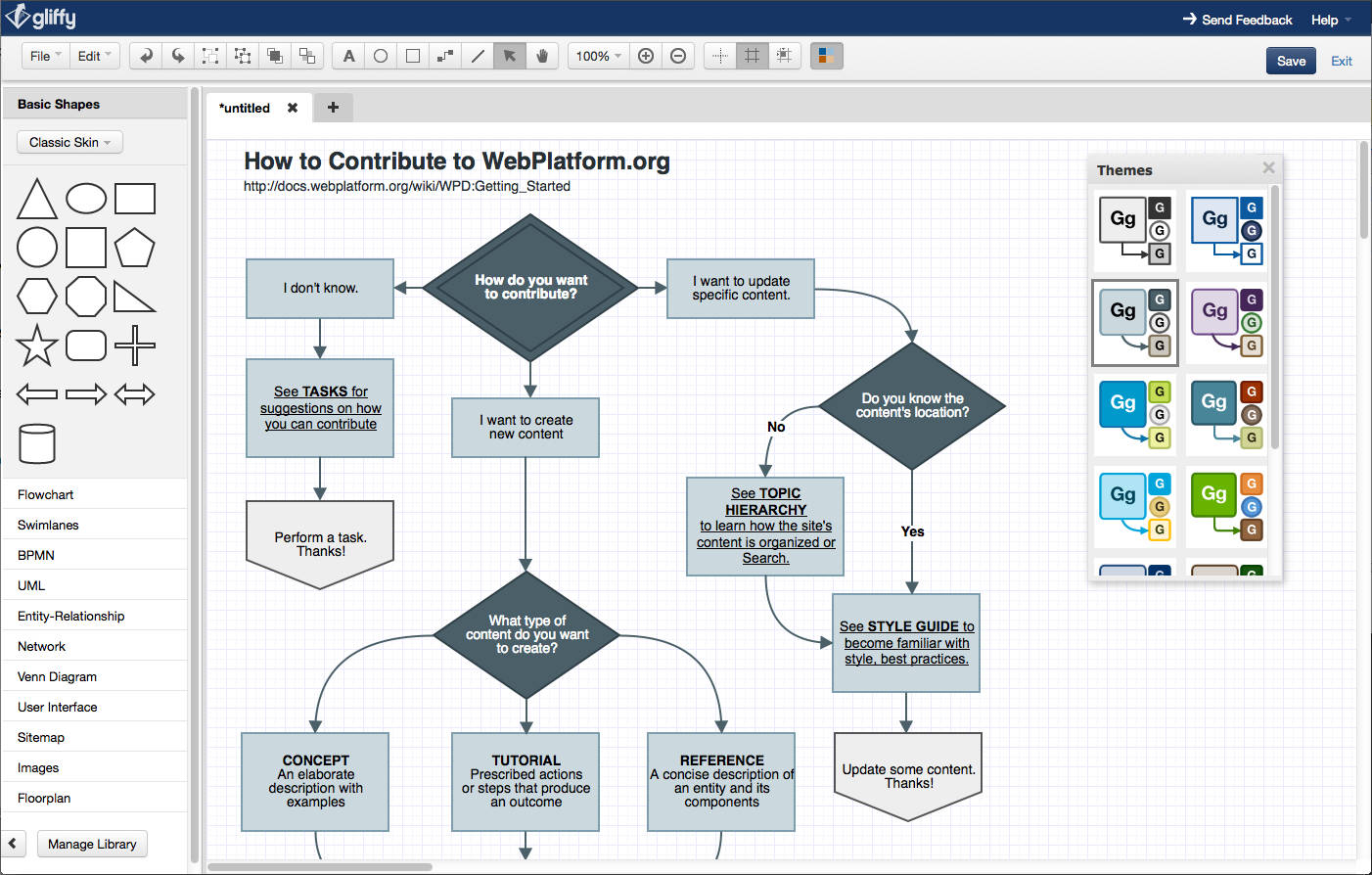
Gliffy is one of the top alternatives to Microsoft Visio 2016 as it has a number of special features to draw an efficient diagram. It is a cloud application and comes with WYSIWYG editor that offers plenty of icons to choose from.
Gliffy is available as a free version which can be used for basic drawing and is compatible with both Windows and Linux operating systems. The software supports multiple user access and allows sharing and editing by other users who have access to it. In addition, it also allows users to comment on a file.
LibreOffice Draw
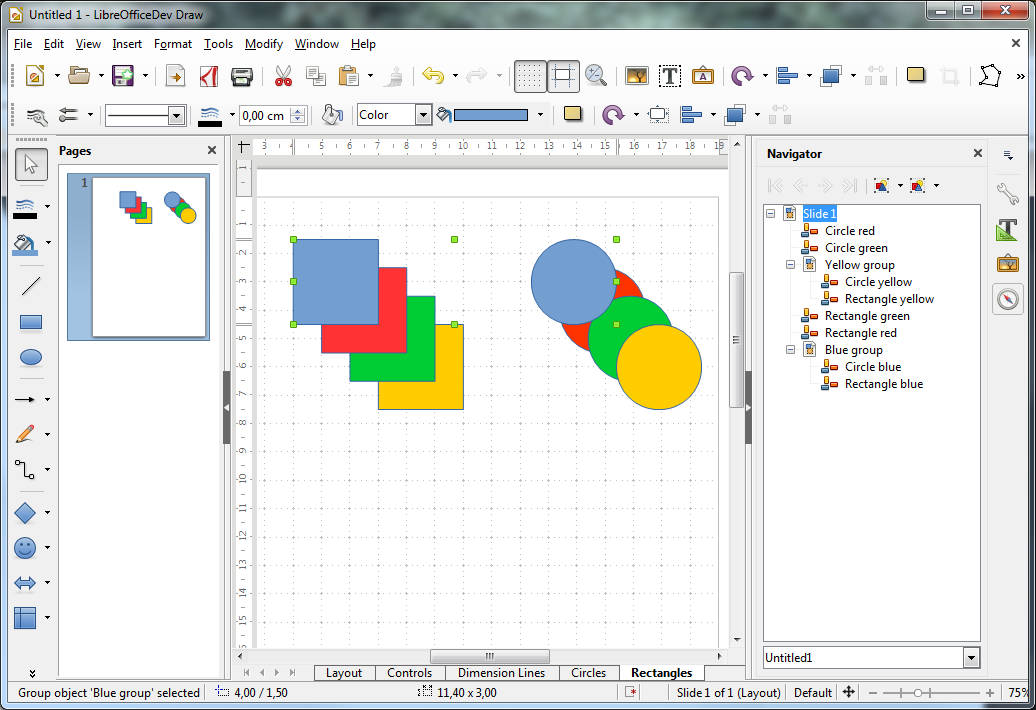
LibreOffice Draw is an open-source diagramming software and it is platform independent unlike Visio 2016. It was launched in 2010 and has over 100 million users.
LibreOffice Draw has a specific feature that allows grouping of objects by which different actions like file sharing can be performed. In addition to this, the files created using LibreOffice can be exported as XML as well as SWF Flash files.
Draw.io
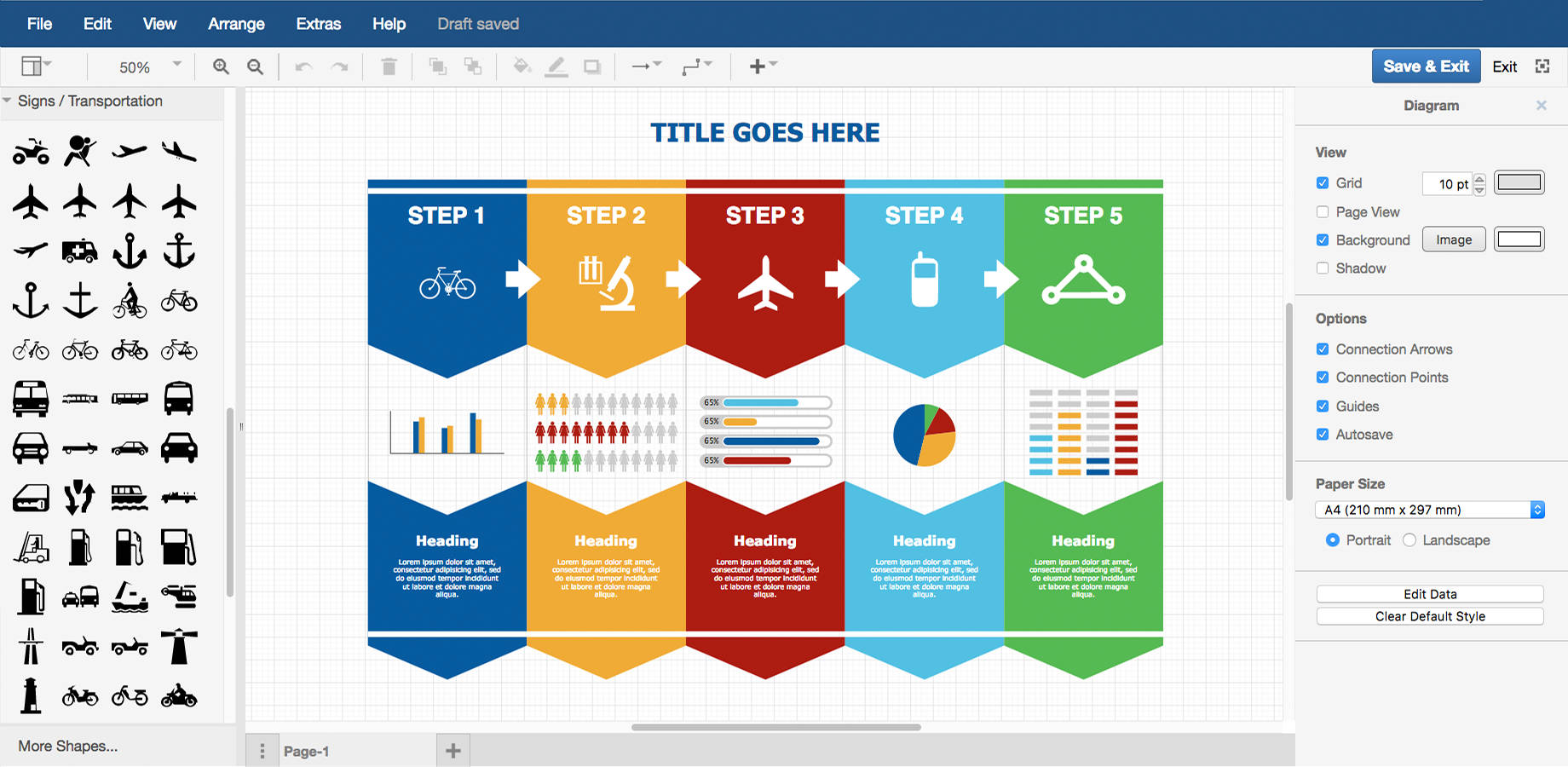
Draw.io is a free diagramming software and is a great alternative for Microsoft Visio which doesn’t require a login ID to access it. It is a basic diagramming tool that allows the user to simply open a file and start developing a process diagram that can be exported as PDF, PNG and HTML.
Draw.io is a free software, whereas, the paid version is also available which allows accessing your diagrams over a confluence server.
The software supports collaboration with multiple users and along with this, it offers crucial templates such as flowcharts and Venn diagrams. It also supports multiple operating systems and can import Visio files as well.
Creately
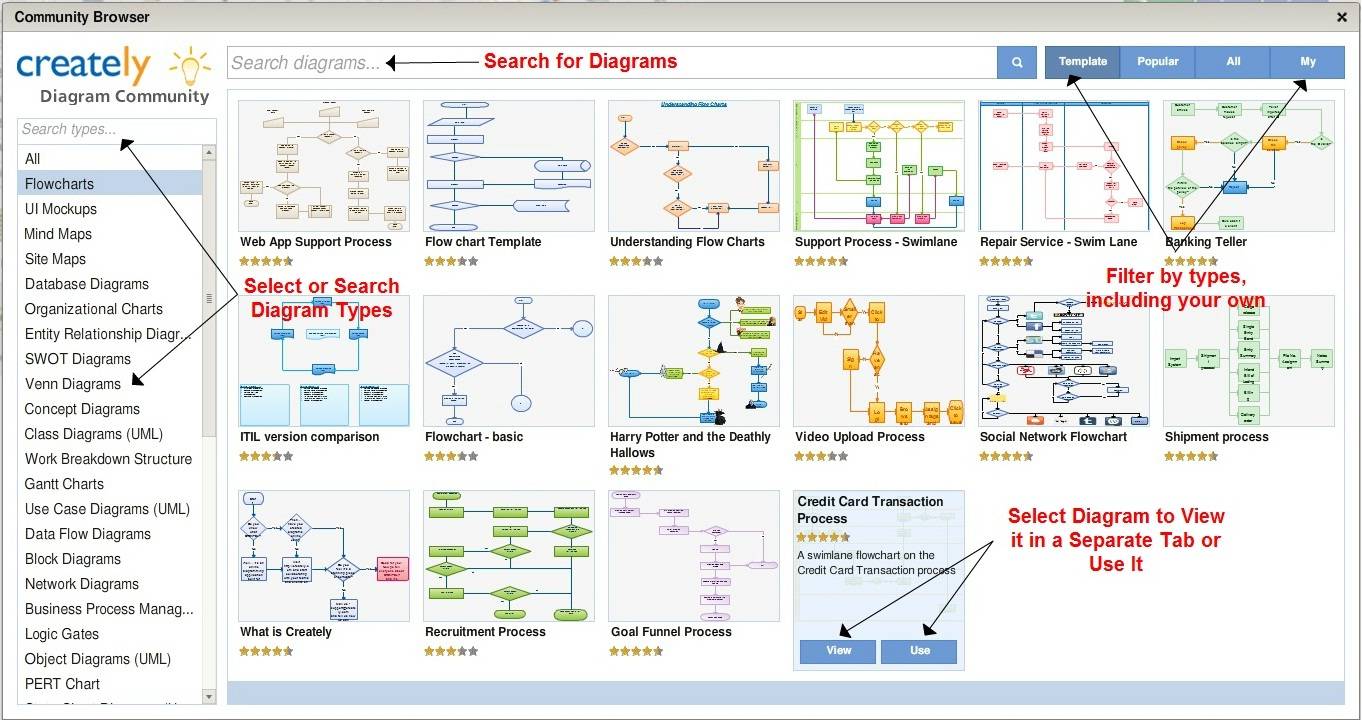
Creately is a cost-efficient diagramming tool that has thousands of templates and symbols which are better than the ones available on Visio. It allows you to enter your text in shapes directly and you can even resize them automatically to fit the text in those shapes.
Along with this, the software also comes with a special feature called “One-click functions” which allows you to create diagrams a lot faster. Moreover, Creately holds a bundle of connectors that can be used to create your flowcharts precisely.
If you are looking for some of the top alternatives to Microsoft Visio, then you can go for a diagramming software suitable to your requirements from the above list. Unlike Microsoft Visio, all these software support collaborations and can be used on other operating systems as well. These software can also be integrated with cloud storage space such as Google Drive in order to safely store your files, another feature missing from the Visio.
