

Have you ever received a suspicious or unfamiliar email and wondered who’s really behind it? Whether you’re trying to reconnect with an old contact, verify the sender of a questionable message, or simply satisfy your curiosity, reverse email lookup tools can help you uncover the identity tied to an email address. In this guide, we’ve rounded up the 10 best free reverse email lookup tools of 2026, chosen based on:
-
Truly free lookup options (no sign-up or credit card needed)
-
Accuracy and reliability of results
-
Ease of use and overall user experience
-
Depth of additional details provided (such as social profiles, phone numbers, etc.)
-
Availability of optional paid upgrades for comprehensive reports
What is a Reverse Email Lookup?
A reverse email lookup is a method to find information about a person or business using just their email address. These tools scan public records, social profiles, and other online data sources to help you identify who owns an email, their location, social media presence, and more.
Top 10 Free Reverse Email Lookup Tools
Here’s the corrected table aligned with the article content and tool list:
| Tool Name | Best For | Free Limit | Starting Price |
|---|---|---|---|
| BeenVerified | Basic Identification | Limited basic info like name and location | From $26.99/month |
| SignalHire | Professional Contact Discovery | Limited free searches | Custom / credit-based pricing |
| Spokeo | Public Records Aggregation | Limited basic information | From $14.95/month |
| PeopleLooker | Quick Lookups | Limited basic information | From $22.99/month |
| Intelius | Comprehensive Background Reports | Limited basic information | From $24.86/month |
| ZabaSearch | Public Records Searches | Basic name/address from public records | Paid reports available |
| TruePeopleSearch | Unlimited Basic Lookups | Unlimited free searches | No paid plan required |
| That’sThem | No-Cost Searches | Unlimited free searches | No paid plan available |
| Pipl | Professional Investigations | Limited free searches with CAPTCHA | Subscription required |
| Social Catfish | Social & Dating Profile Checks | Limited trial access | From $27.48/month |
| Email Hippo Email Checker | Email Verification | One free email verification | Paid bulk plans available |
1. BeenVerified (Best for Basic Identification)
BeenVerified
BeenVerified is a comprehensive people search engine that allows users to perform reverse email lookups to uncover information about unknown email senders. With its user-friendly interface, it aggregates data from various public records, social media profiles, and online sources to provide insights such as the sender’s name, location, and associated social media accounts. While the free version offers limited information, users can opt for a subscription to access detailed reports, including contact information, criminal records, and more. BeenVerified is particularly useful for individuals seeking to verify the identity of unfamiliar email contacts.
Features:
Provides a name and general location; sometimes reveals linked profiles and phone numbers.
Free Limitations:
Only limited name/location; deeper insights require a paid subscription.
Pros:
Clean interface, quick identification, great for beginners.
Cons:
Free results are minimal; detailed info locked behind a paywall.
2. SignalHire (Best for Professional Contact Discovery)

SignalHire
SignalHire is a tool people use to find and verify business contacts fast. It pulls details from all over, from social networks, company sites, and professional databases, so you can see someone’s full name, job title, company info, LinkedIn profile, and other contact details. Recruiters and sales teams turn to it when they need to check if a work email is legit or track down someone’s professional info. While limited information may be available for free, accessing complete contact data and advanced search capabilities typically requires a paid plan.
Features:
Provides professional details such as full name, company, job title, LinkedIn profile, and sometimes phone numbers associated with an email address.
Free Limitations:
Free searches are limited; complete contact details and bulk lookups require a subscription or credits.
Pros:
Strong professional database, accurate business contact discovery, useful for recruiters and B2B outreach.
Cons:
Limited free access
3. Spokeo (Best for Public Records Aggregation)
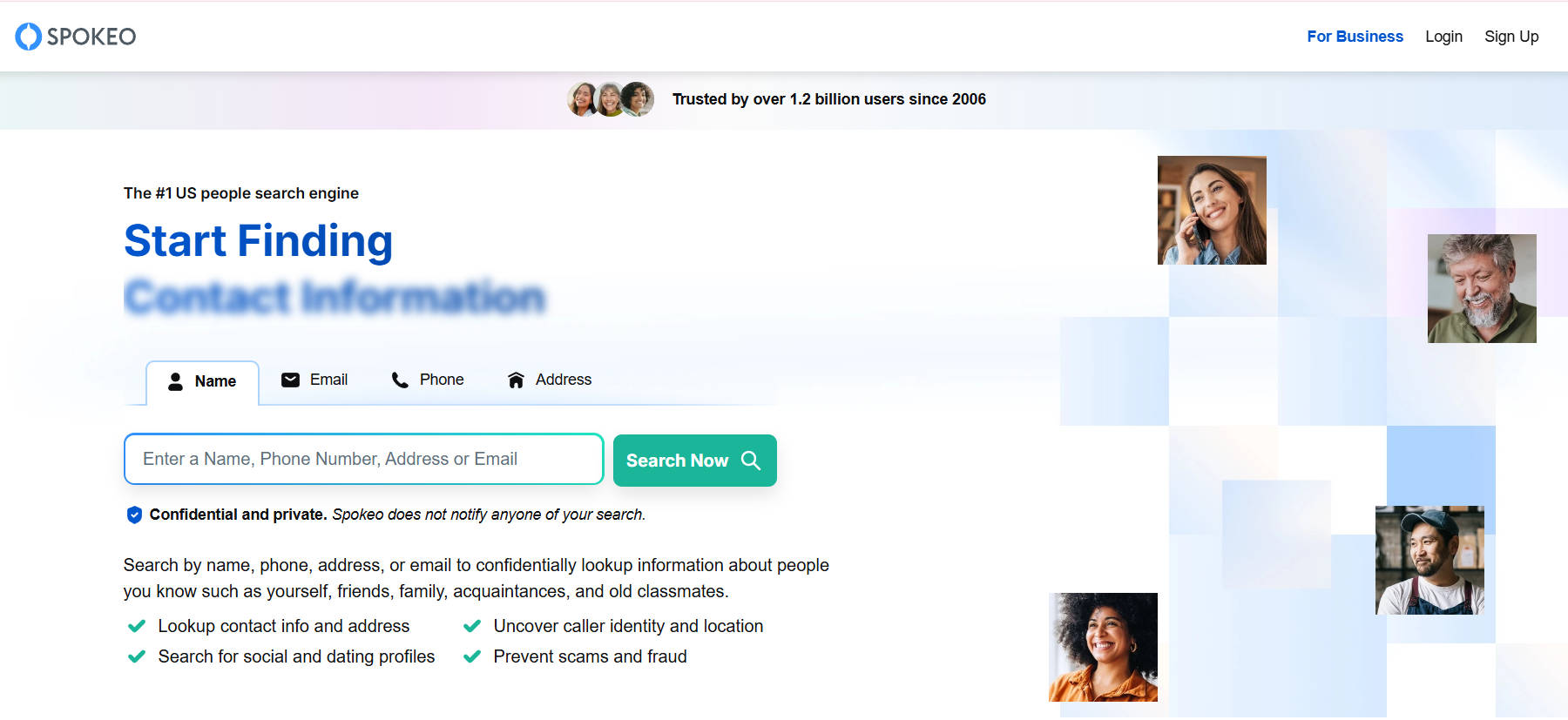
Spokeo specializes in aggregating data from online and offline sources to provide comprehensive information about individuals. Its reverse email lookup feature allows users to identify the owner of an email address, revealing details such as name, location, and social media profiles. The platform’s intuitive interface makes it accessible for users seeking to verify email senders. While the free search offers basic information, more detailed reports require a subscription. Spokeo is particularly beneficial for those looking to reconnect with old acquaintances or verify the authenticity of online contacts.
Features:
May show name, age, and general location; aggregates from multiple sources.
Free Limitations:
Detailed info like phone numbers or social handles are behind a paywall.
Pros:
User-friendly interface; solid free insights.
Cons:
Limited results unless you pay.
4. PeopleLooker (Best for Quick Lookups)
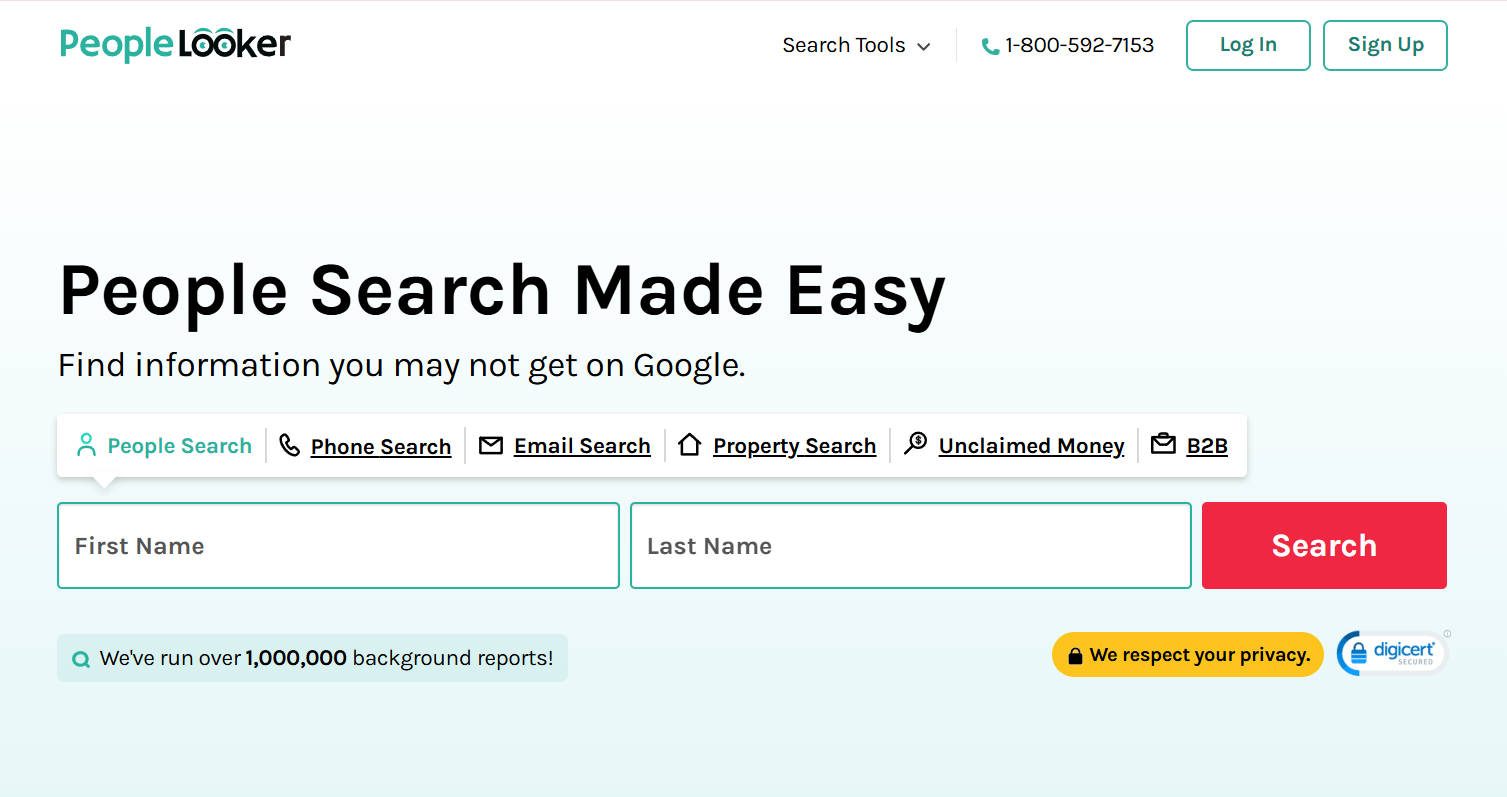
PeopleLooker is a user-friendly reverse email lookup tool designed for speed and simplicity. Ideal for everyday users, it pulls basic public data like names, cities, and general contact info in seconds. The modern interface makes the process smooth, even for beginners. While the free version offers only limited insights (such as a person’s name and approximate location), the paid version unlocks detailed background reports, including phone numbers, social media profiles, and more. It’s perfect for quick verifications or reconnecting with someone casually, but not ideal for deep investigations.
Features:
Free search may show name and city; data is pulled from public records.
Free Limitations:
Only basic results are free; detailed history requires payment.
Pros:
Quick and simple results; good for casual users.
Cons:
Minimal free info; pay for detailed lookups.
5. Intelius (Best for Comprehensive Background Reports)
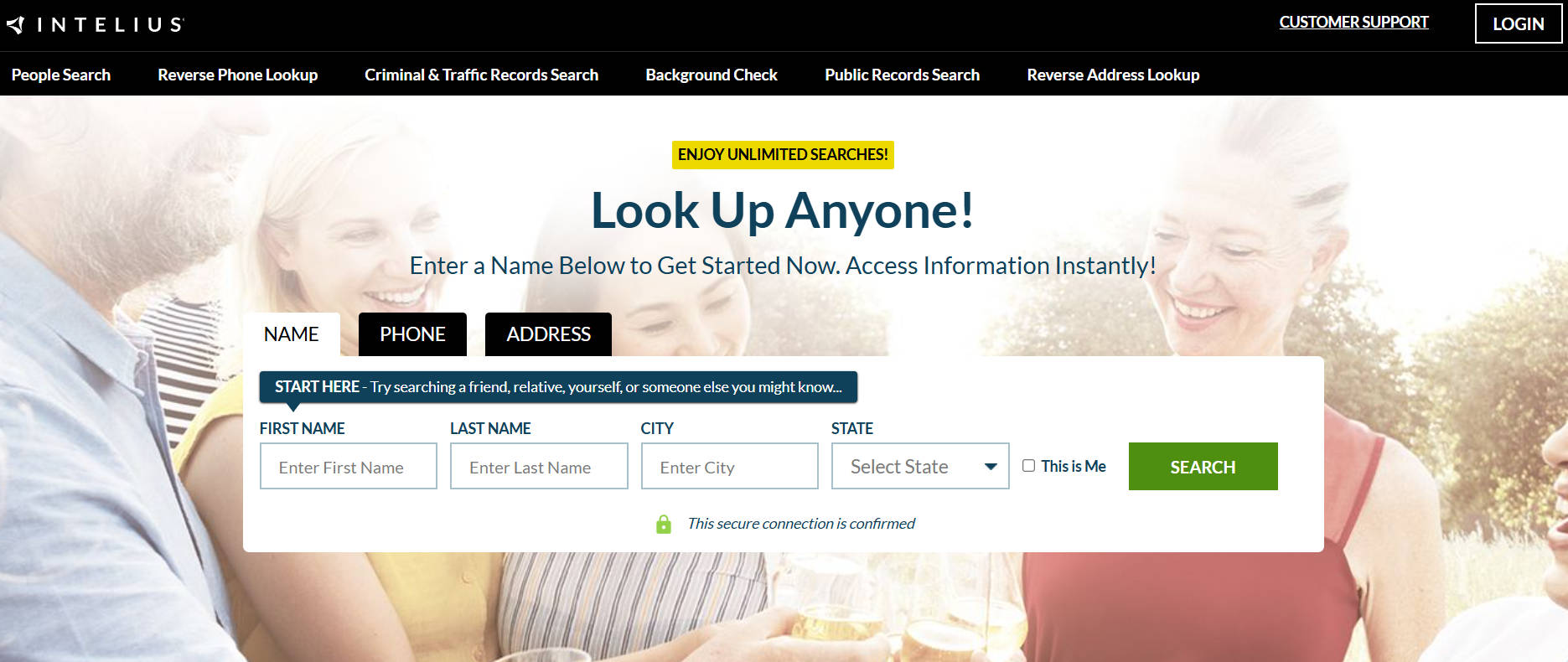
Intelius is a trusted name in the background check industry and offers reverse email lookups as part of its suite of people search tools. The platform provides a clean preview with name and general location details in the free version, while a paid subscription unlocks comprehensive data like phone numbers, address history, criminal records, and relatives. Intelius stands out for its professional-grade database and accuracy, making it a top pick for those needing more than just basic info.
Features:
Shows name and general location in free searches.
Free Limitations:
Detailed profiles need subscription.
Pros:
Professional-grade database, intuitive platform.
Cons:
Free tier offers little; subscription pricing starts higher.
6. ZabaSearch (Best for Public Records)
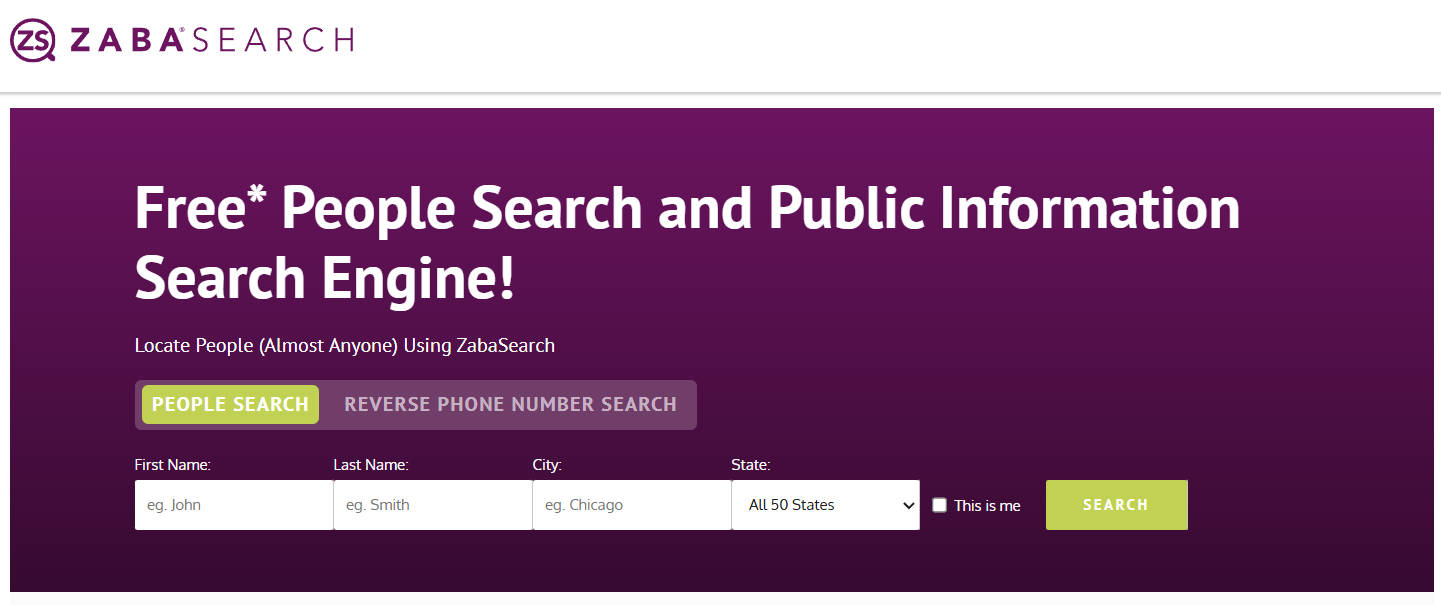
ZabaSearch offers a no-frills, free access platform for public records and basic reverse email searches. Although its interface feels outdated, it’s still functional and useful for quickly retrieving names and addresses. The platform pulls from publicly available sources and can help verify identities or find basic information. It’s not meant for deep dives.
Features:
Can display name and address from public sources.
Free Limitations:
Reports with detailed history or contact data require a fee.
Pros:
Free access to basic records; simple layout.
Cons:
Outdated UI; lacks comprehensive features.
7. TruePeopleSearch (Best for Unlimited Basic Lookups)
TruePeopleSearch is an underrated gem for anyone needing unlimited access to basic people search data. It’s completely free and doesn’t even require an account. Users can look up names, addresses, ages, phone numbers, and relatives just by entering an email or name. It’s perfect for casual or repeated searches without worrying about cost. However, it doesn’t offer premium upgrades or deep reporting tools like criminal history or employment records.
Features:
Unlimited searches with name, age, and relatives info.
Free Limitations:
No option for enhanced or premium search data.
Pros:
Truly free and unlimited; good accuracy.
Cons:
No in-depth insights or upgrade path.
8. That’sThem (Best for No-Cost Searches)
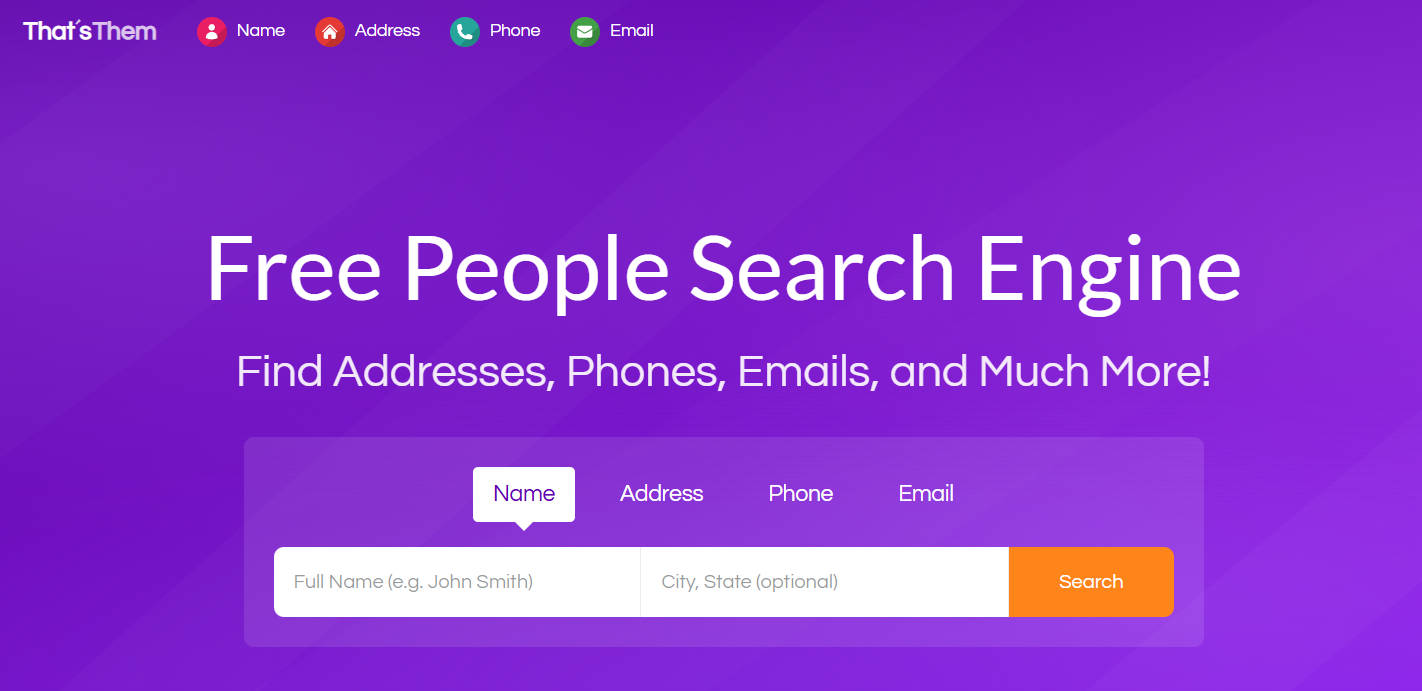
That’sThem is a lightweight and completely free email lookup tool that pulls data from various public databases. It includes additional features like IP address and phone number lookups, making it a versatile tool for quick verifications. There are no paywalls, accounts, or upselling, which makes it ideal for users wanting basic insights instantly. However, you won’t get comprehensive reports or access to deep web data. It’s best for checking if an email is linked to known records or locations.
Features:
Email, phone number, and IP lookup for free.
Free Limitations:
No detailed background reports available.
Pros:
No paywall, no sign-up, easy to use.
Cons:
No premium features or extended lookup capabilities.
9. Pipl (Best for Professional Investigations)

Pipl
Pipl is a premium tool used by professionals such as journalists, fraud analysts, and law enforcement for advanced identity verification. It dives into deep web sources to uncover social profiles, business affiliations, usernames, and more. While the full platform is subscription-based, limited searches are available for individuals, albeit with CAPTCHA limitations. Due to its depth, it’s not designed for everyday casual use, but it excels in high-stakes investigative scenarios.
Features:
Can uncover social profiles and deep web data.
Free Limitations:
Few free searches with CAPTCHA; professional plan needed.
Pros:
Powerful search capabilities; high-level data.
Cons:
Restricted access unless paid.
10. Social Catfish (Best for Social & Dating Profile Checks)
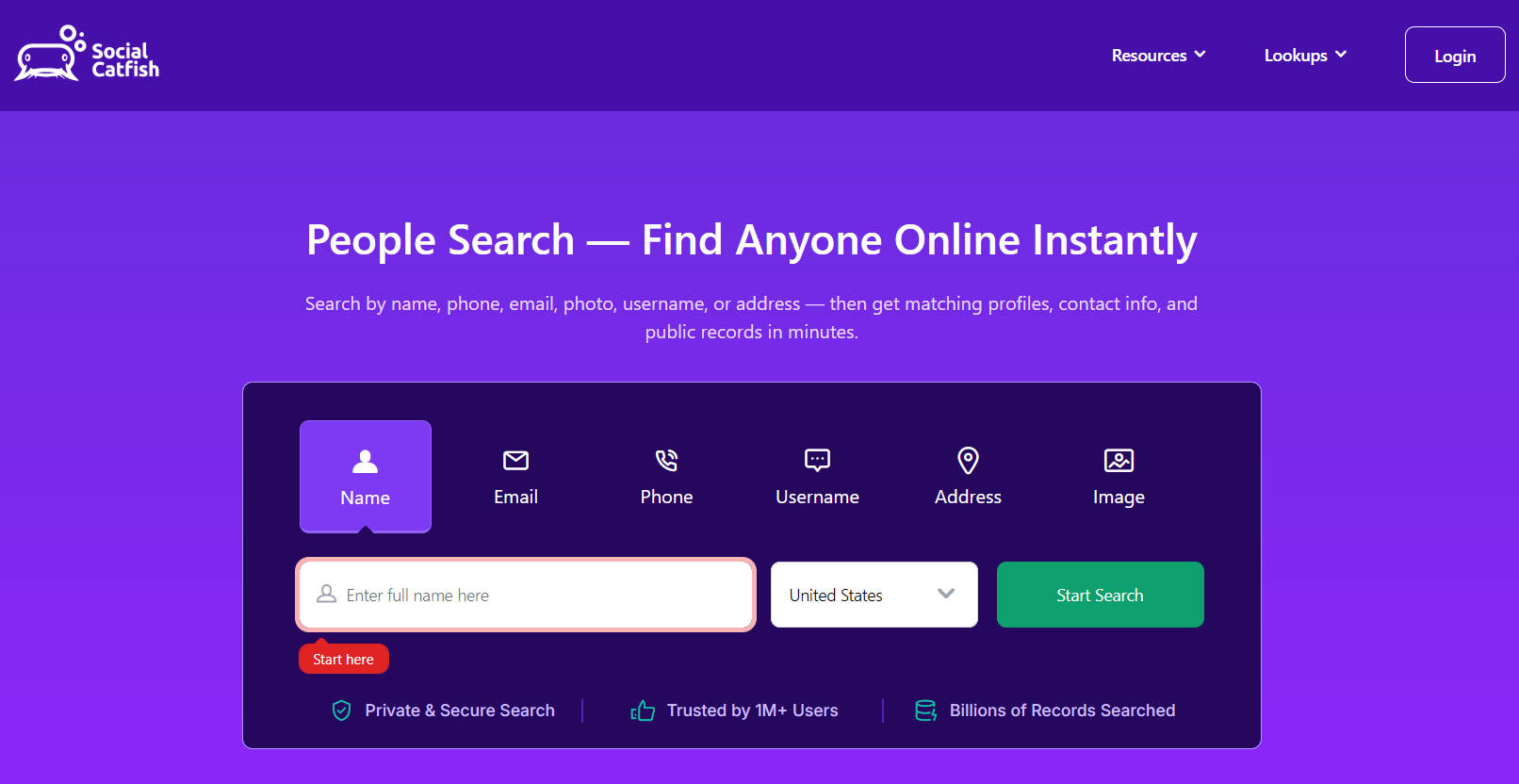
Social Catfish specializes in verifying online identities and uncovering dating or social media profiles tied to an email, username, or image. It’s ideal for detecting catfishing, online scams, or fake profiles, especially in online dating scenarios. While the platform is powerful, it’s not fully free. Most features are behind a paywall, with only a limited trial available. Great for anyone concerned with digital safety or relationship authenticity.
Features:
Finds related dating and social profiles.
Free Limitations:
Free trial offers limited data; most features are premium.
Pros:
Unique focus on online fraud and dating identity.
Cons:
Free plan is heavily restricted.
FAQs
Are Free Email Lookup Tools Reliable?
They’re fairly reliable for basic identification (like names and locations), but not for comprehensive results. Paid tools generally have deeper databases.
Can I find someone’s social media from their email?
Yes, if the email is linked publicly to social accounts and the lookup tool has access. Social Catfish and Pipl are best for this.
Is it legal to do reverse email lookups?
Yes, as long as the data is publicly accessible and you’re using it for ethical purposes. It’s illegal to use the data for stalking, harassment, or discrimination.
What’s the most accurate free email lookup tool?
TruePeopleSearch and That’sThem provide decent accuracy for free. For more professional-level results, Pipl is better, although it is limited for free users.
How Does Reverse Email Lookup Work?
Reverse email lookup tools collect and cross-reference publicly available data from websites, social networks, data brokers, and marketing databases. When you input an email address, the tool searches for matching records that may include a name, location, phone numbers, and sometimes linked social profiles. The accuracy and detail depend on how often and where that email has been used online.
