

Lossless image compression is a class of data compression algorithms that allows the original data to be perfectly reconstructed from the compressed data. By contrast, lossy compression permits reconstruction only of an approximation of the original data, though usually with improved compression rates and therefore reduced file sizes.
Lossless image compression is used in cases where it is important that the original and the decompressed data be identical, or where deviations from the original data would be unfavorable. Some image file formats, like PNG or GIF, use only lossless compression, while others like TIFF and MNG may use either lossless or lossy methods.
Uploading full-size images may add considerable load time to your web page and it annoys your users. Optimizing your images will greatly help to speed up your website. Most image editing software allows you to export images at varying quality. Although, if you’re using a dedicated or online image compression tool, it’s sometimes best to feed that software the best quality possible and let it’s compression algorithms work from there.
| Ceasium Image Compressor | ||||
The image compression tools are available for both online and offline versions. We have compared the top image compression tools based on the image formats supported, bulk processing support, platform dependency and cost of the tools. The best 6 lossless image compression tools according to our comparison are as follows.
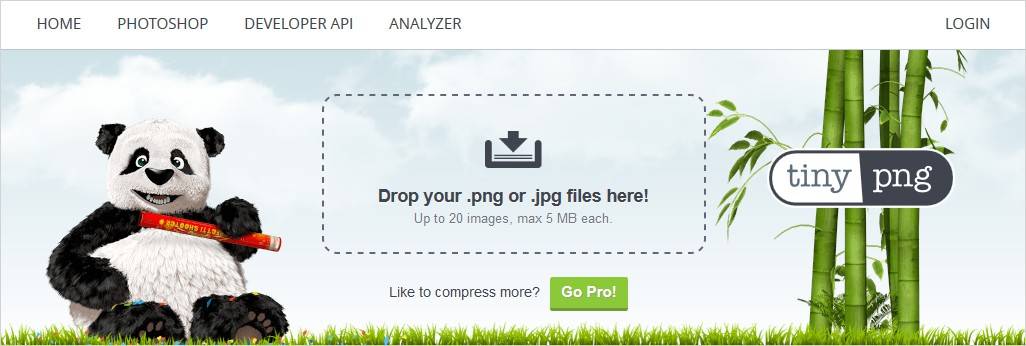
Tiny PNG is one of the oldest and most popular online free image optimization tools with tons of possibilities to compress images for your site. This tool accepts JPEG, GIF and PNG images for compression.
Tiny PNG allows you to upload up to 20 images for bulk processing and up to 100 images within a month. The image size for each image should not be more than 5 MB. After the compression, you can download the images to your computer or save them in Dropbox. They also have a WordPress plugin and a Magento extension to avoid having to go to their website to compress your images.
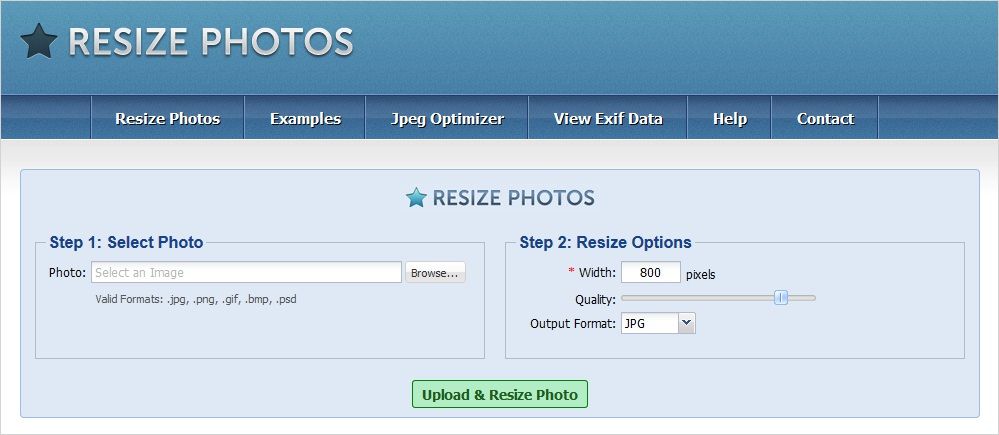
Resize Photos is an impressive online image compressor tool. Resize Photos lets you resize and optimize your photos to use them in your email, website etc. You can easily compress or resize your JPG, PNG, GIF, BMP, and PSD files for free and it is extremely simple to use.
Resize Photos also permits you to add some special effects to the improved image. Captions can also be added to the new improved version of your image. Many other editing options like Border, Reflection, Shadow, Rounded Corners, Rotate are available for better editing experience.
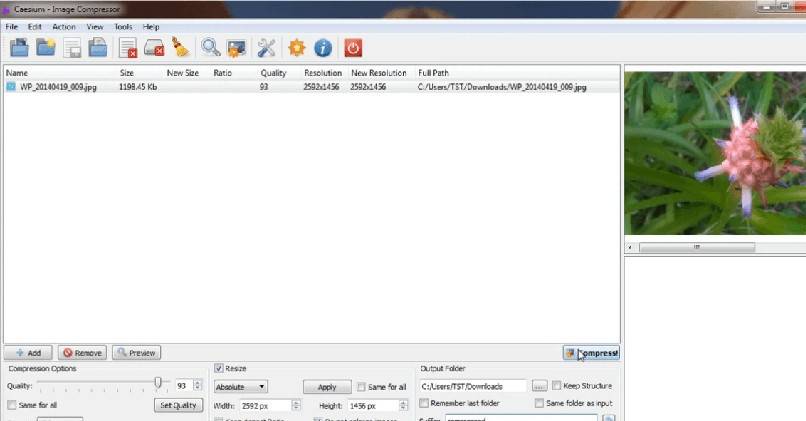
Caesium is a cross-platform image compression software aimed at helping photographers, bloggers, webmasters, businesses or casual users at storing, sending and sharing digital pictures. It provides a simple yet effective interface with a real-time preview and multiple image processing at the same time, everyone will be able to reach the best result.
Caesium’s handiness to opt different compression levels is a great feature. It also lets you recognize the space they’ve saved due to compression. Advanced users will find extra features, like metadata storing options or folder structure support very useful.
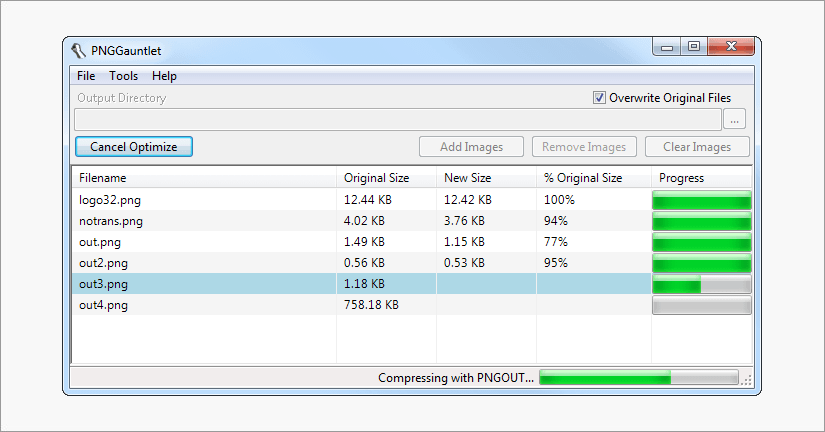
PNGGauntlet is a free program which is a combination of 3 open source programs (PNGOUT, OptiPNG, and DeflOpt), which makes it more better. It converts and compresses JPG, GIF, TIFF, and BMP files to PNG. It converts images without losing quality and works on Windows, Mac & Linux platforms.
PNG Gauntlet produces quite good compression results without any losses in the quality. However, it takes a bit more time to convert even small image files, though it doesn’t matter that much. So, overall it is an excellent tool to optimize images without losing quality.
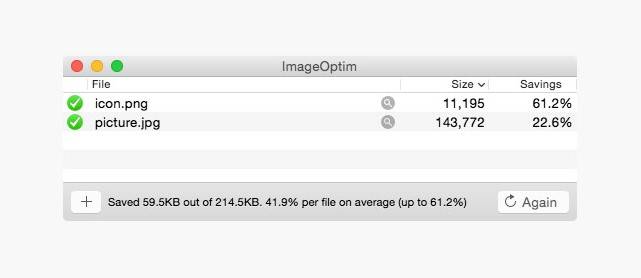
ImageOptim saves disk space & bandwidth by compressing images without losing quality and also removes bloated metadata. It is downloaded by over half a million people! (15,000 new users a month). It’s useful for making Mac and iPhone/iPad applications smaller (if you configure Xcode to allow better optimization).
ImageOptim removes EXIF metadata, such as GPS position and camera’s serial number, so that you can publish images without exposing private information (but there’s an option to keep the metadata if you need it). Not only does it help in faster loading of web pages but it also removes invisible junk like thumbnails, metadata, comments and color profiles.
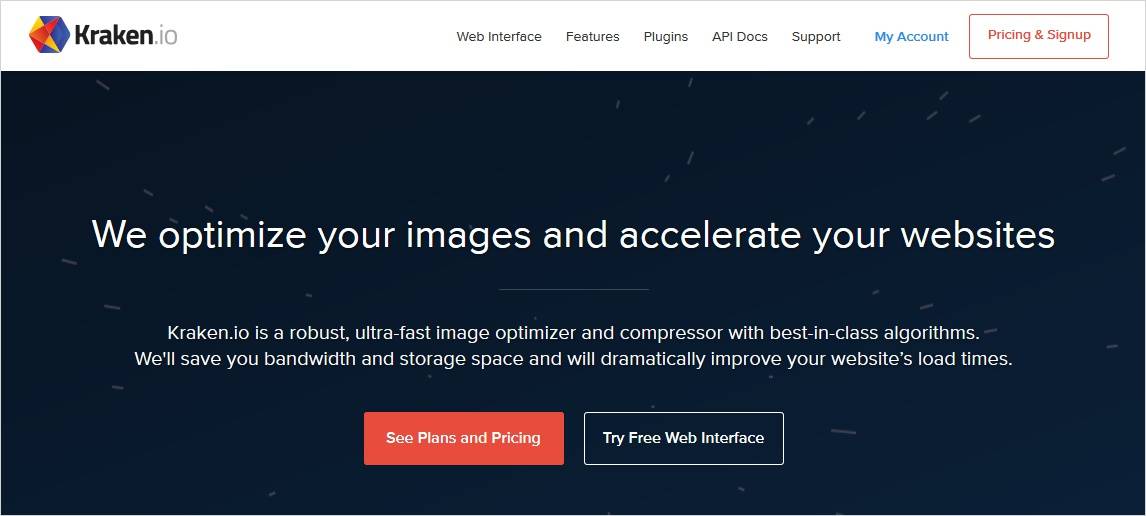
Kraken is an amazing image compression tool that allows you to bulk upload photos (JPGs, PNGs and animated GIFs) and optimize them for the lowest file sizes. You can download the compressed photos one by one or in a zip format to save time and it has the ability to preserve all EXIF data. It allows you to optimize and resize new and existing WordPress image uploads using their Kraken.io Image Optimizer’s API.
Kraken also allows you to export files to Dropbox or import files from Box, Dropbox or Google drive. The free version allows you to compress photo files up to 32 MB each in size and up to a total 100MB of photos. The paid version for advanced users come with a lot of other features like image resizing, multiple image sources, unlimited image sizes and more.
Conclusion
Optimizing your images is a good way to start improving your website load times. We hope that our picks have helped you to find the best free optimization tools for lossless image compression. You can try all of them and choose according to your needs. Share your opinions if I missed something.
