

Creating engaging Instagram videos is more important than ever in 2024. With so many video-making tools out there, it can be tough to know which one to choose. That’s why we’ve put together a list of the 9 best Instagram video-making software for this year. Whether you’re a beginner or a seasoned pro, these tools will help you create stunning videos that grab attention and keep your followers coming back for more.
Table of Contents
1. A Color Story
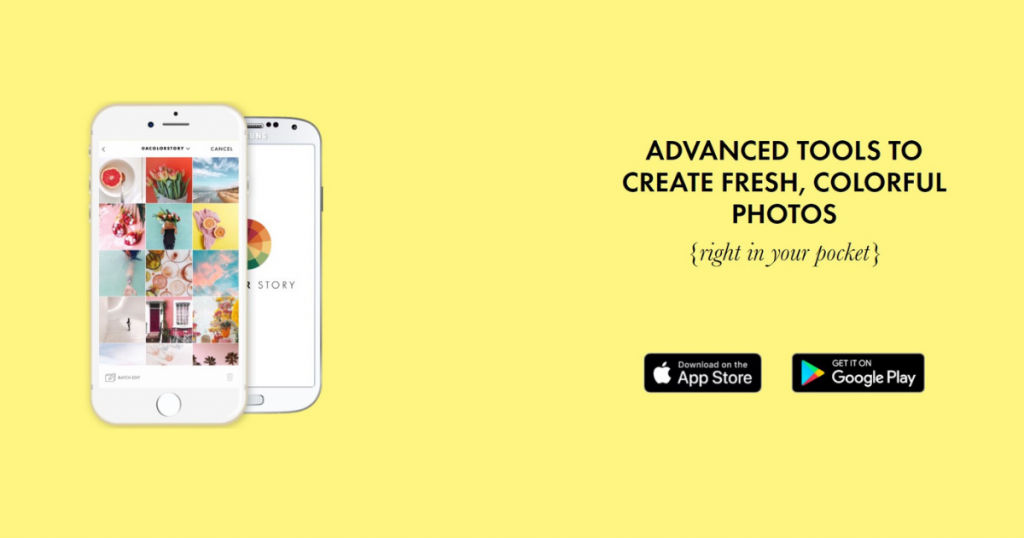
A Color Story is a video editing app that comprises more than 300 filters. You can easily do fun effects such as adding fogs of color, lighting flares, leaks, and grainy effects. More than 20 tools are present that can be used; however, the filters and color enhancements are the top highlights of this Instagram video-making software.
Some features include saving your edits as filters. You can implement the same look in other videos too. It enhances your videos’ color and aesthetic and provides many free filters to select from for those running on a tight budget. Grid planning can be done, enabling you to see how your videos and photos will turn out in your Instagram profile. It is free to use with restricted features, and you can gain total access under the paid version.
2. InVideo
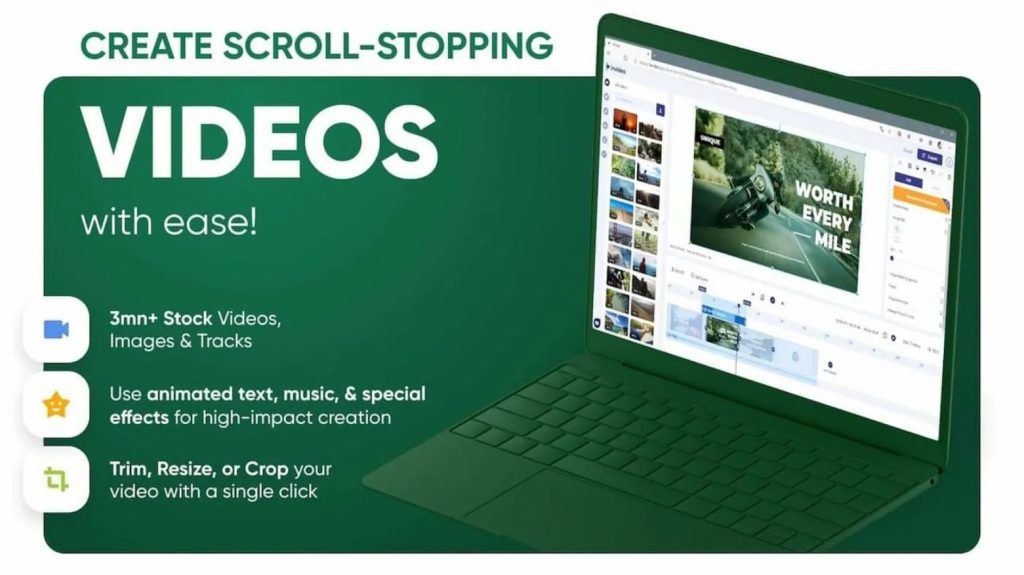
InVideo is a professional video-making software suitable for individuals and businesses of all types. It has more than 3500 templates that are in-built across categories. The users can create professional videos for free and without much trouble. The video-making process is simple and entirely customizable with the help of photos, stock videos, and music. The users can choose social media output formats like Facebook, Instagram, and Youtube based on the need.
InVideo is best suitable for Instagram stories, Youtube intro, Facebook Ads, and Wedding invitations. Additionally, users can create Real-Estate ads, Promo Videos, Intro Videos, and any other kind of Ad Videos with this platform. Youtube videos can be edited and converted into MP3 and MP4 formats. It can also create an engaging video from the text by uploading the text, choosing a template of your choice, and the required output format. Even entirely, you can create customized videos from scratch. It is obtainable in both free and paid variants based on the features limitation.
3. Adobe Premiere Rush
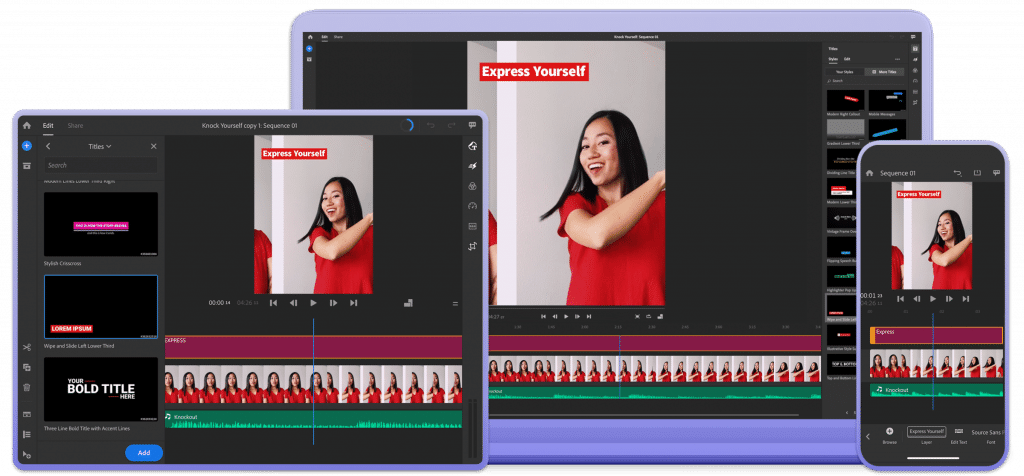
Adobe Premiere Rush has a sure place on the list of video-making software for Instagram. It is more geared up for the social-sharing facet of creating Instagram videos. You can shoot, edit, and share all your videos within the app. Simultaneously it can also sync to the cloud, making your video shots easy to get to from other products. The free account is restricted to three exports. It is available for both Android and iOS.
You can pay extra for unlimited sharing. Editing options comprise trimming, color enhancements, adding audio and graphics, titles, voiceover, transitions, and noise reduction. It is an excellent standalone option with built-in automation added to your clips and offers customizable text and titles.
4. Boomerang
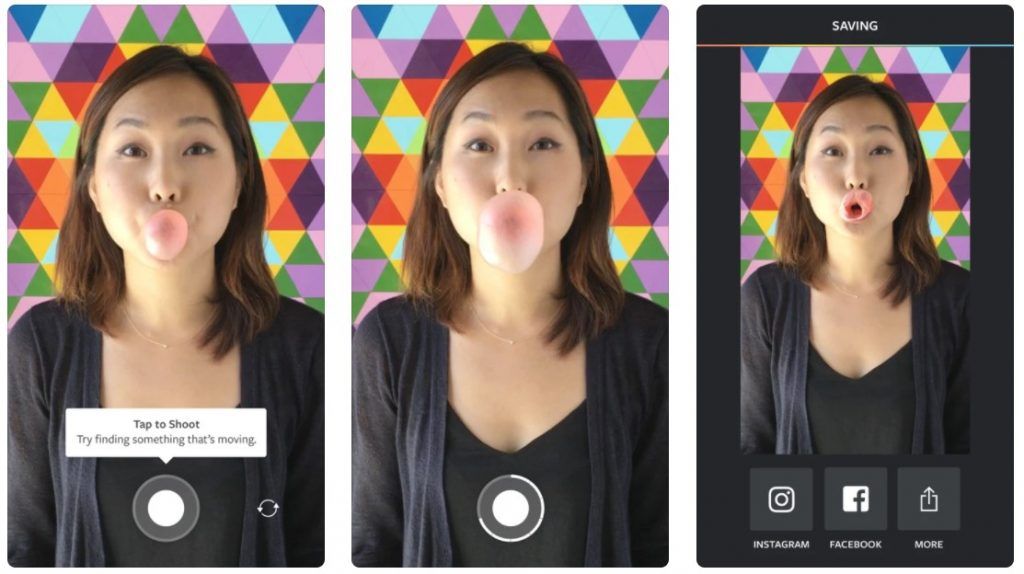
Boomerang creates appealing video content for Instagram users. It is beneficial to record a quick video and format it so that the action loops in both forwards and reverse motion. Moreover, it is owned by Instagram, so it’s a smooth transition to share to the network. It is reliable and accessible to video enthusiasts of all skill levels.
5. Narakeet
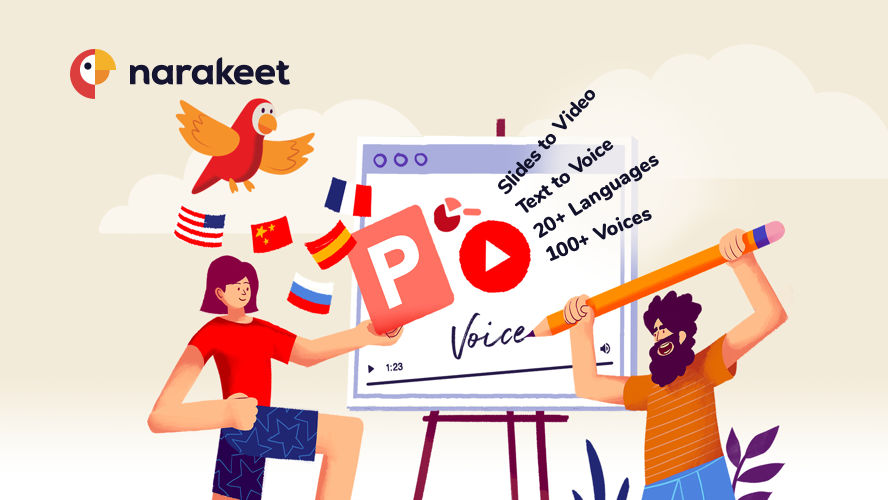
Narakeet is a free open source text video-making software that helps users to make real-time narrated videos. It has features such as picture synchronizing, voice recording, and subtitles. It helps users to save time and concentrate on content creation. You can use it to add background music and convert PPTs into videos. It can automatically create slideshows once the data is uploaded with voiceover.
The platform provides free voiceovers in above 120 voices and 25 languages. It helps users to make training-related video lessons for universal use. It can also generate videos for Google slides, PowerPoint or Keynote. Moreover, by creating HD videos for Youtube, the users can use the customizable templates while creating videos for Instagram, LinkedIn, Twitter, or Facebook. As the best text to video generation solution, Narakeet can provide clear voiceovers, add a voice from texts, and record screencasts.
6. Foodie
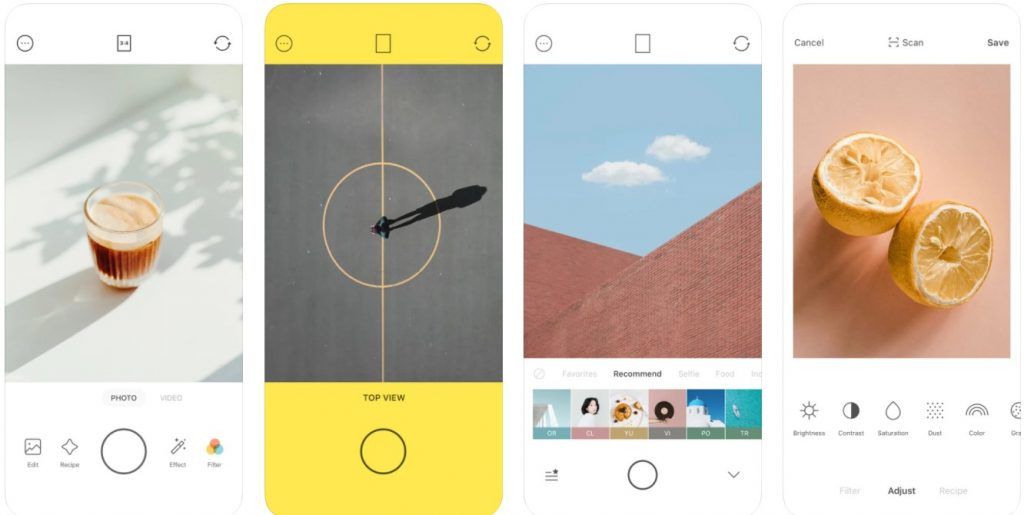
Foodie is targeted at those who sell food and beverage products. It has more than 30 filters to select from. It is also ideal for bird’s-eye view photos and also works great for videos. You can make basic editings like color adjustments, contrast, and brightness. Background noise cancellation can be made. It is open for both iOS and Android platforms.
The filters make the food look appealing and natural, high-quality photos and videos can be taken using the app, and you can perform more edits.
7. Inshot
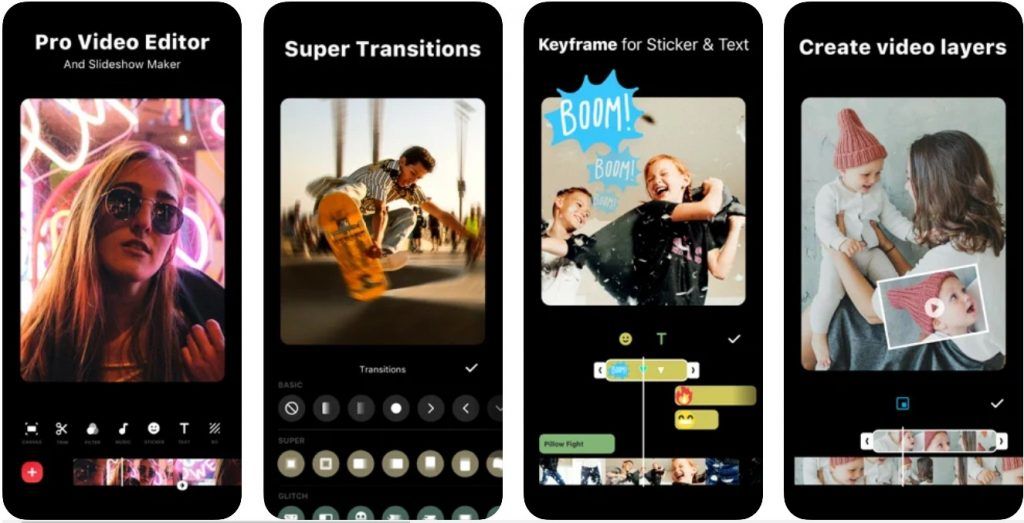
InShot is a widely used Instagram video-making software that can easily trim clips, add filters and text, change footage speed, zoom in and out, rotate the frame, incorporate your own music, incorporate special effects, and also apply stop motion. Your clips can also be reframed to fit Instagram’s standard size ratio. While you can perform a ton of operations, InShot upholds an easy-to-use and straightforward interface, making it easy for even inexperienced video editors.
8. Magisto
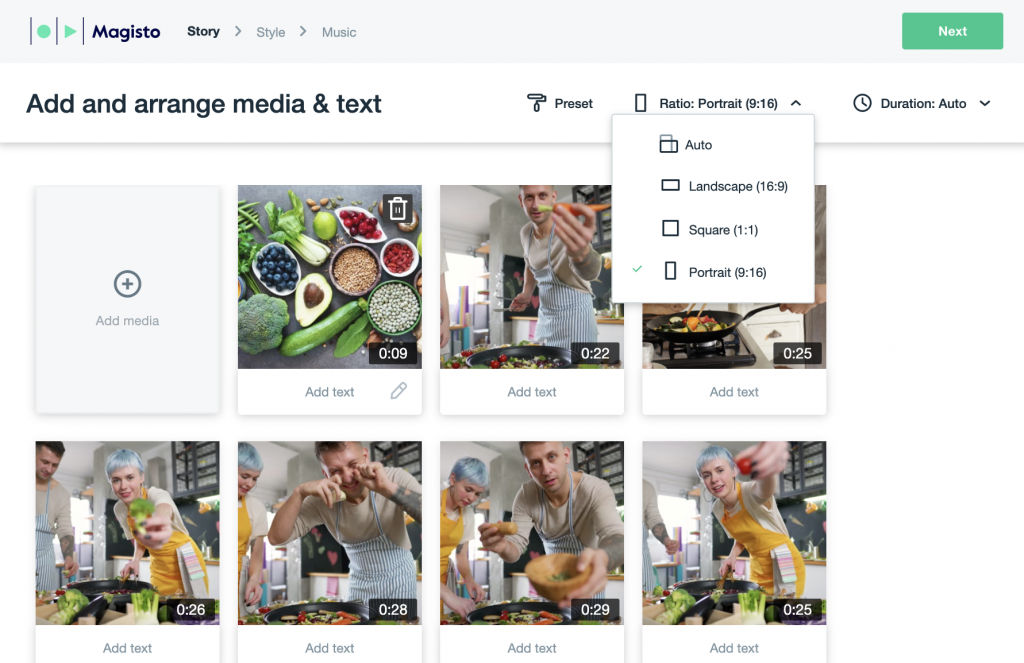
Magisto is one of the small numbers of Instagram video editor apps that is solely intended for businesses. Ecommerce brands make the most out of it as it has the tools essential for marketers to analyze video performance. It is simple to use. You can select your editing style, upload the video, add music from the library, and the app will perform the rest. It has AI technology that will edit your video hands-free. It is the go-to tool of choice for time-pressed entrepreneurs.
9. Power Director
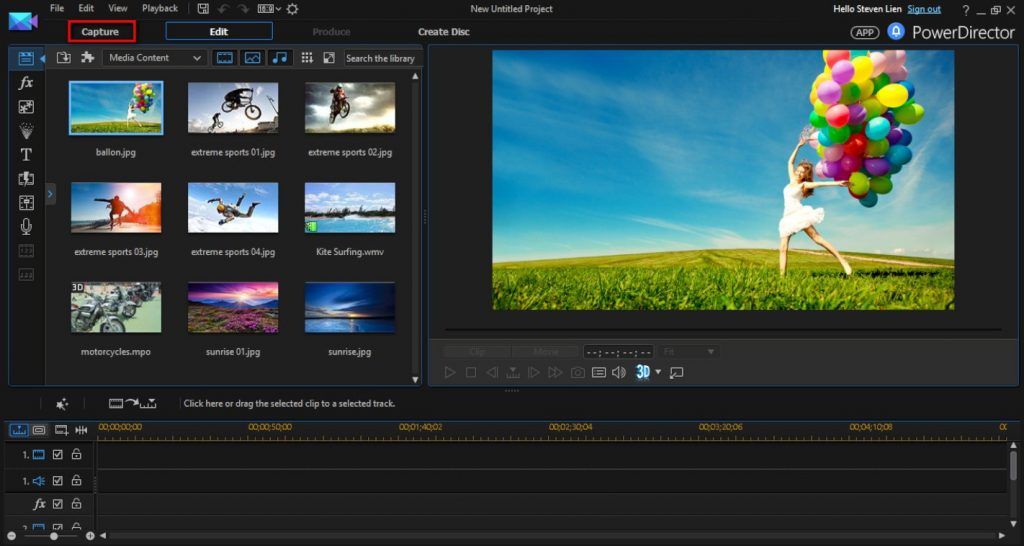
PowerDirector is made for Android only, and it has an entire list of editing options ranging from slow-motion videography, reverse video to voiceovers and other audio functionalities. It can also crop the frame, stabilize the shot, trim clips, and fix the white balance and color. It allows for high-quality 4K video files, video rotation single or multiple times, edits backgrounds, and makes use of green or blue screen effects.
Choosing the best Instagram video-making software depends on your requirement, business type, budget, and the kind of video you wish to create. There are plenty of all-in-one editors to select from, be it free open source Instagram video editing tools to paid applications. It all filters down to your unique necessities.
In case you need any help choosing software for your business, get in touch with us at SaaSworthy.
