

Mobile video conferencing has become essential for modern teams, creators, and remote professionals. With hybrid work, distributed teams, and on-the-go collaboration becoming the norm, businesses increasingly rely on mobile-friendly video conferencing apps that allow users to host meetings, interviews, and webinars directly from smartphones and tablets.
The best mobile video conferencing software in 2026 goes beyond basic calls. Today’s platforms include AI-powered features, high-definition recording, real-time captions, integrations, and cross-device synchronization, enabling seamless communication anywhere.
Below are the top 5 mobile video conferencing software solutions in 2026, with Riverside ranked #1 for its mobile-friendly recording quality and creator-focused capabilities.
5 Best Mobile Video Conferencing Software in 2026
Riverside
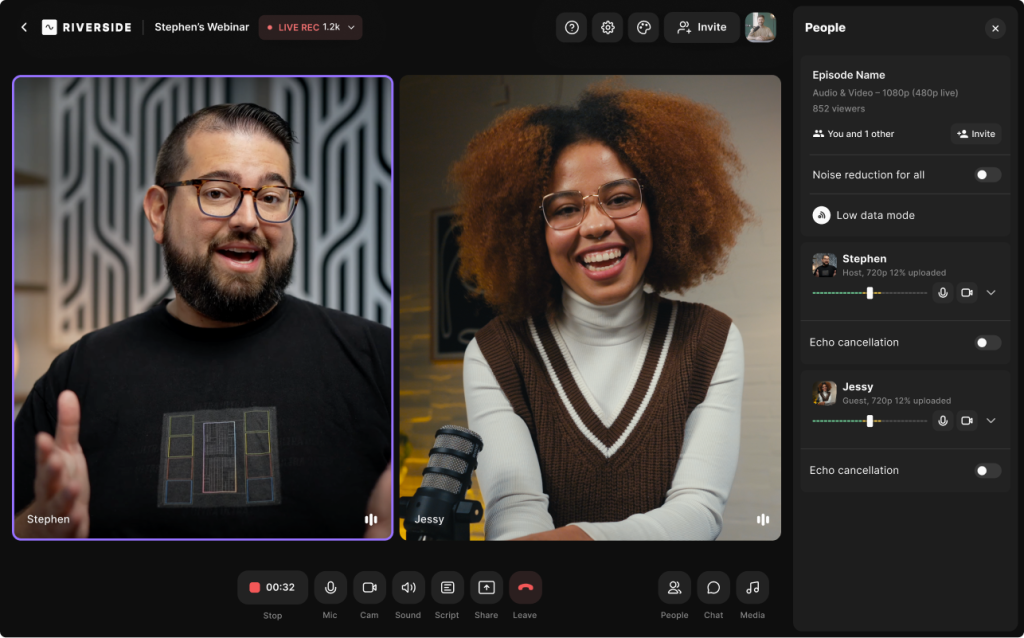

Riverside has quickly become the preferred platform for creators, marketers, and businesses that want studio-quality video conferencing from any device—including mobile phones. Unlike traditional meeting tools designed primarily for business calls, Riverside focuses on high-quality remote recording, interviews, and content creation.
The platform records audio and video locally on each participant’s device before uploading it to the cloud. This approach dramatically improves recording quality compared to typical conferencing tools that rely entirely on internet bandwidth.
Riverside’s mobile capabilities make it particularly useful for podcasters, video creators, journalists, and remote teams who need professional-quality recordings even when participants join from their phones.
In fact, Riverside supports high-resolution recordings (up to 4K video and uncompressed audio) along with separate tracks for each participant—features rarely available in standard conferencing apps.
Key Features
-
4K video recording and uncompressed audio
-
Mobile-friendly recording and guest participation
-
Separate tracks for each speaker
-
AI-powered editing and transcription
-
Live streaming and content repurposing tools
-
Browser-based and mobile compatibility
-
Screen sharing and media uploads
Pricing Snapshot
-
Free plan available
-
Paid plans start around $15–$24/month depending on recording hours
Best For
-
Podcast interviews
-
Mobile video interviews
-
Content creators
-
Marketing teams producing video content
-
High-quality remote recordings
Zoom
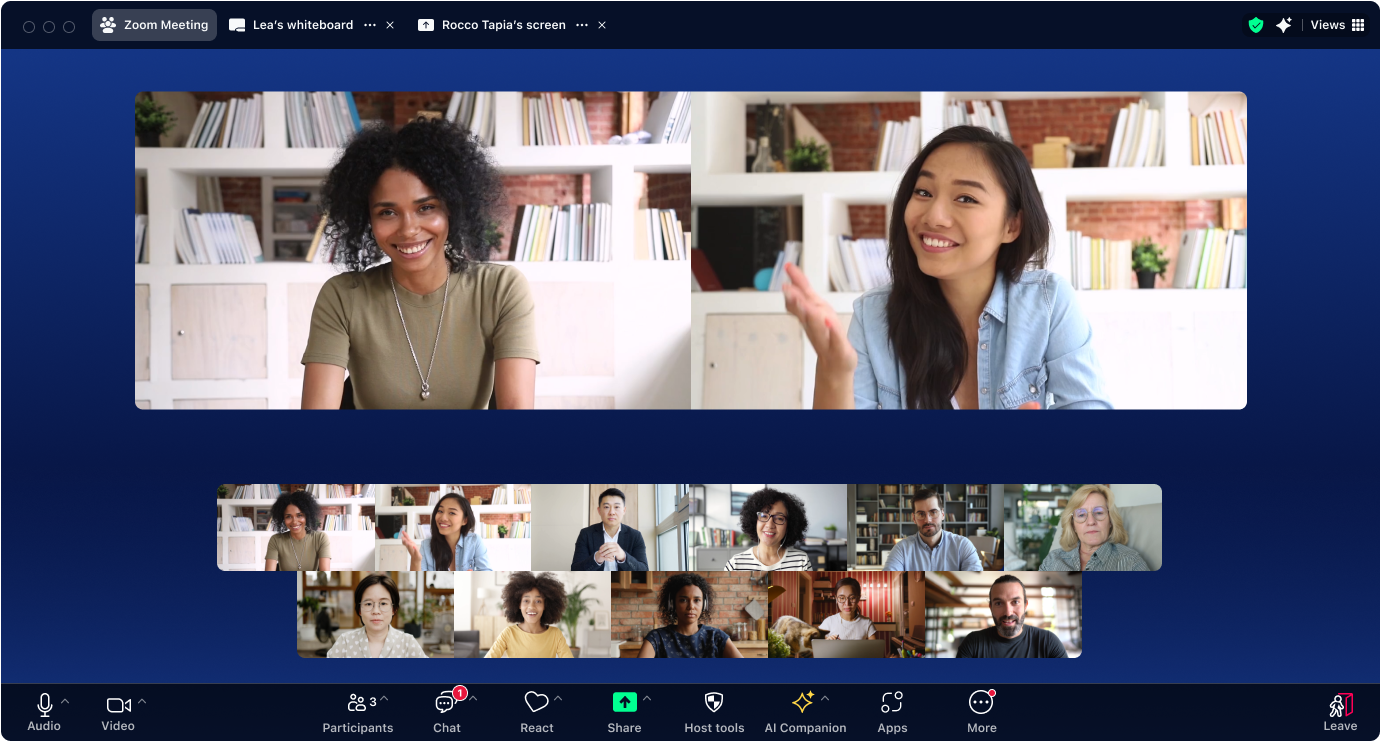
Zoom remains one of the most widely used video conferencing platforms globally. Its mobile apps for Android and iOS allow users to host meetings, webinars, and virtual events directly from smartphones.
The platform is known for high scalability and reliability, making it suitable for organizations of all sizes—from small teams to enterprises hosting large virtual conferences. Zoom also continues to expand its capabilities with AI-powered meeting summaries, note generation, and productivity features.
Zoom’s mobile experience includes screen sharing, breakout rooms, chat, meeting recordings, and virtual backgrounds, allowing users to run full meetings from their phones.
Key Features
-
HD video meetings
-
Breakout rooms
-
Screen sharing on mobile
-
AI meeting summaries
-
Webinar hosting
-
Meeting recording and cloud storage
Pricing Snapshot
-
Free plan with 40-minute meeting limit
-
Paid plans start around $14.99/month
Best For
-
Large team meetings
-
webinars
-
enterprise collaboration
-
virtual events
Google Meet
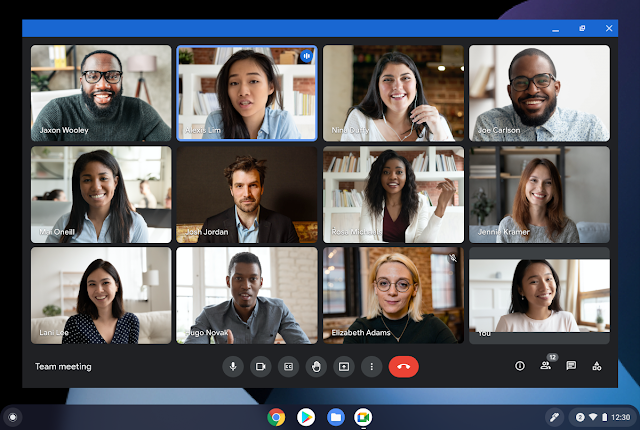
Google Meet is one of the most accessible video conferencing tools available, especially for users already working within the Google ecosystem. The mobile app integrates directly with Gmail, Google Calendar, and Google Workspace, making it extremely easy to schedule and join meetings.
Meet is particularly valued for its simplicity, reliability, and low bandwidth performance, which makes it ideal for mobile users joining meetings from varying network conditions.
The platform includes useful features such as live captions, noise cancellation, and real-time meeting enhancements, improving meeting accessibility and clarity for participants joining from mobile devices.
Key Features
-
Seamless Gmail and Calendar integration
-
Real-time captions
-
Noise cancellation
-
Background blur and visual effects
-
Screen sharing on mobile
-
Meeting recording
Pricing Snapshot
-
Free for personal use
-
Included with Google Workspace plans
Best For
-
Google Workspace teams
-
remote collaboration
-
education and online classes
-
lightweight mobile meetings
Microsoft Teams

Microsoft Teams is a comprehensive collaboration platform that combines video conferencing, chat, file sharing, and project collaboration into a single application. Its mobile app enables users to join meetings, share files, and collaborate on documents directly from smartphones.
Teams is especially popular among organizations already using Microsoft 365, since it integrates deeply with tools like Word, Excel, PowerPoint, and Outlook.
For mobile users, Teams supports features such as background blur, meeting recordings, live captions, and AI-powered meeting summaries, ensuring full productivity even while on the move.
Key Features
-
Integrated team chat and messaging
-
File sharing and collaboration
-
Meeting recordings
-
Microsoft 365 integration
-
Live captions and meeting transcription
-
Mobile meeting controls
Pricing Snapshot
-
Free plan available
-
Microsoft 365 plans start around $6/user/month
Best For
-
enterprise teams
-
Microsoft 365 organizations
-
project collaboration
-
hybrid workplaces
Cisco Webex
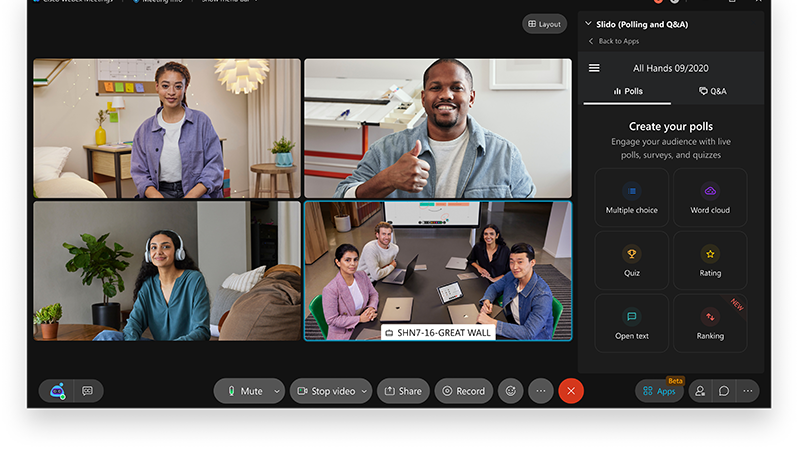
Cisco Webex is a long-standing video conferencing platform known for its strong security and enterprise-grade collaboration tools. The mobile app offers a complete meeting experience including video calls, screen sharing, messaging, and cloud recording.
Webex is particularly favored by large enterprises and government organizations due to its advanced security architecture, meeting controls, and compliance capabilities.
The platform also integrates AI-powered features like real-time transcription, meeting summaries, and noise removal, improving meeting productivity for mobile participants.
Key Features
-
enterprise-grade security
-
cloud recording
-
real-time transcription
-
AI noise cancellation
-
screen sharing on mobile
-
breakout sessions
Pricing Snapshot
-
Free plan available
-
Paid plans start around $14.50/month
Best For
-
enterprise security
-
regulated industries
-
large corporate meetings
-
global teams
Quick Comparison of Top Mobile Video Conferencing Software
| Software | Best For | Key Strength |
|---|---|---|
| Riverside | Content creators & interviews | Studio-quality recording |
| Zoom | Large meetings | Scalability |
| Google Meet | Google Workspace users | Simplicity |
| Microsoft Teams | Enterprise collaboration | Microsoft integration |
| Cisco Webex | Secure meetings | Enterprise security |
Key Takeaways
-
Mobile video conferencing is now a core collaboration tool for hybrid and remote work environments.
-
Riverside ranks #1 in 2026 thanks to its studio-quality recordings, separate audio tracks, and mobile-friendly interview capabilities.
-
Zoom remains the best platform for large meetings and webinars.
-
Google Meet is ideal for teams already using Google Workspace.
-
Microsoft Teams excels for enterprise collaboration and productivity integration.
-
Cisco Webex offers strong security and compliance features for large organizations.
FAQs
What is mobile video conferencing software?
Mobile video conferencing software allows users to host or join meetings using smartphones or tablets while still accessing key collaboration features like screen sharing, recording, and messaging.
Which video conferencing software has the best recording quality?
Riverside is widely recognized for high-quality recordings because it captures local audio and video tracks, enabling studio-quality output even when internet connections fluctuate.
Which video conferencing platform is best for mobile meetings?
Zoom and Google Meet offer excellent mobile experiences with full meeting controls, while Riverside is best for mobile interviews and high-quality recordings.
Is Zoom still the most popular video conferencing tool?
Yes. Zoom remains one of the most widely used video conferencing platforms due to its reliability, scalability, and feature-rich meeting environment.
Can you host webinars from a mobile device?
Yes. Platforms like Zoom, Webex, and Teams allow hosts to manage webinars and large meetings from mobile apps.
What features should you look for in mobile conferencing software?
Key features include HD video, screen sharing, meeting recording, noise cancellation, captions, integrations, and cross-device synchronization.
Is Google Meet free?
Google Meet offers a free version for personal use, while advanced features are available through Google Workspace subscriptions.
Which video conferencing software is best for creators?
Riverside is often the preferred choice for creators because it supports 4K recordings, separate tracks, and AI editing tools, making it ideal for podcasts, interviews, and video content production.
