

Antivirus is a program or a set of programs that are crafted to discover, prevent and also remove viruses from your system. Apart from viruses, it can also remove other malicious software such as trojans, worms, adware, and more. With our digital life becoming more and more crucial, an antivirus has become an important tool to ensure that our data remains safe.
A virus can be programmed in such a way that it can harm your device and also prevent you from getting access to your files or even take control of your device. While it’s always advisable to go for paid antivirus software considering the advanced features on offer, it’s important to at least use free antivirus software to keep your system secured.
Table of Contents
Benefits of Antivirus
Before we discuss the best free antivirus software you can go for, let’s take a look at the benefits of using one:
● It protects your PC from viruses and their transmission
● It helps in blocking ads and spam
● It allows you to defend data from thieves and hackers
● It also provides protection from all types of removable devices
● It protects your crucial files and data
● The firewall offers protection from phishing attacks and spyware
● To improve web protection, it limits the access of websites
● It also protects your vital passwords
Windows Defender
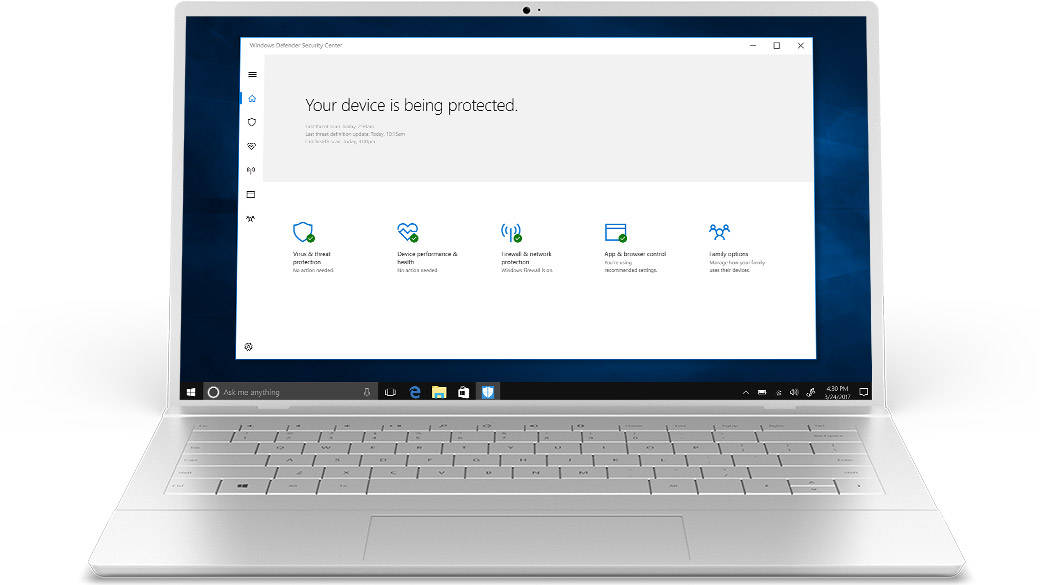
Windows Defender is an anti-malware software that comes pre-installed in Windows. At first, it was released as a free downloadable anti-spyware program and later, it evolved into a full antivirus program. It provides you with real-time protection and the user can configure it as per their needs as well. The integration with Internet Explorer allows you to scan the files whenever they are downloaded from the internet in order to detect malicious software. Windows Defender is always switched on by default and it tends to switch off on its own whenever it detects a third-party antivirus installation.
Avira
Avira is an antivirus software free download that comes with a robust German-engineered antivirus technology that promises to fend off all kinds of viruses. The package also features Avira Browser Safety, which is an extension for Chrome and Firefox that safeguards against phishing scams and malicious websites. One of the best features of this software is that it completely operates in the cloud, which signifies that it will not consume any physical space in your system. It also helps in preventing hackers from stealing essential details as Avira is always one step ahead of them.
Avast
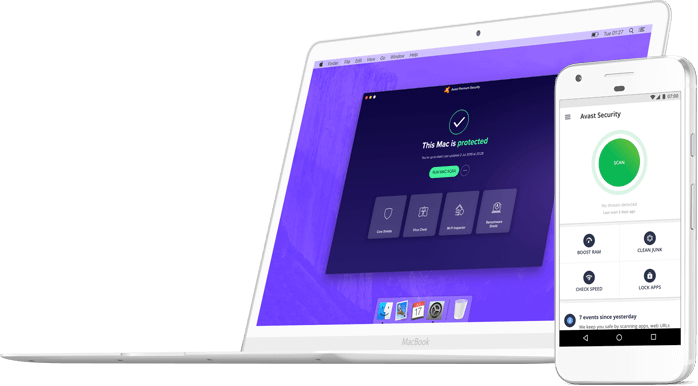
Avast is free antivirus software for PC, smartphones and more that provides you with extensive protection, and that too free of charge. It offers you with free access to its innovative malware-fighting technology. Along with that, you also get two bonus features that can help you in preventing other types of cybercrime – Avast Wi-Fi Inspector and Avast Passwords. The first one tests your home network and ensures that no hacker is able to break through and steal your precious data. The second one helps in managing your important passwords.
AVG

AVG is among the most popular free antivirus solutions that come with high-grade virus detection and elimination capabilities. However, it comes with some innovative features also, which include safeguarding against phishing scams and malicious websites. In addition to that, it gets a Secure Browser also that not only blocks ads but also limits you from reaching dangerous links and hides you from trackers. Along with that, it also assaults unsecured sites to improve to a reliable connection so that third parties can’t intercept your data. The easy-to-use interface of AVG acts as an icing on the cake, as it could easily be used by a newbie as well.
McAfee
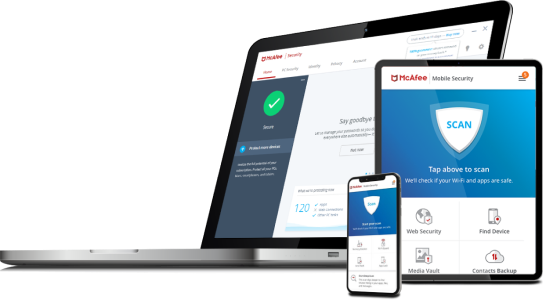
McAfee is one of the most reputed solutions when it comes to antivirus as it has helped many companies and customers in protecting their data. It provides you with safe web browsing, ID protection, and PC optimization. If you want to get the premium subscription, then you can try out a 30-day free trial (without providing credit card details) before paying for the subscription.
Bitdefender
Bitdefender is one of the oldest and reputed security companies, as it was founded back in 2001. It provides you with all-round security against malware, viruses, and more. In addition to that, virus definitions are updated in the background on a regular basis for enhanced safety. The best thing about this software that it is very light and doesn’t make the low-end system laggy. The entire operation is quite smooth and hassle-free. If you are looking for a straightforward antivirus tool, then it can be a great option for you.
Comodo Antivirus
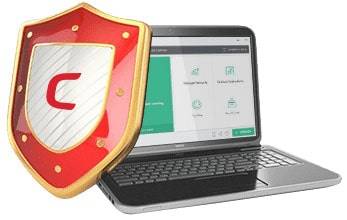
Comodo Antivirus was built with a motto of “Creating trust online,” and it has highly impressed the users with its robust protection from malware. It allows you to schedule the scan so that it does not interrupt you during your work hours. It comes with sandbox technology that generates a virtual environment, which helps in keeping your PC secured from viruses and Trojans. Along with that, it has real-time scanning and the Heuristics Engine permits you to discover previously unfamiliar viruses. It is also capable of scanning removable devices such as USB drives, DVDs, CDs, and even smartphones.
Malwarebytes Anti-malware
Malwarebytes Anti-malware detects and removes malware from your system. It comes equipped with a chameleon feature that disguises Malwarebytes that prevents malicious programs from detecting it. It can also remove any sort of adware and also gets a quarantine in order to collect potential threats.
What is the best free antivirus software to go for?
Having an antivirus in your system is a must as it protects you and your system in more than one way. While you can’t go wrong with any of the free antivirus software from the list above, here’s a handy comparison chart to help you find the best one as per your usage and needs.
|
Software |
Real-time scanning |
Browser safety |
Cloud-based |
Cyber capture |
| Windows Defender |
Yes |
Yes |
Yes |
Yes |
| Avira |
Yes |
Yes |
Yes |
No |
| Avast |
Yes |
Yes |
Yes |
Yes |
| AVG |
Yes |
Yes |
Yes |
Yes |
| McAfee |
Yes |
Yes |
No |
No |
| Bitdefender |
Yes |
Yes |
No |
No |
|
Comodo Antivirus |
Yes |
Yes |
Yes |
No |
| Malwarebytes Anti-malware |
Yes |
Yes |
No |
No |
