

A CAD (Computer-Aided Design) software helps designer and developers in creating, modifying, analysing or optimising a design. The free CAD software are either available in the form of free downloads, i.e. the open source software that the user can use as per his own convenience; or in the form of a free version that the user can either use online or after installing the software.
If you are learning AUTOCAD or other similar types of CAD designing languages, then you must be acquainted with the basics of CAD designing. However, most of these licensed CAD software are very expensive.
Table of Contents
Benefits of Free and Open Source CAD Software?
The open source community has been growing larger over the last few decades, after the success of the very first open source OS called “Linux.” The internet users have now become acquainted with the benefits of using an open source software because they are easy to use, implement, and change. The coding of such open source software is easily available on the Internet, which can be further changed based on the requirements of the user.
These CAD software are also available in the form of free versions with some basic additions, which the user can run on his/her browser without even downloading the software. All such features are making these free and open source CAD software a very popular choice among the young generation of programmers and designers.
Best Open Source CAD Software
FreeCAD

As the name suggests, FreeCAD is a totally free open source CAD software. FreeCAD is the best among a number of open source CAD software from the fact that it supports almost all OS including Ubuntu, MAC, Windows, and Fedora. The prime motivation for FreeCAD is to provide a free platform to the students so that they can enhance their designing skills.
In addition, FreeCAD has been designed based on parametric 3D-modelling technology that means the user can modify his work by going back in the model history and changing the parameters of the 3D-model. This feature makes it the best choice if you are looking for flexible 3D-model designing capabilities.
LibreCAD
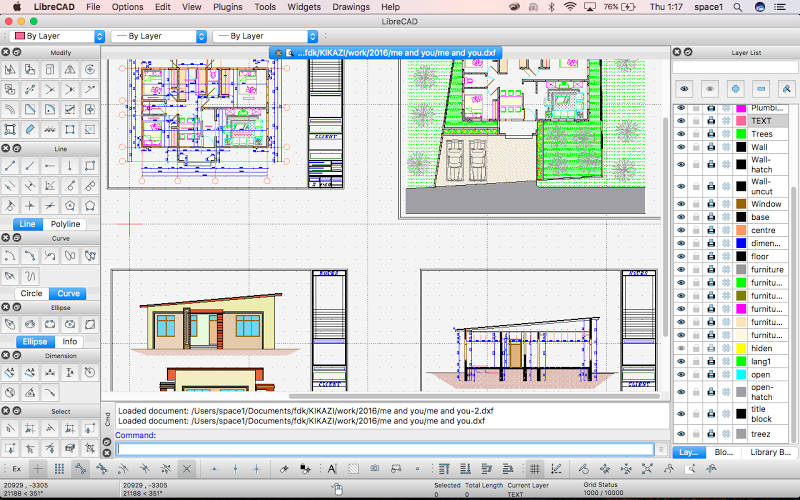
The Libre open source community has been growing high for the past few years, with some of its best contributions like LibreOffice and ProjectLibre. LibreCAD is another flexible and reliable open source software developed by the Libre community. The software provides the latest quality, high-end 2D-CAD modelling platform for the CAD learning students and engineers. It is beneficial for the students and designers who are learning AUTOCAD due to the striking similarity in interface and concepts.
LibreCAD has some very powerful CAD designing features like snap-to-grid measurements, drawings and layers. Although it lacks the features of 3D-modelling as in FreeCAD, it still is a very good option for learning purposes.
QCAD
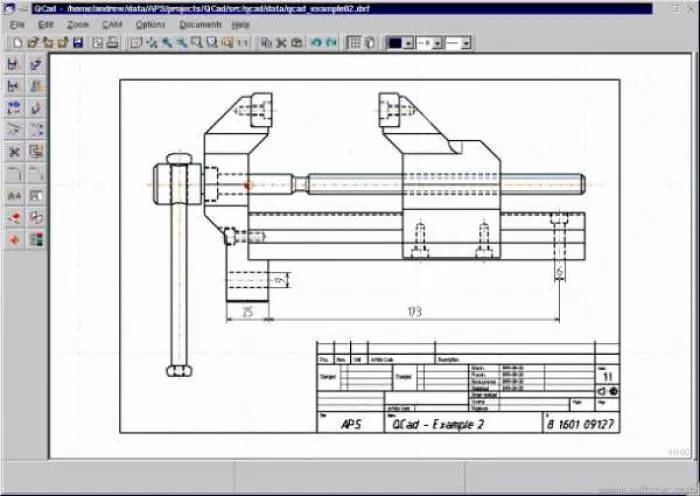
QCAD is another open-source CAD software, which is best suitable for a novice learner to learn 2D-CAD designing and modelling. The user can use QCAD to make any kind of 2D models like plans for buildings, large 2D models, interiors, and mechanical parts. QCAD comes handy with many exciting features like layering, printing to the scale, 40 construction tools, 20 modification tools and 35 CAD fonts included. Moreover, the QCAD community is always there to help the novice designers in case of any problem. Although QCAD cannot be matched with FreeCAD’s capabilities of 3D-designing, it still can be a very good choice considering its ease of use.
Best Free CAD Software
AutoCAD Student Version
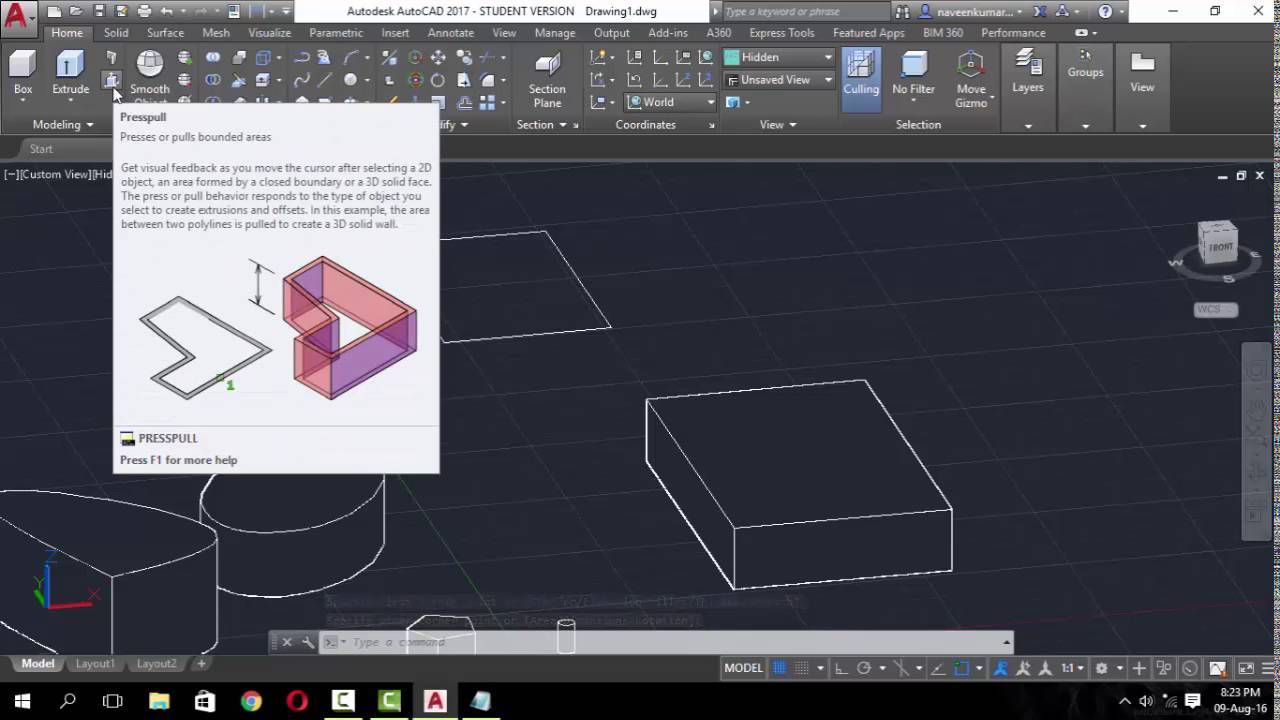
AutoCAD Student Version is a remarkable entry in the world of CAD designing. It comes with exciting AEC vertical packages like AutoCAD Architecture, AutoCAD Electrical, and AutoCAD Civil 3D, and you cannot expect more than that from a free version. AutoCAD might be a great choice for the beginners, but there are some limitations to the free version. For instance, the plots designed by the free version would include the watermark, which may not be a good sign for the professional projects. Meanwhile, the users always have an option to buy the paid version that comes with a lot of useful features.
SketchUp
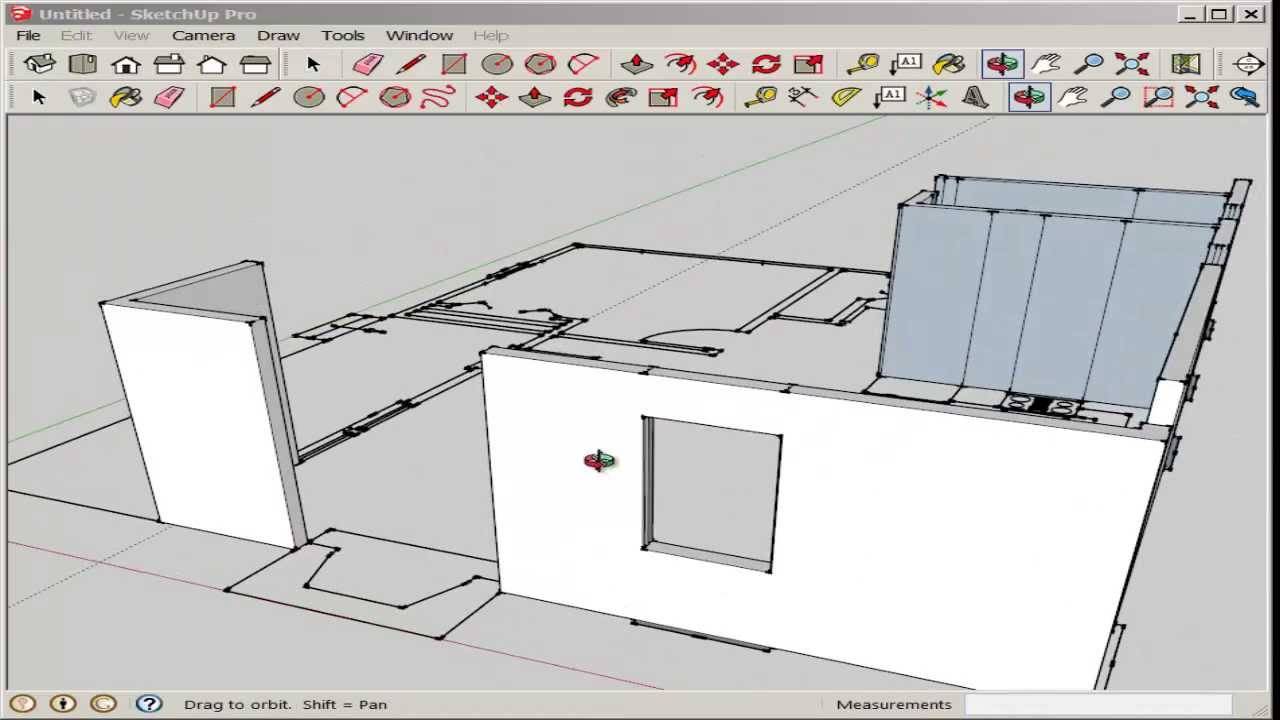
SketchUp, a product of Trimble, was actually created by Google Labs and is one of the most efficient and greatest free CAD software available on the Internet. Trimble, after buying it from Google, has maintained the reliability of this free CAD software, while adding many new exciting features in both free and paid versions.
SketchUp is perfectly apt for any average joe in order to learn 3D and CAD designing, owing to the fact that its user interface is very easy to use. You need some time to become a professional on this CAD software platform, but thanks to the official website of the SketchUp, where a number of learning videos are available for the paid users. Moreover, some basic getting started videos are available for the free users as well.
It’s tough to choose a CAD software, and that’s why I have tried to explain the best available free and open source CAD software options in the simplest manner possible. Before selecting any particular software, you must look into its features and other options available so that you are able to make the most out of it.
